
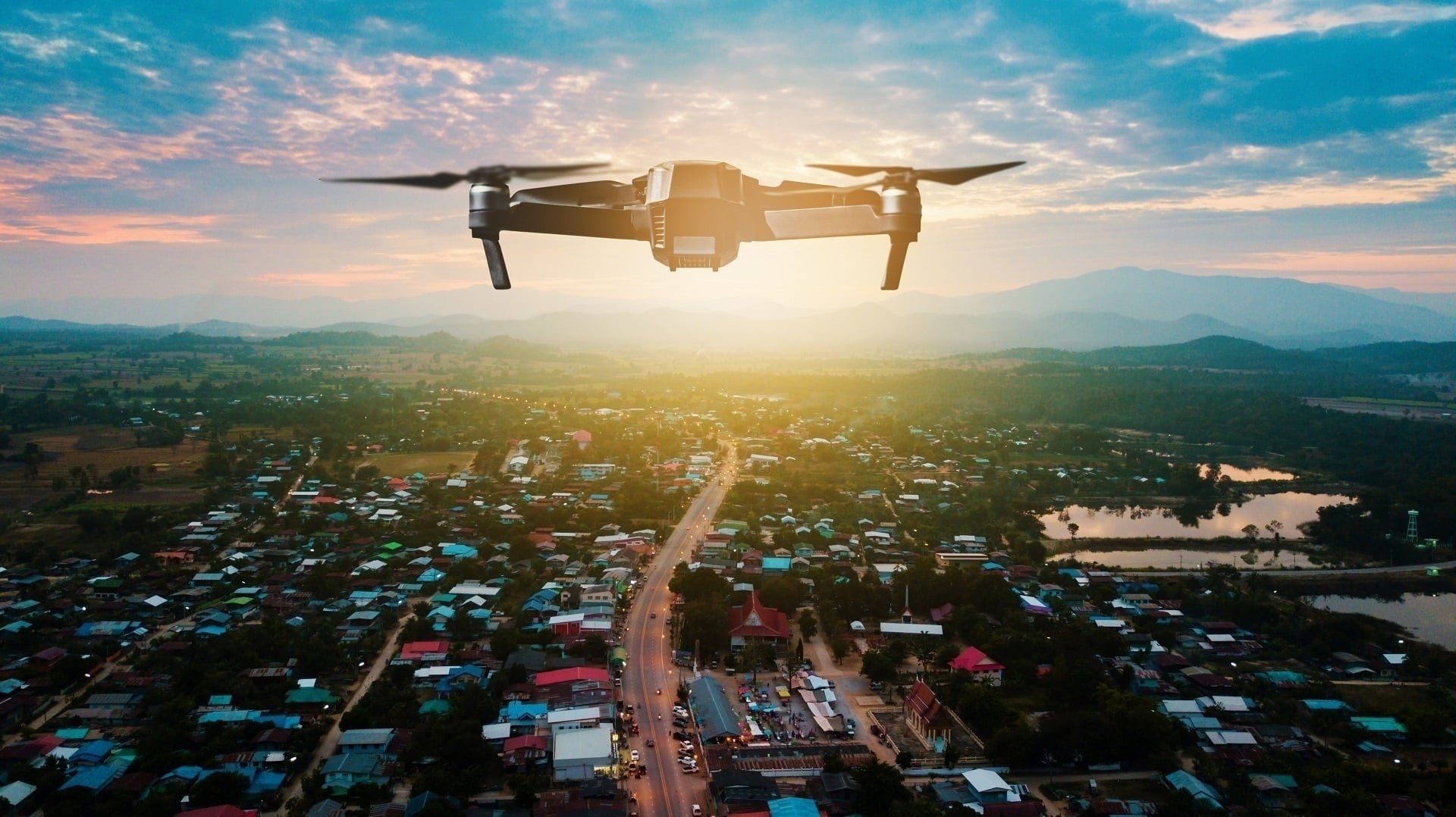
Among the latest architectural visualization techniques, camera tracking is particularly notable. It merges real-world drone video of the location with 3D models of future buildings. Offered by professional 3D animation services providers, this technique enhances the realism and appeal of architectural CGI, making it more lifelike and engaging for viewers. However, the impact of the camera tracking results depends on the quality of the drone video used in it. The well-made footage can dramatically enhance the experience, showing the future building in the best light.
Wondering how to make drone video to get high-quality animations? Our 3D rendering studio has the answers you need.
Can You Create a Realistic Drone Shot Without a Drone?
Yes. When there is nothing to film yet, a fully CGI aerial shot solves the problem: 3D artists recreate the location and the future architecture from plans and site data, then set up virtual camera flights at any altitude and angle. This is the go-to option for unbuilt projects, sites in no-fly zones, and locations where weather or permits make flights impractical. Professional aerial 3D rendering delivers photoreal aerial views without a single flight permit.
AI drone video generators can also produce aerial-style clips in minutes, but they remain concept tools: geometry drifts from shot to shot, and details get invented on the fly. Such clips cannot be matched to construction documents, so for marketing that has to show the actual project, CGI remains the reliable route.
The rest of this guide covers the hybrid scenario, the most photoreal one: real drone footage of the site blended with a 3D model of the future building.
#1. Providing the Necessary Information and Files
So, what will your archviz studio need to create a 3D animation based on real-life footage? Here are the things to include in your brief:
Technical specifications of your drone
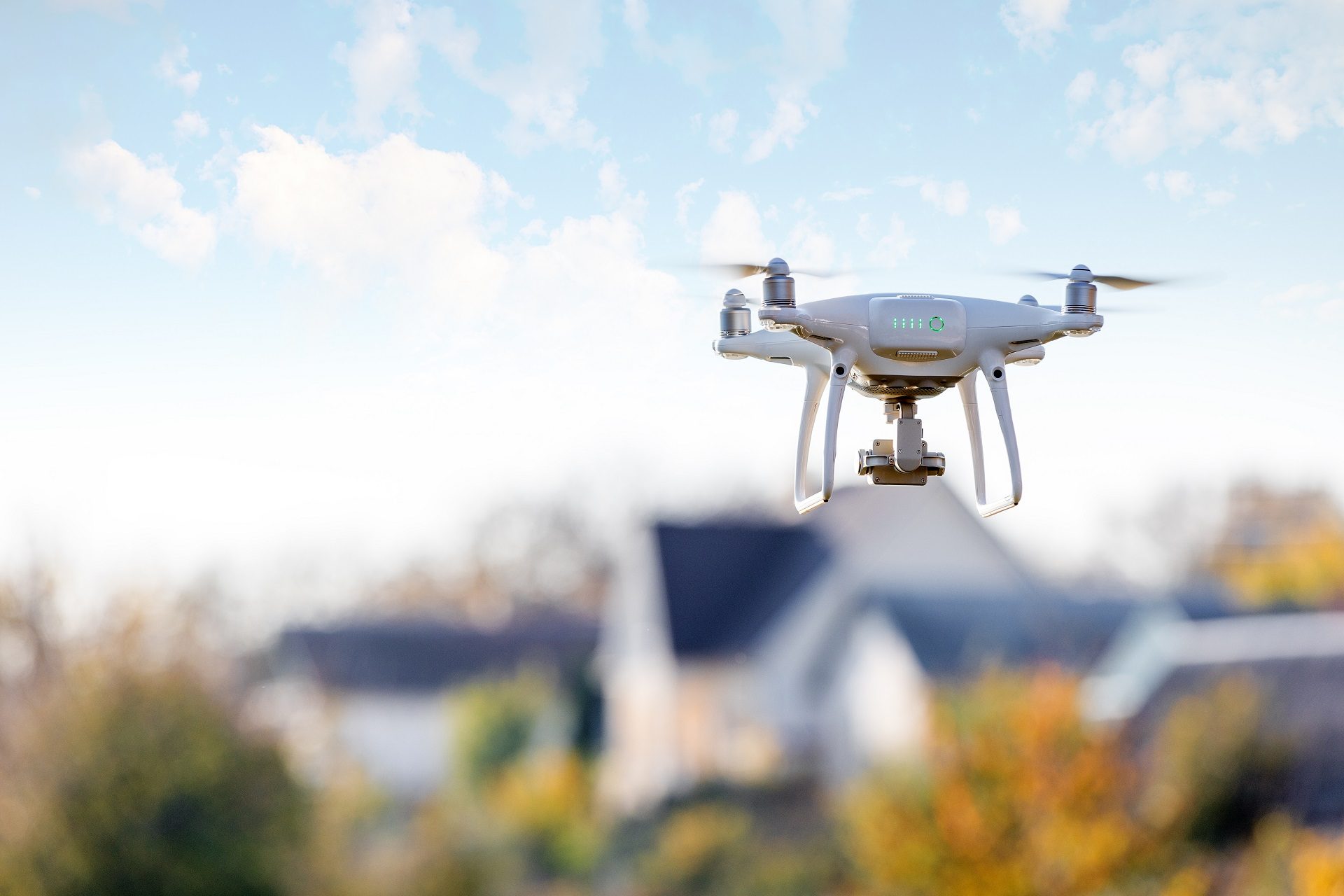
How to make drone video that captures every meaningful detail? First of all, to produce quality footage for 3D animations, your drone must meet specific technical criteria. Namely, it should be capable of recording in ultra-high resolutions like 4K or 8K. Furthermore, a high frame rate, preferably between 30 and 60 FPS, is essential for capturing motion smoothly. This is particularly important for dynamic scenes and reducing motion blur in fast-moving frames.
When compiling a brief, make sure to indicate the model of your drone and the tech details listed above.
Diverse camera movements
The storytelling power of the drone video largely depends on the variety of camera movements. So, it is essential to capture movements that showcase the project site from multiple angles and perspectives.
When making drone video, try to shoot as many of these types of movements as possible:
- orbit (circling the point of interest);
- pullback (gradually widening the view of the site);
- crane/JIB (mimicking the motion of a crane moving upwards or downwards);
- low altitude (highlighting details of the terrain and immediate surroundings);
- tracking (following a particular moving object);
- top-down (a bird’s eye view);
- tilt up;
- tilt down;
- plain straight;
- flyover;
- panorama curve.
Shooting all these movements with your drone will give your CGI contractor enough material to work with. Using it, they’ll be able to choose and combine the best perspectives to create the most appealing and informative 3D animation for you.
360-degree panoramas
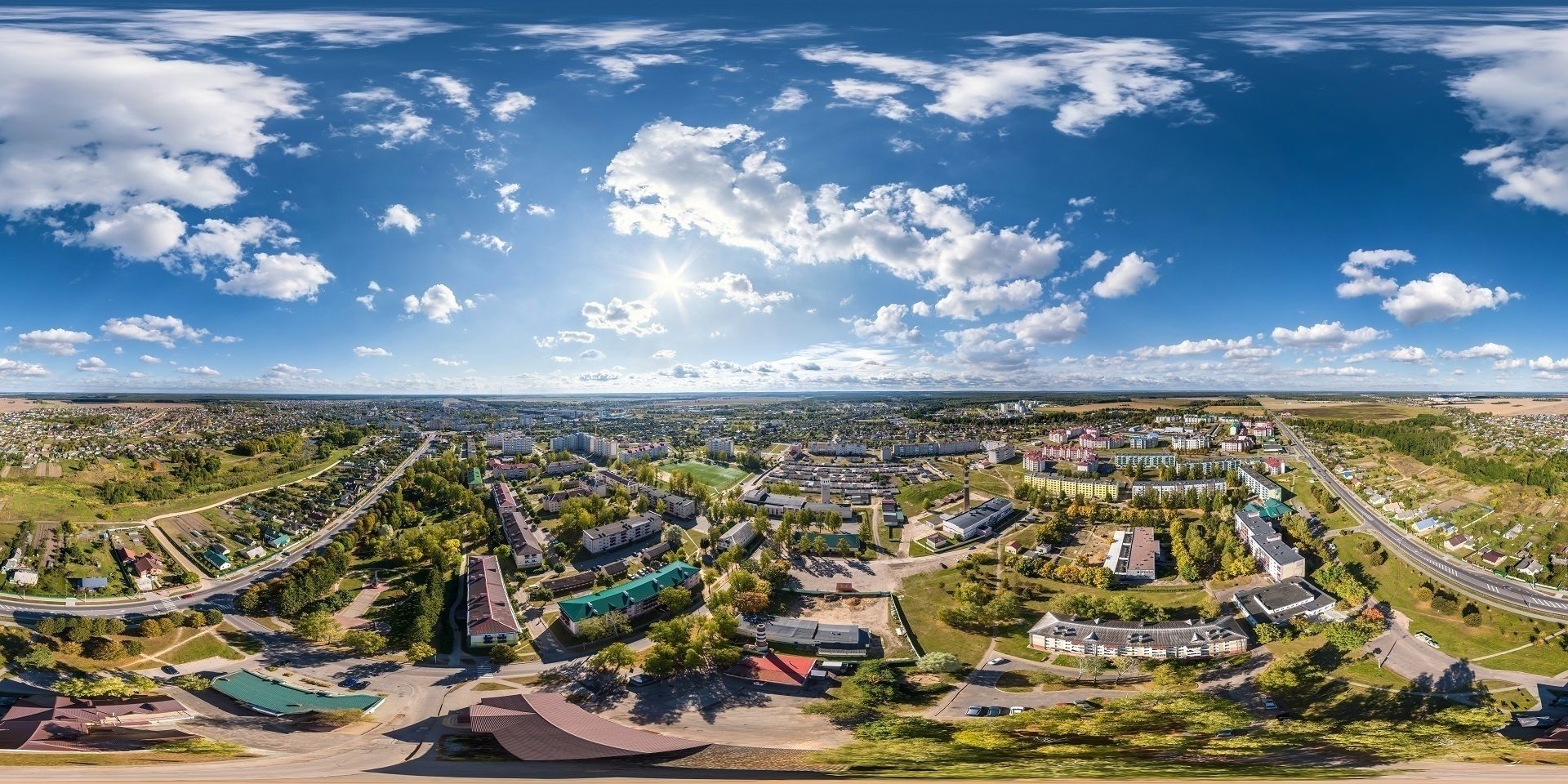
For a complete overview of the project site, make several 360-degree panoramas. It’s best to shoot in the highest possible resolution, ideally in HDRI, to ensure the flawless quality of future 3D animation with drone footage. If the weather conditions change during the shooting, make some additional panoramas. This will allow archviz specialists to keep the consistency between the frames, making the final animation realistic and smooth.
#2. Creating Window Transition Shots
To make drone video animation more impressive, you can include some interior scenes with a glimpse of the outside world. Here, drone shooting can be used to create realistic views from the windows. How to make drone video for that purpose? Keep in mind the following.
Flight altitude
To simulate the future view from a specific window in the animation, it’s crucial to align the drone’s flight altitude with the actual height of the floor in question. So, how to make drone video from this perspective? Multiply the number of the floor by three meters (an average floor height) to achieve the right altitude for shooting. For instance, for a tenth-floor window, the drone should be positioned at about 30-35 meters.
Location of the shoot
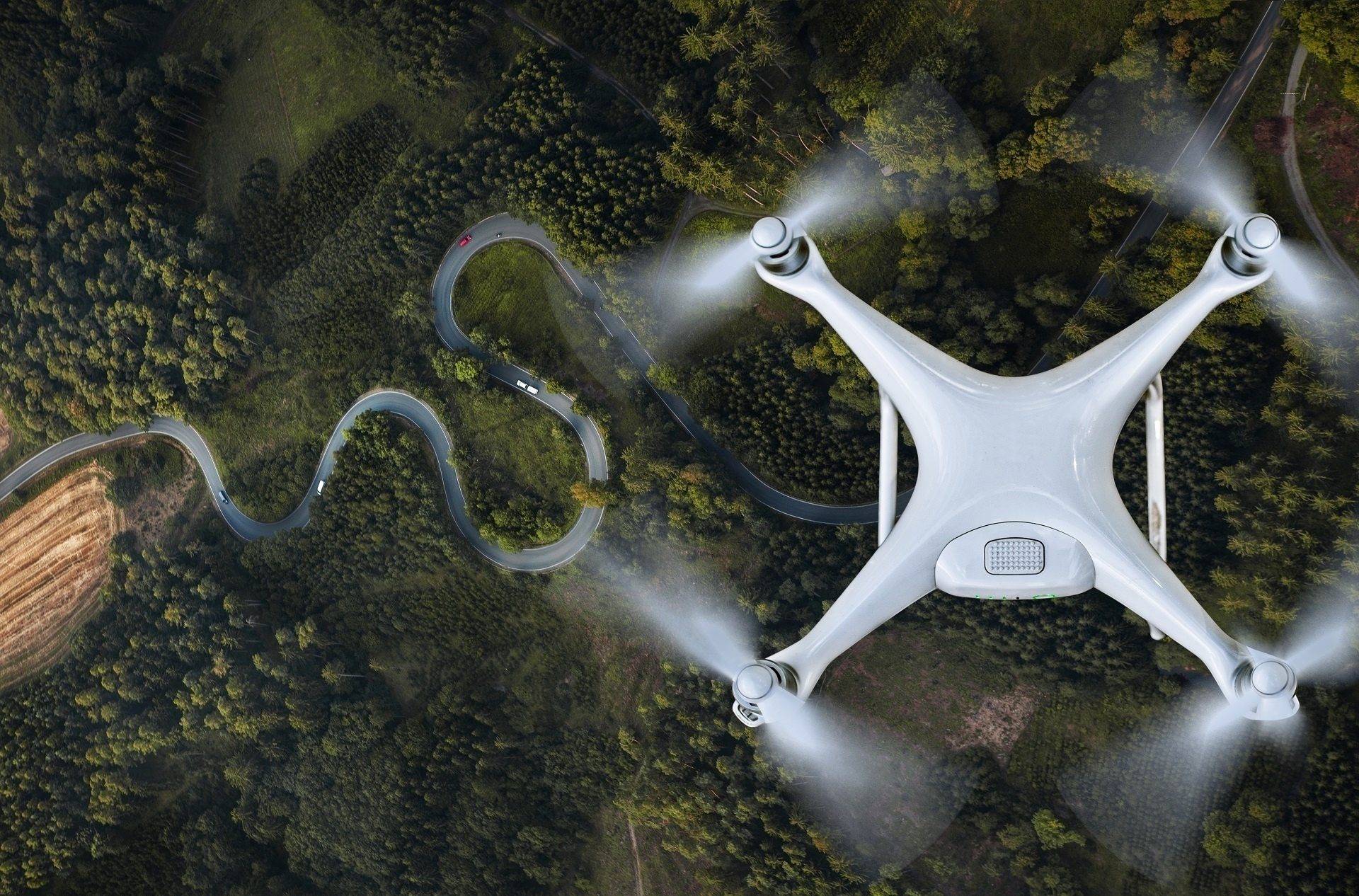
The location from which you shoot can greatly impact the quality and informativity of the footage. Here are some tips.
When there is no dense construction nearby, and nothing interferes with the drone’s flight, the process is quite straightforward. In such cases, the drone should fly directly over the construction site. This ensures that it captures the exact perspective as if looking out from the future building’s windows.
Dense urban areas present a challenge. Here, it’s often difficult or even impossible for a drone to easily fly above the site. In this case, one should use floor plan projections. These are drawings or visualizations that show where different rooms of the future building will be located. By using them, you can precisely determine where the drone should fly to capture the necessary views.
Immerse clients into your projects with realistic 3D animations
For example, if you aim to capture the view from a window on the 10th floor, you need to find out exactly where this floor will be situated within the building. The drone then needs to fly over that particular area to make the correct video. This approach ensures that the drone’s camera is aligned with what will be the actual view from the window, providing realistic and informative footage for the 3D animation.
Drone’s view
The orientation of the drone’s camera is critical. Ensuring that the horizon line in the footage is perfectly horizontal prevents distorted views that could skew the perspective in the final animation. So, make sure to align the horizon when making the drone video.
Moving elements
When planning the shoot, consider any dynamic elements that you wish to include in the final video, such as moving vehicles or people. Then coordinate your decision with your 3D team. Using Google Maps, they can provide you with guidelines to plan effective shooting trajectories.
#3. Choosing Optimal Time for Drone Shooting
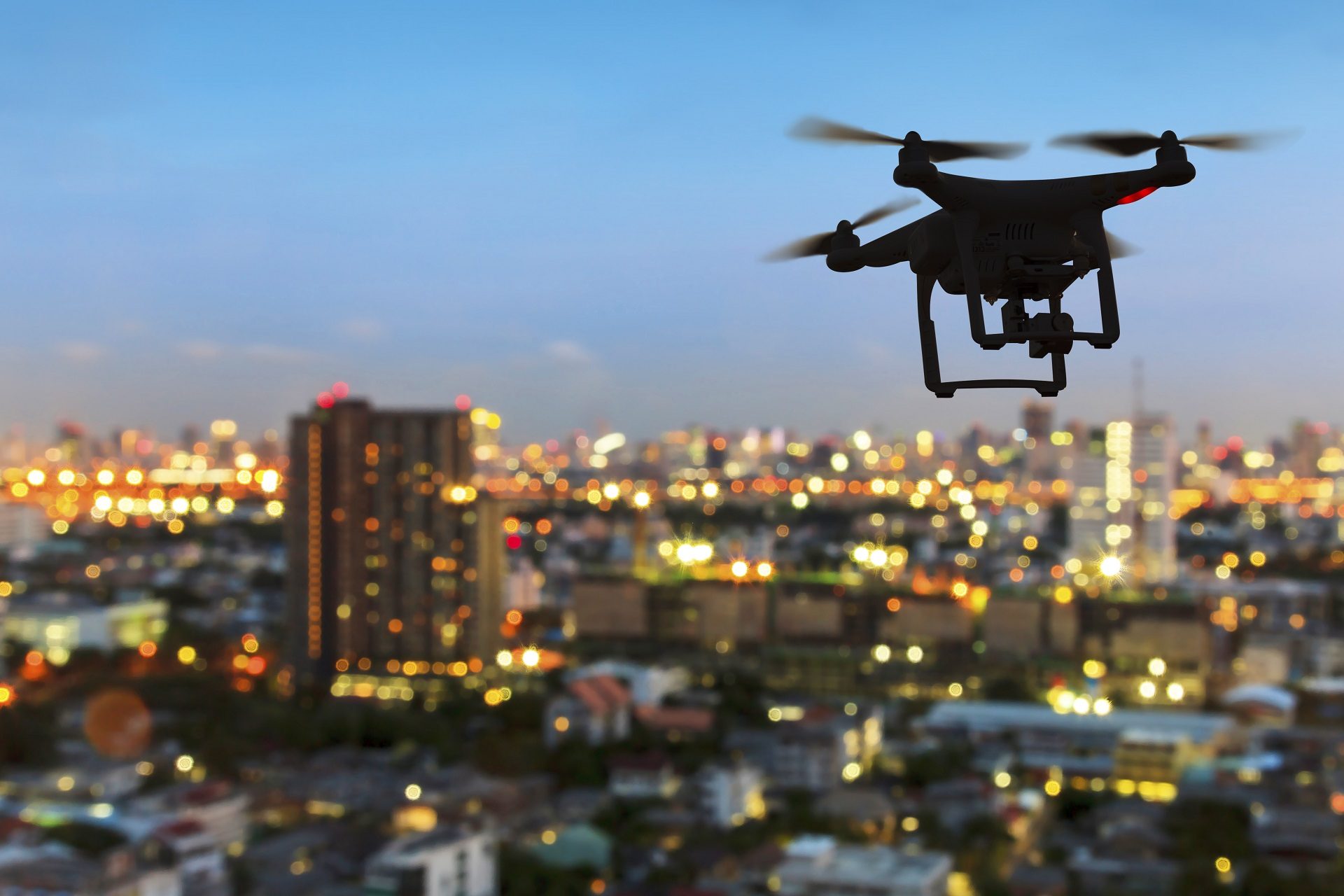
Picking the right time and weather conditions for drone shooting is vital. To make drone video footage informative, appealing, and consistent, it is best to schedule the shooting in clear weather. Avoid days with unpredictable weather as it can affect lighting and visibility.
When exactly to make drone video? Plan the shooting for late afternoon or early evening. This will allow you to capture the site in varying lighting conditions, enriching the visual material with both daylight and sunset views. Showcasing the site in different lighting can strengthen the aesthetic appeal and emotional impact of your animation.
Want to learn how much your project costs? See how we evaluate 3D rendering projects
#4. Managing and Submitting Drone Footage
Due to the shooting’s high resolution and frame rate, you will receive large-sized files. The efficient management and transfer of these files are crucial. Uploading your drone video files to a reliable cloud service like MEGA ensures that your architectural 3D animation services provider can easily access and work with the footage.
You can organize files in any way that’s convenient for you. For example, there can be either one file or a series of videos. Both are okay. But make sure that the drone files were not subject to any post-production and conversion. They must have all the original information in the file properties.
When you only start learning how to make drone video for an archviz project, it might seem like quite a lot of work. But the outcome is well worth the effort. At the end of the day, using video drone footage allows you to save time and costs while obtaining high-quality, exceptionally realistic animations.
Drone Footage to 3D: CGI Overlay vs Photogrammetry
People usually mean one of two things by turning drone video into 3D. The first is CGI overlay, the technique this guide describes: artists track the camera path in the footage and blend a photoreal 3D model of the future building into the real environment. The second is photogrammetry: software processes hundreds of overlapping drone shots of an existing structure and rebuilds it as a 3D model, which works for surveys, renovations, and as-built documentation.
The rule of thumb is simple. If the building does not exist yet, you need CGI overlay or a fully computer-generated flyover. If it already exists and you need its digital copy, that is a photogrammetry job. On large developments, the two combine well: a scan of the surroundings becomes an accurate base for CGI.
Benefits of 3D Animation for Drone Footage
For real estate developers, architects, and planners, 3D animation for drone footage delivers value across several practical dimensions. Beyond visual appeal, it affects how quickly projects move forward, how resources are allocated, and how effectively future developments are communicated to different stakeholders. The key advantages of this approach become clear in the areas below.
#1. Time Efficiency
Creating a full 3D environment from scratch takes time. This is especially true for aerial views that require large areas, terrain, and surrounding buildings. When drone footage is used as a base, most of this work disappears. The CG artist models only the future building and integrates it into real video footage of the site. This shortens production time and speeds up delivery of presentations and marketing assets.
#2. Budget Saving
Less production time means lower costs. When the environment does not need to be fully modeled, the number of working hours drops. Since 3D artists usually charge by the hour, this directly reduces the project budget. The saved funds can be redirected to marketing, approvals, or other business priorities.
#3. Exceptional Accuracy and Realism
Showing how a future building fits into its surroundings is critical for architects, developers, and city planners. Drone footage already contains real streets, terrain, and context. This makes explanations clearer and more convincing. The 3D model adds precise information about the planned structure. Together, they create a realistic and accurate view that helps stakeholders make informed decisions.
#4. Enhanced Visual Experience
Combining real footage with 3D animation creates a stronger visual impact than static images or standard renders. Viewers can see a building that does not exist yet placed in its real location. This creates a sense of presence and emotional engagement. The result feels closer to reality and holds attention longer.
#5. Boost to Vacant Land Sales
Undeveloped land is difficult to market because its end use is abstract. Static visuals rarely communicate scale, context, or feasibility. When drone footage is combined with 3D animation, the site is presented with a clear development scenario. The future building is shown in its real surroundings, not as a concept in isolation. This reduces ambiguity for investors and buyers, supports faster evaluations, and leads to more decisive negotiations on value.
Schedule a free demo of 3D solutions for your business
Looking for a 3D rendering services provider to take your animations to new heights? At ArchiCGI, our expert team of 3D artists with over a decade of experience can help you do so.
For more tips on getting the most out of CGI, check out our architect animation guide. Contact us to enjoy the full potential of professional architectural visualization! Related reading: architectural 3D cinemagraphs and five types of 3D animation.
Drone Video and CGI in Action: Real Projects
Here is how the workflow from this guide looks in practice, in real projects by our team.
In the 3D flythrough animation for a beachfront community, drone footage of the shoreline was blended with CGI of the unbuilt residential development.
The site plan rendering for a 12-lot subdivision in Danville, PA turned drone stills and video of vacant land into a full pre-sale visual package.
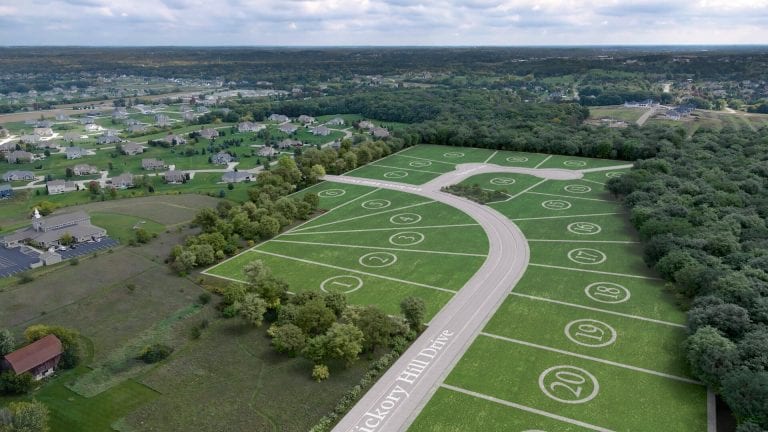
The land subdivision 3D visualization for Magnolia Place, Wisconsin shows an aerial animation of a master-planned community built entirely in CGI. And in the flyover 3D animation for the Solimar Towers renovation, camera tracking over an existing waterfront property let us integrate the renovated towers right into the footage.
Frequently Asked Questions

Stacey Mur
Content Writer, Copywriter
Stacey is a content writer and a CG artist. Outside of work, Stacey enjoys musicals, Star Wars, and art talk. A proud Corgi parent.
Comments
Rutuja
Catherine Paul