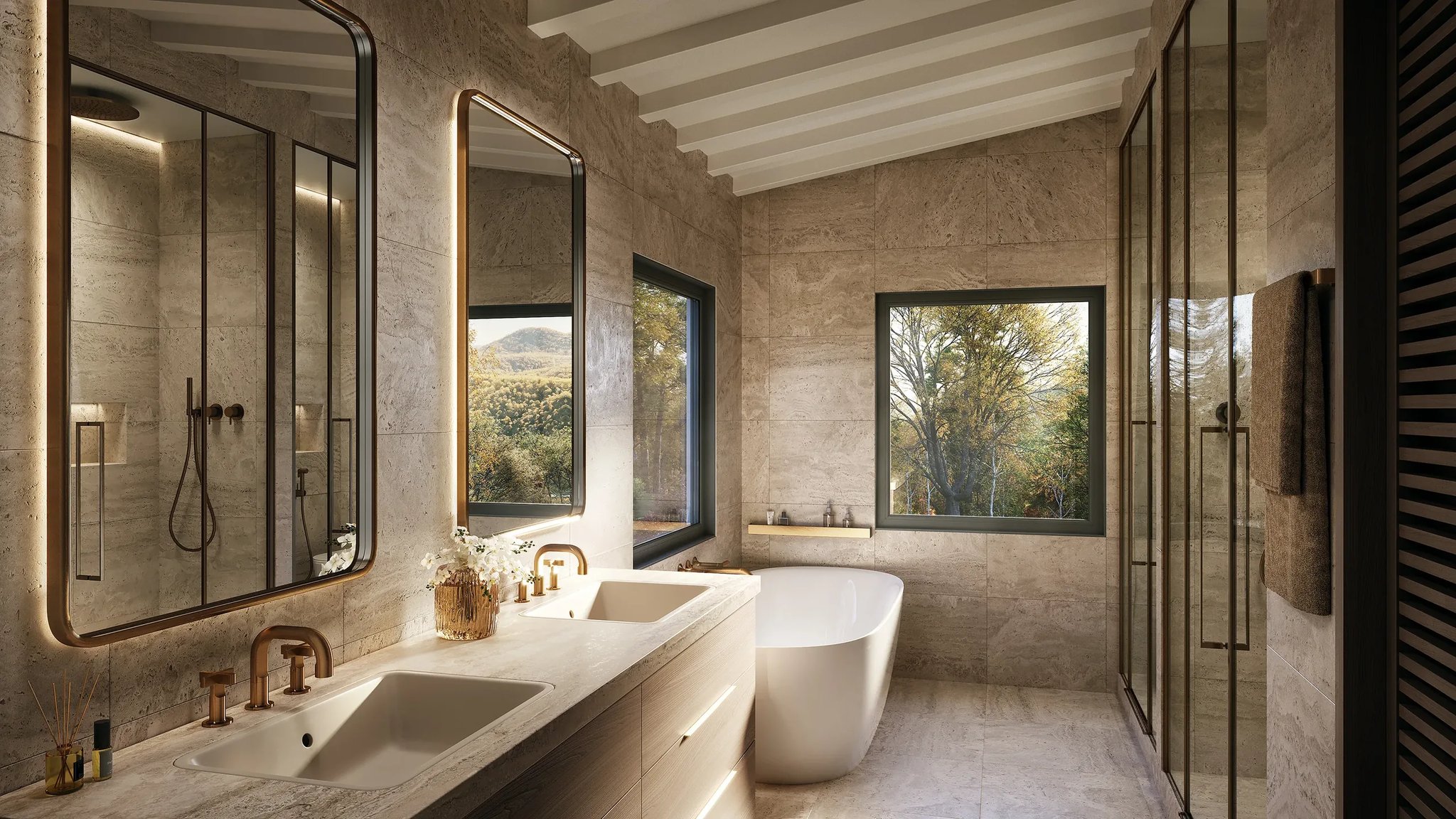
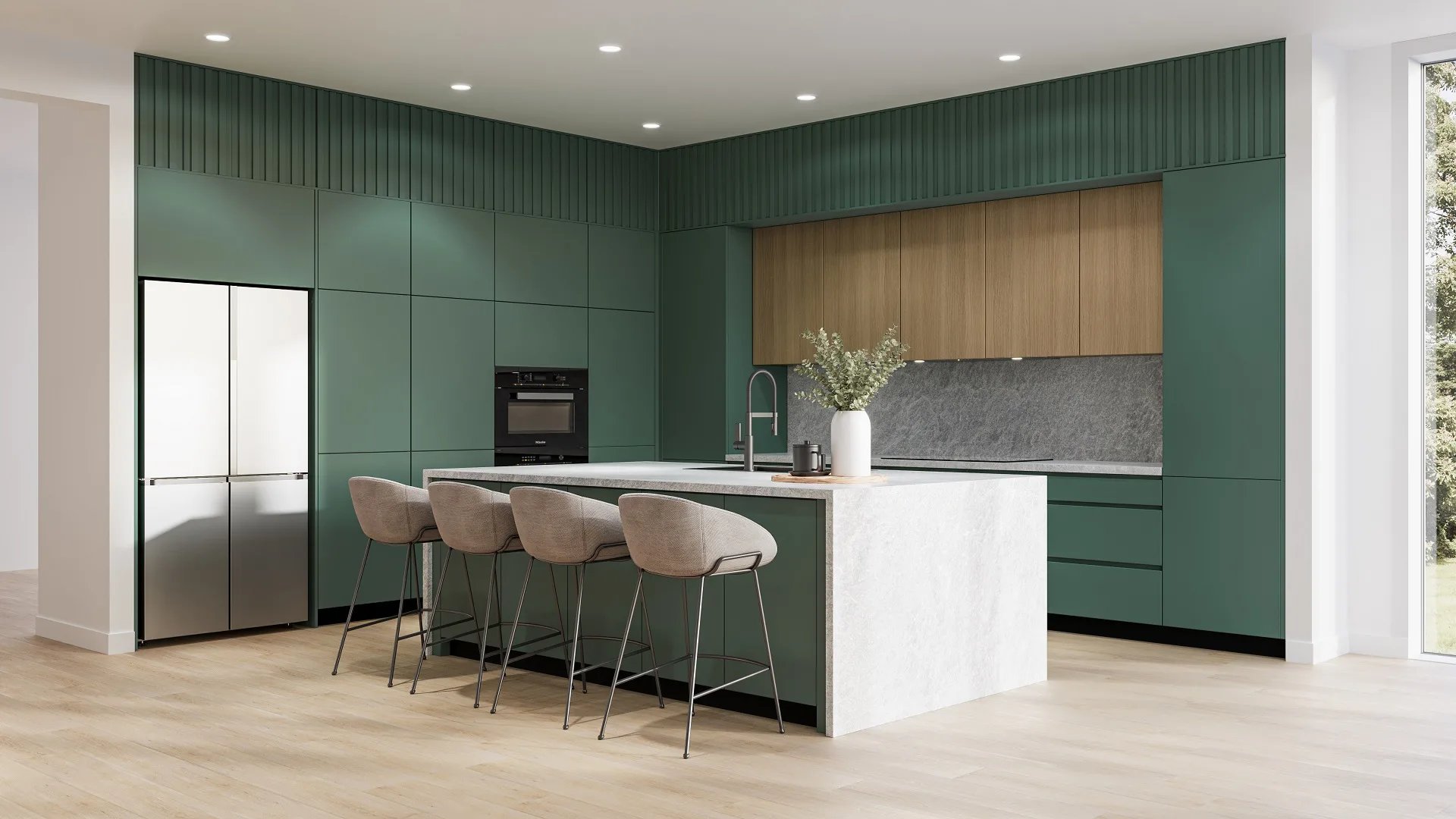
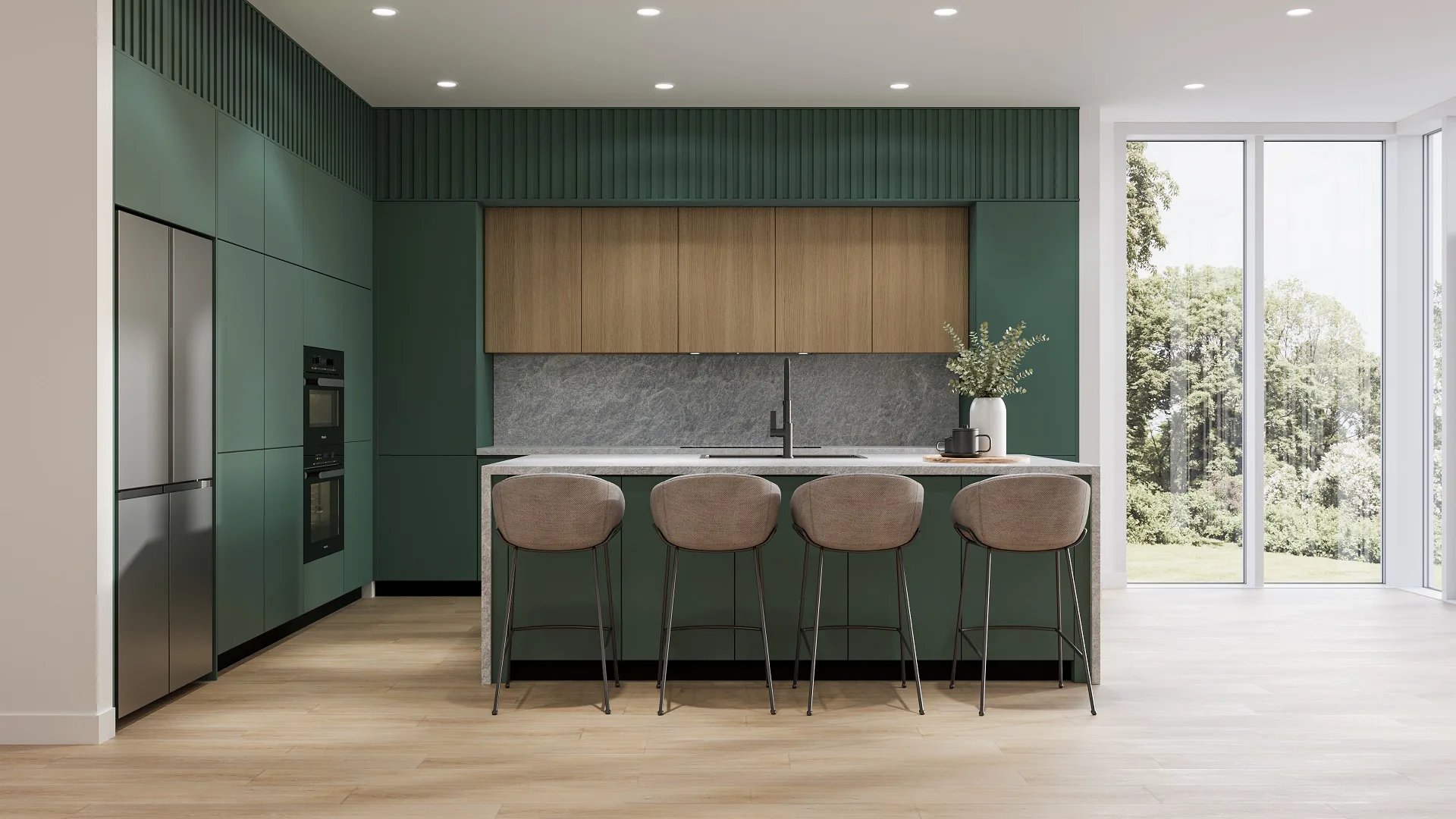
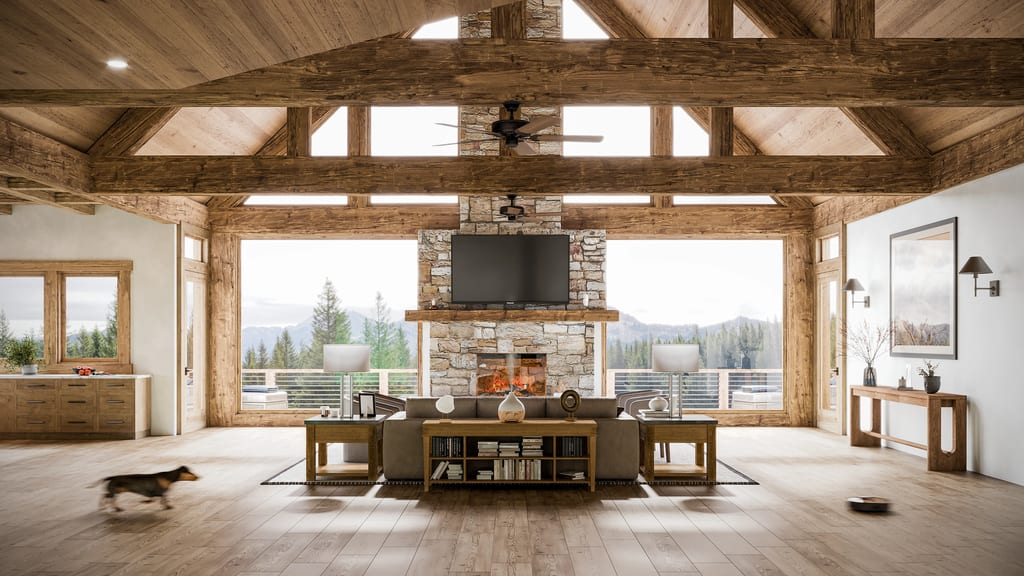
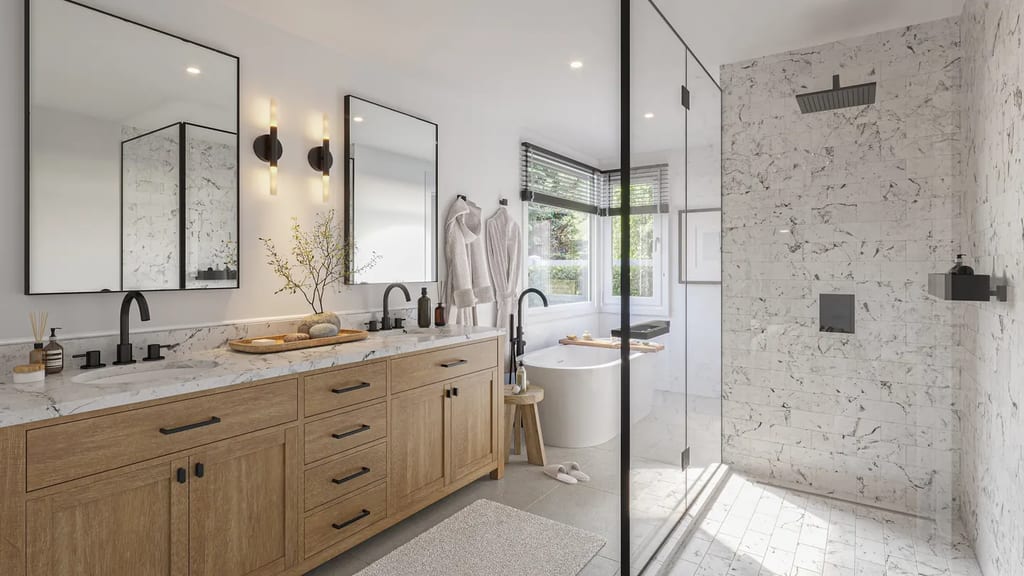
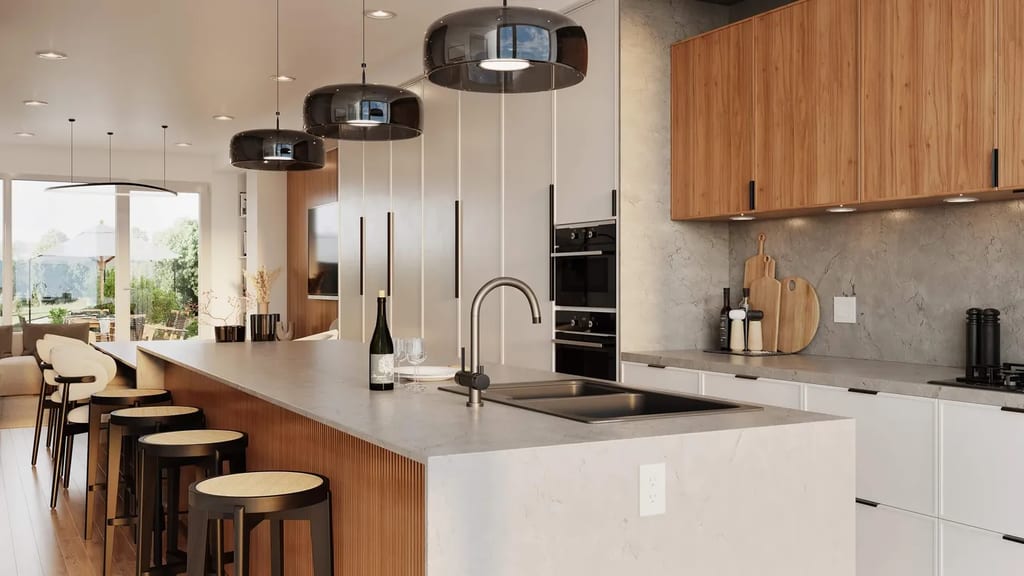
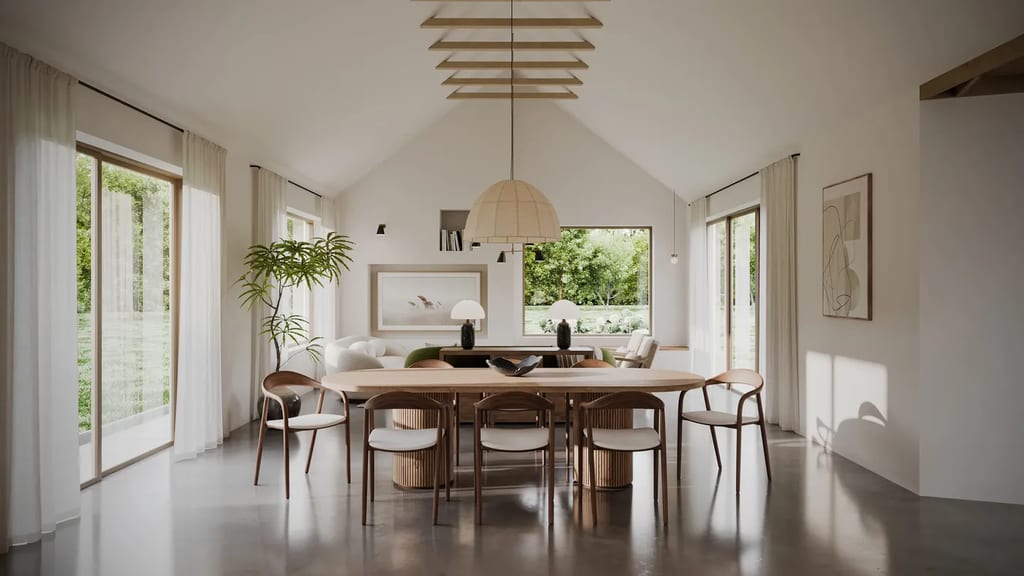
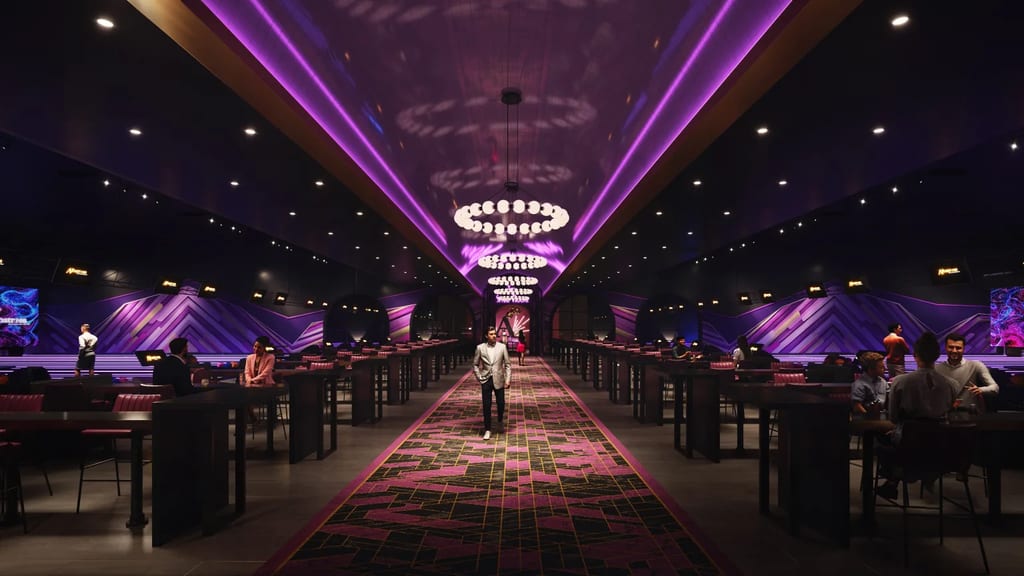
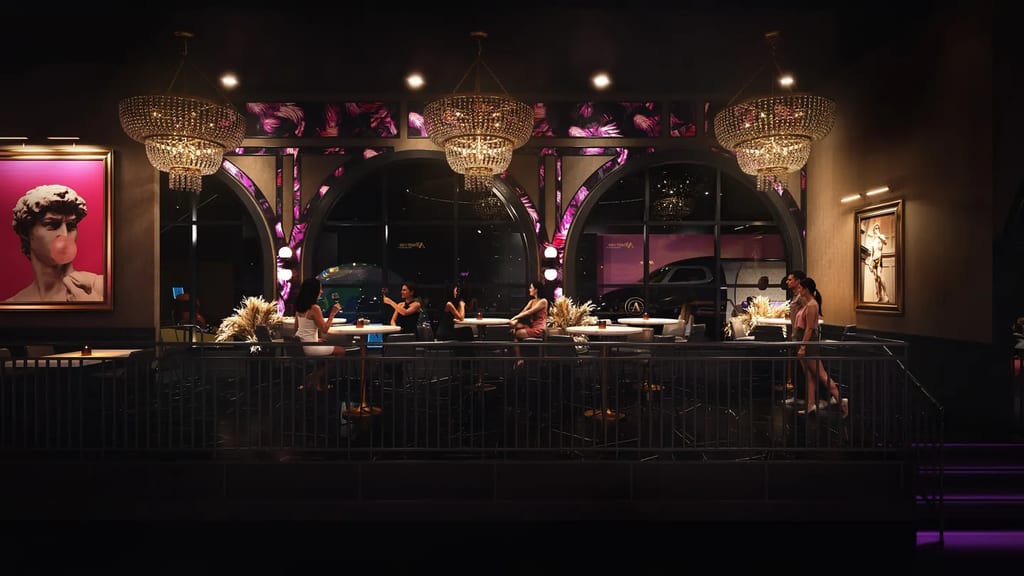
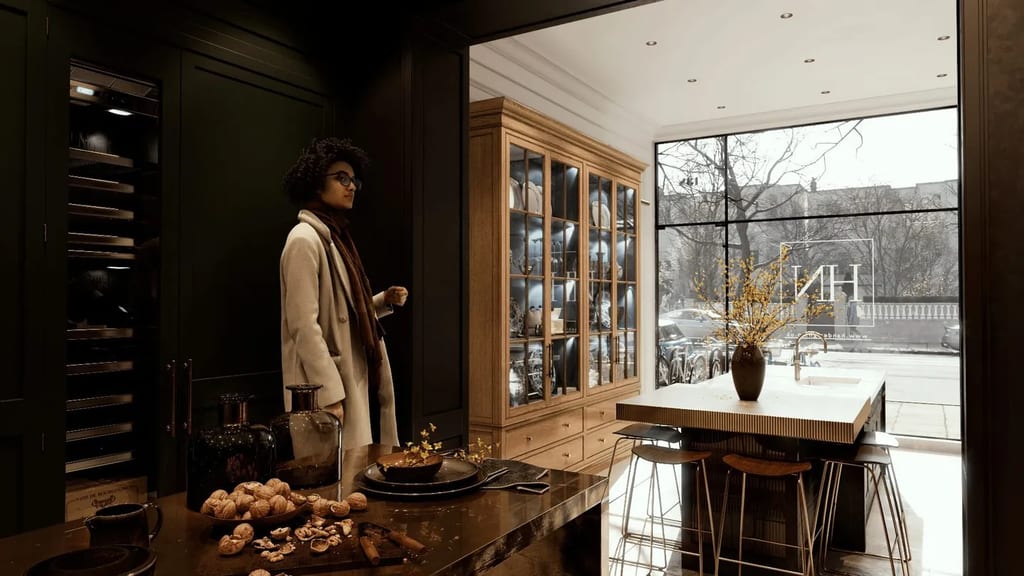
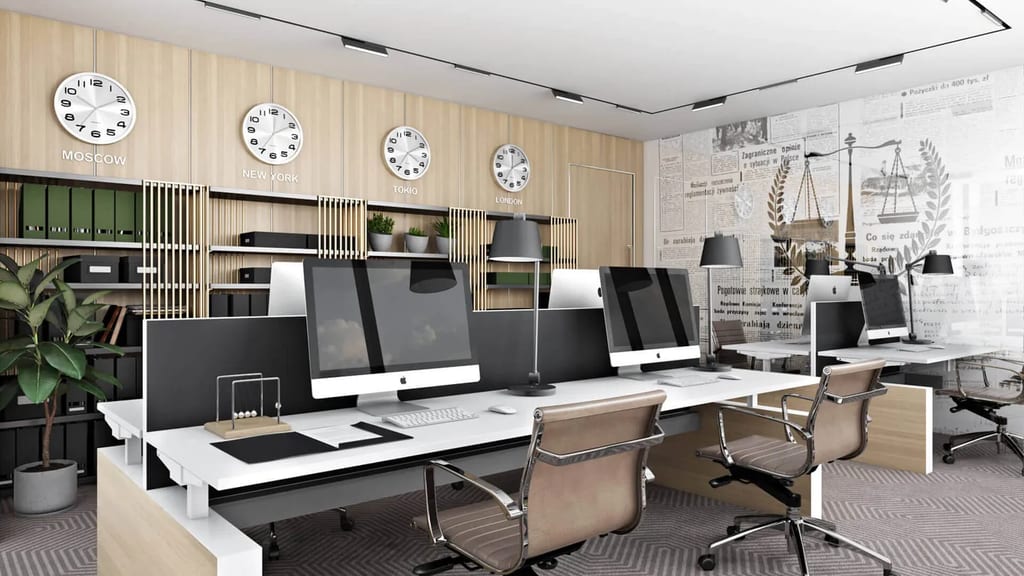
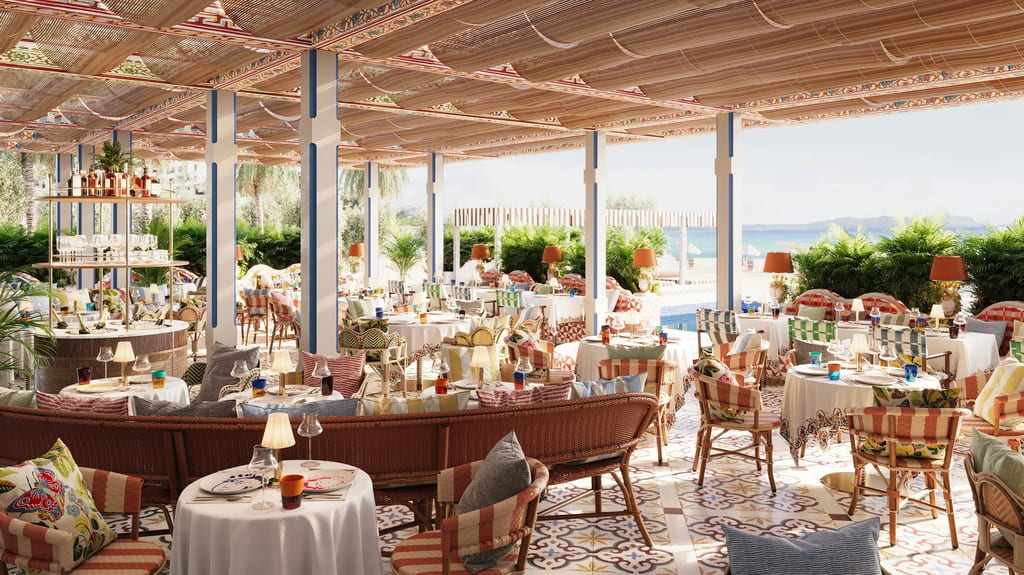
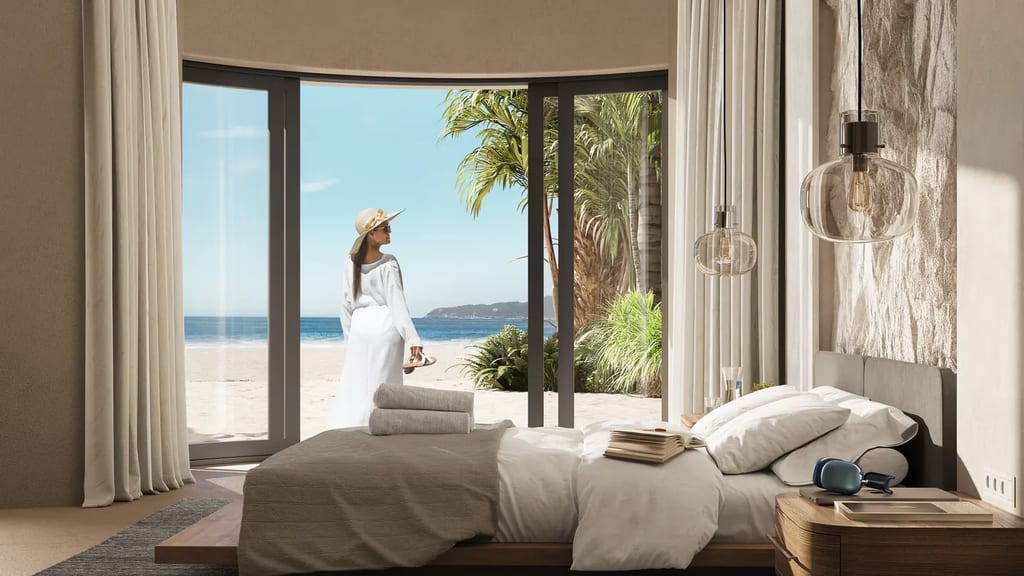
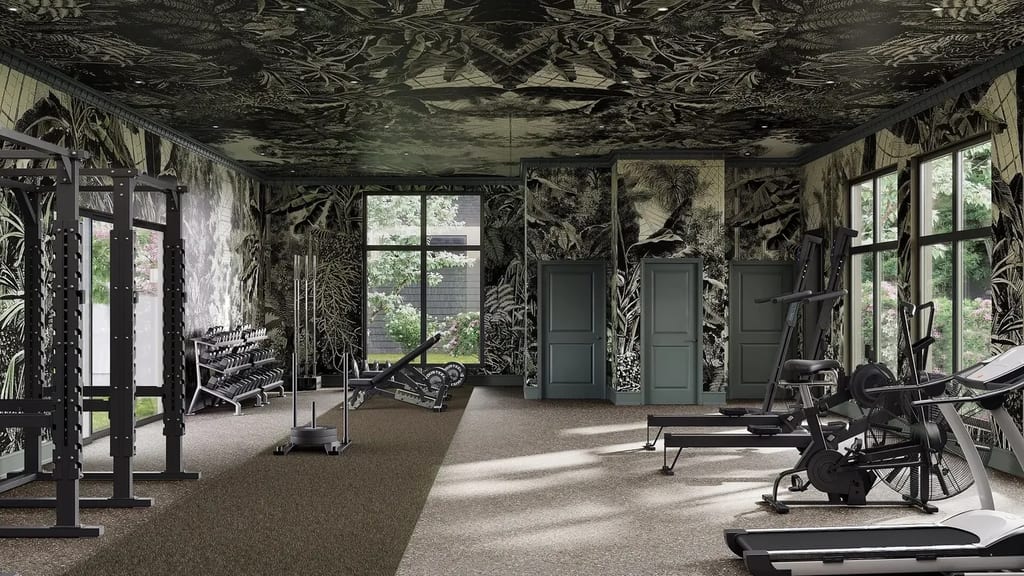
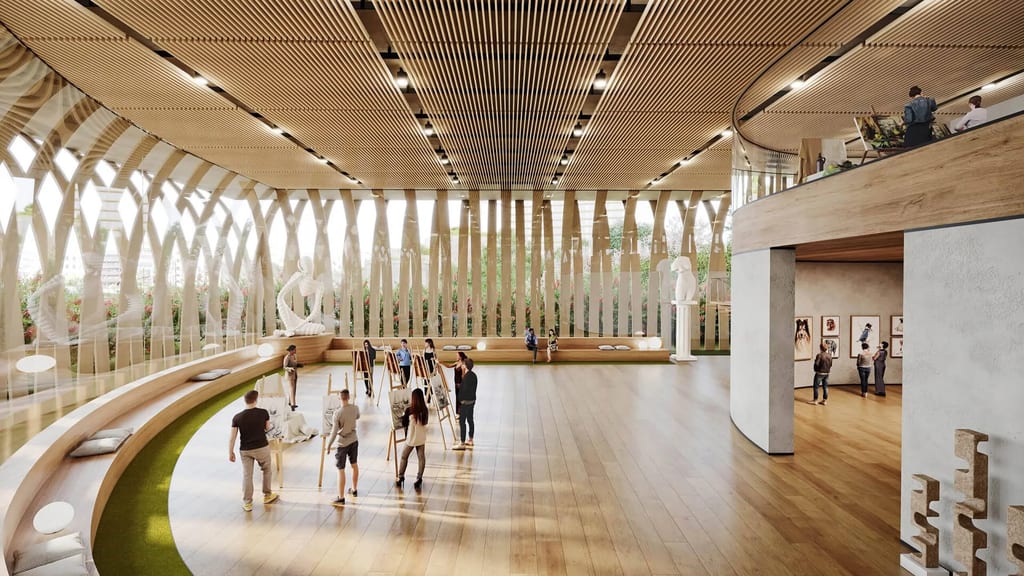
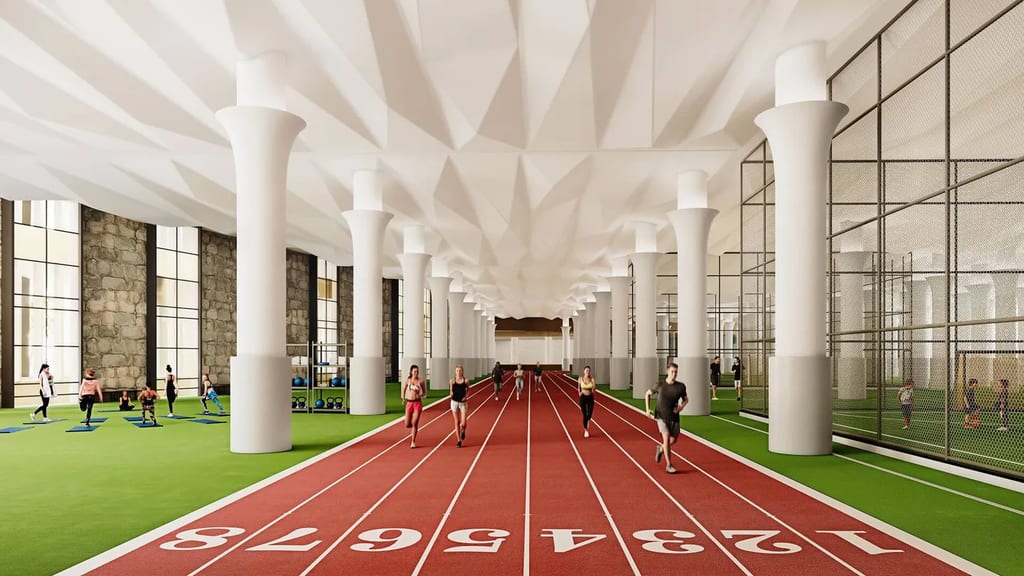
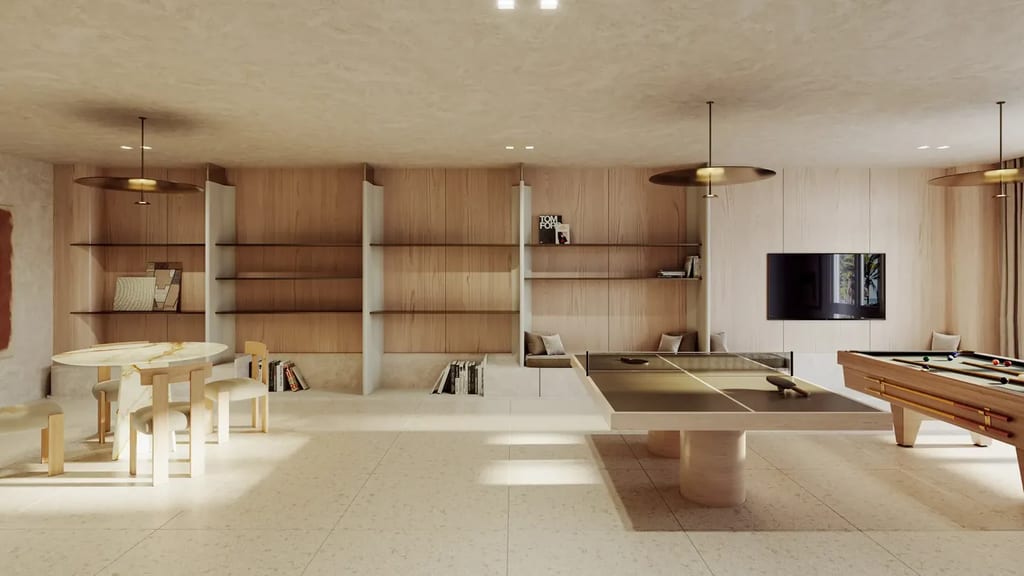
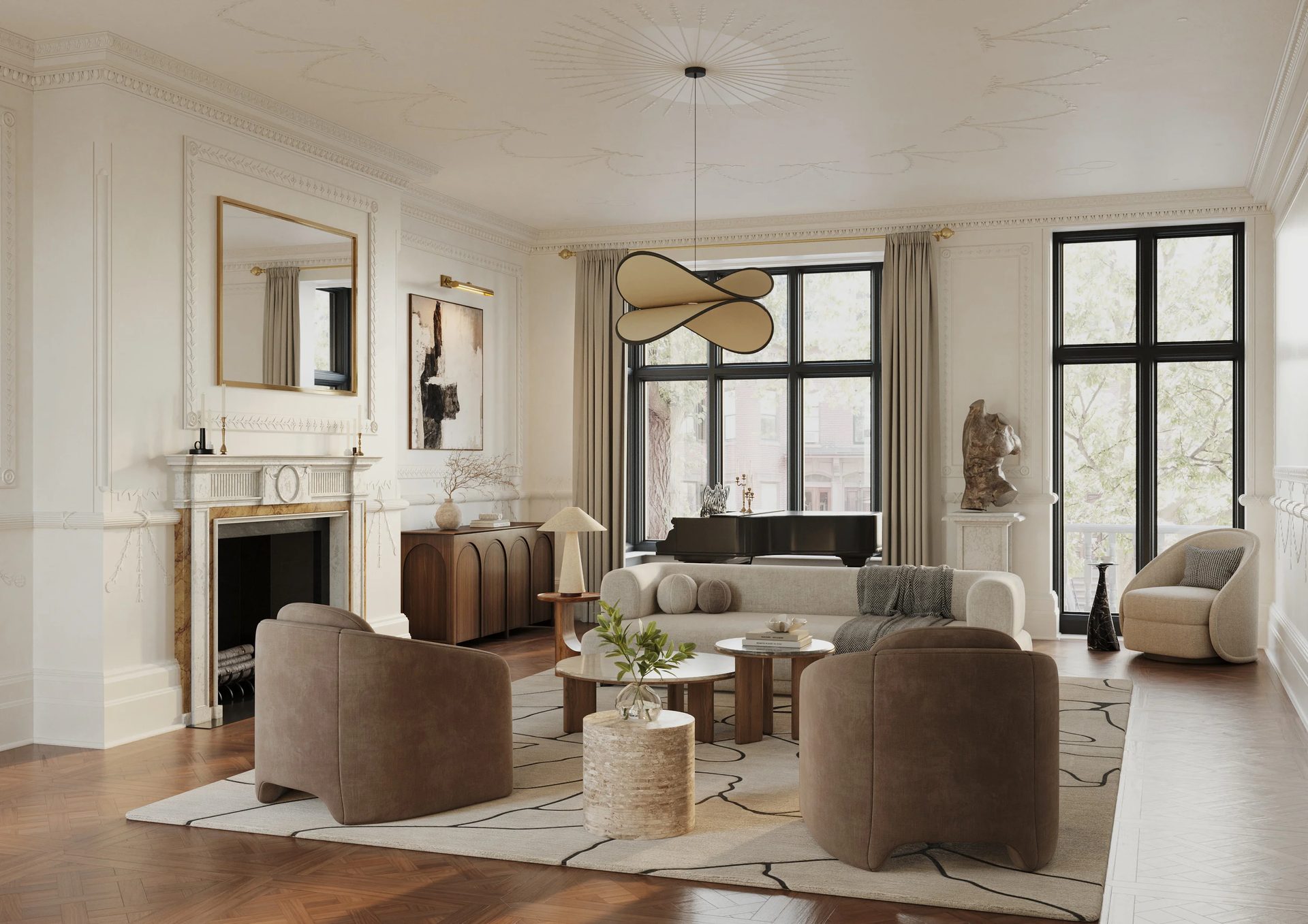
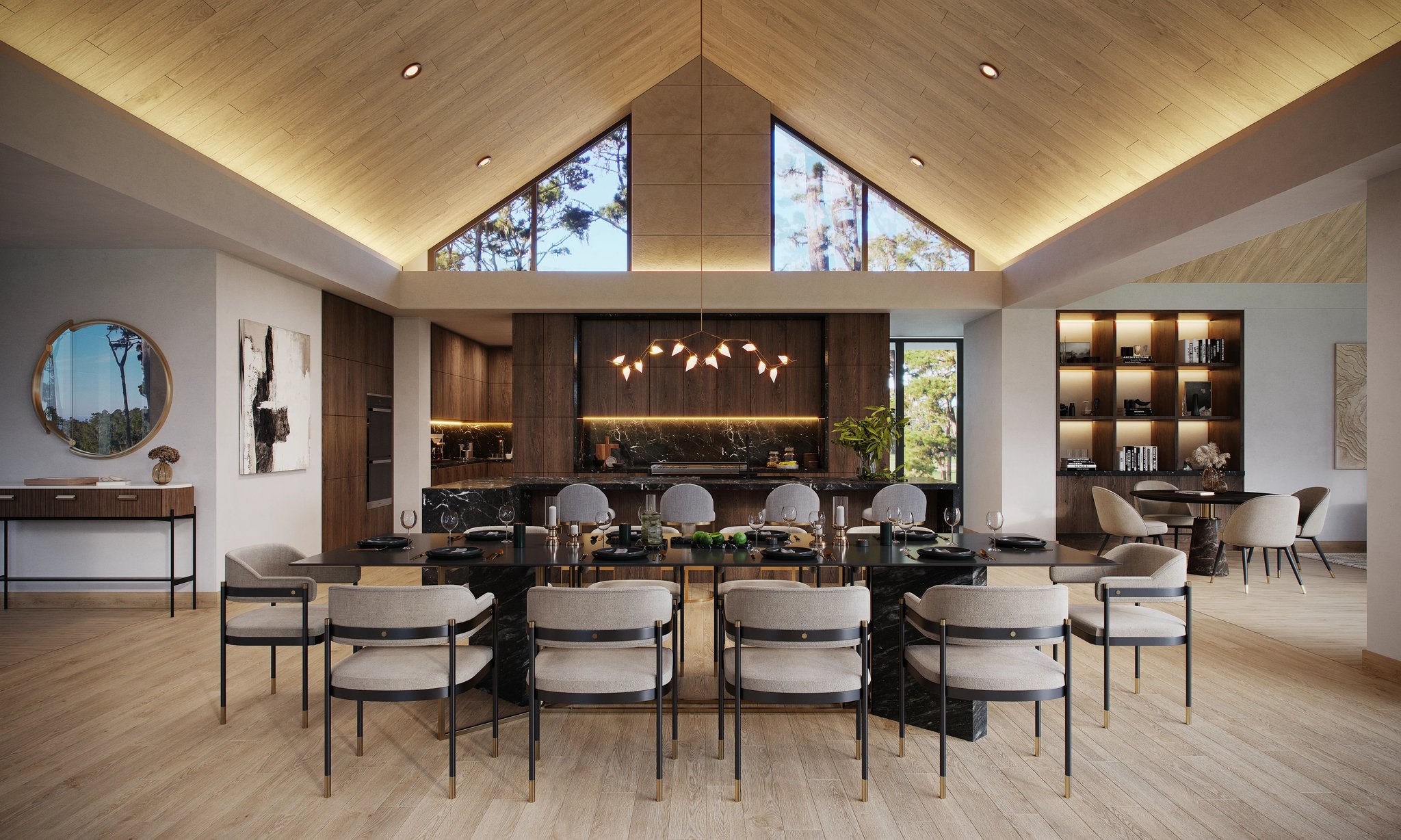
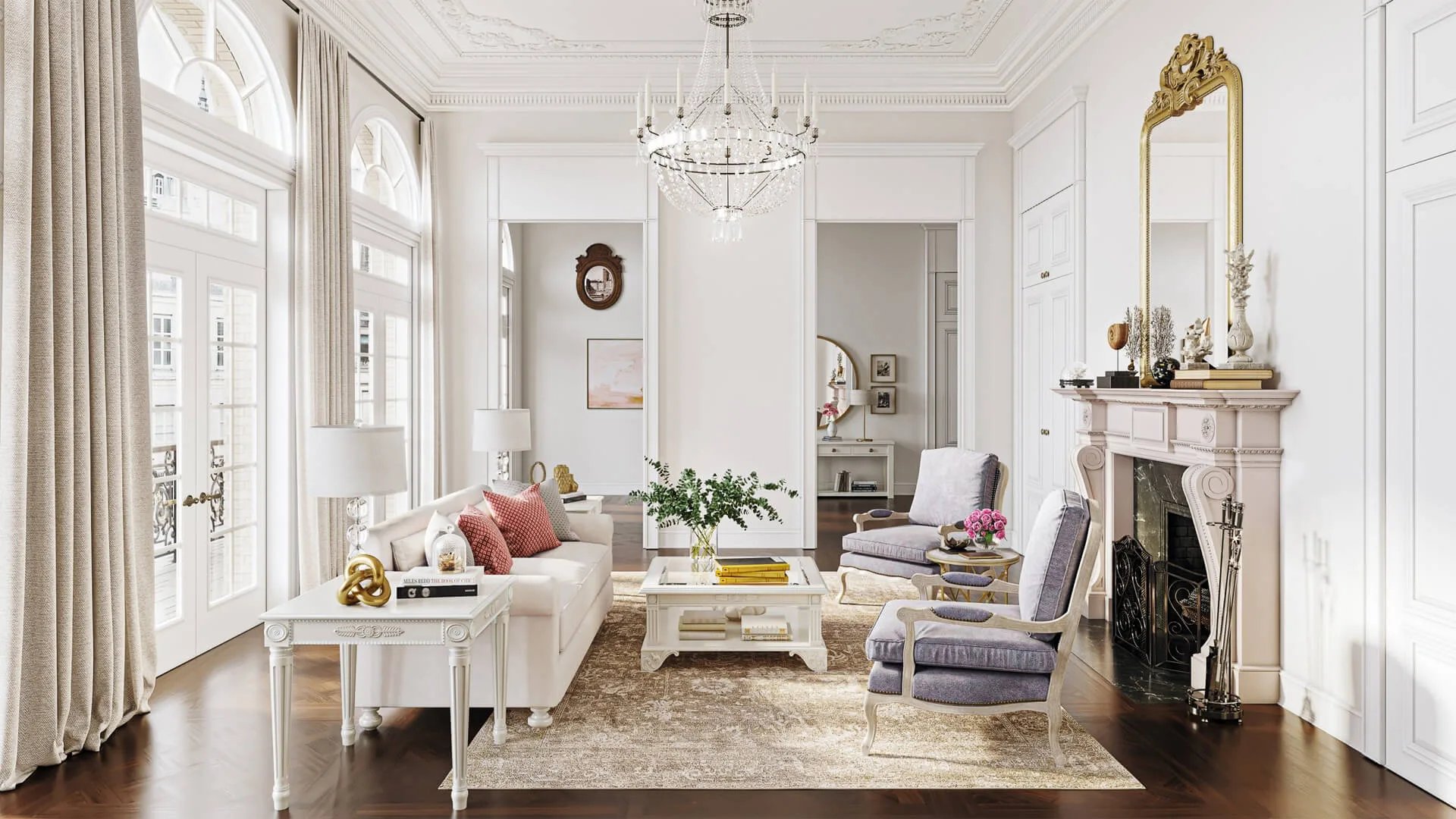
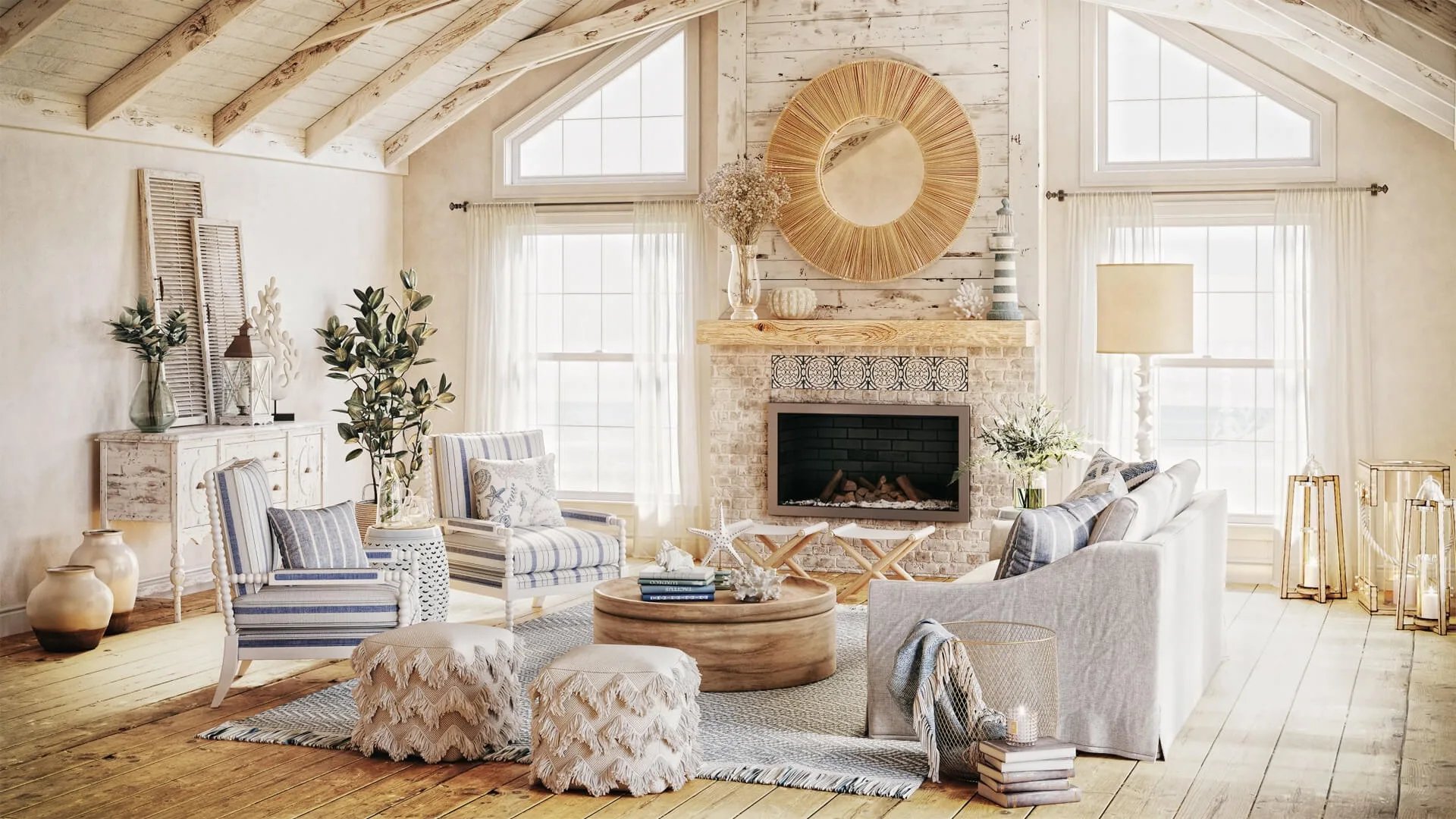
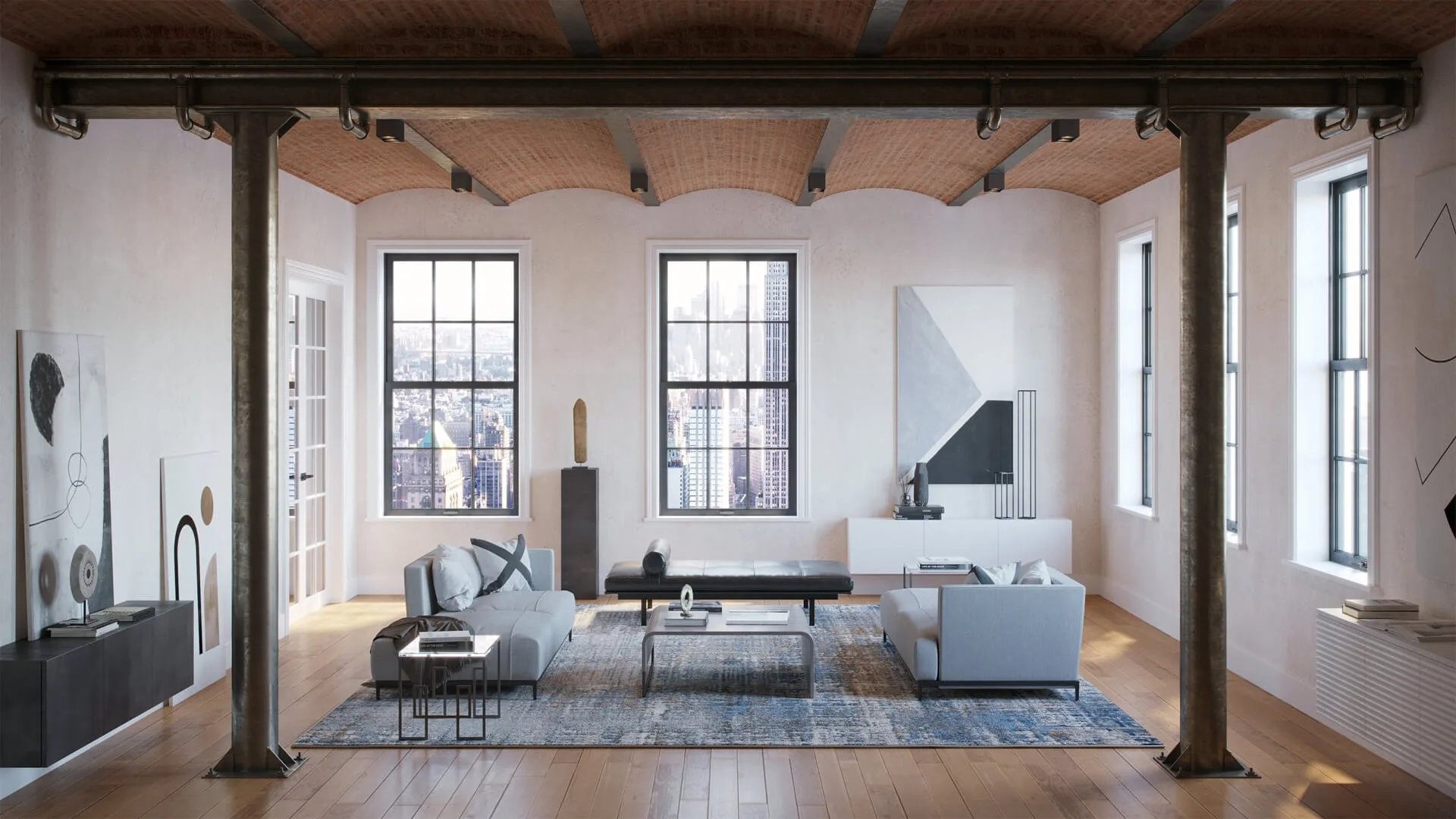
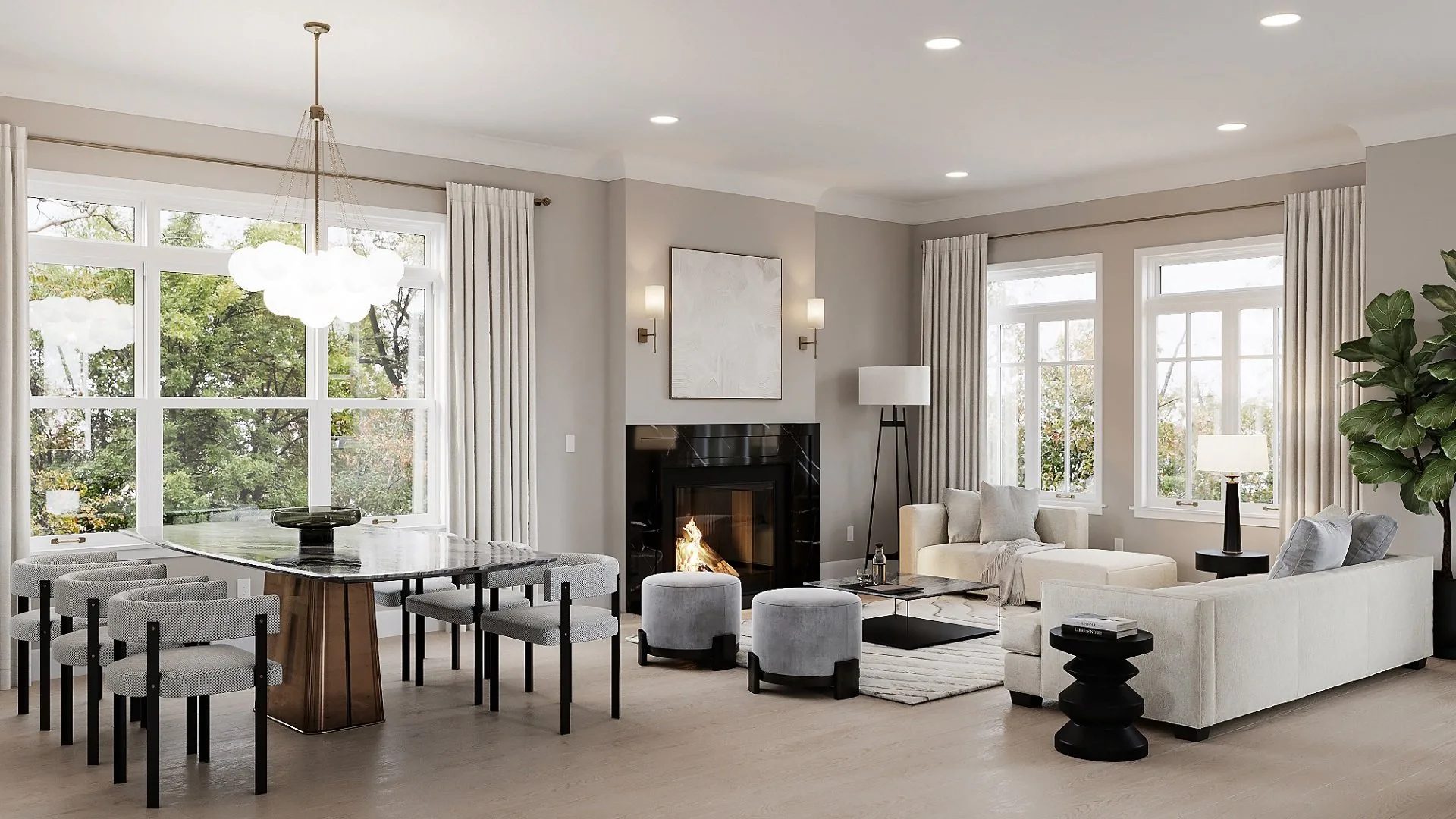
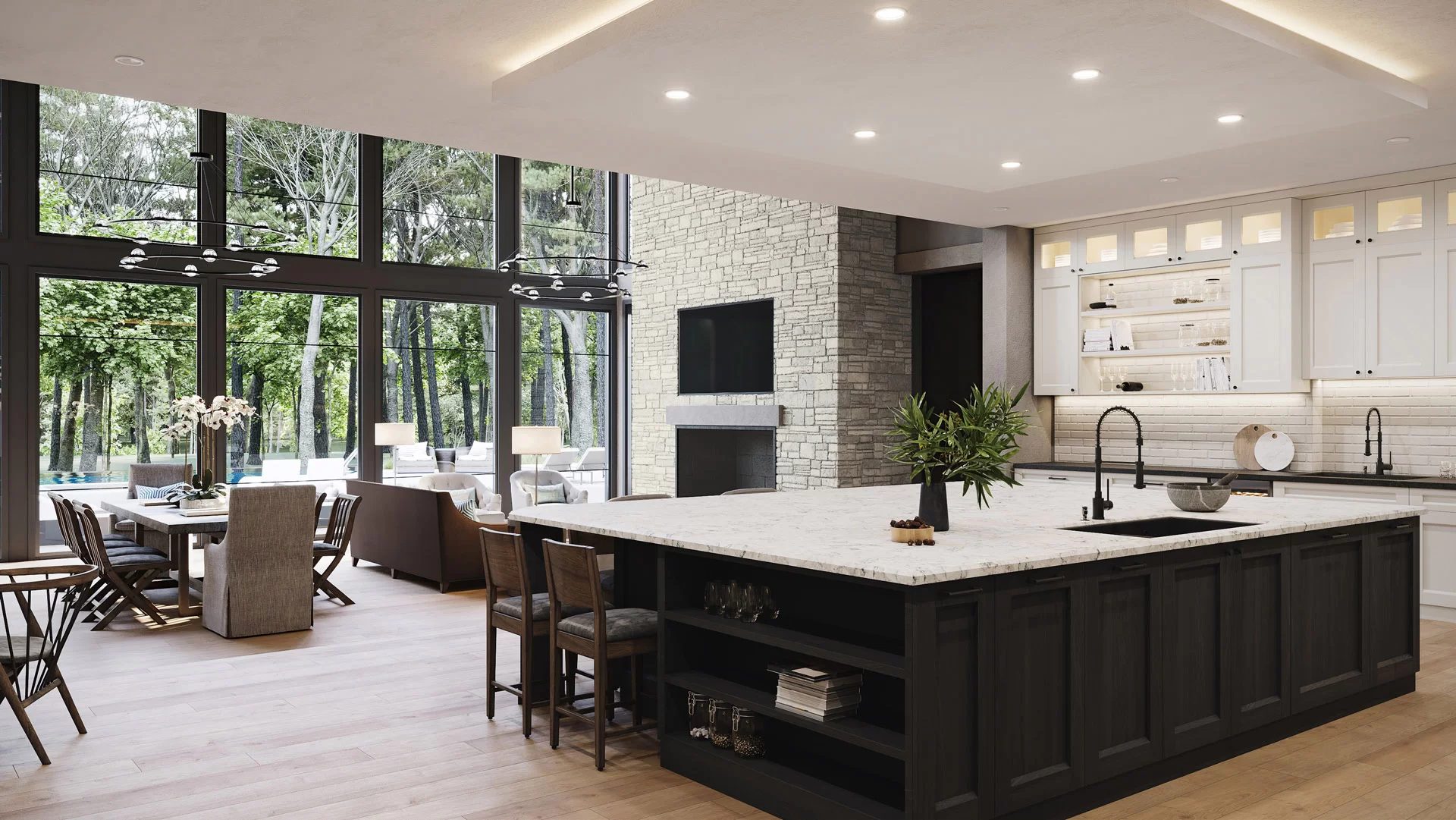
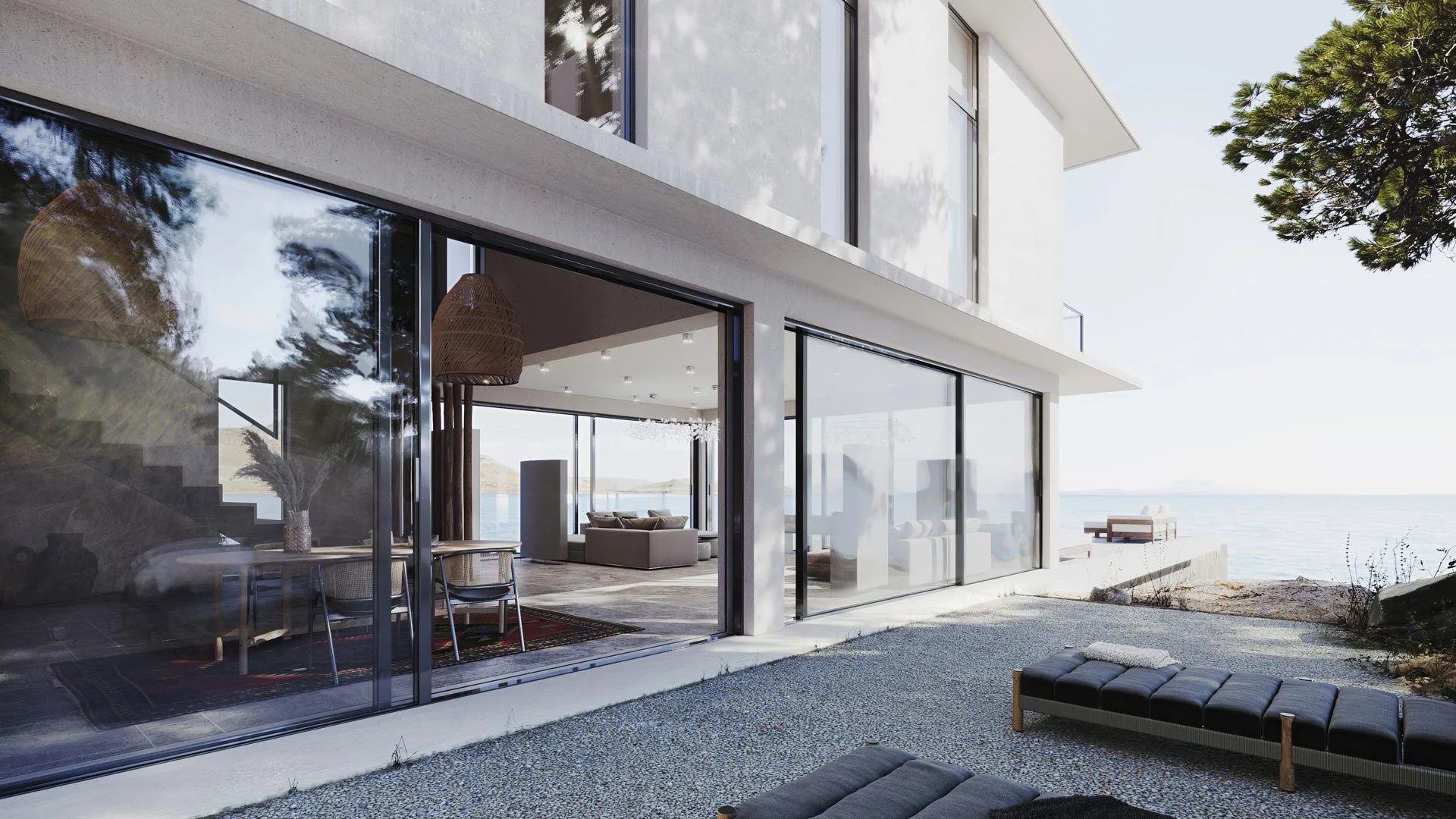
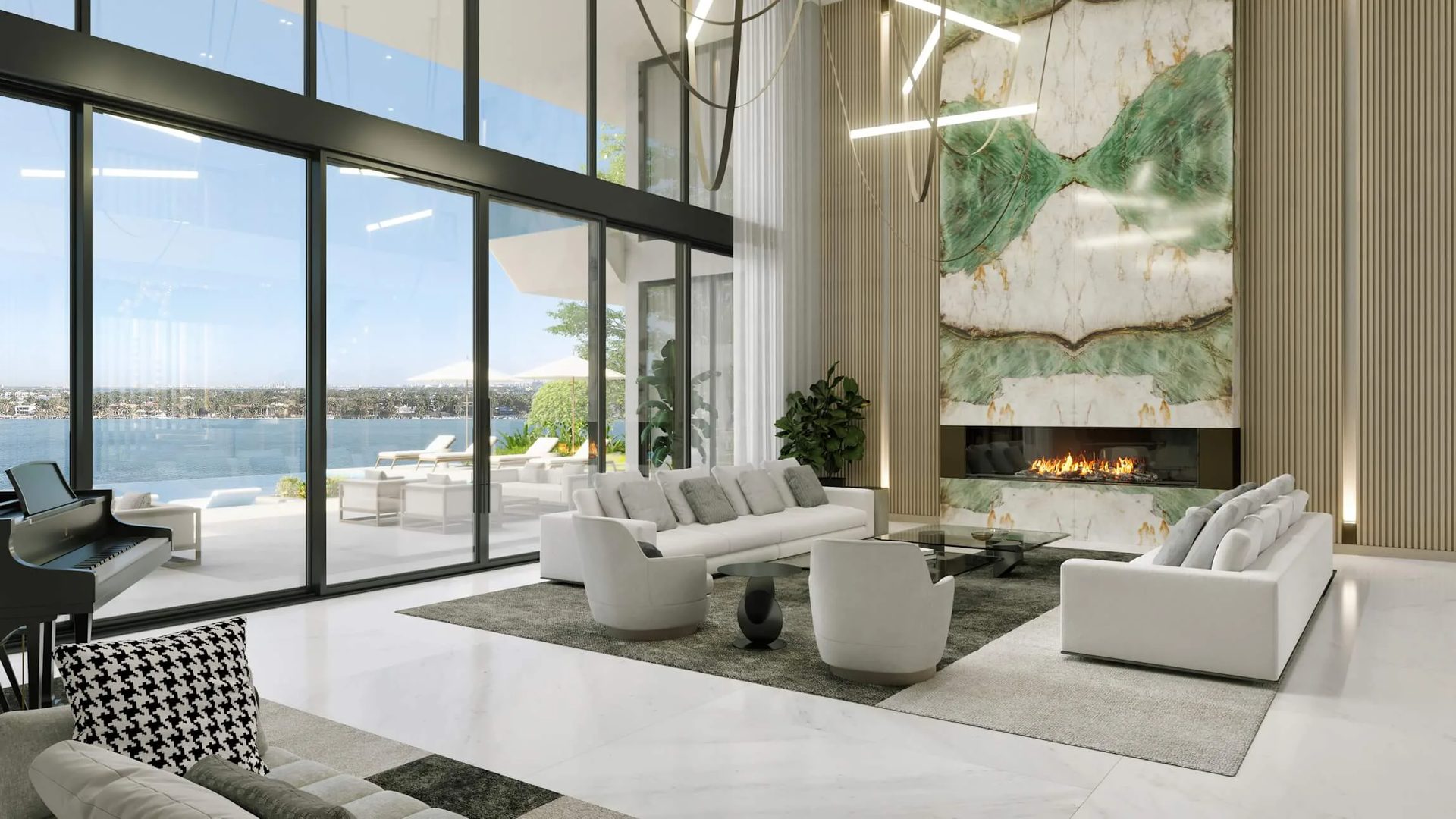
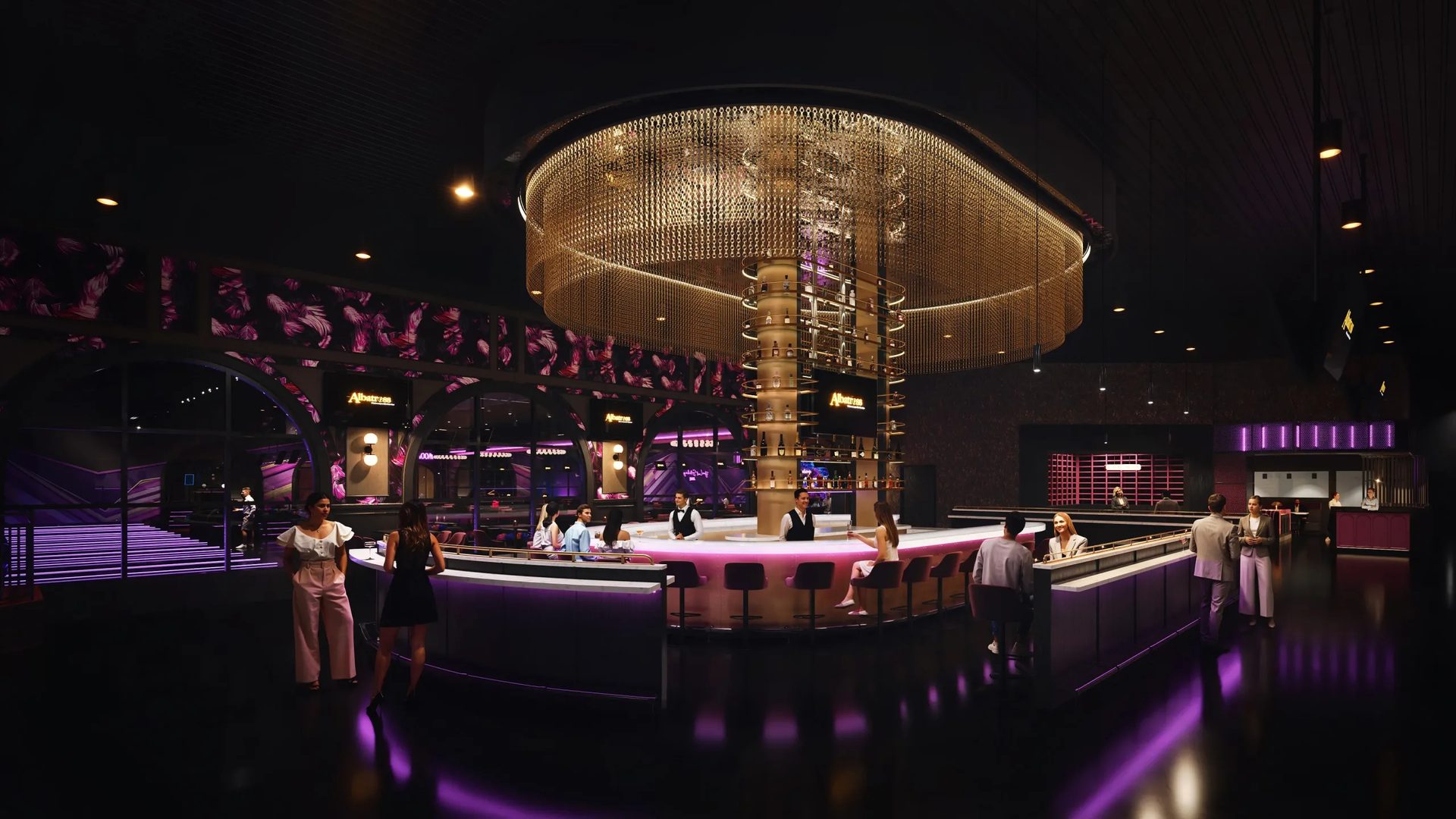
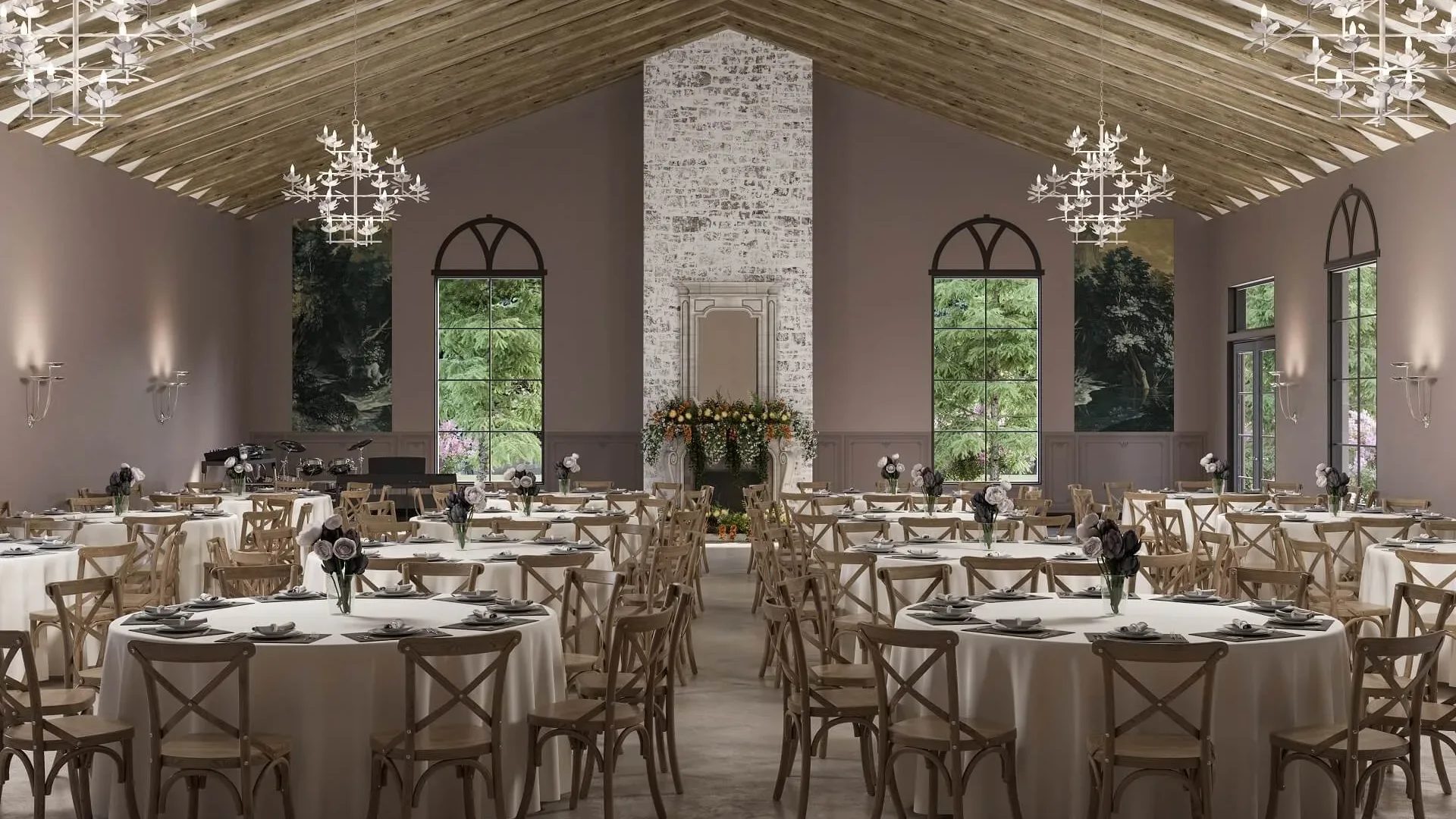
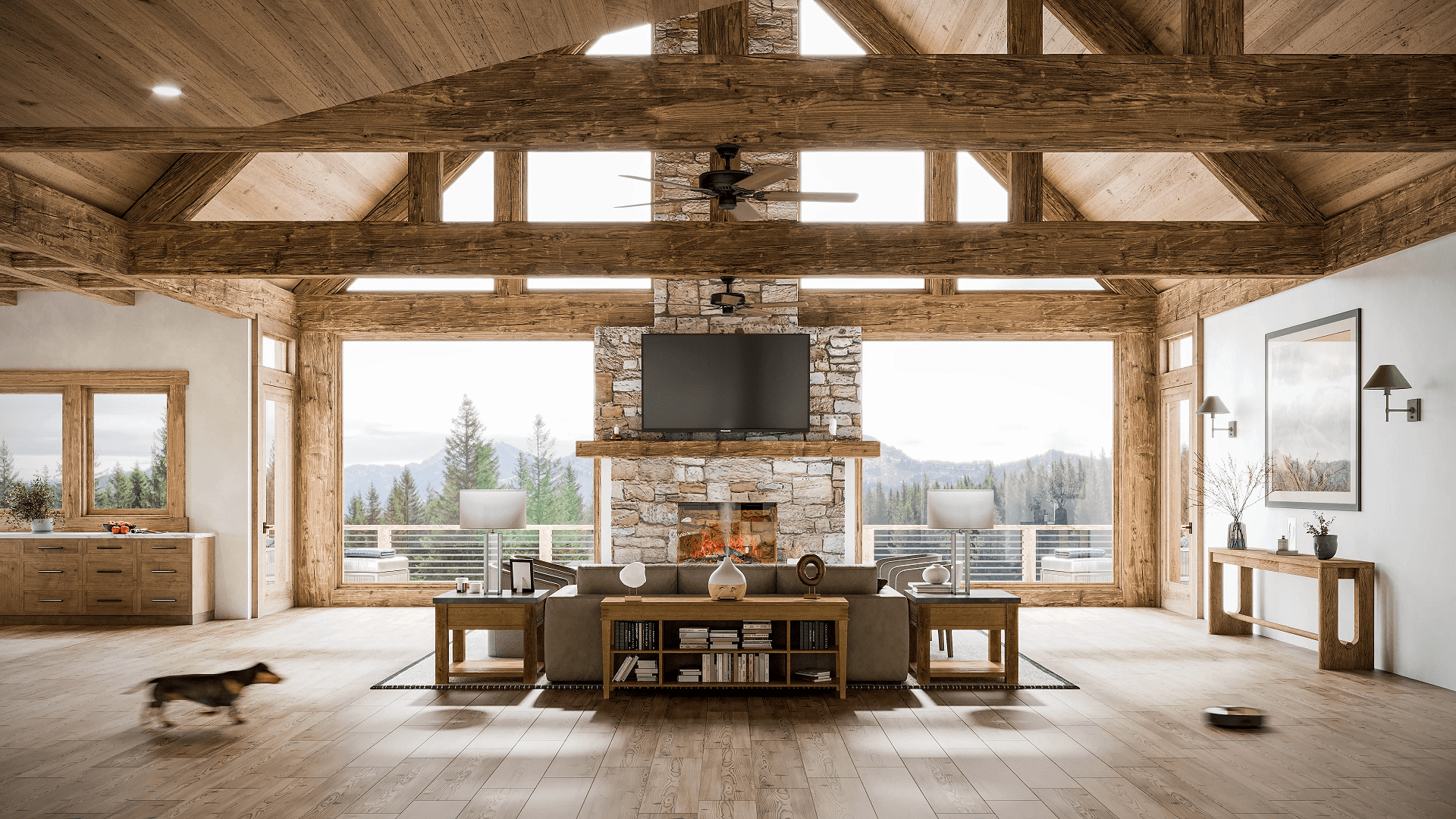
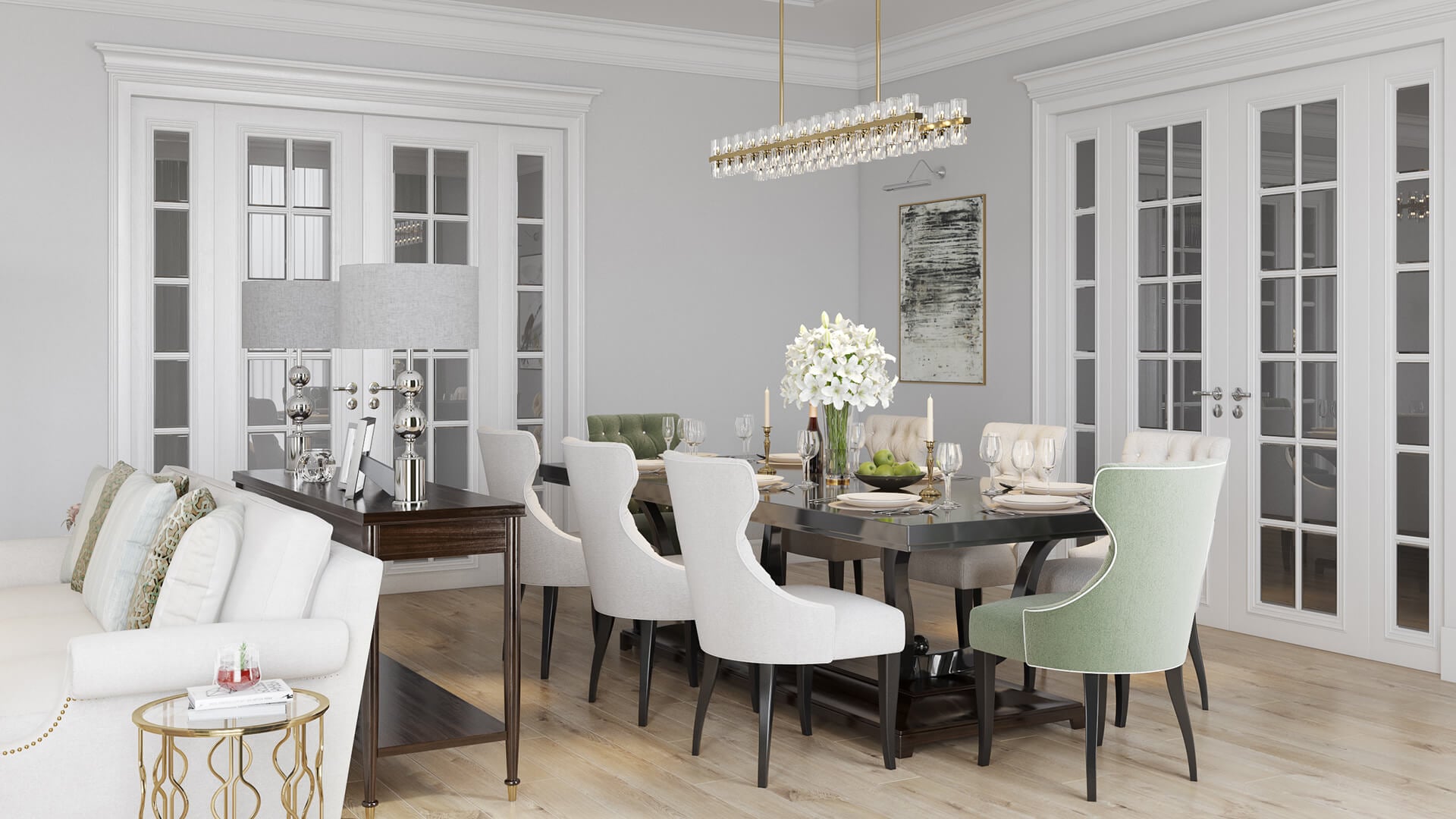
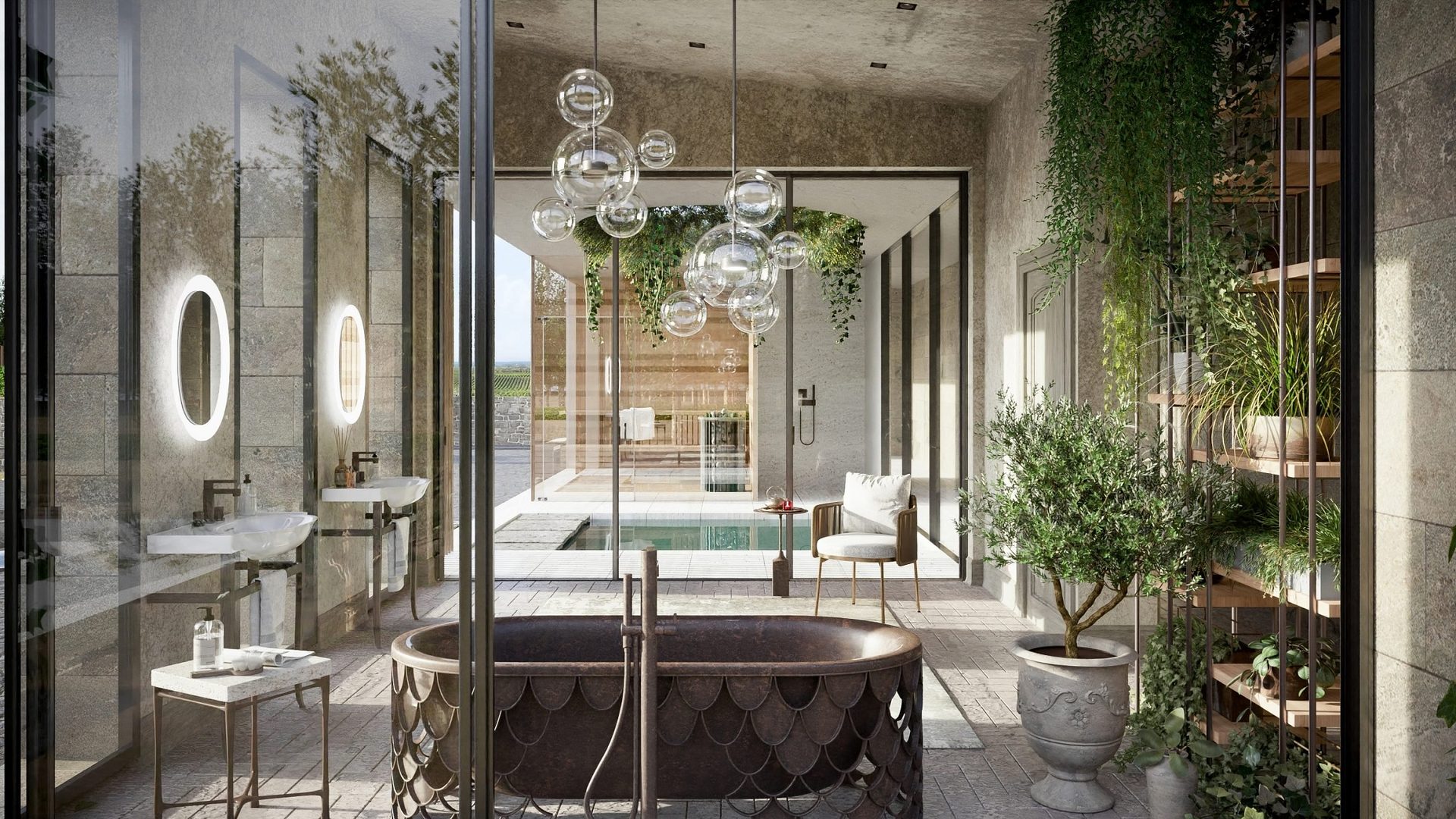
There are plenty of interior rendering tools on the market. Some of the most popular ones are 3ds Max, V-Ray, Corona Renderer, Maya, Blender, Maxwell, and Lumion. Which combination makes sense for a given project depends on how photorealistic the final image needs to be, how much detail is involved, how fast the turnaround is, and what format the client expects at the end. In practice, most professional studios land on a fairly similar setup. The backbone is usually 3ds Max, paired with Corona Renderer or V-Ray for photorealistic lighting. There’s a reason these two engines have the reputation they do in architectural visualization: they’re genuinely good at interior light. Daylight through a window, a warm lamp in the corner, reflections bouncing off a glossy countertop: it all comes out believable without a lot of fighting with settings. Once the render is done, Photoshop takes over for color grading and final touch-ups. A few studios also keep SketchUp or Rhino around for early-stage modeling, mostly so they can open whatever the client sends without converting everything first. Real-time tools are a different story. Lumion, Enscape, and Unreal Engine have carved out their own space, especially when a client wants a virtual walkthrough instead of a static image. Our setup at ArchiCGI sticks to the proven combo: 3ds Max with Corona Renderer and V-Ray for static images and Unreal Engine for immersive tours . We take source files from AutoCAD, Revit, SketchUp, Rhino, and pretty much any architectural format you’re likely to be working in.