


AI will not replace 3D artists or architects, but it is already replacing specific tasks, such as rendering and modeling, and changing how studios work by allowing artists to focus more on creative aspects and design innovation.
That distinction matters.
AI is showing up everywhere in architecture and visualization these days, slipping into everyday work faster than anyone expected. You can crank out moody images in seconds with image generators. Language models handle meeting notes and whip up first drafts. Post-production, making materials, even digging up references — all of it moves faster with AI in the mix.
So, the big question everyone keeps asking is: will AI replace 3D artists? And does this mean architects are next?
But honestly, for people in the field, such as architects, developers, marketing folks, and visualization teams, the real story isn’t about getting replaced. It’s about how human skills are changing now that AI is part of the creative toolbox.
We can now complete tasks that once took hours in just a few minutes. Need some early concept art? It’s ready almost instantly. Building out moodboards? A few clicks can now complete tasks that once took an entire afternoon.
But not everything is so easy to automate. Certain aspects of architectural visualization still require human intervention. Think about putting together a series of matching renders, making sure images line up with actual plans, translating client feedback into visuals, or keeping every detail technically accurate — that’s still human territory.
This article lays out what AI can actually do in architectural visualization right now. You’ll see where it speeds things up, where it still drops the ball, and what that means for anyone creating or commissioning architectural images. No wild guesses, just a clear look at which parts of the process are changing and which ones still need a human touch.
Executive Summary
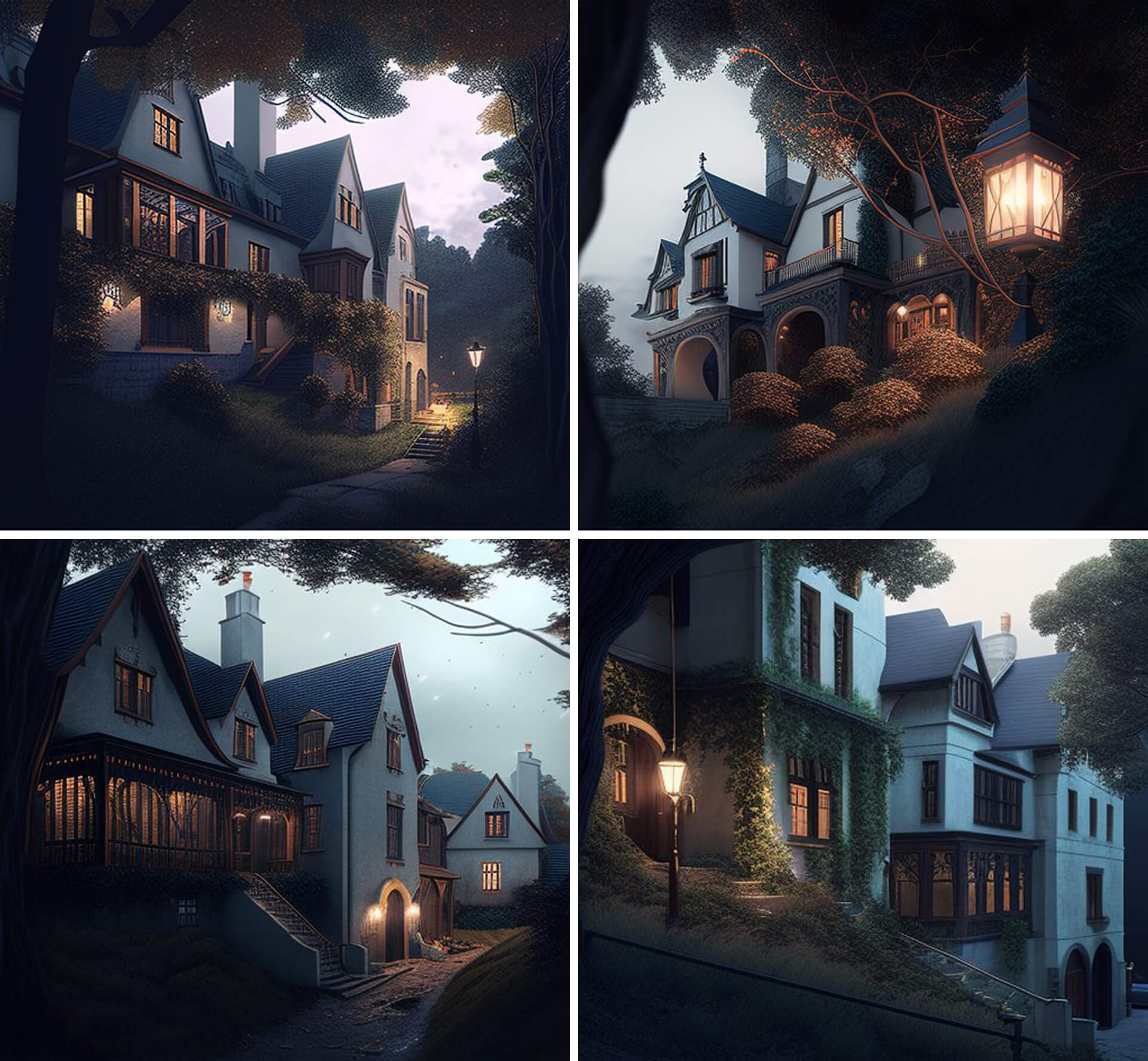
- AI does not replace 3D artists — it automates specific, repetitive tasks
- AI concept imagery and production archviz are fundamentally different outputs
- AI helps most in early ideation, moodboards, material exploration, and administrative tasks
- Humans remain essential for technical accuracy, multi-view consistency, client revisions, and approvals
- For teams commissioning visualization, AI enables more early options but requires clearer briefs and defined accuracy requirements
What is AI doing in the creative world right now?
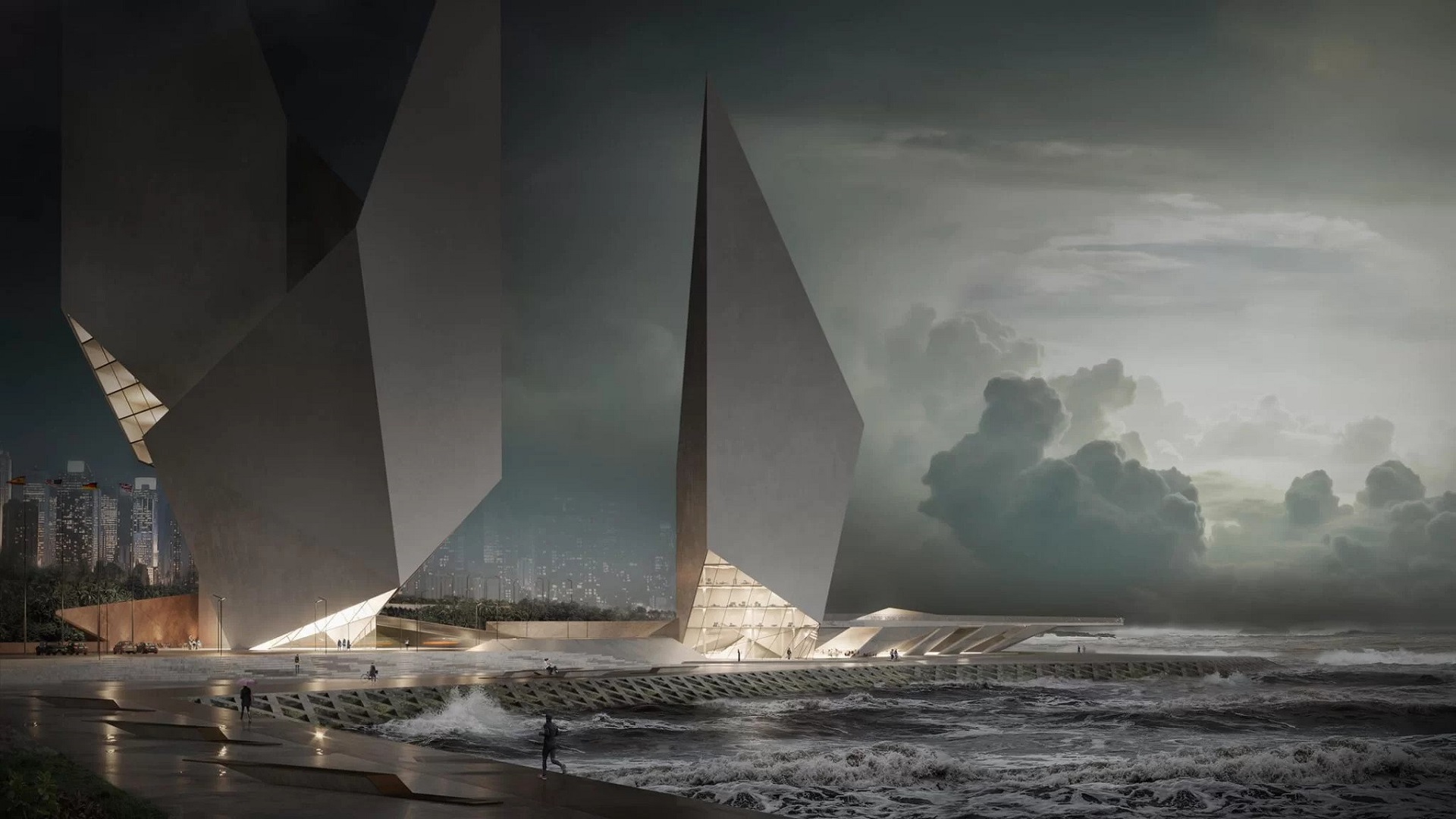
AI tools used in architecture and visualization rely primarily on pattern recognition and generative systems. They analyze massive datasets and generate new outputs based on learned visual or textual patterns. Importantly, these systems do not “understand” architecture in the way designers do, as they lack the ability to interpret design intent, contextual nuances, and the emotional impact of spaces that human architects consider. They generate probable images based on prompts.
Today, AI in architectural visualization appears across several tool categories. The landscape evolves quickly, so any list is illustrative rather than exhaustive.
- Image generation
Midjourney, Stable Diffusion, DALL-E - Text and workflow tools
ChatGPT, Claude - Material and image enhancement tools
Adobe Firefly, Topaz Gigapixel - Architecture-specific tools
Veras, LookX AI
The AI ecosystem is constantly evolving, with new tools emerging every few months.
What matters is how these tools integrate into professional workflows. They are not replacements for the entire production pipeline. Instead, they act as accelerators in certain stages of the process.
AI concept imagery vs production-grade archviz
One of the most important distinctions in discussions about AI architectural rendering is the difference between concept imagery and production visualization.
| AI Concept Imagery | Production-Grade 3D Archviz | |
|---|---|---|
| Purpose | Exploration, moodboards, early ideation | Client approvals, planning, investor decks, marketing |
| Accuracy | Low — approximate, impressionistic | High — geometry, materials, dimensions accurate |
| Multi-view consistency | Varies dramatically between prompts | Consistent across all camera angles |
| Change control | Hard to make precise targeted changes | Exact revisions on materials, dimensions, details |
| IP / rights | Usage rights unclear, training data concerns | Full rights, client confidentiality maintained |
| Use for | Concept discussions, style exploration, swift options | Permits, contracts, brand materials, public marketing |
The difference is structural. AI concept images are generated independently from prompts. Production-grade visualization, by contrast, is based on a single accurate 3D model. Because every camera view references the same geometry, consistency is guaranteed.
This distinction is critical when discussing approvals, marketing materials, or investor presentations.
How can AI be useful for a 3D artist?
AI tools are most effective when integrated as assistants within the visualization pipeline rather than as substitutes for it, as they can enhance creativity and efficiency during the early concept development phase by providing quick iterations and generating diverse design options.
Early concept development
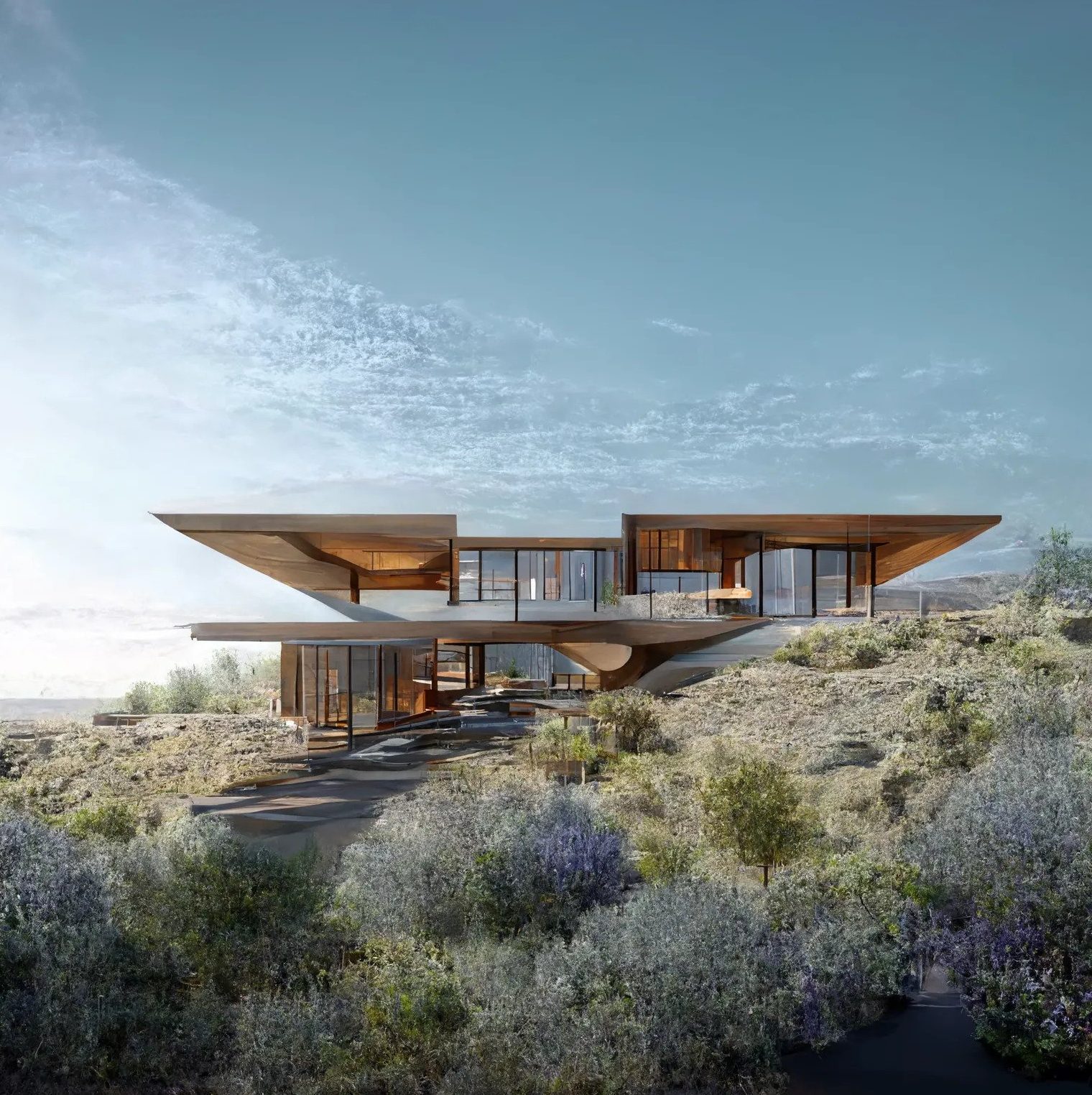
Many studios now use AI tools to accelerate early visual exploration.
A common workflow looks like this: an artist takes existing portfolio renders and uses them as reference input in Midjourney or similar tools to generate dozens of variations.
From these, the team selects several promising directions.
The AI concept reference is generated from our renders and is not intended as a production deliverable.
The final production images are then recreated using precise 3D modeling and rendering software. AI accelerates idea generation but does not replace the controlled production phase, as the final production images require careful refinement and artistic input to ensure quality and alignment with the project’s vision.
In practice, an artist might generate 20–30 concept variants before selecting three to develop further in 3D.
Style exploration and moodboard replacement
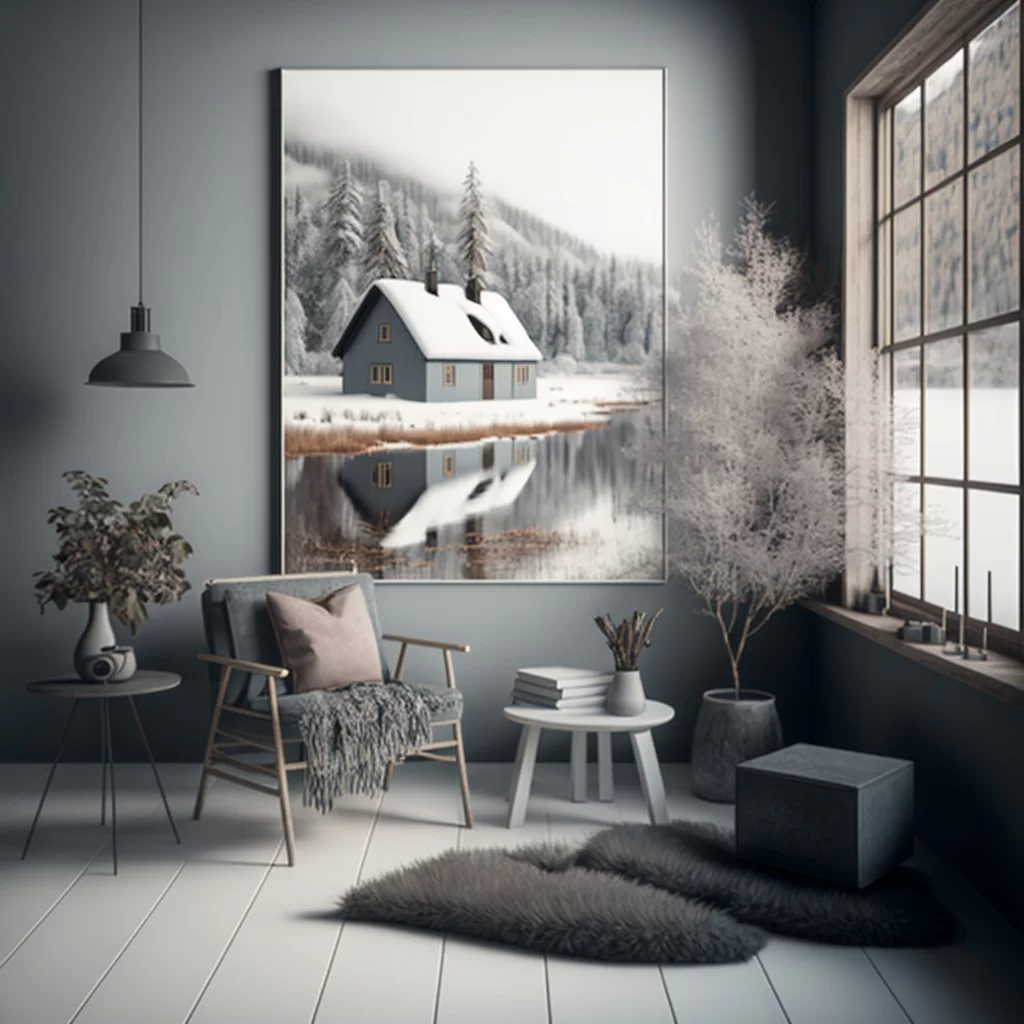
Moodboards traditionally require gathering reference images from multiple sources. AI now produces moodboard-style imagery in minutes.
Artists can explore different lighting conditions, color palettes, and atmospheres before committing to detailed modeling. This speeds up early client discussions and helps teams converge on a shared visual direction.
Admin and workflow acceleration
Some of the most practical AI benefits occur outside the rendering engine.
A common workflow example:
Meeting call → recording → AI transcript → automatically generated task checklist.
This reduces administrative overhead and ensures fewer details are lost between meetings.
AI also assists with entourage elements such as people, vehicles, or landscaping references. While these still require human placement and integration, sourcing them is faster.
Post-production tasks also benefit. Tools like Topaz Gigapixel help upscale images or reduce noise. AI sky replacement and environmental enhancement can speed up finishing passes.
Based on independent archviz studio research, realistic productivity gains typically fall between 20 and 35% overall workflow acceleration, not the exaggerated claims of 80–90% often seen in marketing claims.
Where AI helps most across a typical archviz pipeline:
| Pipeline Stage | AI Impact | Humans Stay Essential For |
|---|---|---|
| Concept / ideation | High — mood, lighting, composition (~65–75% speed up) | Art direction, design intent, client alignment |
| 3D modeling | Minimal — text-to-3D tools still inaccurate for archviz | Geometry accuracy, technical drawings, BIM alignment |
| Materials / textures | Medium — AI-assisted material generation (~60–70%) | Brand accuracy, spec matching, client-specific finishes |
| Lighting setup | Minimal — exploratory passes only | Physics-correct lighting, atmosphere and storytelling |
| Post-production | High-end upscaling, sky replacement and noise reduction (~50–60%) | Final image direction, brand consistency, sign-off |
| Client revisions | Almost none — AI cannot interpret change requests | Interpretation, prioritization, technical execution |
Efficiency figures align with findings cited in independent archviz studio research.
How can AI be useful for architects?
When people ask whether AI will replace architects, they typically assume that AI will replace entire professions.
In practice, AI tends to change specific stages of work rather than eliminate roles.
AI tools are most helpful for early concept communication and quick iterations for architects. Generating visual options quickly allows architects to present multiple directions during initial client meetings. This often leads to faster alignment and fewer design revisions later.
AI can also help generate variations of repetitive design elements such as facade patterns or material combinations within a defined design system.
Text-based tools assist with documentation, meeting summaries, and option comparisons. They can produce early drafts of reports or presentations, reducing administrative overhead.
However, AI does not replace core architectural responsibilities: design intent, structural logic, code compliance, and client accountability.
Architect Andrew Kudless describes AI imagery in a way that resonates with many designers:
“Like architectural sketches, AI imagery is often colorful and dreamlike, but not necessarily actionable.”
This aligns with findings from a recent survey of architects, where 84% reported that AI is augmenting their work rather than replacing it.
What this means for clients commissioning a visualization
For developers, marketing teams, and project managers commissioning architectural visualization, AI changes the early stages of the process more than the final deliverables.
AI enables faster exploration. Instead of reviewing two concept directions, teams might review ten. This feature can improve early decision-making but also requires clearer briefing.
When starting a project, define which elements must remain accurate. These typically include materials, dimensions, views, and branding requirements. Clear constraints prevent confusion later in production.
AI-assisted studios do not necessarily produce lower-quality work. Instead, efficiency gains often translate into either faster delivery timelines or a greater number of visual options during early phases.
When evaluating visualization outputs, it is helpful to ask a simple question: Is this an AI concept image or a production render?
The revision expectations differ significantly.
For a deeper explanation of deliverables, see what production 3D rendering typically includes.
You can also explore broader examples of 3D visualization in architecture and how it supports design communication across project stages.
What can humans do better than AI?
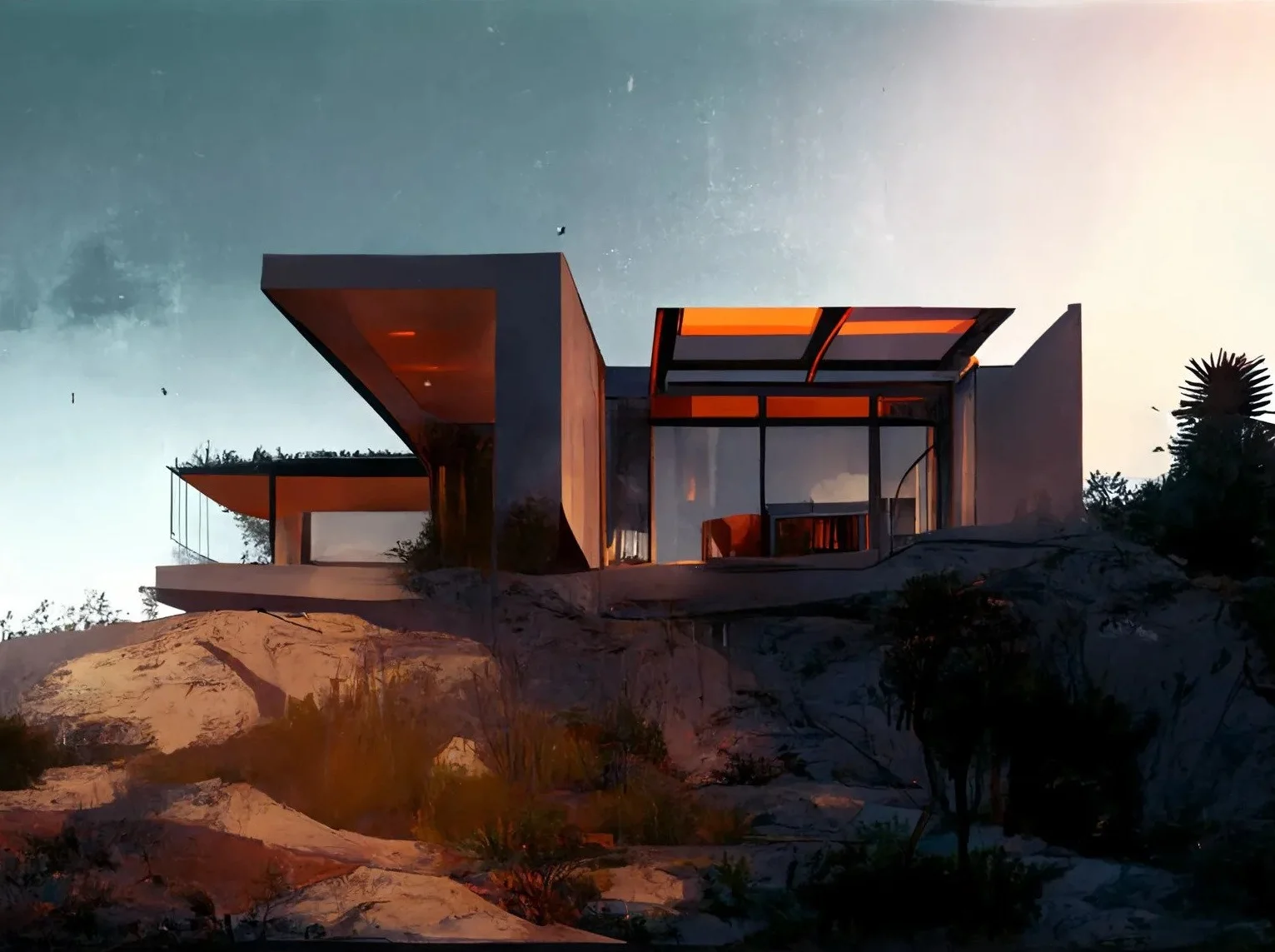
Despite rapid progress in generative systems, several capabilities remain strongly human.
- Art direction and intent
AI can generate images but cannot interpret nuanced design briefs, brand positioning, or target audiences. - Multi-view consistency
Professional visualization often requires ten or more camera angles from the same project. Because production renders come from a single model, consistency is automatic. AI-generated images struggle with this requirement. - Precise change control
Requests like “move this wall 30 centimeters and update all views” require controlled geometry changes. Prompt-based systems cannot reliably perform this task. - Technical accuracy
Architectural visualization must reflect real materials, construction methods, and spatial dimensions. - Accountability
Human professionals communicate trade-offs, make decisions, and ultimately take responsibility for deliverables.
Quality and risk — when AI outputs can mislead
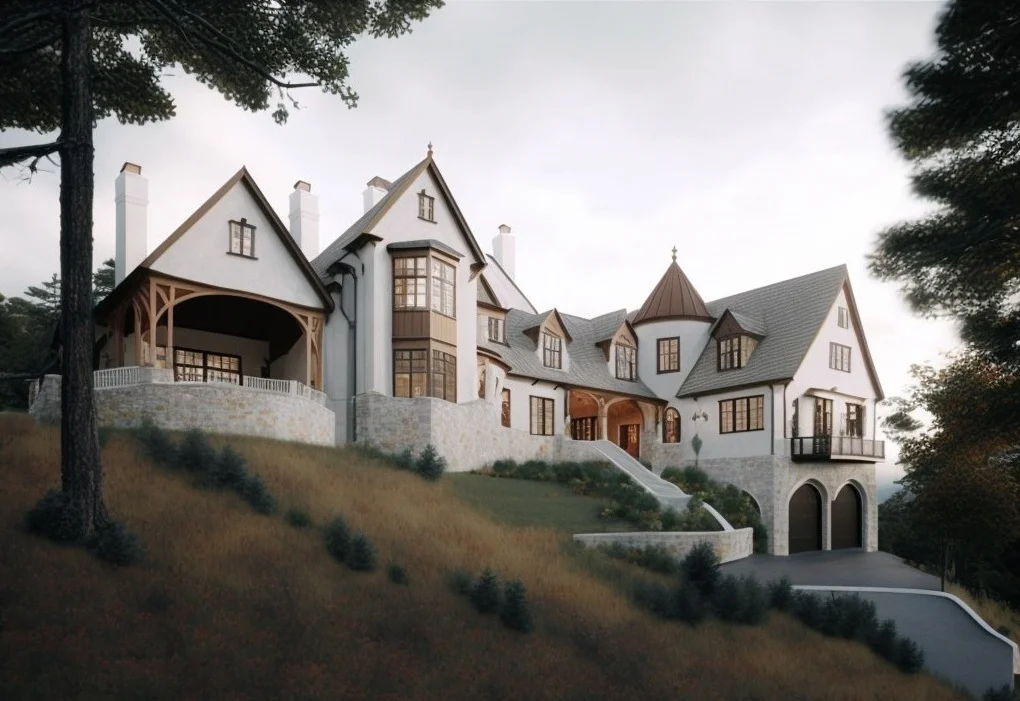
AI imagery can be compelling but also misleading when used incorrectly.
A common issue is multi-view inconsistency. Two AI-generated images of the same building may differ significantly in facade design or proportions.
Geometry errors are another risk. Columns, windows, and structural elements may appear plausible at a small scale but diverge from actual plans when examined closely.
The most significant risk is false confidence. If stakeholders treat an AI concept image as if it were a production render, expensive corrections may occur later.
The safest practice is simple: always label AI imagery as a concept in presentations.
Any AI visual used for approvals, contracts, or marketing should be validated against real architectural plans.
IP, licensing, and confidentiality
AI introduces new considerations around data privacy and intellectual property.
Many AI tools process user input through cloud systems that may retain data for model training. Feeding project plans or confidential briefs into such tools without client consent can create risks, such as potential data breaches or unauthorized use of sensitive information.
Commercial usage rights also vary by platform. Some tools allow commercial output use, while others impose restrictions.
Studios working with confidential architectural projects should establish internal policies governing AI usage.
Before sharing project information, verify AI usage rights and licensing to ensure compliance with both contractual obligations and client expectations.
What to expect from AI going forward

The future of architectural visualization will likely involve increasingly hybrid workflows.
AI will continue improving in areas such as image controllability, reference-based generation, and integration with design tools. However, replacing the entire production 3D pipeline remains unlikely in the near term.
Instead, the most successful professionals will combine several competencies: strong 3D fundamentals, familiarity with AI tools, artistic direction, and client communication.
In other words, the future does not eliminate human expertise. It amplifies the value of those who understand both the technology and the craft.
For perspective on how visualization has evolved before this technological shift, explore the evolution of 3D modeling in architecture.

Stacey Mur
Content Writer, Copywriter
Stacey is a content writer and a CG artist. Outside of work, Stacey enjoys musicals, Star Wars, and art talk. A proud Corgi parent.
FAQ
Will AI replace 3D artists in architectural visualization?
No, AI can automate repetitive tasks such as moodboards, material generation, or post-production enhancement. However, production visualization requires technical accuracy, art direction, and multi-view consistency that AI tools cannot reliably provide.
Will AI replace architects?
Full replacement is unlikely. AI helps with early concept exploration, repetitive design variations, and documentation tasks. However, design intent, regulatory compliance, and client accountability remain human responsibilities.
Are AI images accurate enough for planning approval or investor decks?
Generally no. AI images are impression-based and may contain geometry errors, which can lead to inaccuracies in representing the design and details required for planning approval or investor decks. Production-grade 3D renders based on accurate models should be used for planning committees, investor presentations, and formal approvals.
Can AI produce consistent results across multiple camera angles?
Not reliably. Because AI images are generated independently from prompts, each output may differ significantly, leading to inconsistencies across different camera angles, which can complicate the production process and require additional revisions to achieve a cohesive look. Production 3D visualization uses a single model, ensuring all views remain consistent.
Does using AI reduce revision cycles?
When used correctly for early exploration, AI can reduce rework by helping teams align design direction faster. However, when teams mistake AI images for production deliverables, revision cycles can significantly increase.
What are the IP and confidentiality risks of AI tools?
Risks include project data entering training datasets, unclear commercial licensing terms, and accidental reproduction of copyrighted imagery. Firms should verify tool policies and establish internal AI usage guidelines before submitting confidential material.
Schedule a free demo of 3D solutions for your business