


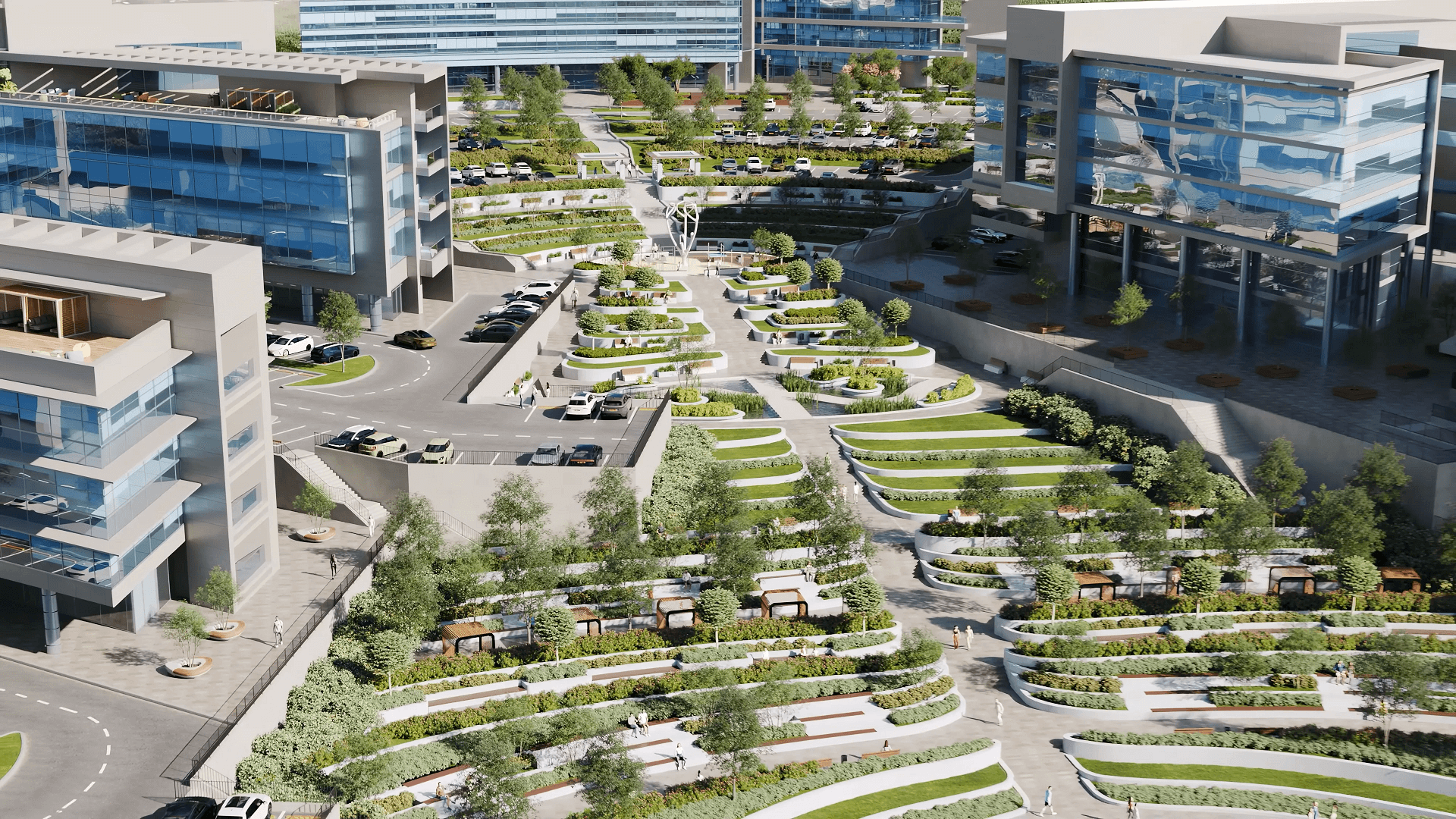
The history of 3D modeling stretches back over sixty years, and its impact on architecture has been nothing short of revolutionary. It all started as experimental computer graphics in university labs. But now, CGI drives billion-dollar real estate deals and shapes skylines around the world. This is really the story of how architects moved away from weeks of paper drawings and started showing clients the actual building, before anyone even broke ground. From this guide, you will learn all you need to know about the evolution of 3D modeling.
What Is 3D Modeling and Why It Changed Architecture Forever
Definitions matter, especially if you’re trying to explain to a client why 3D visualization is worth the investment.

3D Modeling Definition
The 3D modeling definition is pretty straightforward. It’s the process of creating realistic digital representations of three-dimensional objects. You can spin them around, zoom in, change the lighting, and eventually turn them into images that look like photographs.
What Is a 3D Modeler?
3D modelers turn flat sketches into immersive digital worlds. In architecture, they build high-fidelity models that help teams pitch to clients, review designs, and map out the actual build before a single brick is laid.
What Is 3D Visualization?
3D visualization takes those models and turns them into images or animations that actually communicate something. It’s how you show a client what their space will feel like, the light, the materials, and the atmosphere, before it exists.
Think about what architecture looked like before all this. Drafting tables. T-squares. Rolls of vellum everywhere. Want to show a client a different angle? Redraw it. Want to change the material? Start over. Building a physical model out of foam board could eat up weeks of a project timeline.
Now? A rendering company can produce photorealistic images in hours. But speed isn’t even the biggest change. The real shift is in how architects think, how developers sell, and how everyone involved in a project actually gets on the same page.
Consider what this means for business: developers pre-sell apartments years before construction using nothing but architectural 3D modeling. Planning committees approve projects faster because they can actually see what’s being proposed, and walk through it virtually. Stakeholder alignment that used to take months of back-and-forth now happens in a single meeting.
In this guide, we’re tracing the evolution decade by decade. How the types of 3D modeling have multiplied. How technology grew up. And what’s coming next for architects and developers trying to keep pace with tools that seem to change every year.
The 1960s–1970s: The Birth of 3D and the First CGI Experiments
The history of 3D modeling doesn’t start in an architecture firm. It starts in a research lab at MIT with a guy named Ivan Sutherland and a program called Sketchpad.
In 1963, Sutherland created something nobody had seen before, a computer program that let you draw shapes on a screen and manipulate them with a light pen. That was the first 3D model in any meaningful sense. Not a building, not a product, just the proof that computers could represent and interact with geometric forms. It earned Sutherland the Turing Award (basically the Nobel Prize of computing), and it laid the groundwork for everything that came after.
The first computer animation followed about a decade later. In 1972, Ed Catmull and Fred Parke at the University of Utah created “A Computer Animated Hand”, the 1972 CGI milestone that proved computers could model and animate three-dimensional objects convincingly. They digitized a plaster cast of Catmull’s hand and made it rotate and flex on screen. Looks pretty rough by today’s standards, but at the time? Revolutionary.
Early 3D animation was all wireframes, just lines connecting points in space.There were no surfaces, textures, or lighting in early 3D animation. Early computer animation required mainframe computers that filled entire rooms. The first 3D animation experiments were academic exercises, not practical tools. You couldn’t exactly put one of these machines in an architecture office.
For architects, these developments were mostly theoretical. A few researchers were poking around with computational design, but the technology was decades away from anything practical. Hardware was the bottleneck, limited memory, glacial processing speeds, and output you could only photograph off a CRT(cathode ray tube) screen.
However, this was where the seeds were sown. The history of 3D animation and architectural visualization would eventually merge, but the tools needed to escape the lab came first.
The 1980s: CAD Revolution and 3D Modeling Goes Commercial
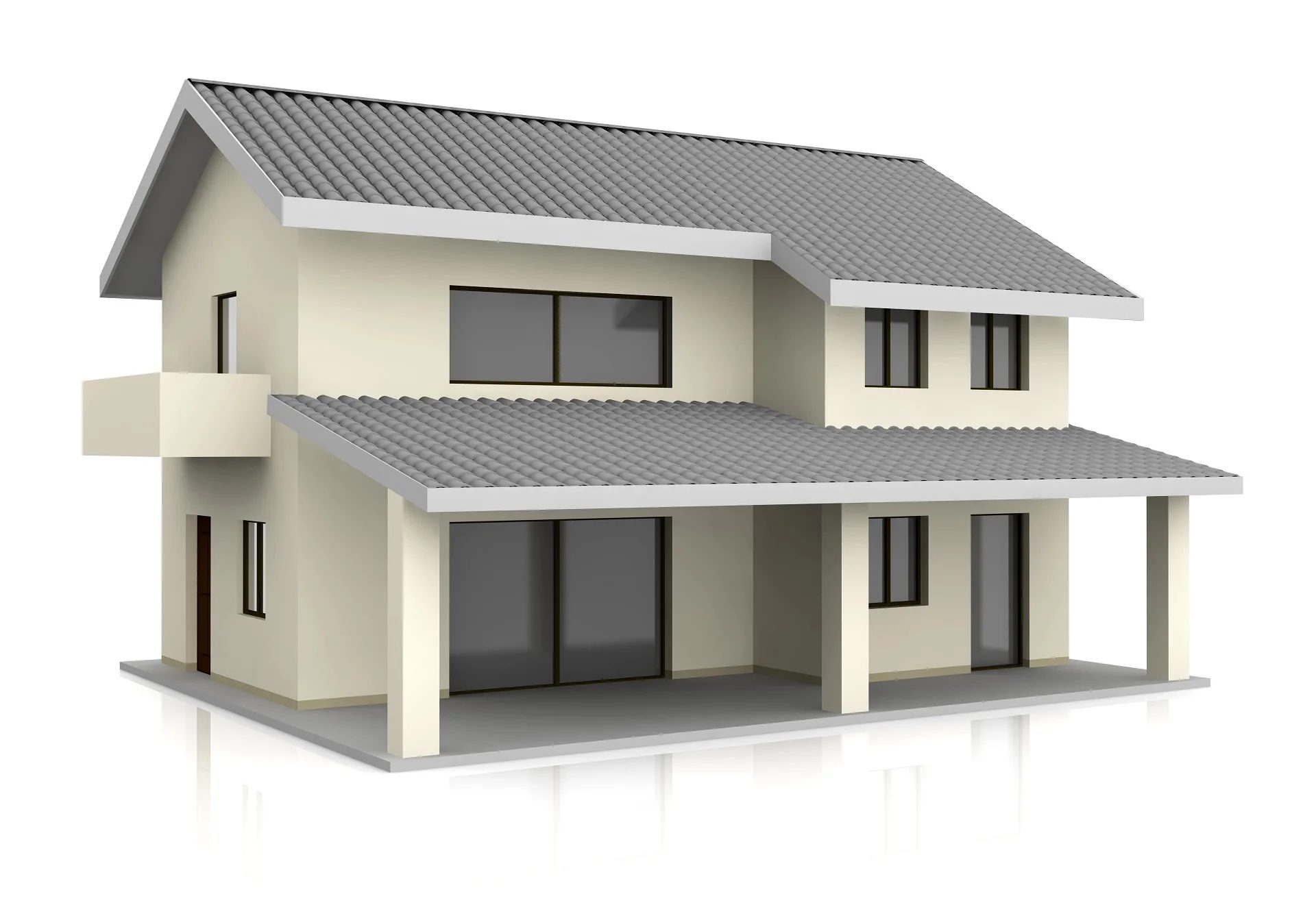
The 1980s were when 3D technology finally showed up on architects’ desks. The history of 3D modeling took a commercial turn in 1982 when Autodesk released AutoCAD. For the first time, architects could afford digital drafting tools. The software ran on personal computers, not room-sized mainframes, which meant solo practitioners and small firms could actually use it.
AutoCAD started as a 2D drafting replacement. But it changed how architects thought. Suddenly, you were working with coordinates instead of hand measurements. Precision became absolute. The cultural shift from drafting tables to computers started here, even though true 3D modeling was still pretty basic.
3D modeling techniques have evolved a lot during this decade. The industry moved past simple wireframe modeling into solid modeling and surface modeling. Wireframes just showed edges, no mass, no volume. Solid modeling gave objects actual substance. You could subtract one shape from another, slice through things, and calculate physical properties. Surface modeling took a different approach, defining objects by their outer skins using mathematical curves.
NURBS (Non-Uniform Rational B-Splines) showed up as a way to represent complex curved surfaces. Unlike polygonal models made of flat faces, NURBS created mathematically smooth surfaces. Perfect for organic shapes, car bodies, or the kind of flowing architectural forms that separate interesting buildings from boxes.
Meanwhile, CGI appeared in the cinema for the first time. Tron (1982) had groundbreaking computer-generated sequences that look crude now but proved what the technology could do. These entertainment industry advances eventually fed back into architectural visualization as software and hardware got better.
For most architects in the ’80s, though, computers were still expensive luxuries. A capable workstation cost tens of thousands of dollars. Software licenses piled on more. Training took months. Rendering a single image could take days. The promise was visible, but photorealistic rendering was still years away.
The 1990s: Photorealistic Rendering and Architectural Visualization Are Born
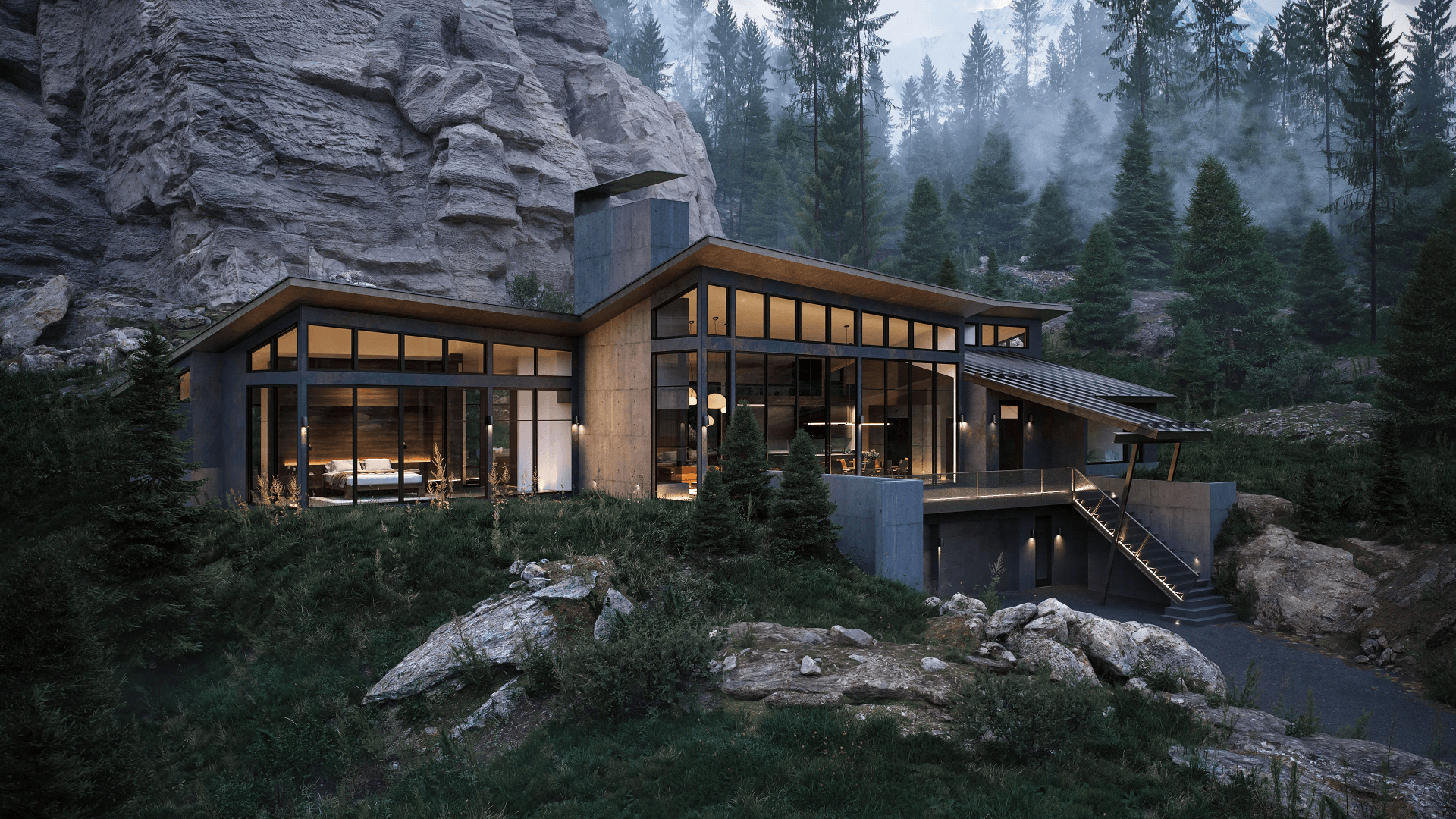
The ’90s turned 3D modeling from a specialized skill into an industry standard. Computer 3D animation went mainstream. Architectural visualization became an actual profession. And for the first time, clients could see photorealistic images of buildings before anyone broke ground.
The software landscape exploded. 3D Studio DOS showed up in 1990 and eventually became 3ds Max, still a dominant tool in architectural visualization. Cinema 4D launched in 1993. Maya arrived in 1998. Each had different strengths: 3ds Max dominated architecture, Maya took over film and games,and Cinema 4D carved out motion graphics.
Polygonal modeling became the standard workflow for visualization. Unlike NURBS surfaces, polygonal models built objects from discrete faces, triangles and quads you could push and pull vertex by vertex. This gave artists the flexibility and control that architectural work needed. You could model anything from furniture to facades, mixing geometric precision with artistic freedom.
The history of 3D animation hit cultural turning points throughout the decade. Jurassic Park (1993) proved CGI could create photorealistic creatures. Toy Story (1995) showed feature-length computer animation was viable. These entertainment breakthroughs drove hardware development and software innovation that directly benefited architectural visualization.
Rendering engines matured significantly. 3D Studio’s built-in renderer gave way to more sophisticated options. RenderMan, developed by Pixar, set quality benchmarks for ray tracing and global illumination. The first physically based rendering approaches appeared, actually simulating how light behaves rather than faking it with artistic tricks.
Architectural visualization became a real business proposition. Developers discovered photorealistic renders could sell properties. Marketing teams learned CGI, or computer-generated imagery, outperformed traditional presentations. The gap between what architects drew and what clients expected started closing. Finally, what clients imagined and what they saw began to match.
By the end of the decade, 3D rendering wasn’t optional for competitive practices. It was expected.
The 2000s: BIM, Real-Time Rendering, and Collaborative Design
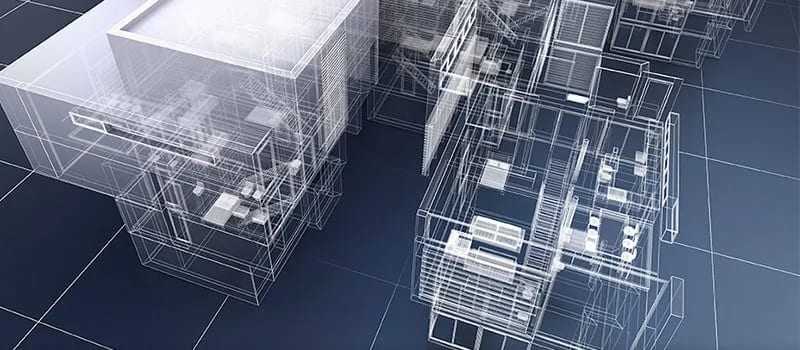
The new millennium brought a fundamental shift: buildings became databases. Engineering 3D modeling merged with architectural practice. And real-time visualization started its slow climb toward taking over everything.
Autodesk Revit arrived in 2000 and introduced Building Information Modeling (BIM) to mainstream architecture. BIM meant buildings weren’t just geometric shapes anymore, they were intelligent objects carrying data. A wall wasn’t just a rectangle. It had material properties, cost data, thermal specs, and relationships to everything around it.
This changed everything about architectural 3D modeling. Clash detection became possible, software could catch where structural columns ran through ductwork or where plumbing intersected beams. MEP coordination moved from construction-site surprises to problems you solved during the design. Structural analysis plugs directly into visual models.
Engineering 3D modeling thrived under BIM. Structural engineers simulated loads. Energy consultants modeled thermal performance. Contractors pulled quantities for cost estimates. The model became a single source of truth that multiple disciplines could access, update, and query at the same time.
Collaborative design transformed workflows. Multiple specialists worked on the same model simultaneously, each adding their expertise while seeing what others were doing in real time. Coordinated digital workflows replaced the old process of exchanging drawings, marking up prints, and hoping nothing missed.
Rendering technology kept advancing. V-Ray launched in 2002 and quickly became the industry standard for architectural visualization. Its ray-tracing engine produced physically accurate lighting that finally matched photographic reality. Render times dropped from days to hours as hardware improved.
Parametric modeling emerged through plugins like Grasshopper (for Rhino) and Dynamo (for Revit). These visual programming tools let architects define rules instead of fixed geometry. Change a parameter, and entire facades are regenerated automatically. Forms that would be impossible to model by hand became achievable through algorithms.
The decade locked in BIM’s dominance and set the stage for real-time visualization to take over.
The 2010s: Cloud Rendering, VR, and Immersive 3D Tours
The 2010s democratized quality. 3D rendering technology that once required serious infrastructure became accessible to practices of any size. Virtual reality moved from science fiction to client presentations. And cloud computing rewrote the economics of rendering entirely.
Cloud rendering services popped up everywhere. GPU farms offered processing power on demand, no capital investment in hardware, no maintenance headaches, no worrying about obsolescence. Small studios could produce the same quality as large firms just by renting compute time instead of buying machines. The playing field leveled considerably.
VR entered architectural practice when Oculus Rift released its consumer version in 2016. Suddenly, clients could walk through spaces that didn’t exist yet, experiencing scale and proportion in ways flat images never communicated. Developers used VR to pre-sell residential units. Presentations became immersive instead of observational.
Immersive 3D tours emerged as their product category. Matterport enabled smartphone-based capture of existing spaces. Rendering engines produced tours of proposed designs. WebGL brought interactive 3D to browsers without plugins, making tours accessible to anyone with an internet connection.
PBR (Physically Based Rendering) materials became standard practice. Instead of manually tweaking reflection and glossiness for every material, artists applied physically accurate definitions that behaved correctly under any lighting. This standardization improved quality while cutting iteration time.
3D architectural animation has evolved past simple flythrough videos. Lifestyle animations showed spaces in use at different times of day and across seasons. Narrative techniques borrowed from filmmaking created emotional connections with prospective buyers.
Real-time engines: Unreal Engine 4 (2014) and Unity, became legitimate architectural tools. GPU rendering through Octane (2012) and Redshift (2014) compressed timelines from days to hours. Drone footage combined with CGI made aerial renders accessible to projects of any size, no helicopter required. By decade’s end, the question wasn’t whether to use 3D visualization. It was about which tools and workflows to adopt.
Client expectations had fundamentally shifted. Visualization has become a necessity rather than a luxury.
The 2020s: Generative AI, Diffusion Models, and the Future of 3D

Nobody fully predicted what the 2020s would bring. Generative AI transformed concept development. Diffusion models started creating imagery from text descriptions. The line between human creativity and machine assistance got blurry in ways we’re still figuring out.
Midjourney launched in July 2022 and immediately changed how architects generated concept imagery. Mood boards that used to require hours of Pinterest scrolling and Photoshop compositing now appear in seconds from text prompts. Early design exploration accelerated dramatically.
Stable Diffusion pushed AI image generation further by making the technology open-source. Architects could run tools locally, customize models for specific aesthetics, and plug AI into existing workflows. Promethean AI automates the process of populating scenes with contextually appropriate furniture and landscaping, eliminating the need for manual placement.
Asset generation shifted from manual modeling to AI-assisted creation. Substance 3D’s AI tools generate complex materials automatically. What took texture artists hours now happens in minutes. Neural networks trained on material libraries produce realistic wood grains, fabric weaves, and stone surfaces on demand.
Neural rendering techniques like NeRF (Neural Radiance Fields) opened new possibilities for reality capture. Photographs from multiple angles could generate complete 3D environments, skipping traditional modeling entirely. For renovation projects and existing-condition documentation, the implications are significant.
Real-time engines hit unprecedented quality levels. Unreal Engine 5 (April 2022) delivered film-quality visuals without rendering waits. Twinmotion offered direct sync with Revit, ArchiCAD, SketchUp, and Rhino. D5 Render brought RTX ray tracing to smaller practices at accessible prices.
3D rendering technology keeps advancing at a pace that’s hard to track. But challenges come with the opportunities. Quality control of AI-generated assets requires new expertise. Copyright questions around AI content remain legally unsettled. The role of human creativity in increasingly automated workflows needs constant redefinition.
Where does AI help, and where is human judgment still essential? For now, AI excels at iteration, exploration, and asset generation. Humans guide intent, evaluate quality, and make final calls. By 2030, we’ll probably see deeper integration, but the creative vision stays human.
How 3D Modeling Fits the Modern Architect’s Workflow Today

Contemporary architectural practice runs on integrated digital workflows that would’ve seemed impossible ten years ago. Understanding 3D modeling for architecture today means understanding how multiple tools work together across project phases.
The typical modern architect’s stack includes BIM software (Revit, ArchiCAD) for design development and documentation; rendering applications (3ds Max, V-Ray, Lumion) for visualization; and increasingly, real-time engines (Unreal Engine, Twinmotion) for interactive experiences. Each serves different purposes within continuous workflows.
3D modeling architecture projects follow predictable patterns now. Concept phases use rapid visualization for exploration, quick renders, AI-assisted mood boards, and basic massing studies. Design development requires detailed modeling for client presentations and planning submissions. Construction documentation demands precise BIM models coordinated across disciplines.
Photorealistic rendering accelerates both pre-sales and approvals. Developers commission imagery years before construction to test market interest and secure financing. Planning authorities review detailed visualizations showing proposed buildings in context. Neighborhood groups see accurate representations instead of abstract drawings.
3D architecture modeling serves different project types differently. Residential developments emphasize lifestyle imagery and interior finishes. Commercial projects need context renders that show urban integration. Mixed-use developments require comprehensive strategies addressing multiple audiences.
The role of a 3D modeling artist has grown beyond just technical know-how. Sure, skills still count, but knowing what a project really needs and what will click with a client is just as important. The strongest artists blend creativity with precision and can easily connect with everyone on the team.
When should practices outsource 3D visualization versus building capabilities in-house? Depends on project volume, specialization needs, and cost structures. Firms with consistent visualization demand often maintain internal teams. Those with variable needs partner with specialized studios. Hybrid approaches, internal concept work plus outsourced final production, work well for many. Investing in a proper workstation for 3D modeling matters regardless of the approach.
How to 3D model effectively today means understanding this ecosystem, not just clicking buttons in software, but grasping project workflows, client expectations, and quality benchmarks that define professional practice.
Types of 3D Modeling in Architecture: Solid, Surface, Polygonal, Parametric
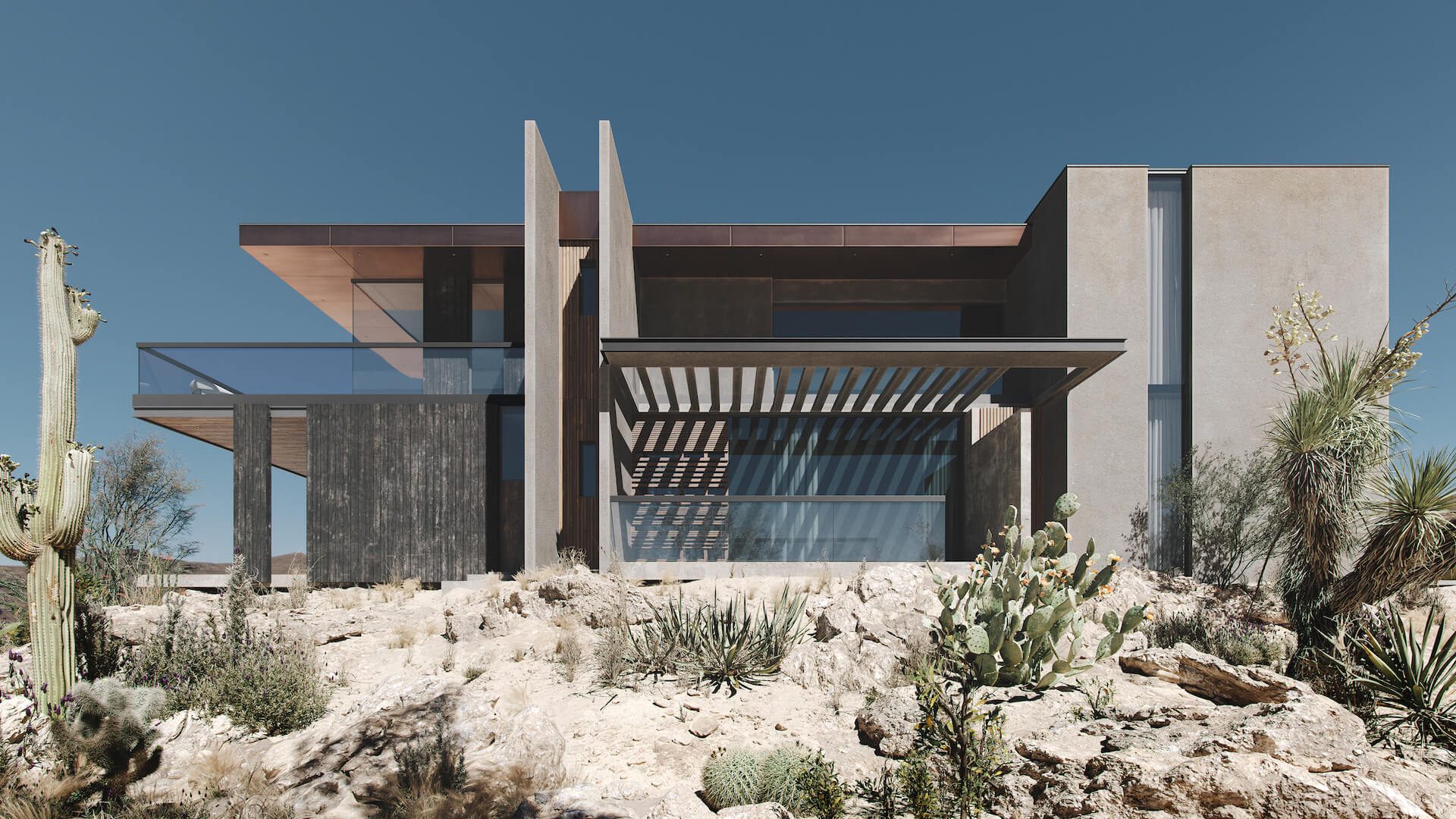
Different types of 3D modeling serve different purposes in architectural practice. Knowing when to use which technique, and which tools do each best, makes workflows more effective and outcomes better.
3D modeling techniques have multiplied as software capabilities expanded. Four approaches dominate contemporary architecture, each addressing specific needs:
Solid modeling creates objects with definite volume and mass. Boolean operations (union, subtraction, intersection) combine simple shapes into complex forms. This dominates engineering 3D modeling and BIM workflows because objects maintain physical properties, walls have thickness, columns have structural capacity, and volumes can be calculated precisely. Revit and ArchiCAD operate primarily as solid modelers.
Surface modeling defines objects by their outer skins using mathematical curves (typically NURBS). This excels at complex organic forms, flowing facades, tensile structures, and sculptural elements that resist breaking down into simple geometric shapes. Rhino remains the go-to tool for surface modeling in architecture.
Polygonal modeling builds objects from discrete faces, triangles and quads arranged into meshes. This offers maximum flexibility for visualization work. Artists manipulate individual vertices, edges, and faces with precision. 3ds Max, Blender, and Cinema 4D all work primarily as polygonal modelers. Most architectural rendering relies on polygonal geometry.
Parametric modeling defines objects through rules and relationships rather than fixed geometry. Change an input, and the entire model updates. Grasshopper (for Rhino) and Dynamo (for Revit) enable algorithmic design, facades responding to sun angles, structural systems optimizing material usage, and forms generated through environmental analysis.
For a deeper look at these approaches, see our guide to 3D modeling types in architectural practice.
| Type | Tools | Best For | Complexity |
|---|---|---|---|
| Solid modeling | Revit, ArchiCAD | BIM, engineering, construction docs | Medium |
| Surface modeling | Rhino, CATIA | Complex facades, organic forms | High |
| Polygonal modeling | 3ds Max, Blender, Cinema 4D | Visualization, rendering, animation | Medium |
| Parametric modeling | Grasshopper, Dynamo | Generative design, facades, optimization | High |
Most architectural projects use multiple modeling types across different phases. Parametric tools might generate facade logic that gets exported to solid modeling for BIM, then converted to polygonal geometry for rendering. Understanding these workflows, and where each technique fits, separates sophisticated practice from just knowing how to use software.
Digital Models vs Physical Models: Why CGI Won
Before CGI took over, the physical scale model was the standard way to show a design. Here is why digital modeling replaced it almost everywhere:
- Time. A physical model of a complex building takes weeks of manual work; a digital model of the same building takes days, and edits take minutes.
- Logistics. A maquette has to be transported and can be damaged on the way. A 3D model travels as a file and presents equally well in the office, at a client meeting, or over a video call.
- Cost. Materials, workshop hours, and remakes after every design change add up. Digital corrections cost a fraction of that.
- Presentation quality. A render shows photoreal materials, lighting, and surroundings at any scale, which cardboard and foam cannot.
- Revisions. When a client asks to move a wall, the 3D modeler edits the scene. A physical model often has to be rebuilt.
Physical models still have a place in competitions and museum-grade presentations, but for day-to-day practice the argument is settled.
Common Mistakes When Adopting New 3D Technologies
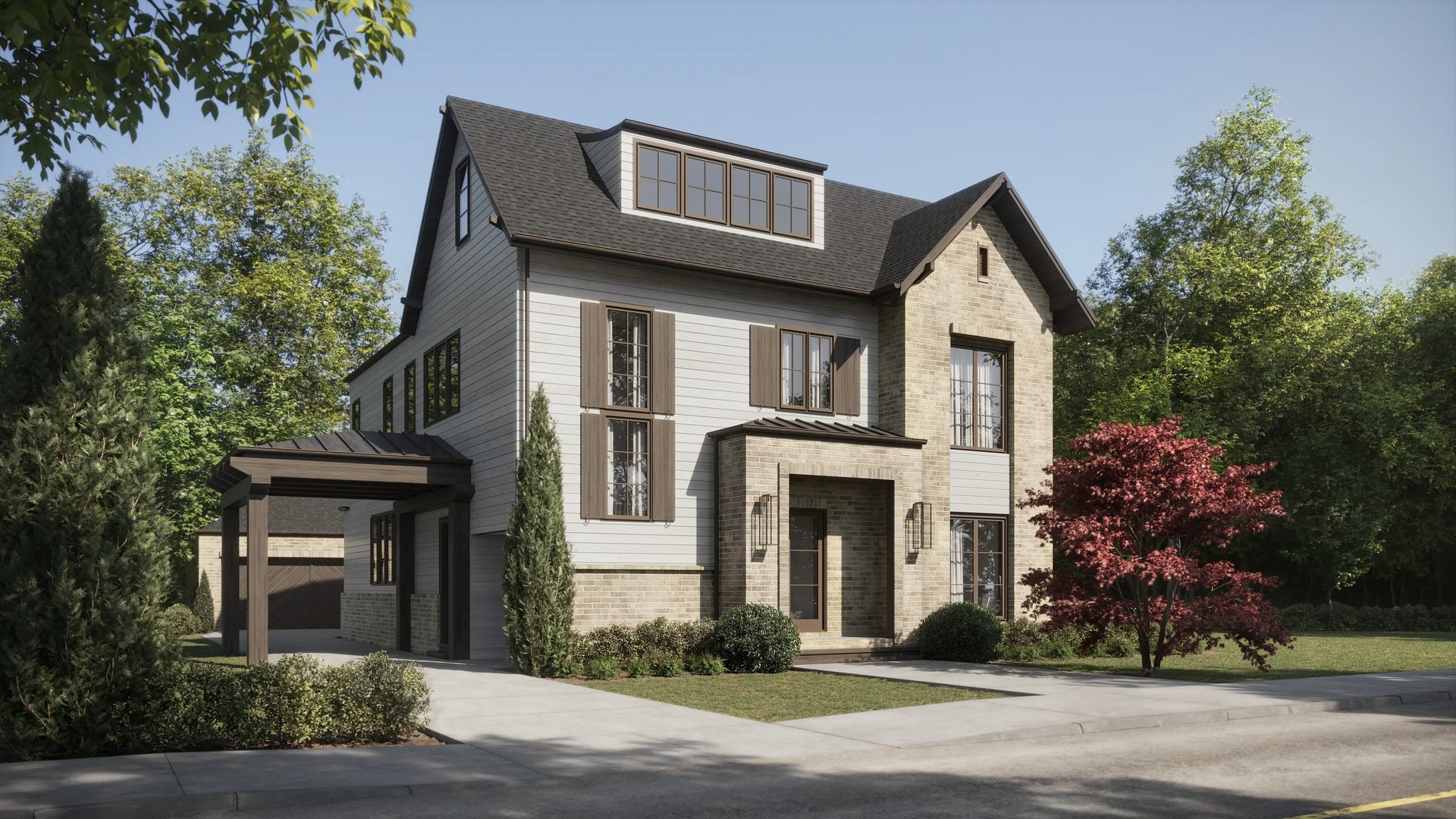
Tech enthusiasm often runs ahead of practical judgment. Firms adopting new 3D tools stumble into predictable pitfalls that undermine the benefits they were chasing. Knowing what to avoid helps.
Jumping to new tools without mastering fundamentals. Generative AI produces impressive imagery, but it doesn’t replace understanding composition, lighting, or spatial design. Firms chasing the latest AI capabilities without solid traditional skills produce inconsistent work. AI augments expertise, it doesn’t substitute for it.
Ignoring BIM when scaling. Small studios sometimes dismiss BIM as unnecessary overhead, relying on general-purpose modeling tools instead. This works at a limited scale. When projects get complex, teams expand, and coordination across disciplines becomes necessary, the lack of BIM infrastructure creates cascading problems. Better to establish workflows early than retrofit under deadline pressure.
Over-relying on AI-generated assets without quality control. AI produces materials, vegetation, and entourage impressively fast. But generated assets vary in quality and accuracy. Copyright questions remain legally unsettled, some AI training data may include protected content. Rigorous review matters more when generation is automated.
Treating 3D visualization as just “pretty pictures.” Visualization’s business value extends far beyond aesthetics. Pre-sales conversion, stakeholder alignment, and planning approval success, these outcomes depend on strategic visualization, not just visual appeal. Firms treating rendering as a cost center rather than a revenue enabler miss substantial value.
Skipping real-time rendering. Clients increasingly expect interactive 3D experiences, not static images. Real-time engines like Unreal, Twinmotion, and D5 Render enable instant design exploration during meetings. Firms still delivering only static renders may find themselves outcompeted by practices offering immersive presentations.
Not updating hardware. Render times directly impact productivity and profitability. Outdated workstations turn quick iterations into overnight waits. The cost of adequate hardware is nothing compared to lost productivity from inadequate equipment. A capable workstation for 3D modeling is infrastructure, not a luxury.
How to 3D model effectively means avoiding these pitfalls as much as mastering the software itself does.
How to Choose the Right 3D Tools and Studio for Your Practice

Whether you’re building skills internally or teaming up with external studios, making the right choice really matters. The architectural visualization field has plenty of options, so it helps to be clear about what you actually need and pick partners or tools that fit.
In-house versus outsource, when does each make sense? Practices with consistent visualization volume across projects benefit from dedicated internal teams. Fixed costs spread across many outputs. When visualization needs swing wildly, heavy during competitions, light during documentation, external partnerships offer flexibility without idle capacity. Hybrid models work well for many firms: internal teams handle concept visualization and quick iterations; specialized studios produce final marketing imagery. Evaluating external studios requires attention to several factors:
Portfolio relevance. Does the studio have experience with your project types? Residential visualization skills don’t automatically transfer to industrial work. Context matters, a studio excellent at urban towers may struggle with rural landscapes. Look for demonstrated capability in relevant categories.
Technical stack. Which rendering engines does the studio use? V-Ray, Corona, Lumion, Unreal, each produces characteristic looks and enables different workflows. Compatibility with your internal tools affects data exchange efficiency.
Revision policy and SLA. How many revisions are included? What turnaround times are guaranteed? These contractual details significantly impact costs and timelines. Unclear revision policies lead to scope creep and budget overruns.
File ownership. Who keeps the source files after the project? Some studios retain models as proprietary assets. Others deliver everything. Clarify ownership before you engage to avoid complications later.
Selecting software for internal capabilities: Revit versus ArchiCAD versus SketchUp involves tradeoffs between BIM depth, learning curves, and ecosystem compatibility. V-Ray versus Lumion versus Unreal balances quality ceiling, speed, and interactivity. No single answer fits all practices, evaluate against your specific workflow requirements. For a current side-by-side comparison of these tools, see our breakdown of architectural visualization software.
Assessing portfolios requires looking past surface polish. Check lighting accuracy, are shadows physically plausible? Look at material representation, do surfaces read correctly? Evaluate composition, do images communicate architectural intent clearly? The most impressive portfolio pieces matter less than consistent quality across diverse project types.
Next Steps
The evolution of 3D modeling keeps accelerating, reshaping architectural practice with each passing year. From Ivan Sutherland’s early experiments to today’s AI-powered workflows, the direction is clear, deeper integration of digital tools into creative practice. At ArchiCGI, we’ve spent over a decade translating technological capability into CGI solutions that actually move projects forward.
Want to see what modern 3D exterior rendering can do for your projects? Contact us to discuss your visualization needs!
Schedule a free demo of 3D solutions for your business
The Evolution of 3D Modeling: FAQ

Catherine Paul
Content Writer, Editor at ArchiCGI
Catherine is a content writer and editor. In her articles, she explains how CGI is transforming the world of architecture and design. Outside of office, she enjoys yoga, travelling, and watching horrors.


Comments
Caleb