


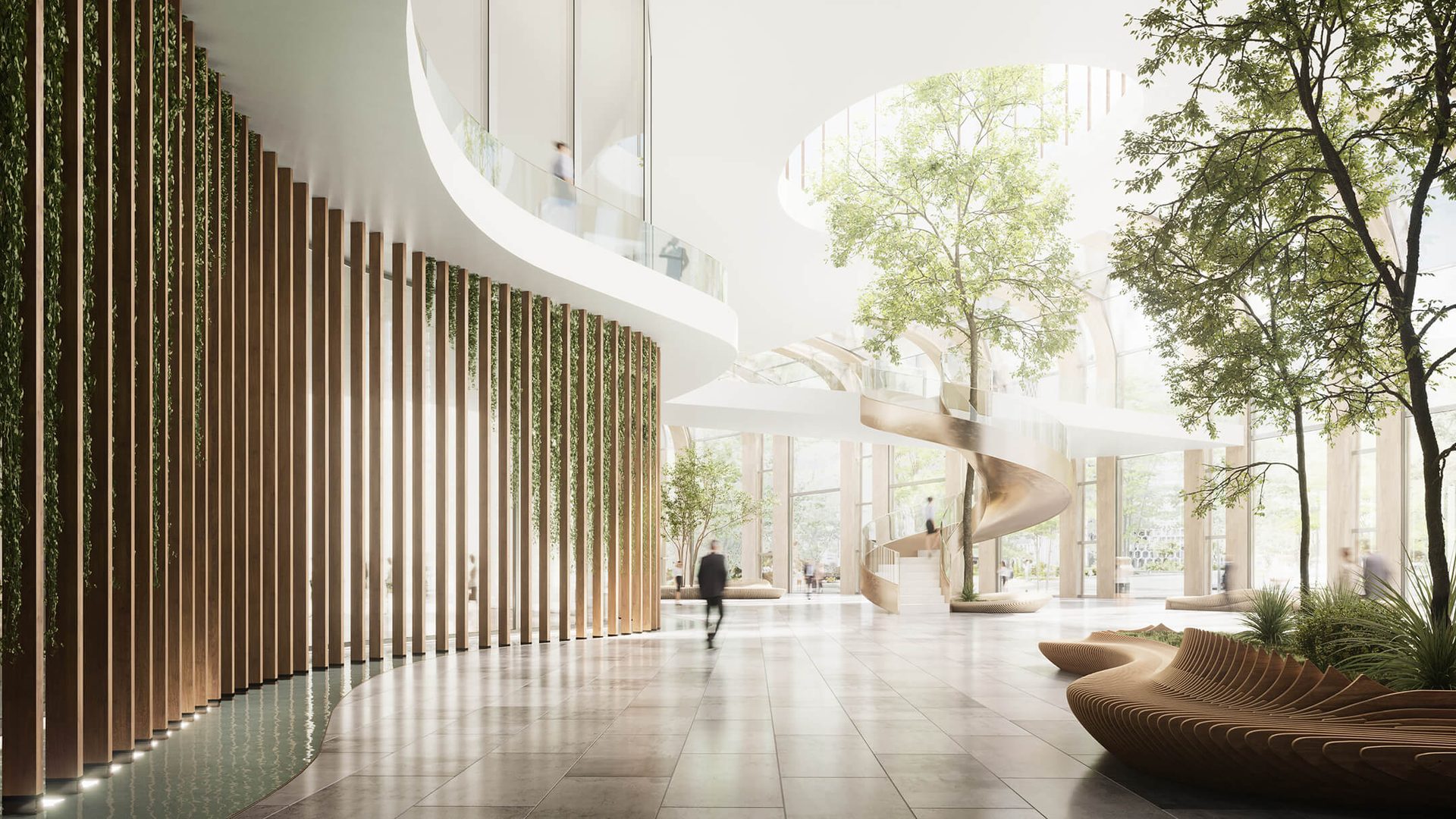
Office Space Rendering: 6 Benefits and a 5-Day Workflow
How does office space rendering, often referred to as office rendering or office 3D visualization, impact the work of architects? In practice, it transforms the entire delivery process. From early-stage concept presentation to iterative design refinement based on client feedback, 3D renders streamline communication and accelerate decision-making at every stage of an office space project. This clarity directly impacts outcomes. According to a 2024–2030 market analysis by Technavio, photorealistic visualizations can increase project approval rates by up to 30% by making complex concepts accessible to non-technical stakeholders. Ultimately, 3D architectural visualizations help align expectations, reduce revisions, and ensure that clients receive outcomes that meet or exceed their business objectives. Let’s explore the key advantages of office space rendering.
How CG Renderings Changed the Designers Development
#1. Presenting a Project at Pitchings
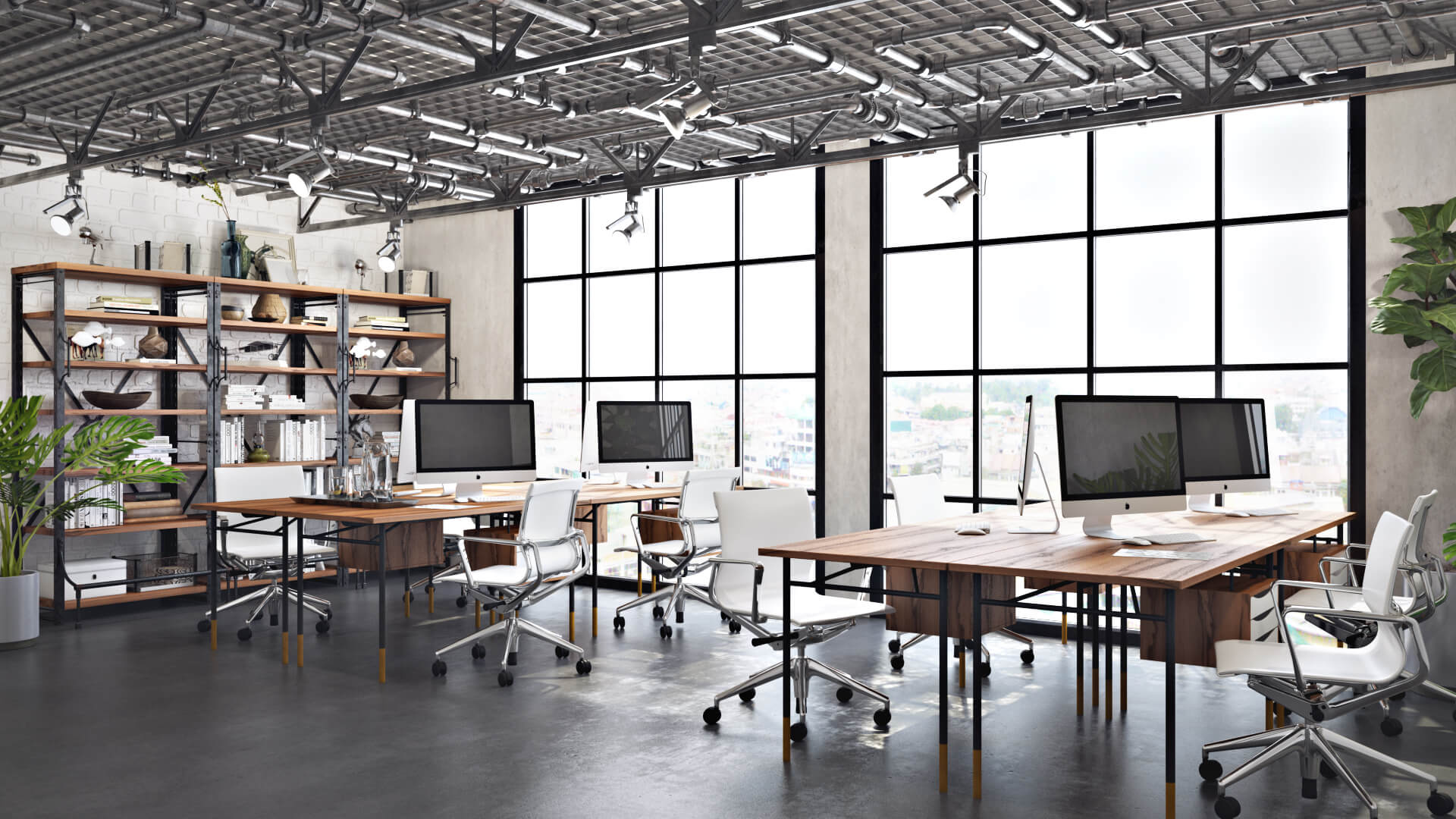
Office space renderings help potential investors to understand design features easily. For there’s almost nothing to explain when one can see everything. Which is a breakthrough from the time when an architect had to explain design functions and stylistic choices with words and drawings. No more having to explain design decisions in words and drawings alone.
Besides, pitchings involve fierce competition, so standing out is critical for getting shortlisted. This is where 3D rendering for architects becomes a practical tool for differentiation. It delivers a strong visual impact that helps a project gain additional points with the audience. Few tools match the effect of a photorealistic image or CG animation that immerses viewers into the project and makes it feel tangible. Investors notice the level of detail and clarity, which signals a well-developed concept. As a result, 3D visualization becomes a clear competitive advantage when pitching office space projects.
#2. Approving a Concept
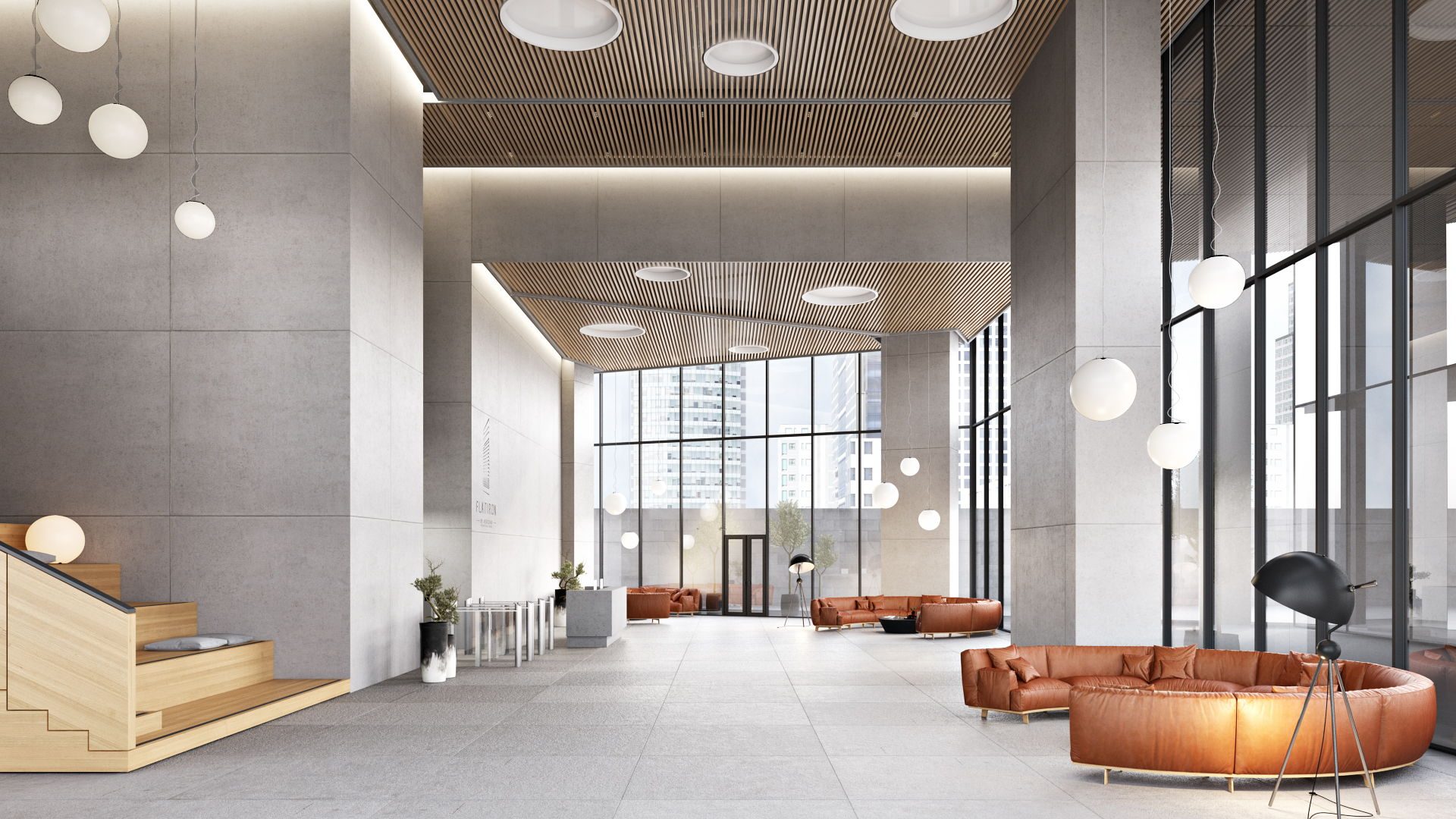
When an architect presents an office concept to clients, the main task is to explain the visual decisions made. It includes the spacing of rooms, furniture, colors and textures, and how all elements combine to make one distinctive style. But how these visual choices affect the general theme of an office space can’t be fully shown with drawings or sketches. The former doesn’t provide an accurate depiction of the rooms’ appearance and the latter shows only one room or zone of office space from a single point of view. Thus, an architect has to explain the office space aesthetic in words, and clients need to just imagine them.
Showcase your architectural project with photorealistic CGI powered by modern AI-assisted workflows
Meanwhile, CG rendering depicts the design with the precision and realism of a photo. This way, the audience sees the concept at work and immediately understands whether they like it. So they might make their suggestions or approve the project at once. If the former is the case, it’s way better to understand how the clients really feel before further working on the project. And if the clients are happy, the architect can continue work, knowing they are on the right path.
#3. Showcasing Design Features
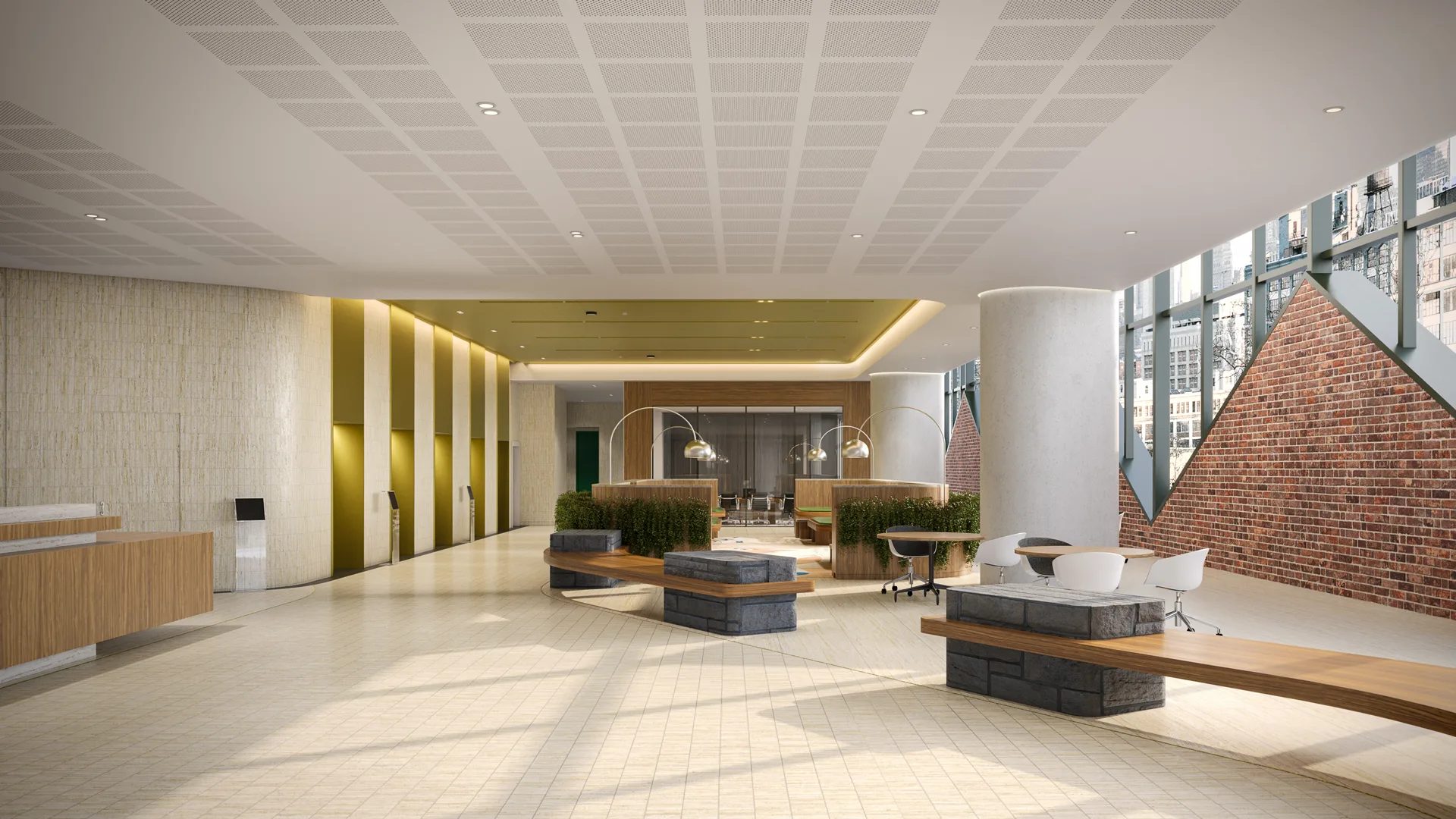
At the detailed design stage, an architect presents the layout, selected materials, lighting, and functional scenarios of each office space. This creates a high cognitive load for stakeholders who need to process multiple elements at once.
Moodboards, sketches, and material samples each communicate separate aspects but do not form a complete picture. Wood samples convey texture but not the final flooring result. Sketches outline structure but lack accurate colors and finishes. As a result, clients must mentally assemble fragmented information into one concept.
That is why 3D interior rendering services, namely office space renderings, have become the industry standard. Office renders consolidate all design elements into one photorealistic image, showing layout, materials, lighting, and spatial relationships together. This removes guesswork and allows stakeholders to evaluate the design as a finished environment.
3D Virtual tours extend this approach into an interactive format and are used both in client communication and marketing. During design discussions, architects and sales teams use them in meetings and video calls to walk clients through the office, test zoning decisions, and demonstrate circulation and workspace functionality in context. For marketing, virtual tours are embedded on developer websites, commercial real estate listings, and dedicated landing pages for office projects. They are also shared as direct links in outreach emails and sales presentations, allowing investors and tenants to explore the space remotely. This is especially effective for pre-lease and pre-sale office projects, where the space needs to be sold before it is built. More information on their creation, usage, applications, and examples is available in our 3D virtual tours guide.
#4. Double-Checking Details
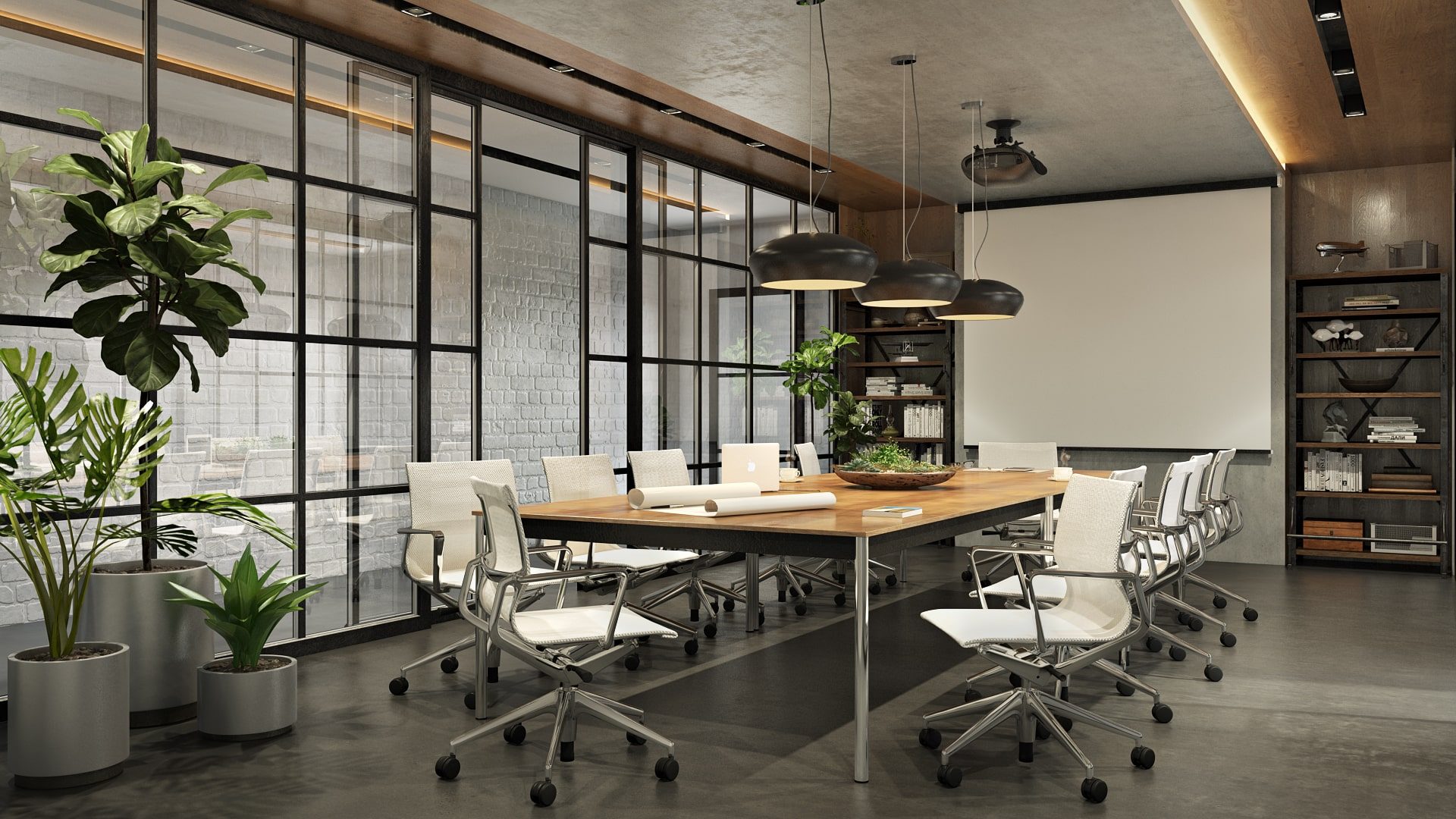
Before proceeding to implementation, it makes sense to double-check and see if the office space meets all the requirements of the owners. Design development usually includes many iterations, so it can be hard to keep up with all changes and clearly see the general picture. As the designer offers new solutions, and the owners contribute with their preferences, the project evolves. Moreover, the space owners might just not quite understand some of the things the client asked for or agreed upon.
Now with photorealistic 3D renders, it’s easy to show the final version in all details. All the changes, major or minor, will finally be crystal clear. The space owners will see the whole picture and make an informed decision as to whether to proceed or make adjustments.
#5. Showing Different Configurations
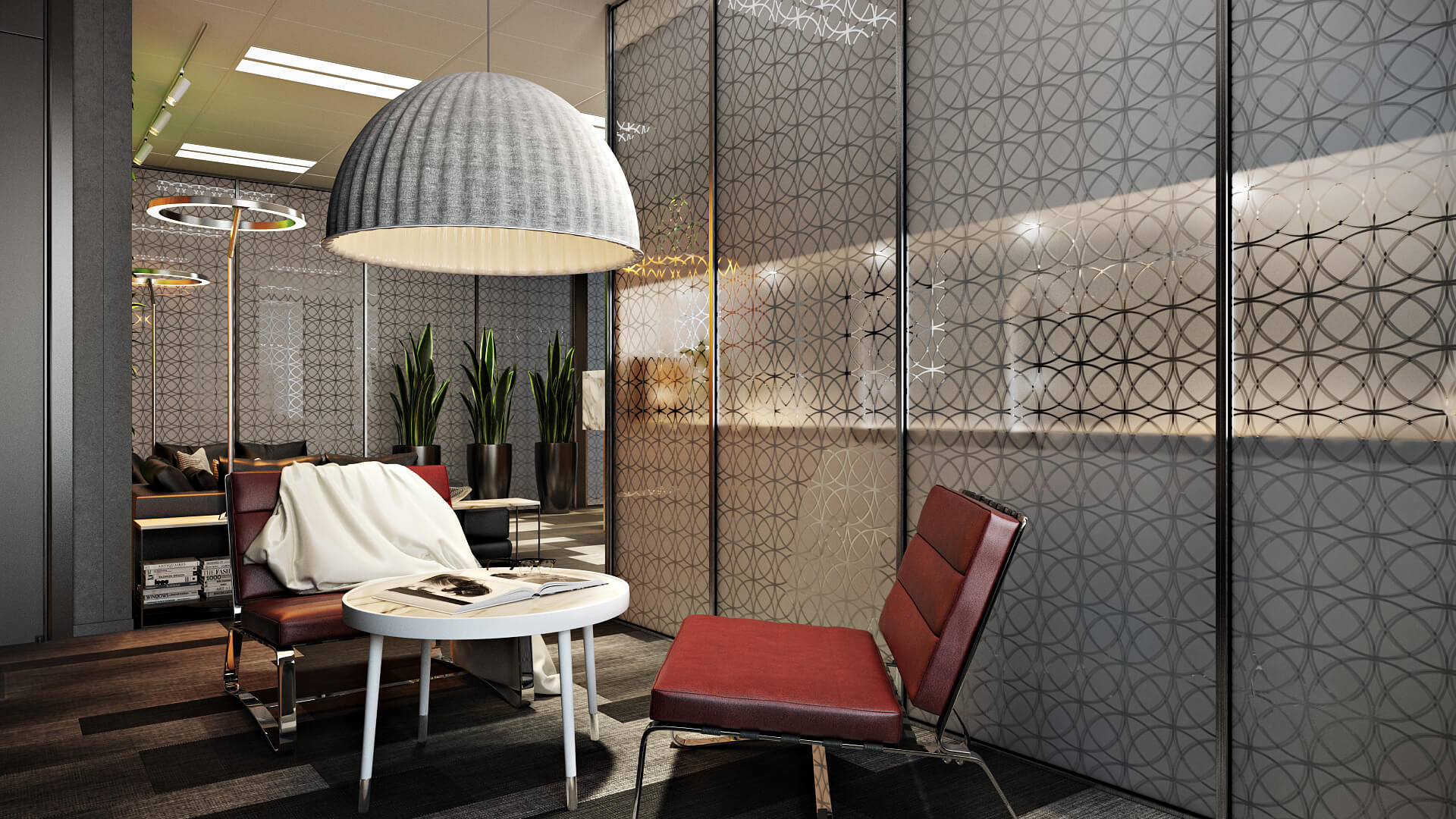
What if multiple design options need to be presented? For example, a client may need to choose between three flooring solutions for a coworking space. Without visual support, this process is inefficient and prone to misalignment. The client has to imagine outcomes, while the architect relies on explanations to guide the decision. Even with effort on both sides, uncertainty remains and slows approval.
Now with office rendering services, nothing can be easier. CGI artists can produce visuals with different flooring options, allowing the architect to present them directly to the client. The value of each solution becomes clear, enabling a decision based on what fits the space best.
#6. Enhancing a Marketing Campaign
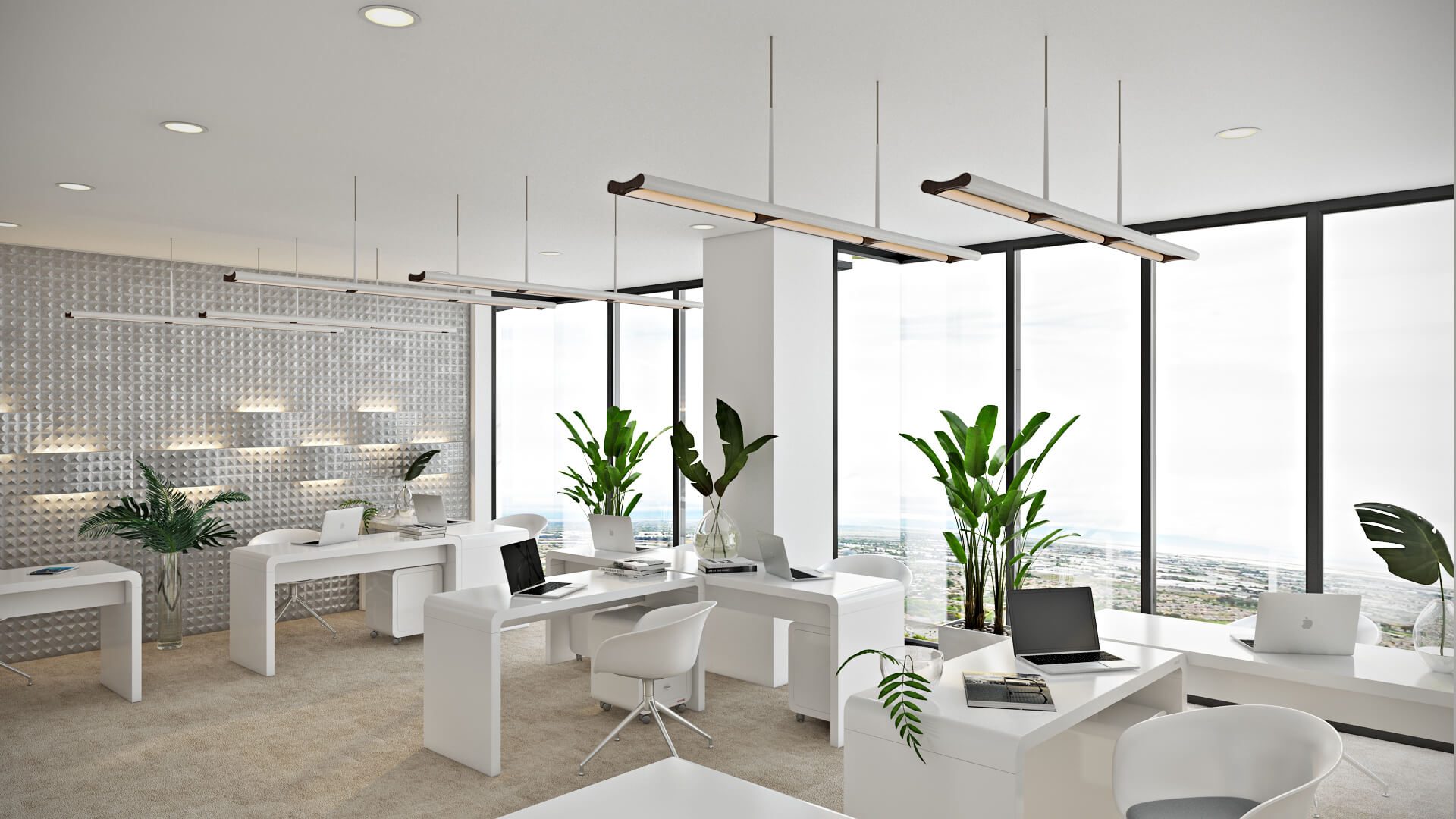
If an office space is intended to be sold or leased, its owners often want to find the buyer before construction. To do this, they launch highly creative and visually powerful advertising campaigns. So they need high-impact imagery — to use on websites, social networks, in printed materials, etc. And since there’s nothing to shoot at this stage, photoreal office space rendering is the only way. This means that an architect who already has such materials will be at a great advantage.
Strengthen your design presentations with professional interior rendering
A 3D Rendering Project Takes 5 Days Only
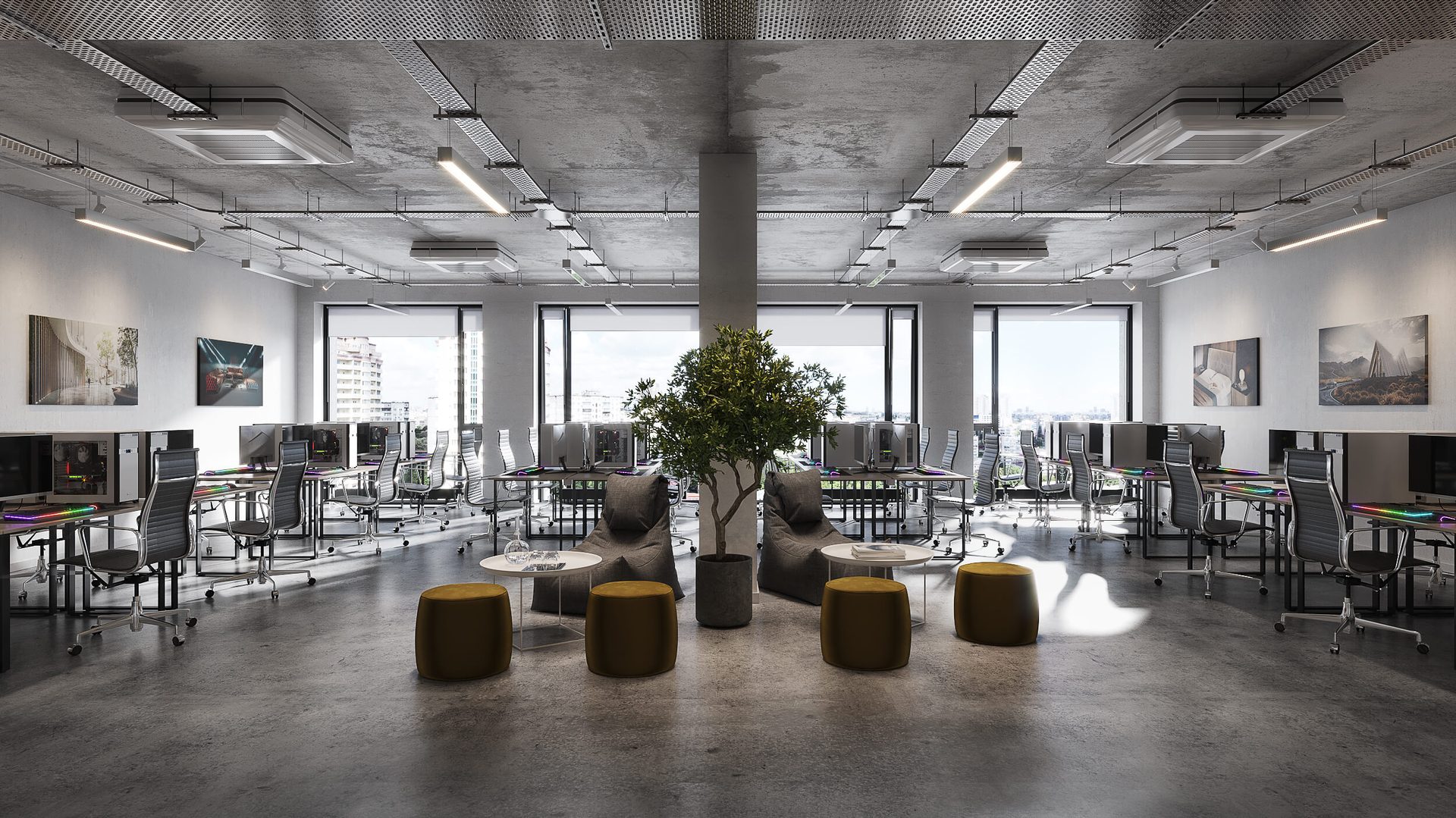
One might think that producing such art pieces might require months. However, 3D visualization of an architectural project takes 5 business days. For bleeding-edge software, powerful hardware, rendering farms, and AI-powered quality assessment speed up the project and relieve the 3D rendering artists from all tasks that distract them from work. Still find it unbelievable? Then check the process out for yourself.
Office Space Visualization Workflow
Within commercial rendering services, the production process can be broken into 5 main stages: building the space geometry, adding furniture and other interior elements, texturing and lighting the space, reviewing, and rendering the final result at the required quality.
Day 1. Floor Plans and Space Geometry
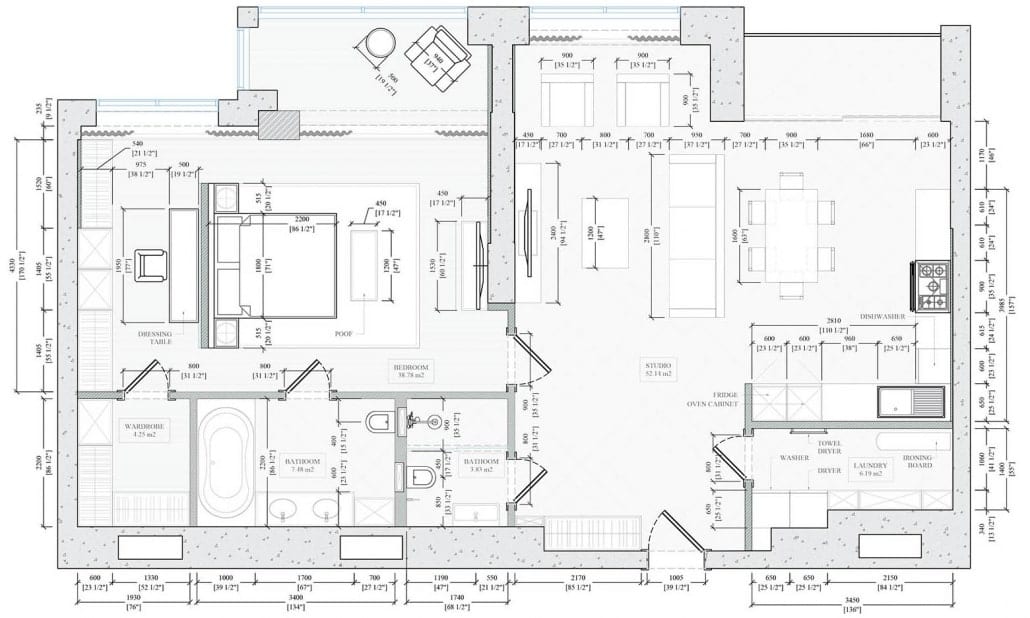
To digitally recreate an office space with accuracy, a 3D artist needs to fully understand it. Before getting started, it’s necessary to fill out the brief and send the floor plan drawings. Based on these, the CGI studio builds the geometry of the space.
This is especially pertinent when working with a 3D floor plan rendering company. In such projects, layouts are essential.
Day 2. Furniture, Accessories, and 3D Models
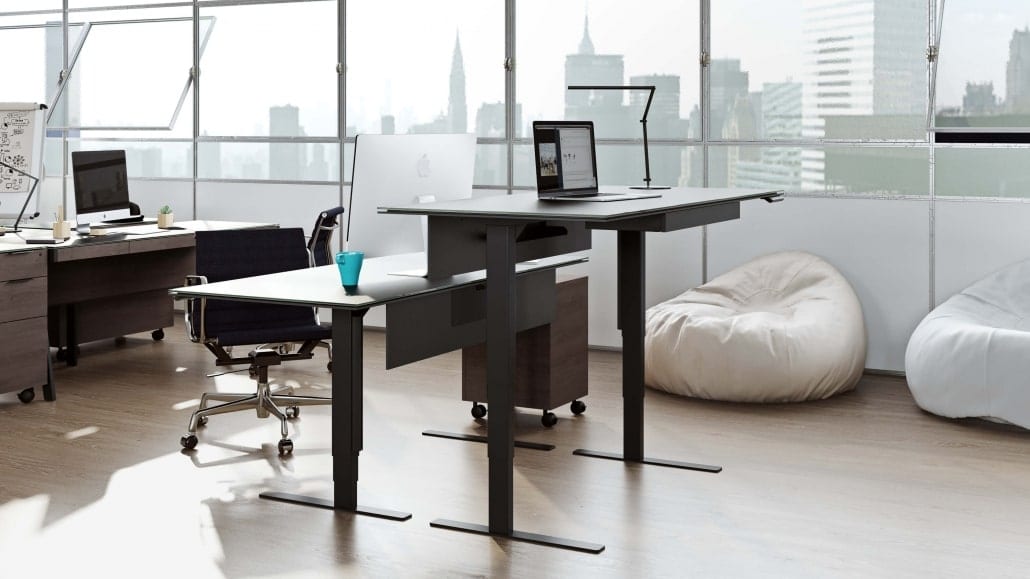
At this stage, the 3D artist populates the space with furniture and decor using reference images, layout plans, and 3D models of interior objects provided by the architects or selected as needed. To make the process faster and easier, we use our own extensive library of 122,600 3D objects, including furniture, decor, architectural elements, lighting fixtures, and everything else a project may require.
Day 3. Textures, Materials, and Lighting
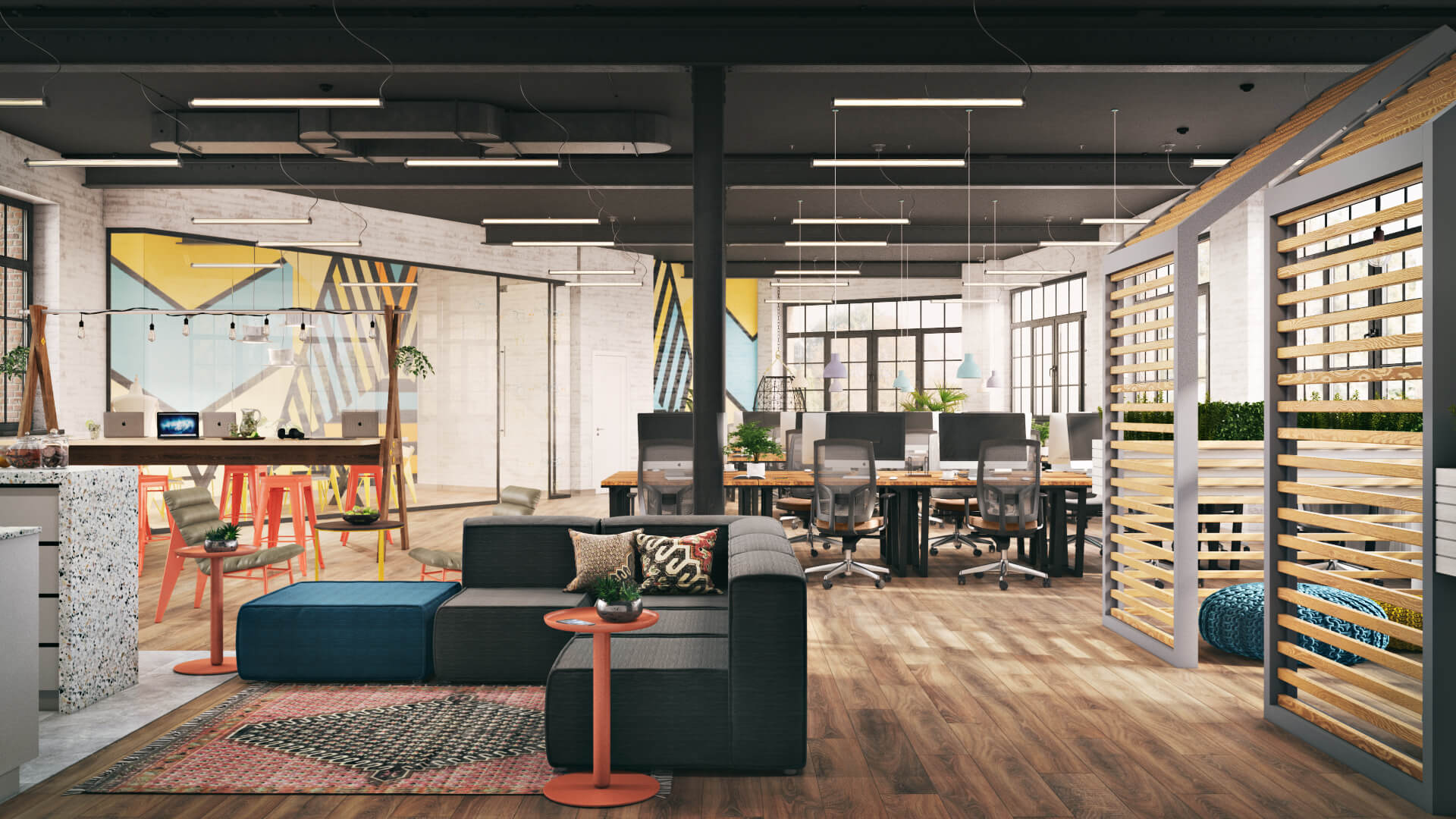
Now the scene is ready, but only in the form of gray mass. Time for some high-end texturing and setting beautiful light. An architect then sends the references and examples of textures for different objects and explains the lighting scheme.
At the texturing stage, the 3D Artist applies materials to the surface of 3D models. Initially, textures are flat images. The CGI artist “unwraps” the model and gets the 2D shape, which they then transfer to the texture image. It results in the map of material that properly covers the surface of the CG model. To make the object look realistic, the 3D Artist then sets the texture properties, such as glossiness, color, reflection, bumpiness, etc. And as there is no such thing as a flawless surface in real life, the artist may add signs of wear or aging. As a result, all objects look like in a professional photo.
After that, the 3D artist renders several images in low quality to check is look is achieved. If necessary, the visualizer enables some additional artificial light sources in the scene, so that each part of the depicted room was clearly visible. Once the images are ready, the 3D visualization company submits them for approval.
Day 4. Comments and Amends
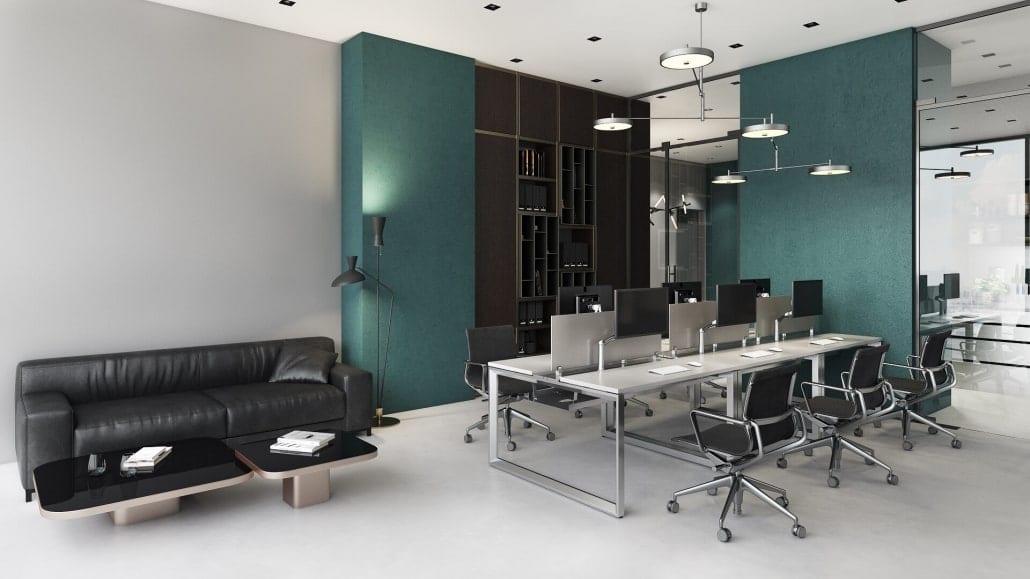
At this stage, results are reviewed. The space owners can send comments and ask to make corrections if necessary. The CGI studio will make the necessary adjustments and send the updated version for approval. And once the architect finds the office space rendering perfect, the next stage begins.
Day 5. Final
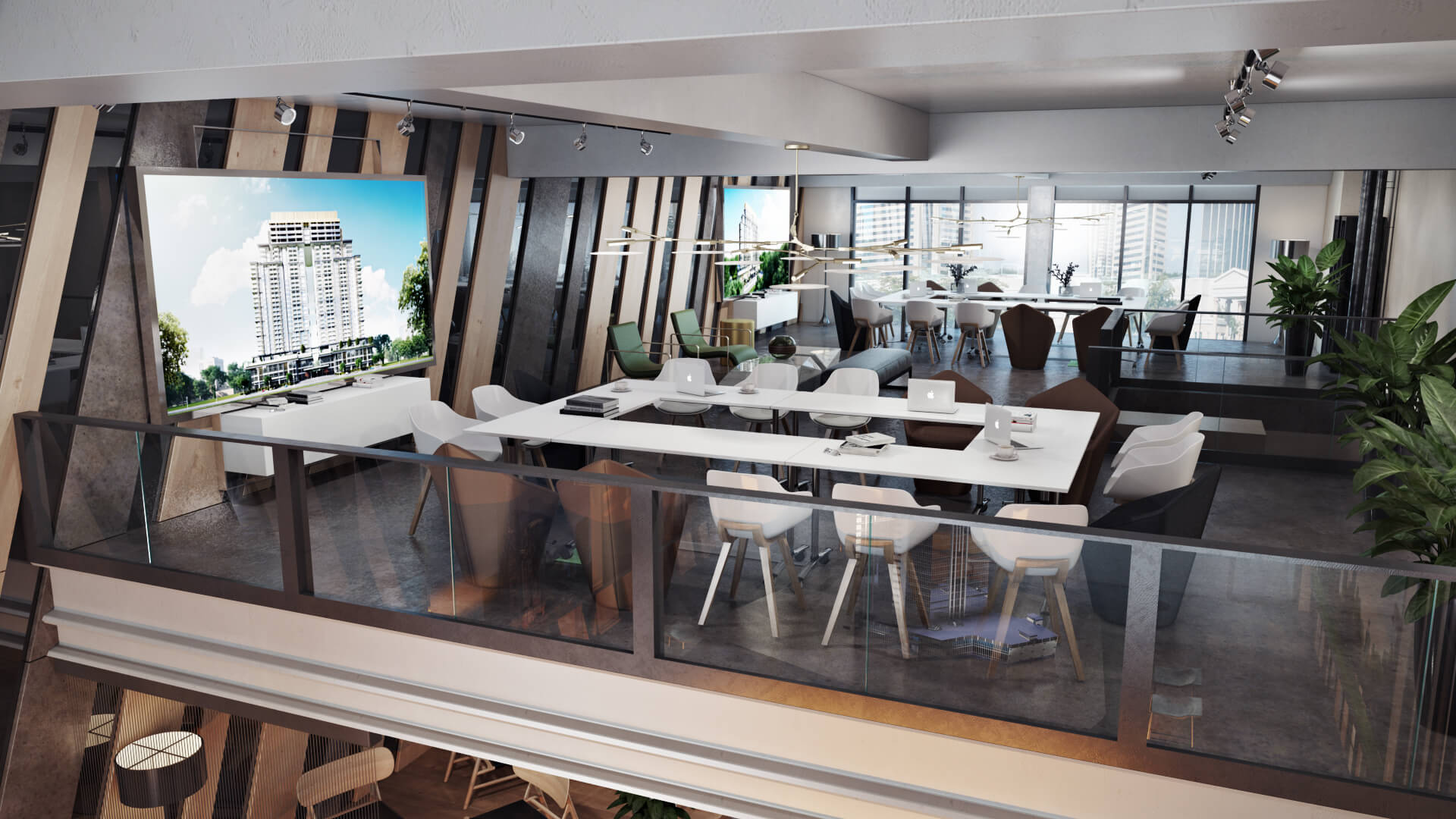
At this stage, the 3D Visualizers render the imagery in 4K quality. Then, the CGI specialist proceeds to post-production — adjusting the brightness, contrast, saturation, and focus in order to achieve the highest photorealistic quality.
Office space rendering is a versatile tool that supports every stage of a commercial interior project — from the first pitch to the final approval. For commercial projects in the hospitality sector, see our guide to hospitality design. Related projects: home office 3D rendering and office building rendering with photo-matching. Need high-quality office renderings for your next presentation? Contact ArchiCGI for CGI services. We will create marketing assets your brand can use to capture attention and persuade.
Want to learn how much your project costs? See how we evaluate 3D rendering projects


Irma Prus
Content Writer, Copywriter
Irma writes articles and marketing copy for ArchiCGI. Her dream is that more people discover the power of CGI for architecture. Irma is into neuromarketing, ruby chocolate and Doctor Who series.
Like this project? We’ve got plenty more! Check out these CGI beauties.




Comments
Helena
Irma Prus
Alison
Paul Sanders
Lauren Aubert