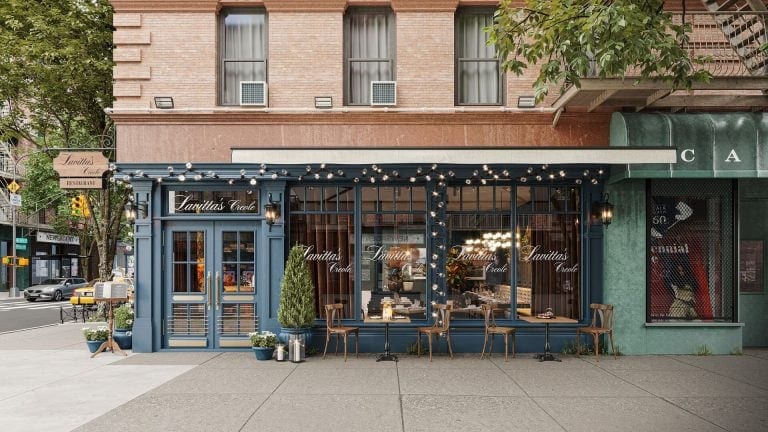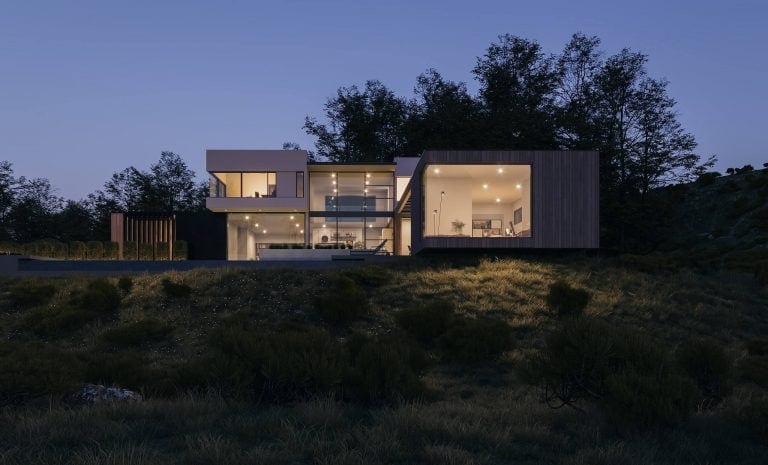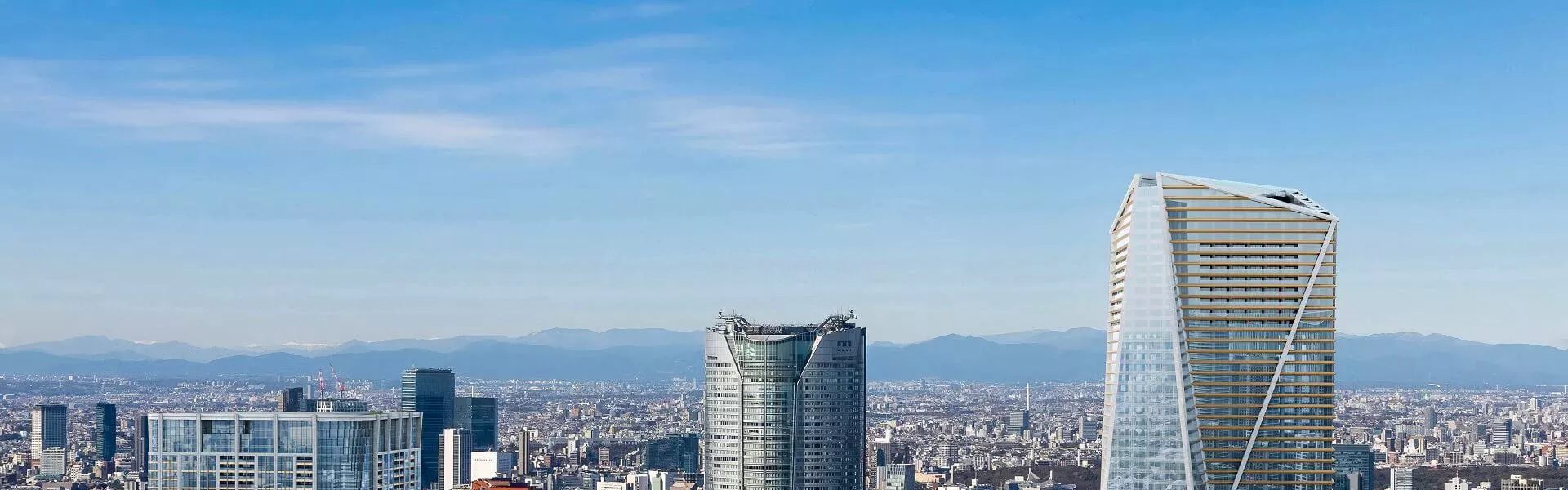

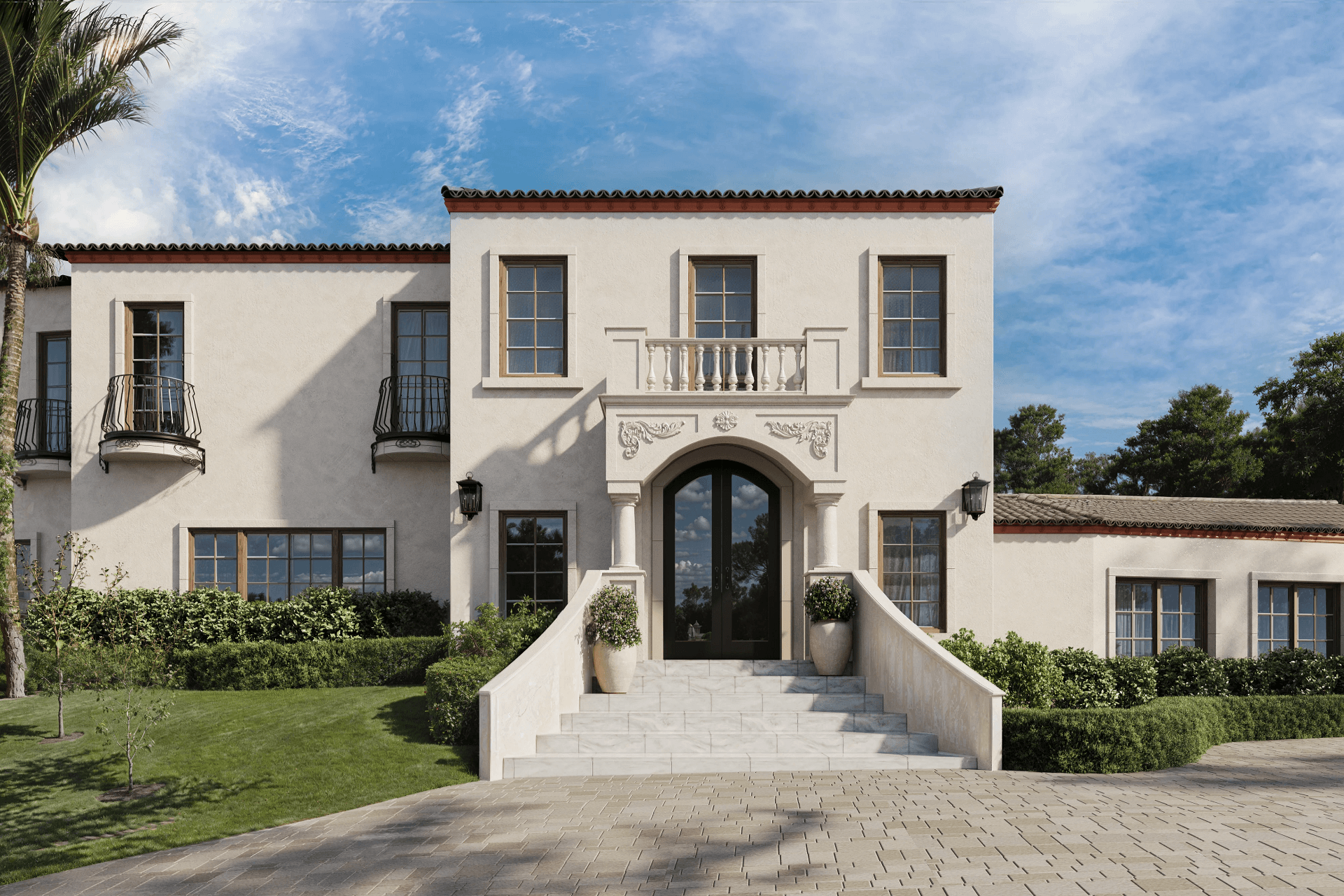
Architectural visualization (arch viz) is the creation of digital 3D images and movies of how a building, interior, or development is going to look before its construction starts. One of the most popular formats of architectural visualization is archviz animation. A lot of architects and real estate specialists use it to make their projects look better when presenting them. And for good reason. Animations give the opportunity to see the space from a different angle and to understand the atmosphere of it more easily than with static visualization.
As a 3D visualization services, we often work with architects and developers to create animations that bring their vision to life. Want to know how they work and what makes them so effective? Read on to learn more!
#1. The Power of Storytelling in Architecture
Archviz animation showcases design, that’s true. However, apart from that, there is another dimension to it. A professionally developed walkthrough can create an emotional impact on the viewer and stimulate his imagination. Whether it is the warmth of the morning sunlight shining into an exquisite home or the hustle and bustle around a commercial building, animation can portray a sense of time and place that is difficult with still pictures. We break down how to plan such videos in our guide to making a 3D architectural walkthrough video.
This ability to create a story is particularly useful in the context of real estate developers and marketers.
By walking the viewer through a space, animation turns abstract plans into tangible journeys. This makes it easier to connect, communicate, and convince potential buyers. To understand how animation fits into the broader landscape of CGI, check out our guide to 3D rendering in architecture — it covers all the main visualization formats and their use cases.
#2. Key Elements of a Successful Archviz Animation
Creating a compelling archviz animation involves ensuring several components are in place. Which ones are the most important?
#2.1. Camera Movement
Smooth, intentional camera paths replicate how a person would naturally explore a space. This enhances immersion and directs the viewer’s attention to key design features. The choice of path also defines the format: our comparison of architectural walkthroughs vs flythroughs explains when each works best. And for aerial sequences built on real footage, see how to make a drone video for 3D animation.
#2.2. Lighting and Mood
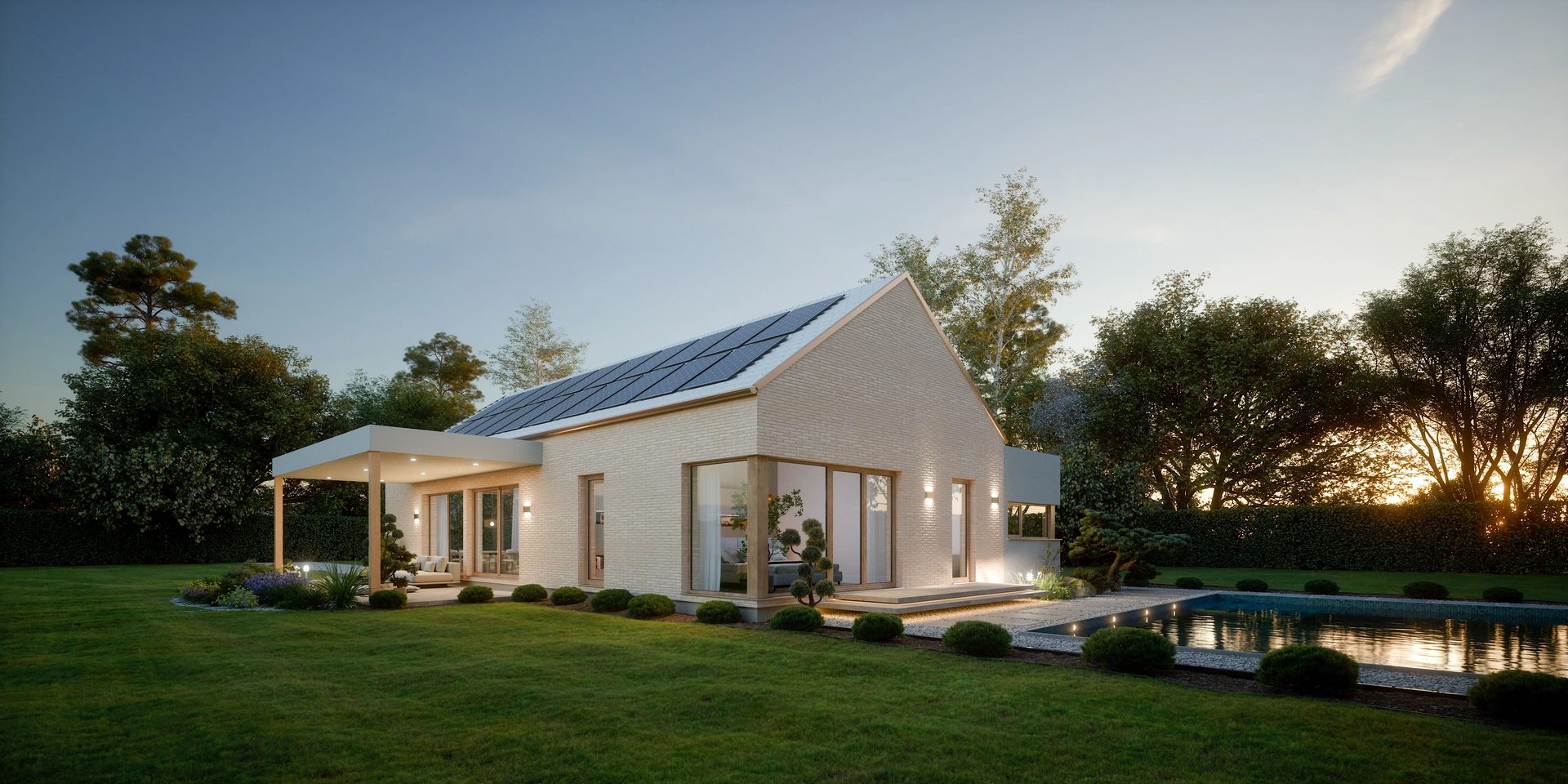
Light sets the tone. Whether it’s a cozy sunset glow or crisp daylight, the right lighting emphasizes mood and design intent. It also helps establish the time of day and use context.
#2.3. Materials and Details
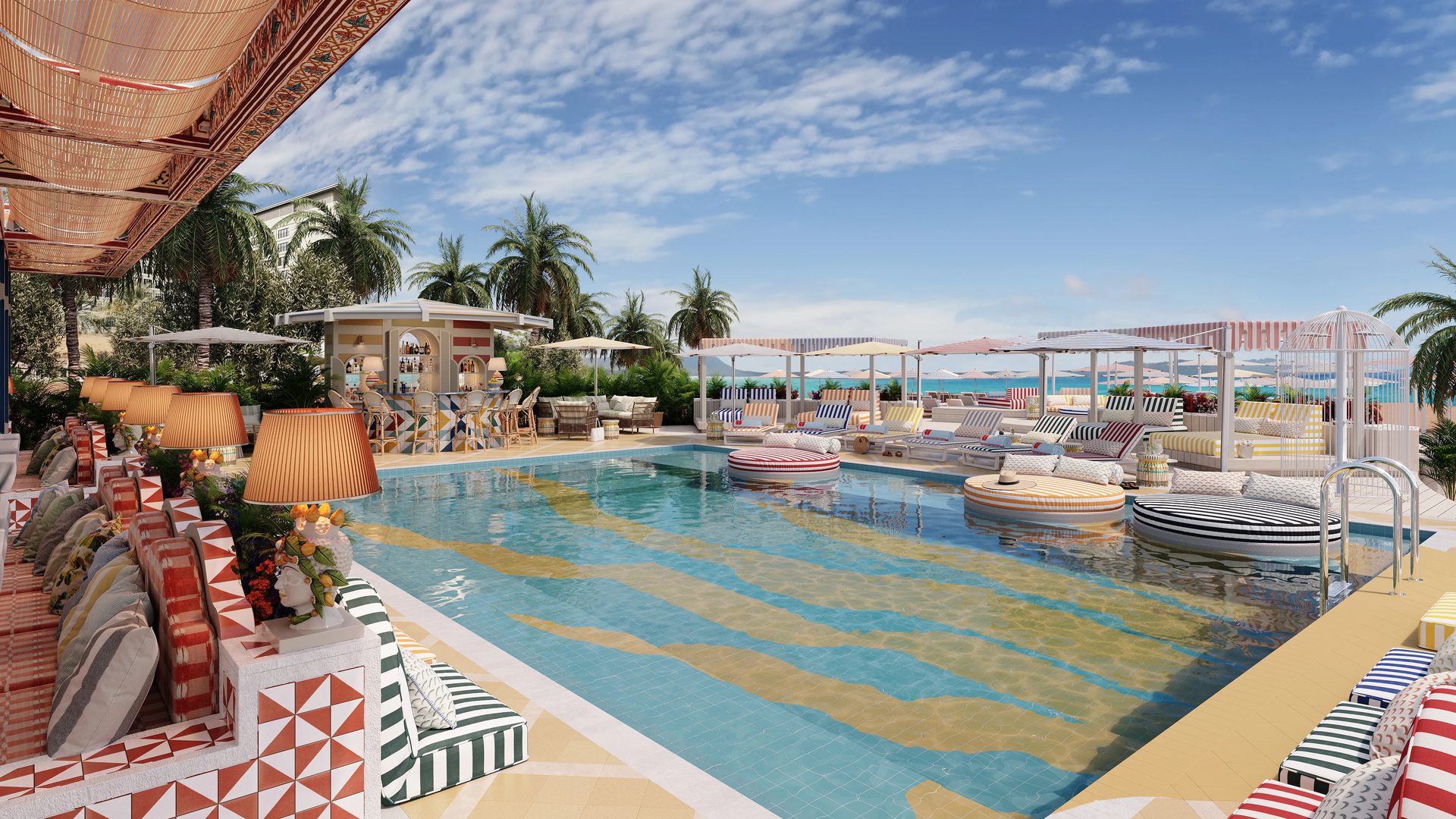
Textures, reflections, and finishes bring depth and realism. Details like fabric creases, wood grain, or glossy tiles make the animation feel tangible.
#2.4. Pacing and Transitions
Flow matters. Natural transitions between scenes and steady pacing keep the viewer engaged without overwhelming them.
#2.5. Sound Design (optional but powerful)
Music, ambient sounds, or voiceovers add another sensory layer. This can elevate the emotional tone and enhance storytelling.
#3. The Production Process (Step-by-Step)
Crafting a professional 3D animation for real estate and architecture involves a structured workflow. Here’s how the process typically unfolds:
#3.1. Pre-production

Everything starts with a concept. At this stage, we gather references, sketch moodboards, and develop storyboards that define the visual and narrative direction. If briefs and storyboards bring up unfamiliar vocabulary, our 3D animation terminology explainer covers the key terms.
#3.2. Modeling & Texturing
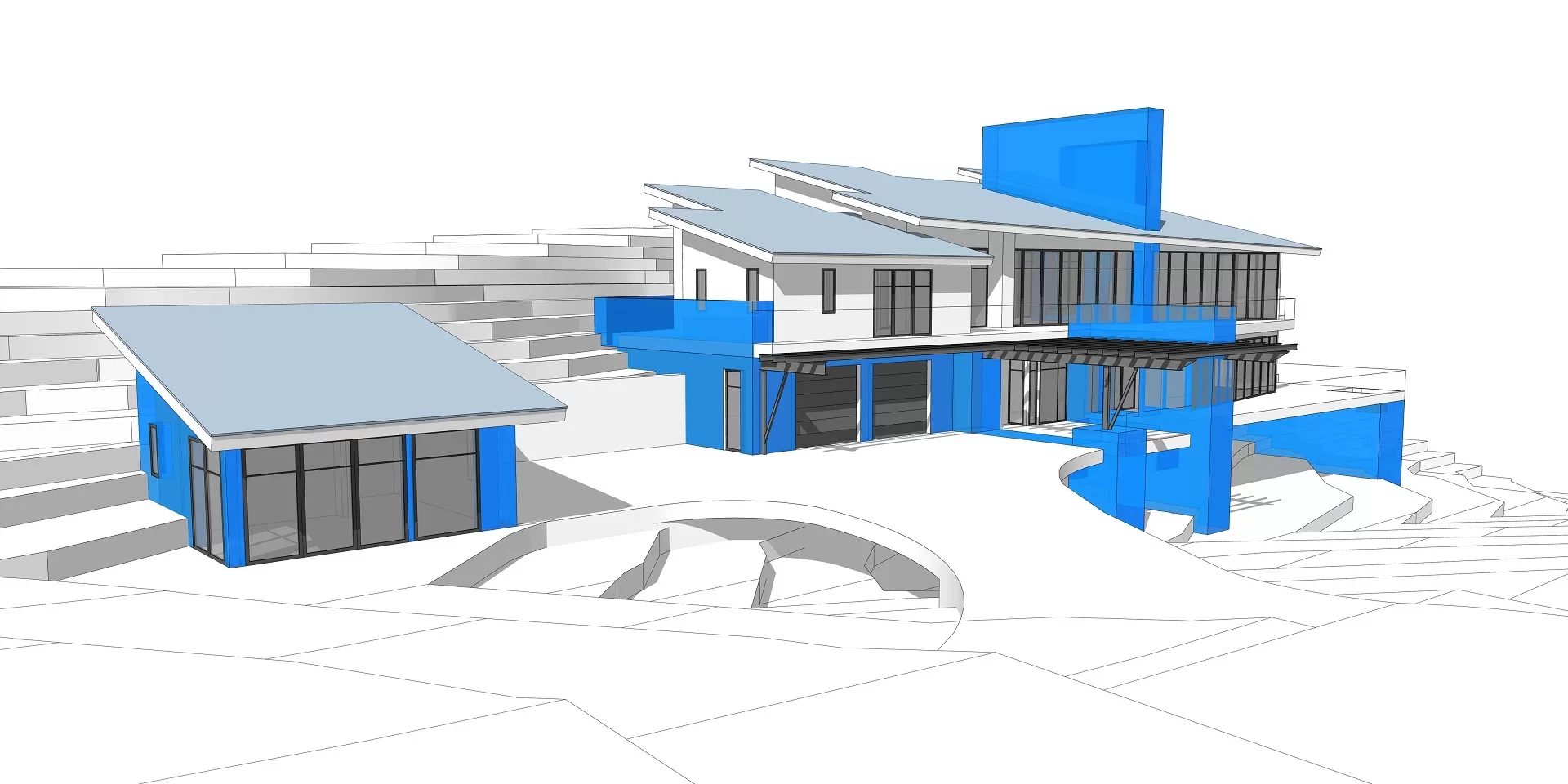
Accurate 3D models are prepared or refined. Surfaces are textured to simulate real materials, ensuring the environment looks believable and detailed.
#3.3. Animation
Keyframes and camera paths are set. This step defines the movement – how the viewer travels through the space, what angles they see, and at what speed.
#3.4. Rendering
Using tools like V-Ray or Unreal Engine, the animation is rendered frame by frame. Quality is balanced with archviz rendering time, especially when deadlines are tight.
#3.5. Post-production
The final polish. The footage is edited, color-corrected, and enhanced with effects or sound. This is also where we add overlays, music, or voiceovers if needed. For the studio-side view with timelines and checkpoints, see the ArchiCGI animation workflow in 5 steps. And for a deeper dive into color grading, VFX, and sound, check our post-production techniques for animation.
#4. Software & Tools Overview
Architectural visualization animation relies on a range of tools, each offering unique benefits. We ranked the leaders in our top 5 3D animation software overview. Popular choices include
- 3ds Max with V-Ray for high-end photorealism,
- Blender for flexible open-source production,
- Unreal Engine for real-time archviz animation and rendering,
- and Lumion for quick results with less complexity.
Choosing between real-time and offline rendering depends on the project’s needs – real-time engines offer speed and interactivity, while offline solutions deliver greater visual fidelity.
To enhance the workflow, our professional architectural animation studio often use plugins like
- Forest Pack and RailClone for environment and geometry automation
- or Adobe After Effects for fine-tuning during post-production.
The right software stack can dramatically influence the efficiency and visual quality of the final animation. And it’s one of the reasons why architects, designers, and real estate professionals outsource their archviz animation. Being proficient in using the full stack of the necessary software is a skill of its own. Buying and maintaining the necessary hardware – especially for animation rendering – can be a costly investment for those who do not do 3D rendering professionally.
#5. Tips for Efficiency and Impact
In archviz animation creation, everything that you do must be based on efficiency and purposefulness. Alignment with your 3D rendering company should be your top priority at all stages of the process.
The first step towards efficient archviz animation is keeping the sequence of images short and meaningful – include only those parts of animation that are essential for demonstrating the design.
The second tip for efficient archviz animation creation is finding the right balance between hyper-reality and storytelling – hyper-realistic images are stunning, but they can also be too complex and boring.
Third, always tailor the animation to the presentation context. It is important to adjust the length, resolution, and other parameters according to where and how the animation will be presented. Each of these choices affects the budget, and our breakdown of 3D architectural animation cost factors shows exactly how.
#6. Marketing Uses of Archviz Animation
A finished animation keeps working long after the presentation. The assets are digital, so they can be re-edited and reused with minimal effort, and one production budget ends up feeding months of marketing. Here is where animation earns its keep:
- Website and portfolio. A video on the main page and in case studies makes a firm look established, keeps visitors on the site longer, and shows realized projects more directly than any text.
- Social media. Animated content collects more likes, shares, and reposts than stills, and platform algorithms reward that engagement with reach. Every follower gained this way is a potential client.
- Video blog. Animations posted on YouTube get discovered through search and recommendations. A channel that consistently shows strong work builds a community, and subscribers turn to the firm they already trust when they need a design.
- PR and press releases. Journalists look for attractive visuals to illustrate stories. A press release that comes with an animation is far more likely to get coverage, with the video embedded and attributed to the source.
- Video ads. The same footage works in YouTube ads, banners, outdoor screens, and TV spots, reaching audiences instantly while organic channels build up over time. For real estate campaigns specifically, see how CG animation improves real estate digital marketing.
In presentations, animation also shows what stills cannot. It demonstrates design functionality in motion: doors, furniture, and appliances working as intended, which builds a personal connection with the space. And for multi-building developments, one video ties bird’s-eye views of the whole composition to eye-level walkthroughs between the houses, keeping proportions, distances, and landscape integration readable. You can see this in action in our 3D animation project for a Pennsylvania redevelopment, and see how CGI for development projects supports large-scale sales campaigns.
#7. Deliverables & Formats
Archviz animations are usually supplied in popular formats like MP4 and MOV. Such formats guarantee trouble-free streaming on different types of platforms and gadgets. In case of light weight usage on the web or previewing, it is possible to use web optimized GIFs as well. A related lightweight format is the architectural 3D cinemagraph: a still image with a single moving element.
As far as the resolution is concerned, full HD (1920×1080) is the norm, although 4K (3840×2160) is also becoming more common with time. Also important is the aspect ratio. 16:9 will do for most screens, whereas square or vertical will be required for social media.
If we speak about sharing, then it should be mentioned that YouTube and Vimeo are preferred platforms for archviz animations. These websites provide high resolution and are easy to embed in website or presentation and share via links with clients.
#8. Further Reading: Archviz Animation in Practice
The guide above covers the process; the articles below show the formats and real projects in detail.
Formats, shots, and budget. 3D renders vs animation, types of 3D visualization beyond static CGI, five types of 3D animation, types of shots in animation.
Residential and community projects. an animation for the Solimar Towers renovation, animated visuals for a mansion project, rendering and animation for Pulte Group, a penthouse walkthrough in Canada, a walkthrough animation case study, a flythrough for a community in America, a flythrough for a community in Mexico, an animation for a renovation project in Charlotte.
Commercial and specialized projects. a property rendering project for Compass, CGI services for Westrak Structures, an industrial animation for a factory, a land subdivision visualization, an animation for a theater interior.
Beyond buildings. how product animation increases sales. And if you want a single animated still instead of a full video, see our 3D cinemagraph services.
Immerse clients into your projects with realistic 3D animations
Still renders are a very useful tool for many purposes. However, archviz animation may turn out to be a more engaging and convincing means of presenting design concepts. This is particularly effective in case you need to express your ideas in a more complicated way, or emphasize emotionality by means of movement, light effects, and sound. Animation facilitates visual storytelling for all parties involved.
Looking for professional the full range of our 3D rendering services to enhance your archviz presentations? Get in touch with us and benefit from working with a large, professional team that delivers top-quality results quickly and reliably.
Frequently Asked Questions About Archviz Animation

Stacey Mur
Content Writer, Copywriter
Stacey is a content writer and a CG artist. Outside of work, Stacey enjoys musicals, Star Wars, and art talk. A proud Corgi parent.