

A successful architectural visualization project is more than the final render. It’s a structured process where every stage shapes the result. According to the State of Architectural Visualization 2024-25 report by Chaos and Architizer, surveying over 1,100 design professionals worldwide, still-image renderings remain the top deliverable clients expect, and 85% of architects regularly face revision requests. This makes understanding what goes into each project stage essential for planning your workflow.
At ArchiCGI, an architectural visualization company with experience since 2011, the process begins when you share your project references and requirements. From there, the CGI team builds the 3D scene (modeling, texturing, lighting, composing) and delivers polished images ready for your presentation. The scope and complexity vary by project type: a compact bedroom and a city-scale aerial view call for fundamentally different approaches.
Whether you’re an architect preparing for a client pitch or a developer coordinating a marketing launch, understanding the production process matters: our 3d rendering services for architects page covers how we tailor it to your workflow. Below, we break down what each type of architectural visualization project involves, including typical production timeframes. For a focused overview of how long a 3D rendering project takes, see our guide chapter on CGI project timeframes.
What Goes into Interior Visualization Projects
Small Room: 2-3 Days
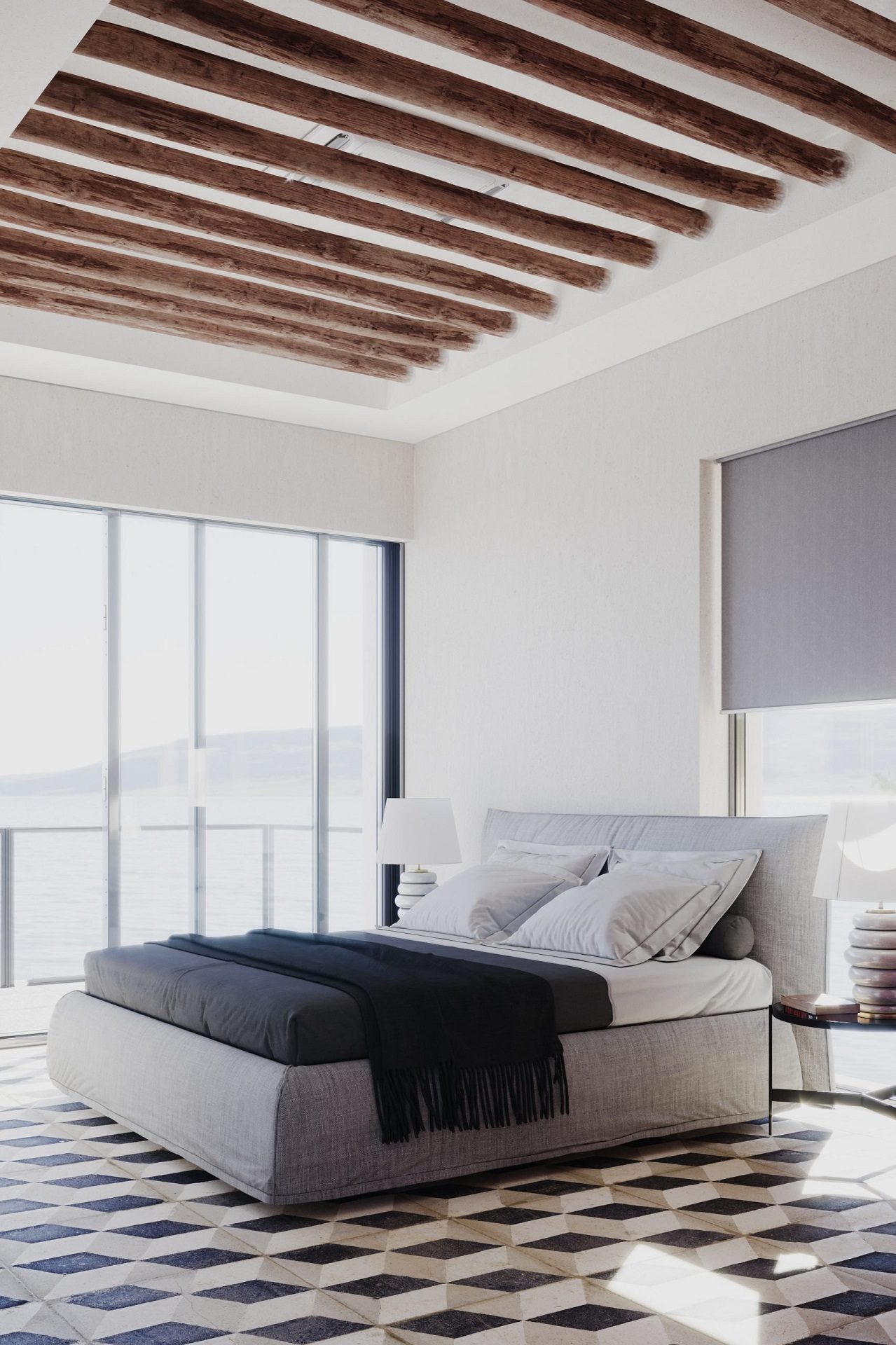
This bedroom is compact, with minimal furniture. The restraint, even a certain roughness, is the main charm of the design. Textures, colors, and small details are what make the 3D visualization expressive. The warm blanket on the bed, elegant bedside lamps, stylish floor tiles, and other elements work together to create an impactful result, despite the modest scope.
Strengthen your design presentations with professional interior rendering
Ordinary Room: 3 Days
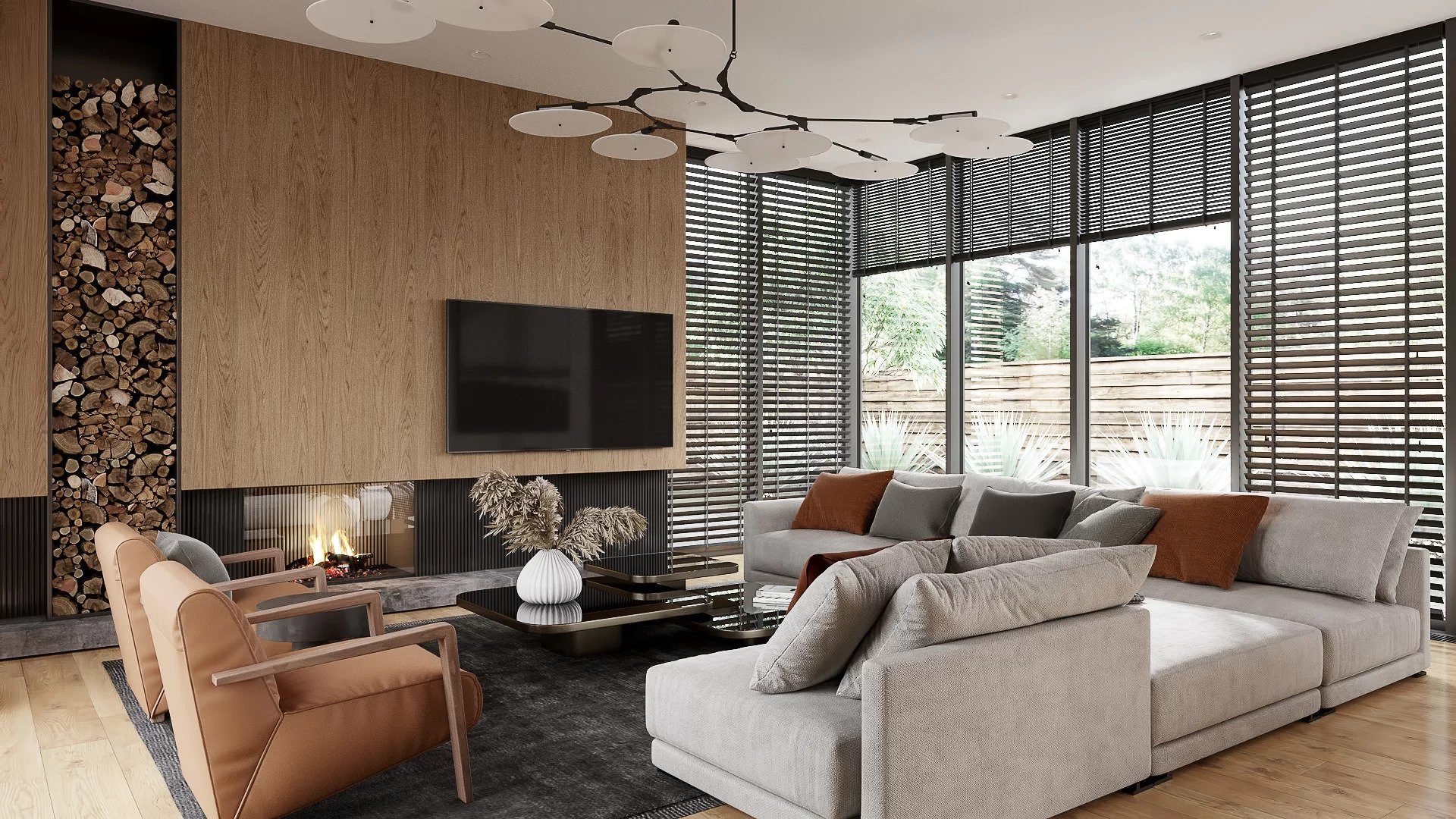
The room here is significantly larger. The spacious living room features comfortable furniture, a fireplace, and an overall modern, sleek aesthetic. Secondary details bring the space to life: the fire in the fireplace, fine decor on the table, and greenery visible through the window. These layers of architectural visualization are what make the project feel real and lived-in.
Large Room: 3-4 Days
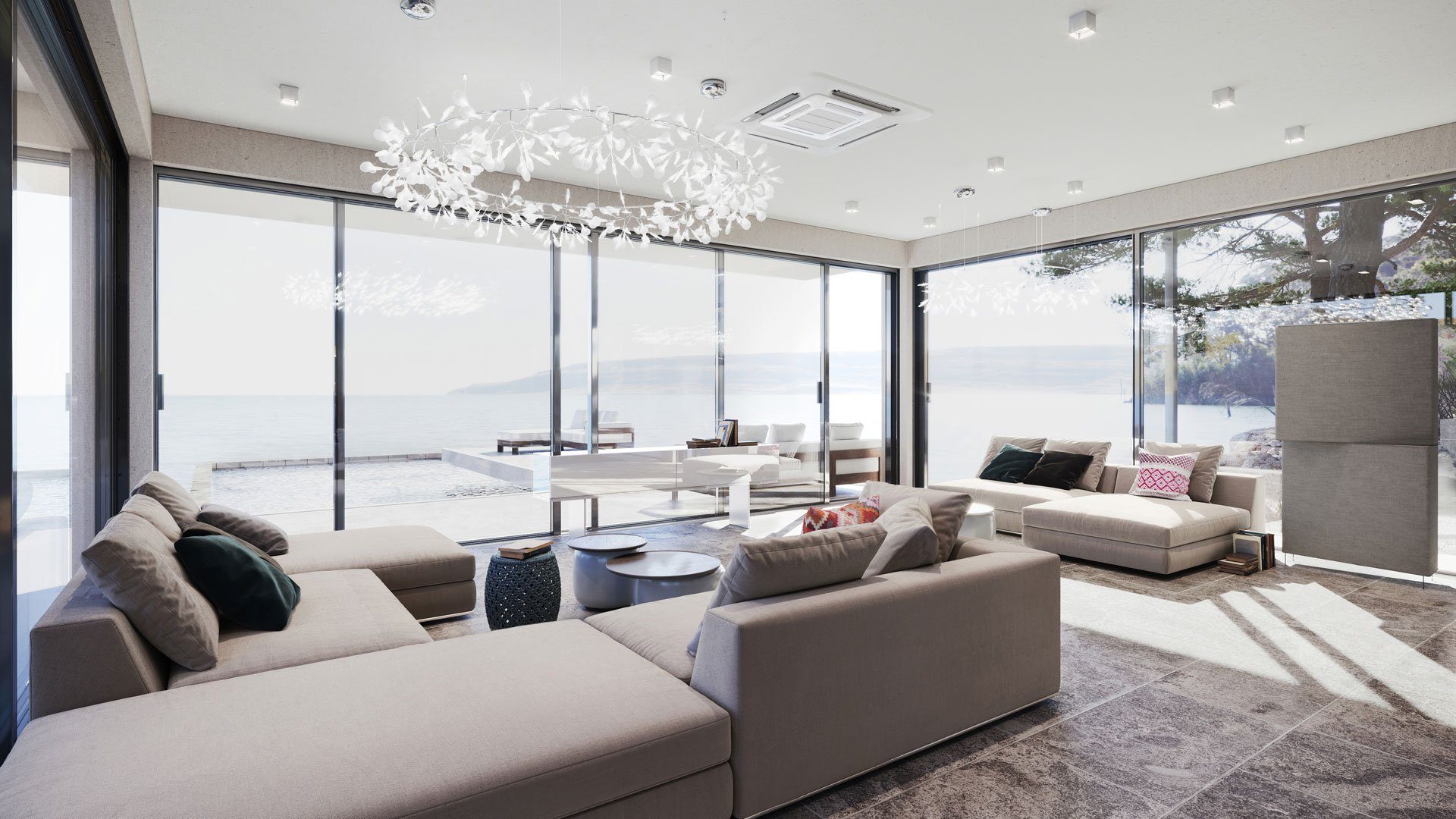
A living room design like this one demands attention to every element: panoramic window views, stylish furniture and decor, luxurious lighting fixtures, and the spatial modeling of the room itself. Each of these adds to the 3D artist’s workload, but the payoff is a render that’s both realistic and compelling, conveying exactly the message the designer intended.
Commercial Project: 3-4 Days
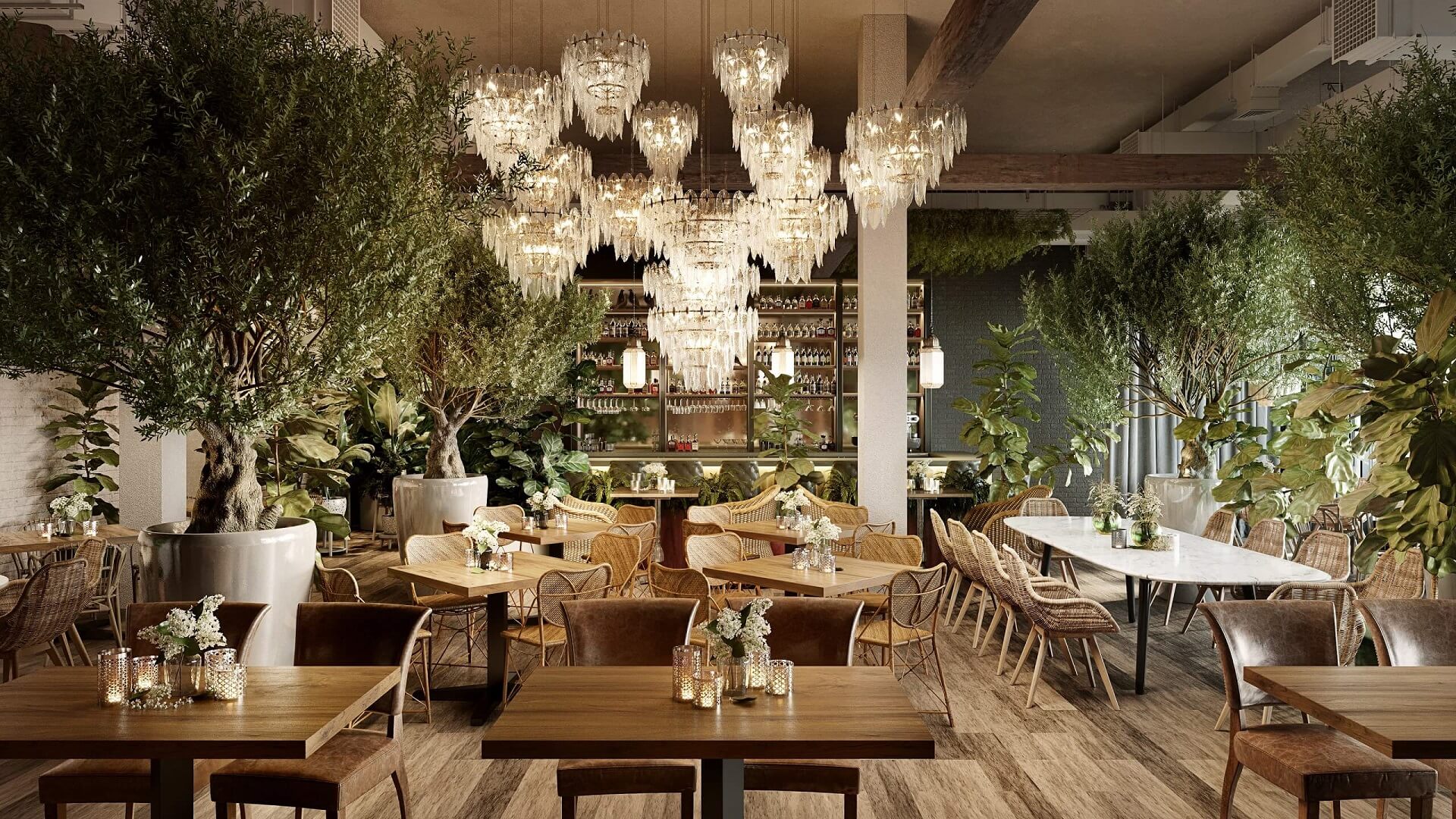
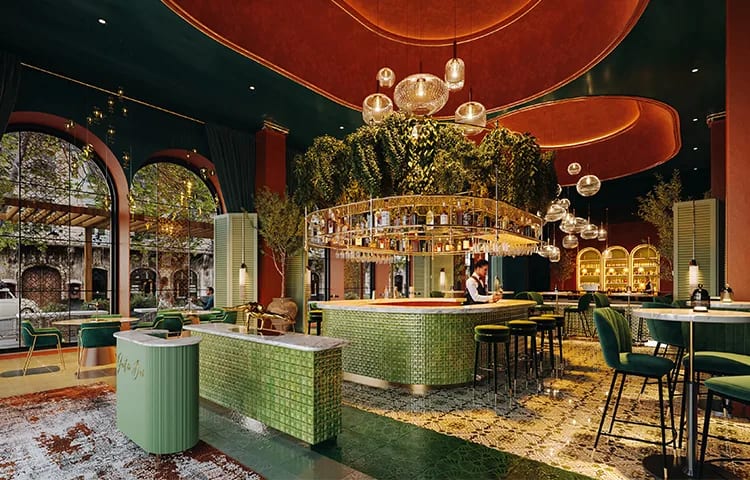
Commercial interiors are usually larger in scale and require multiple camera angles. This restaurant visualization, for instance, needed imagery that showcases every advantage of the design: its functional layout, unique style, and atmosphere. The result is a set of visuals the client can use across presentations, marketing, and approvals.
Bring your restaurant concept to life with striking detail
What Goes into Exterior Visualization Projects
Small Building: 3-4 Days
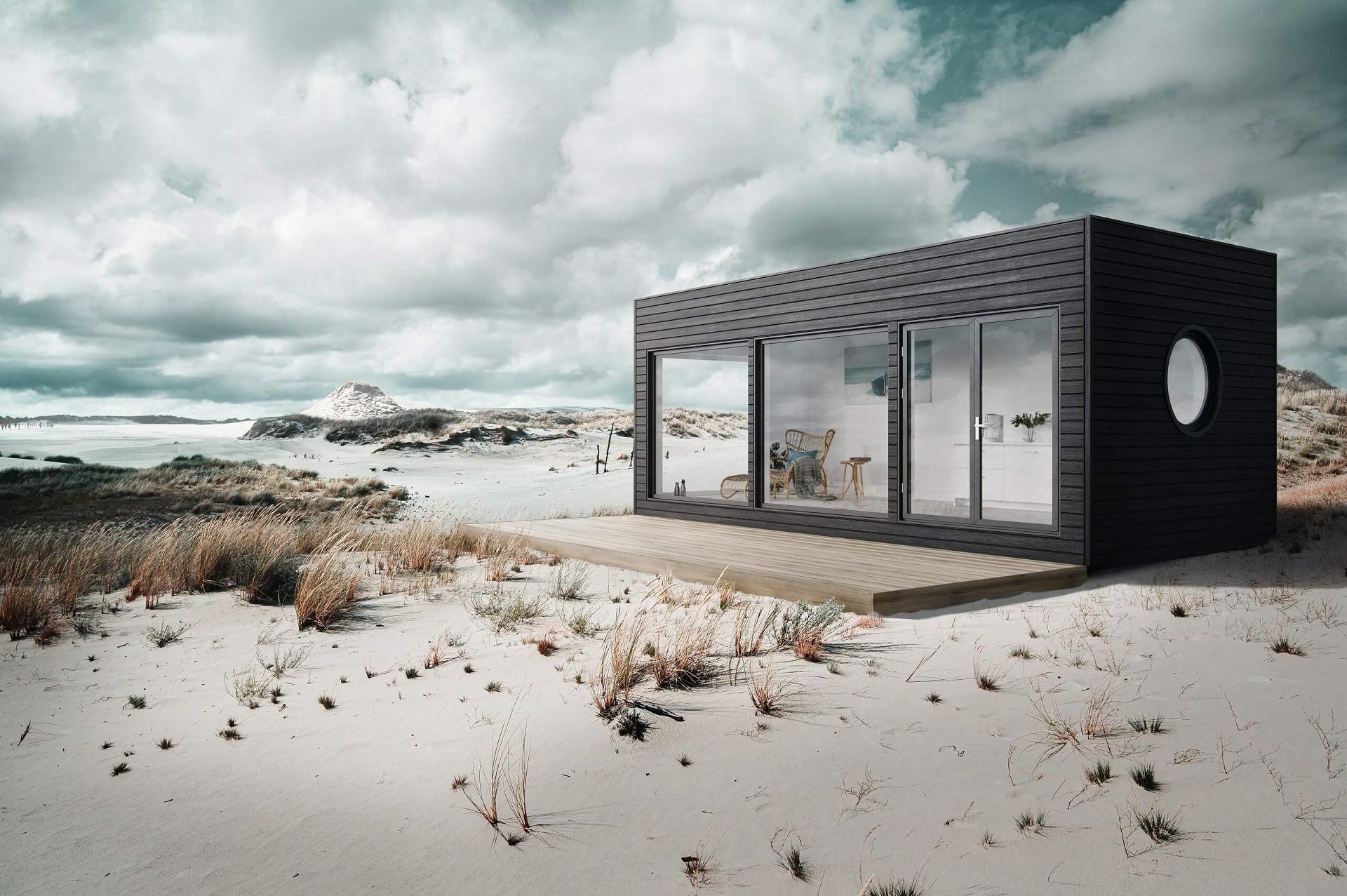
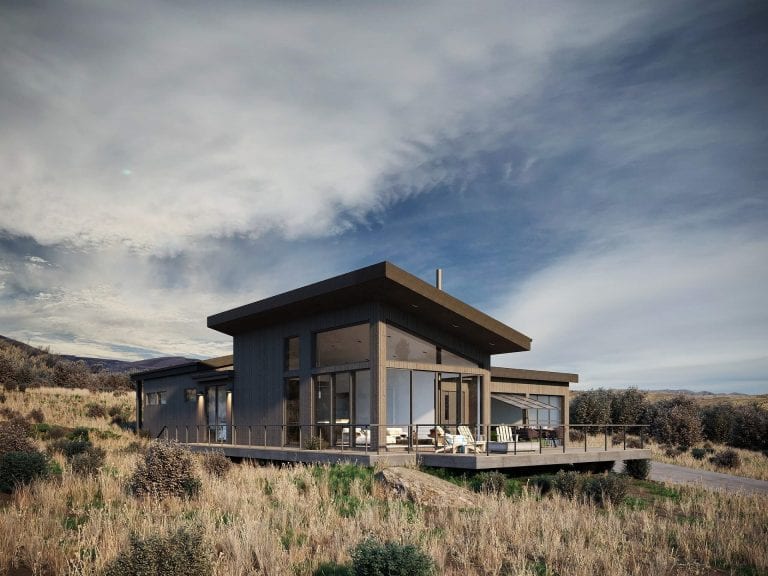
Compact buildings like this cabin involve scene setup, environmental context, and post-production work to create an appealing atmosphere. The post-production stage (color grading, atmospheric effects, final compositing) plays a significant role in the result.
Elevate your exterior design project with photorealistic 3D visuals that help clients confidently approve your proposals.
Standard House: 3-5 Days
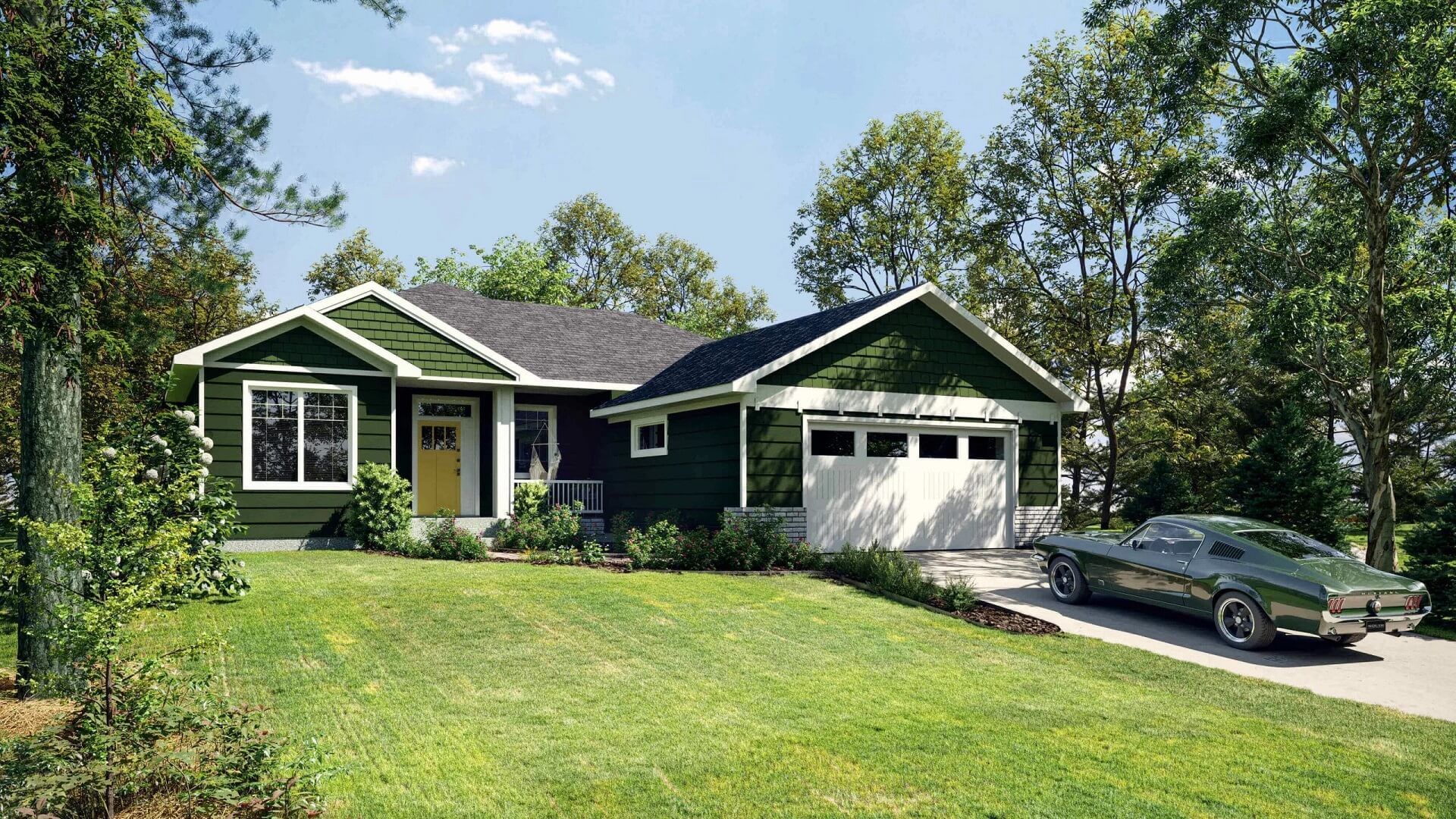
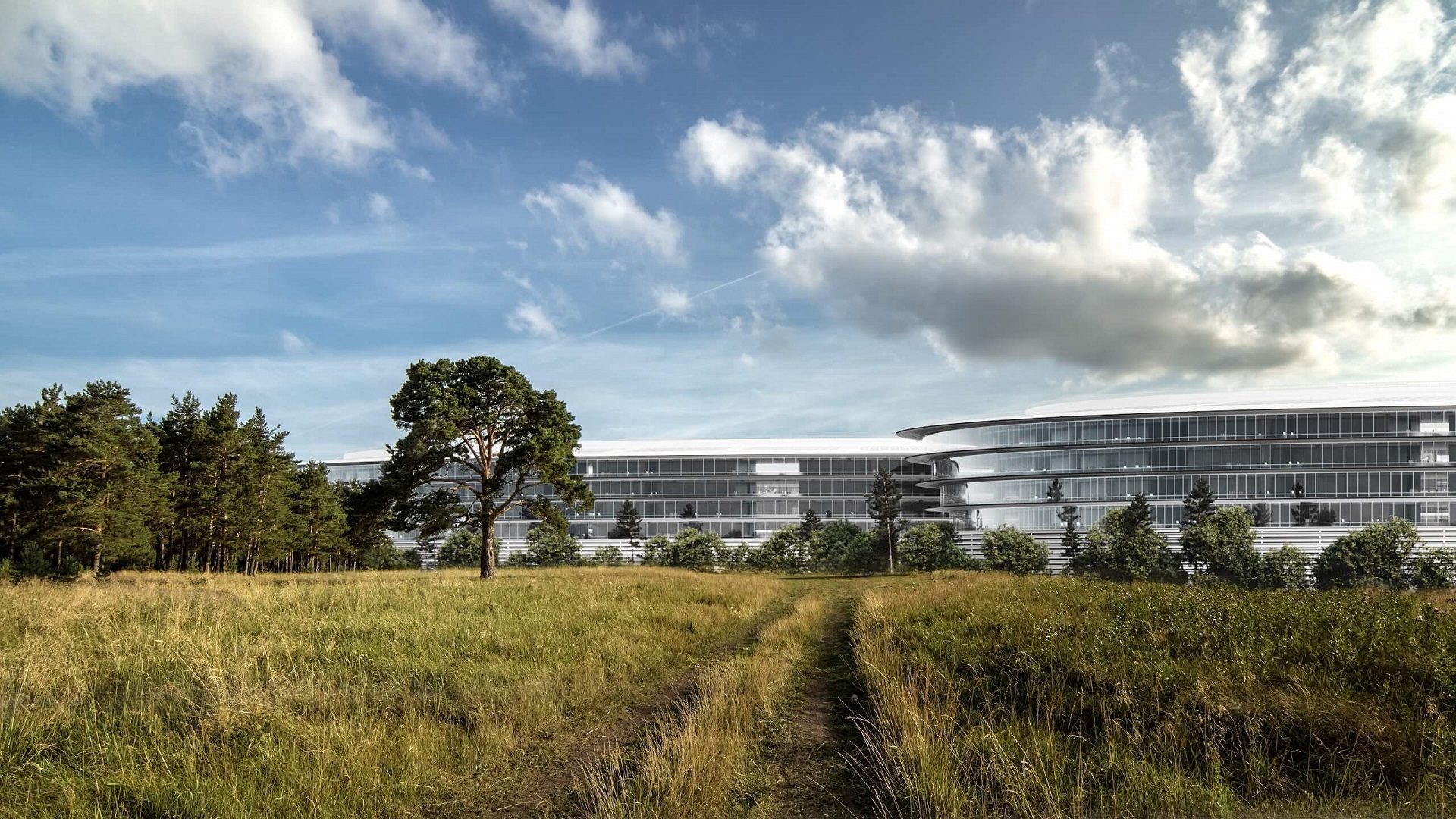
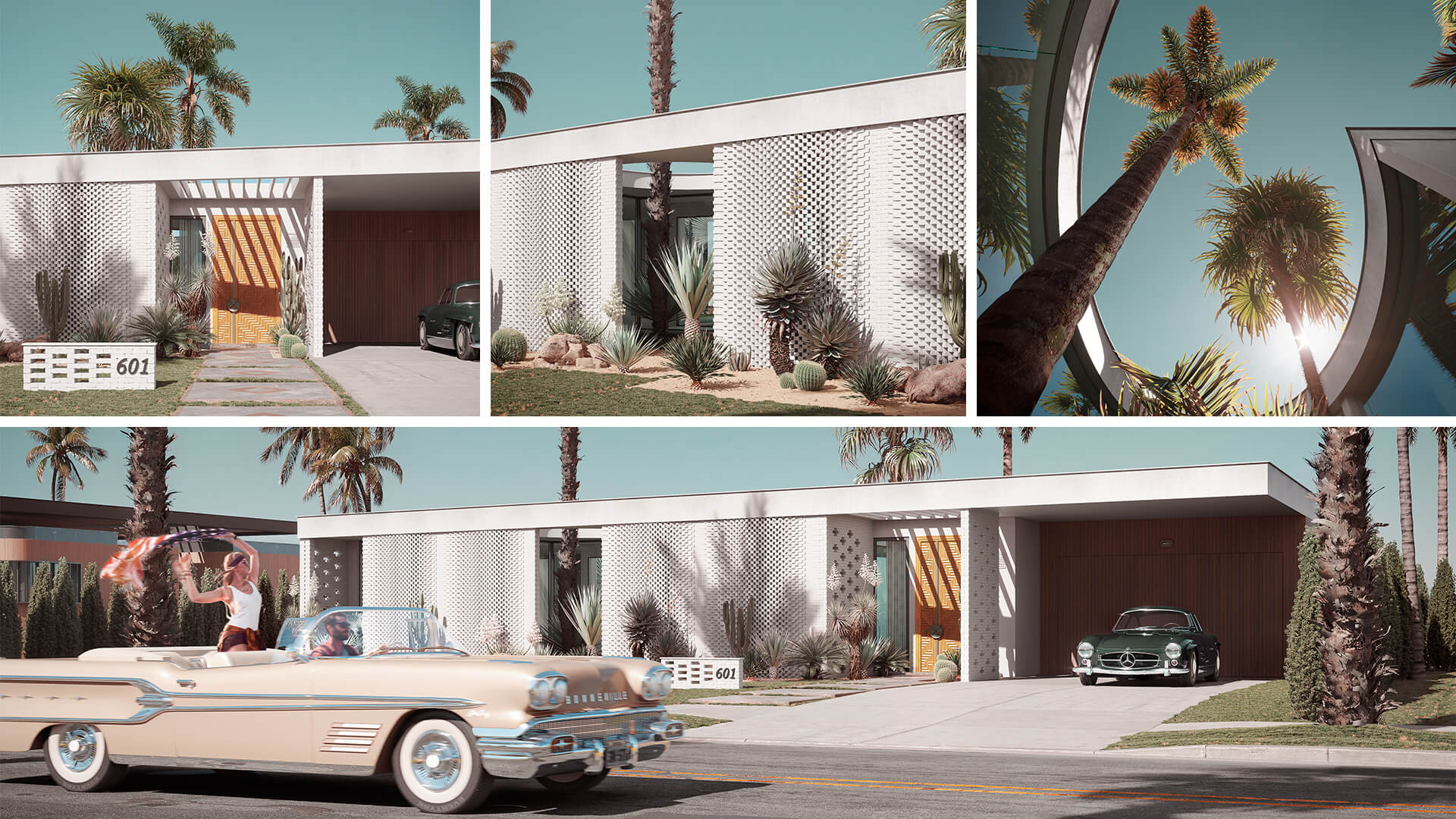
3d exterior rendering services for residential properties involves a larger surface area and more detail work. Architects often need both day and night views with different camera angles. The environment also requires more development (neighboring houses, landscaping, cars, people), all of which add layers of realism to the scene.
Skyscraper: 5-8 Days
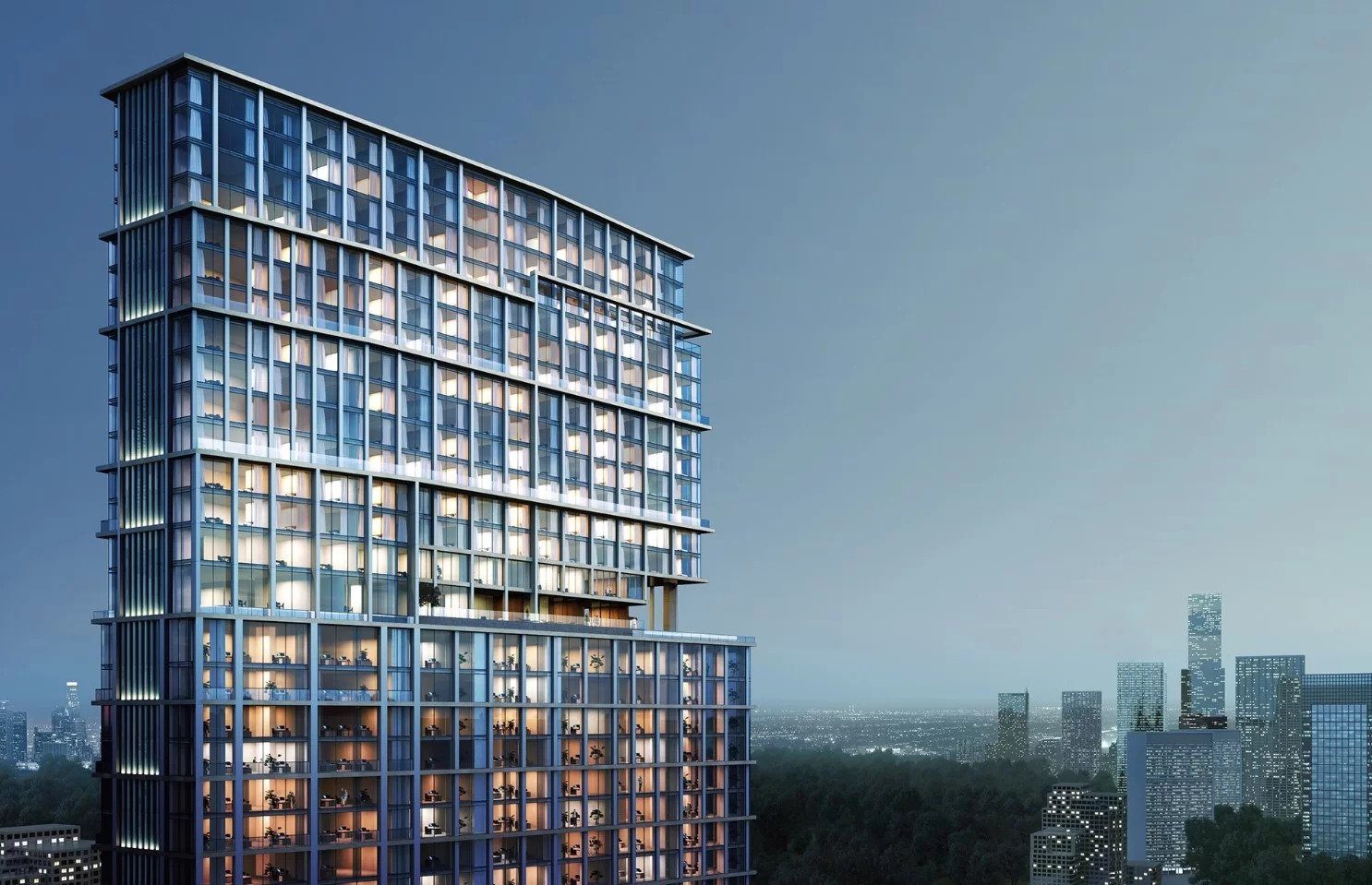
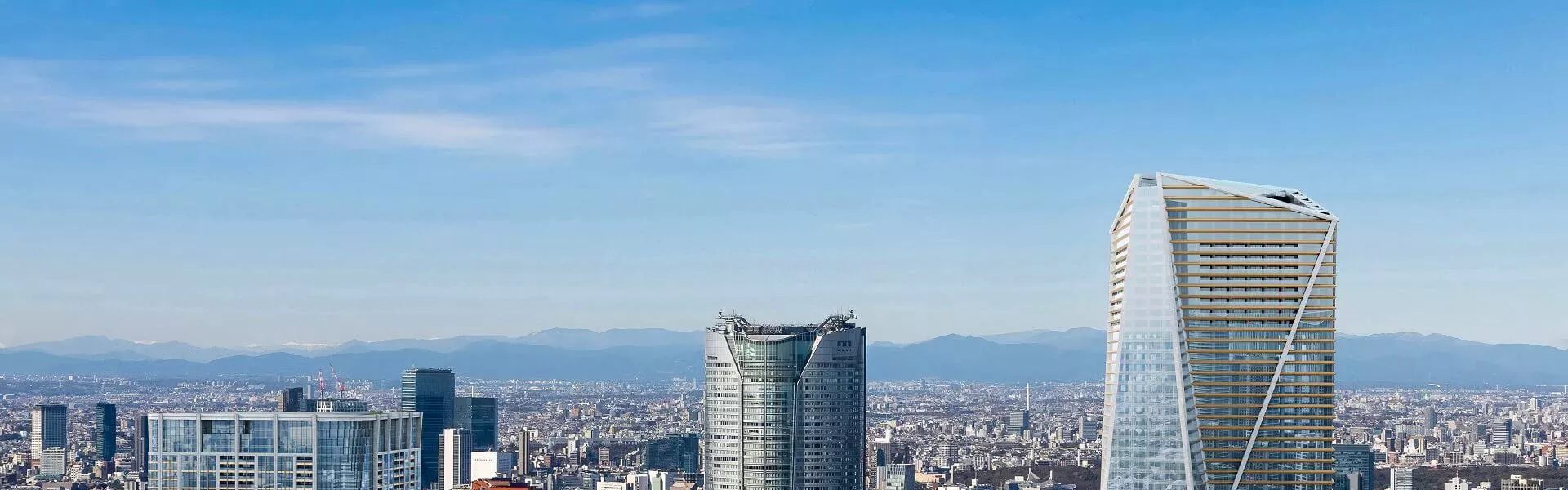
The sheer scale of a skyscraper project drives the complexity. On top of that, these buildings are typically visualized in night view, when they look most dramatic, which requires additional work on exterior lighting, reflections, and atmospheric effects. The result is an image designed to make a lasting impression.
City: 8-10 Days
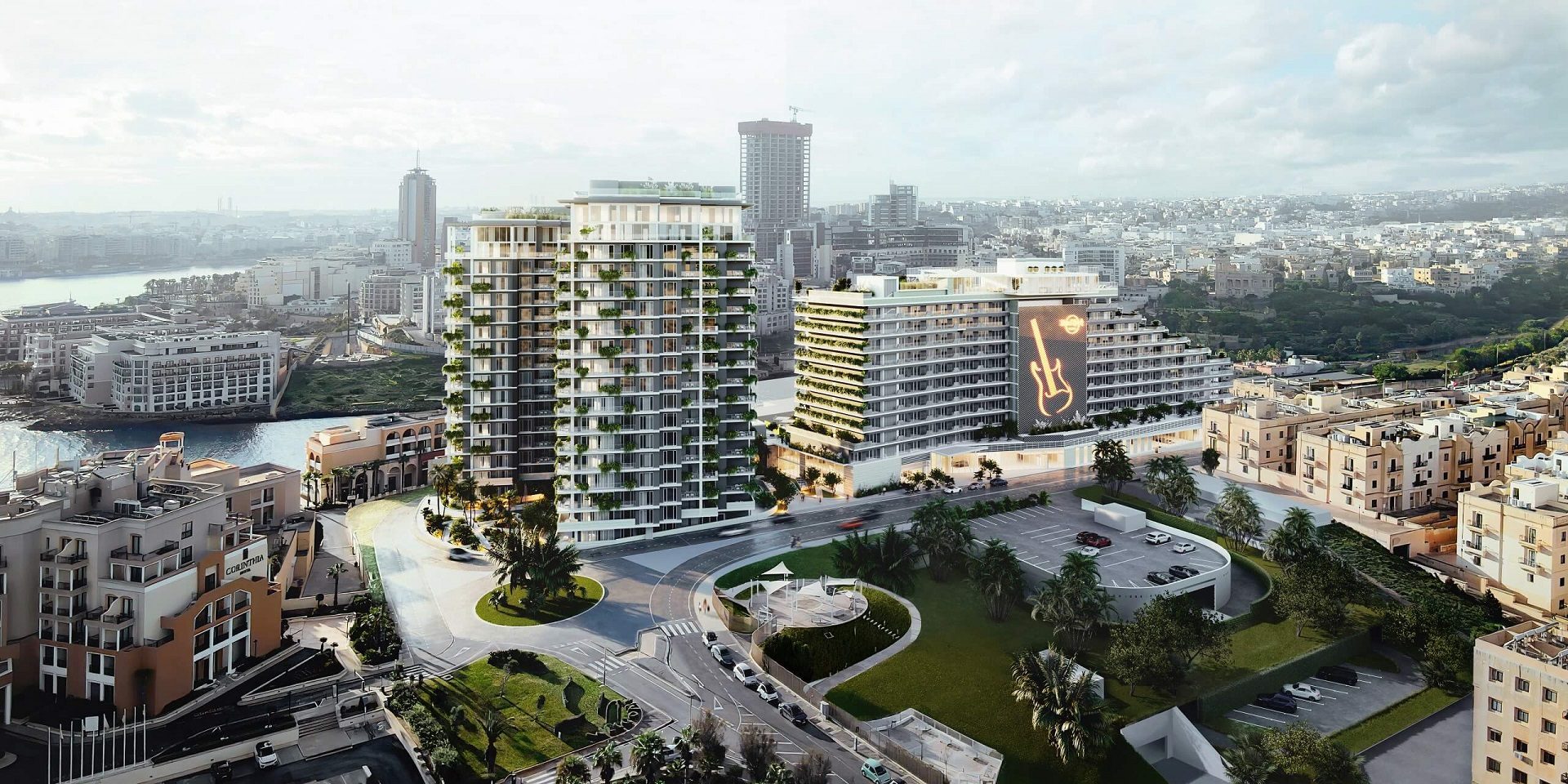
Recreating a city block or district in 3D means modeling a complex of multi-story buildings that must feel both cohesive and individually distinct. The ensemble has to impress instantly from an aerial perspective, which requires meticulous work on rooftop detail, street-level elements, and overall urban composition.
Want to learn how much your project costs? See how we evaluate 3D rendering projects
Each type of architectural visualization project has its own scope and complexity, but the process follows the same proven structure: from reference gathering through 3D scene building to final post-production. Typical production ranges from 2 to 10 days depending on project scale. For a complete walkthrough of every stage, see our 3D architectural rendering guide. The key to keeping things on track: provide all necessary references and information upfront by filling out our standard project brief.
To secure your deadlines, we also provide the “On-time or for free” guarantee, if the renders don’t arrive by the agreed date, we return your money. Delivering before your deadline is in our direct interest.
Looking for professional real estate 3D rendering services? Contact us at ArchiCGI to get high-quality visuals for your architectural project.
For the stage-by-stage picture, see our guide to the 3D rendering process. Related reading: real projects and results and how 3D models in a brief streamline projects. Daryna Romaniv Daryna is a Senior client manager at ArchiCGI. She can guide you through our workflow and quickly resolve any issue along the way. In her spare time, Daryna enjoys cooking, reading fantasy books, and watching “Friends”. She also loves traveling, especially to sunny Italy.

Senior Client Manager
Comments
Jeffry
Jennifer Porter
Irma