


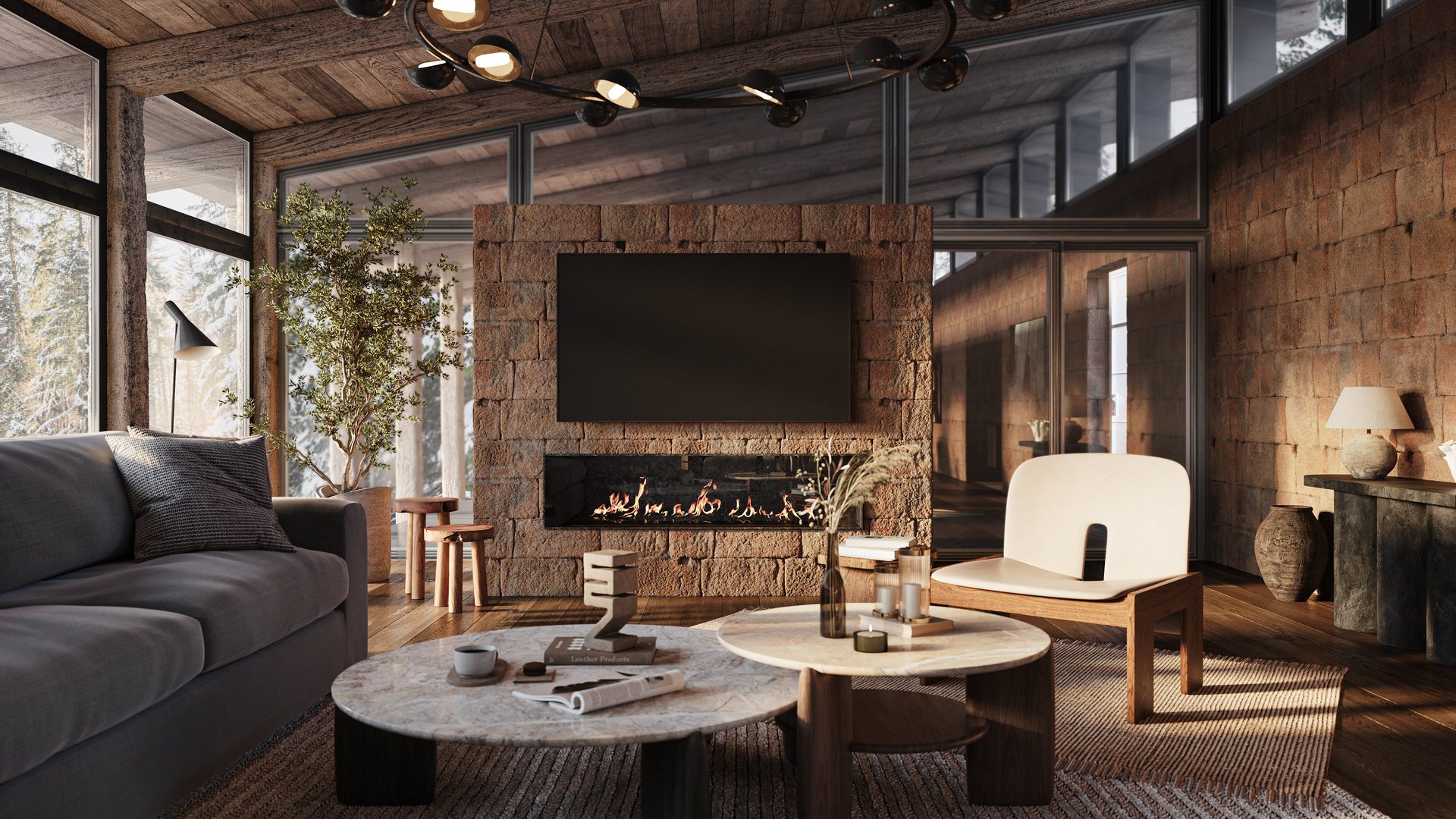
Both architectural walkthrough and flythrough 3D animations are powerful CGI tools for architects, interior designers, and real estate professionals. Namely, they make valuable visual aid in project presentations and marketing activities. Often, the two terms, walkthrough and flythrough, are used interchangeably. But do they really mean the same thing?
That’s the question our architectural rendering services is about to answer in this short article. Knowing the difference between the two types of videos will help you communicate with your remote CGI services provider more efficiently. So, without further ado, let’s get into it.
What Are Walkthrough and Flythrough CG Videos?
Architectural walkthrough and flythrough are 3D animations that show what construction or renovation projects will look like when they are finished. These types of CGI allow professionals in the fields of architecture, design, and real estate to present the vision of yet-to-be-realized concepts. That, in turn, helps to secure public and private contracts, construction funding, and property pre-sales. Walkthrough and flythrough CG videos are created by 3D artists with specialized software, such as 3ds Max and Cinema 4D.
What’s the Difference between 3D Walkthrough and Flythrough?
The difference between architectural walkthrough and flythrough photorealistic 3D animation is simple. A walkthrough showcases the interior, while a flythrough provides a broader overview of the building, including its exterior and surroundings.
Immerse clients into your projects with realistic 3D animations
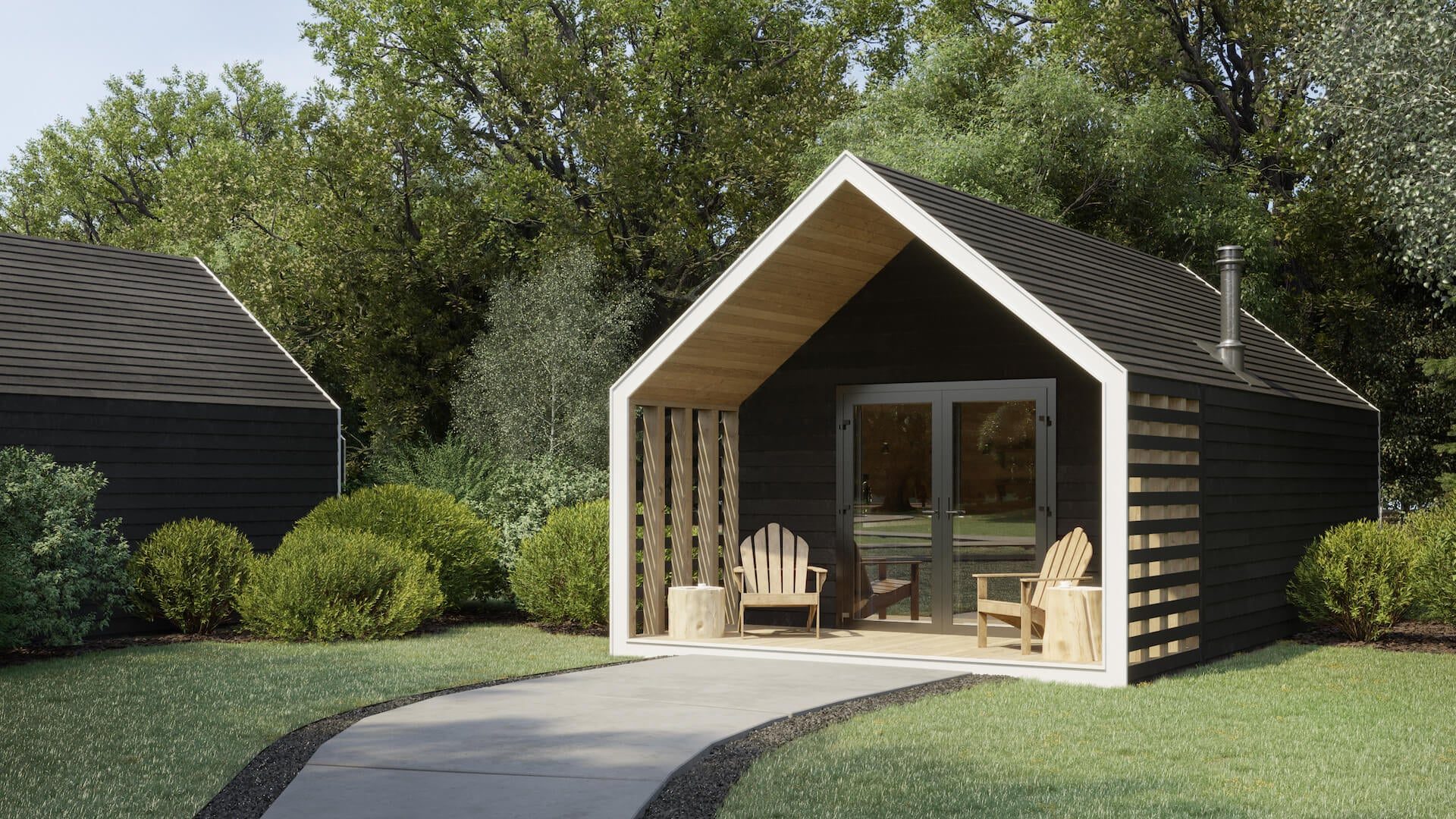
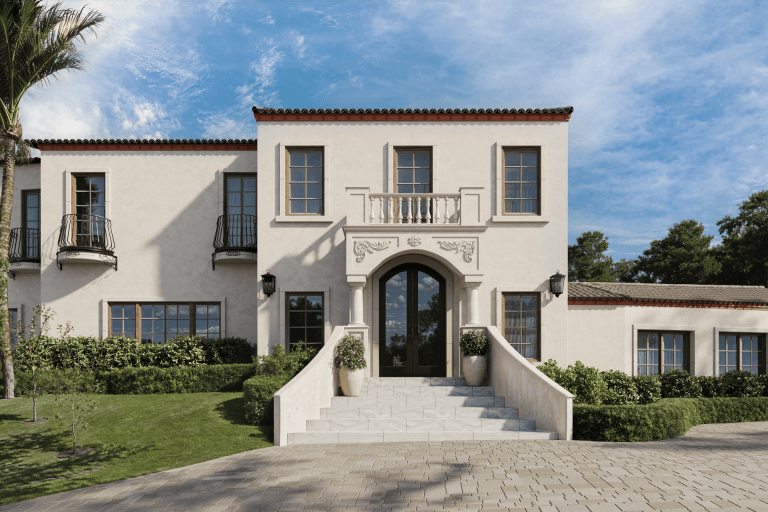
For instance, a 3D flythrough can begin with approaching the structure from afar and showing the neighborhood around it. Then, it can also demonstrate the outdoor elements of the design, such as driveways, gardens, pools, terraces, and so on. After that, the flythrough transitions to the interior. This way, the viewers will be able to not just appreciate the architectural design but to take in the atmosphere of the area as well.
While an architectural walkthrough animation might seem a little limited in comparison here, it can be equally as useful as a flythrough. It all depends on the purpose of the project. In particular, a 3D walkthrough for interior design works perfectly for presenting apartment renovation concepts, when the owners are already familiar with what the exterior of their building looks like. For instance, the 3D walkthrough of a building below only features a glimpse of the outside to set the mood for the rest of the video.
Walkthrough vs Flythrough: Quick Comparison
To make the differences even clearer, here is a side-by-side comparison of the two formats across the key criteria that matter most when planning a 3D animation project.
| Criteria | Walkthrough | Flythrough |
|---|---|---|
| Primary focus | Interior spaces, room-by-room flow | Full property overview, exterior + interior |
| Camera perspective | Ground-level, human eye height | Elevated, aerial, and dynamic angles |
| Best for | Apartments, renovations, interior design projects | Large-scale developments, residential complexes, commercial buildings |
| Sense of scale | Highlights individual room proportions and finishes | Conveys the overall size of the building and its surroundings |
| Typical duration | 1 to 3 minutes | 1 to 3 minutes |
| Emotional effect | Intimacy: the viewer feels like they're inside the space | Grandeur: the viewer sees the full scope of the project |
| Common use cases | Client presentations, interior design approvals | Urban planning pitches, marketing campaigns, investor presentations |
Want to learn how much your project costs? See how we evaluate 3D rendering projects
When to Choose a Walkthrough vs Flythrough
Knowing the definitions is one thing, but the more practical question is: which format should you go with for your specific project? Here are some common scenarios to help you decide.
Choose a walkthrough when:
- You are presenting an interior renovation concept to a homeowner. They already know what the building looks like from the outside. What they need is a detailed tour of the redesigned rooms, materials, and furnishings.
- You are an interior designer pitching a commercial space like a hotel lobby, restaurant, or office. A walkthrough lets the client experience the atmosphere and flow between zones at eye level, which is exactly how the space will be used in real life.
- Your project involves a single apartment or condo unit. There is no meaningful exterior to showcase, so a flythrough would add little value. A walkthrough will make the most of the available footage time by keeping the focus tight.
Choose a flythrough when:
- You are a developer marketing a new residential complex or mixed-use building. A flythrough can show the structure in context (its location, surrounding infrastructure, landscaping, amenities), before transitioning into select interior spaces.
- You need to present an urban planning or public infrastructure project to investors or city authorities. The aerial perspective of a flythrough communicates the scale and integration of the project within its environment in a way that no walkthrough can.
- Your marketing campaign targets buyers who are unfamiliar with the area. A flythrough that starts with the neighborhood and gradually zooms in on the property helps build a sense of place and desirability.
Consider combining both when:
- You have a large, high-value project that needs to impress on multiple levels, for example, a luxury villa with extensive grounds. A flythrough can open with the estate’s exterior and landscape, then seamlessly transition into a walkthrough of the interior. This hybrid approach delivers the full picture.
Now you know the difference between architectural walkthrough and flythrough animations, when to use each, and how they compare across key criteria. We hope this explanation is useful, and that our examples inspire your next project. The right choice depends on your project type, your audience, and what story you want the animation to tell. If you’re new to CGI in architecture, our guide to 3D rendering in architecture is a great place to start. It covers the full range of visualization types and how they fit into real-world workflows.
Schedule a free demo of 3D solutions for your business
For the production side, from camera paths to pacing and sound, see our arch viz animation guide.
Looking for professional architectural animation or the full range of our 3D rendering services to bring your project to life? Contact us at ArchiCGI and get a top-quality 3D walkthrough or flythrough to impress the clients at your next presentation! Related reading: a penthouse walkthrough in Canada.

Ana Wayne
Content Writer, Copywriter
Ana is a content writer for ArchiCGI. She has a passion for design and architecture - and for talking about it. Outside of work, she is a fan of sci-fi movies and a street food connoisseur.

Comments
Greg Elhen
Catherine Paul
Catherine