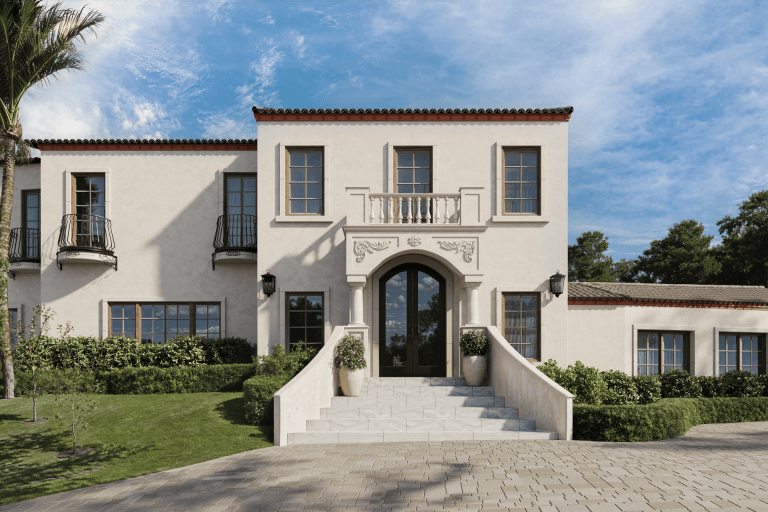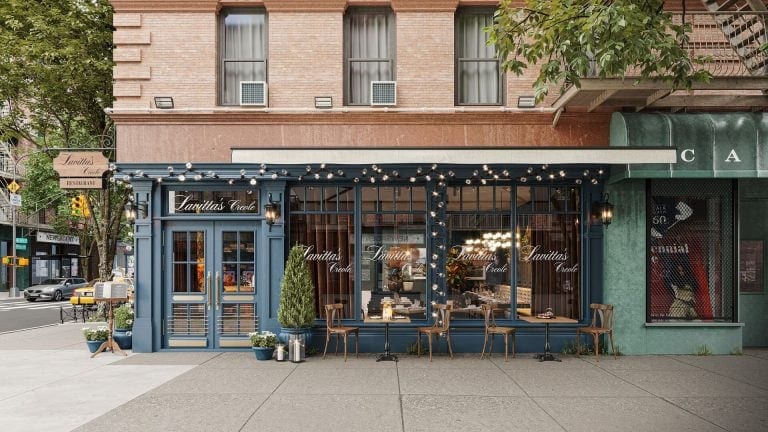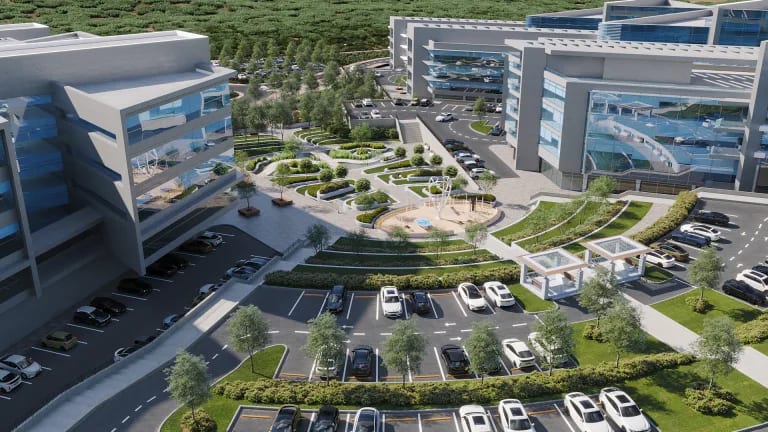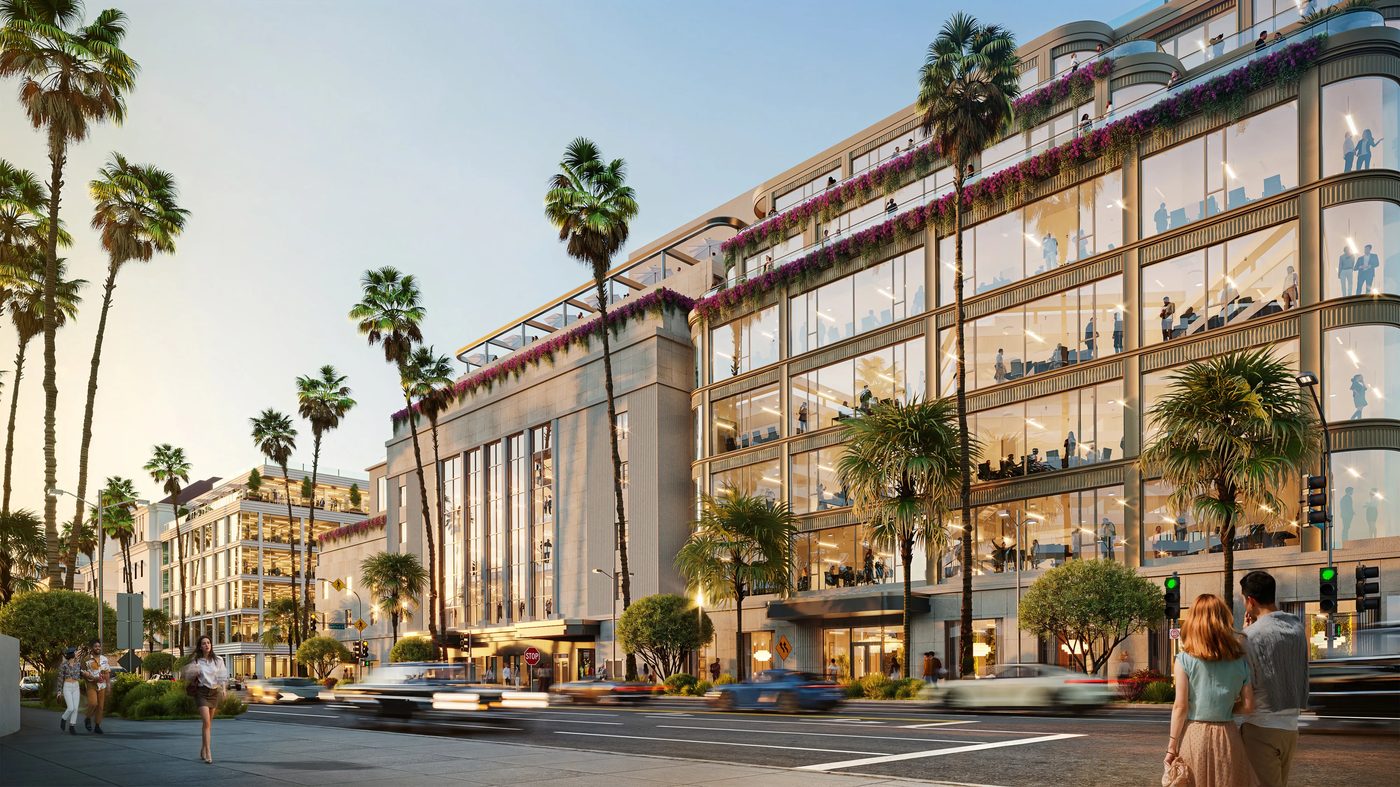
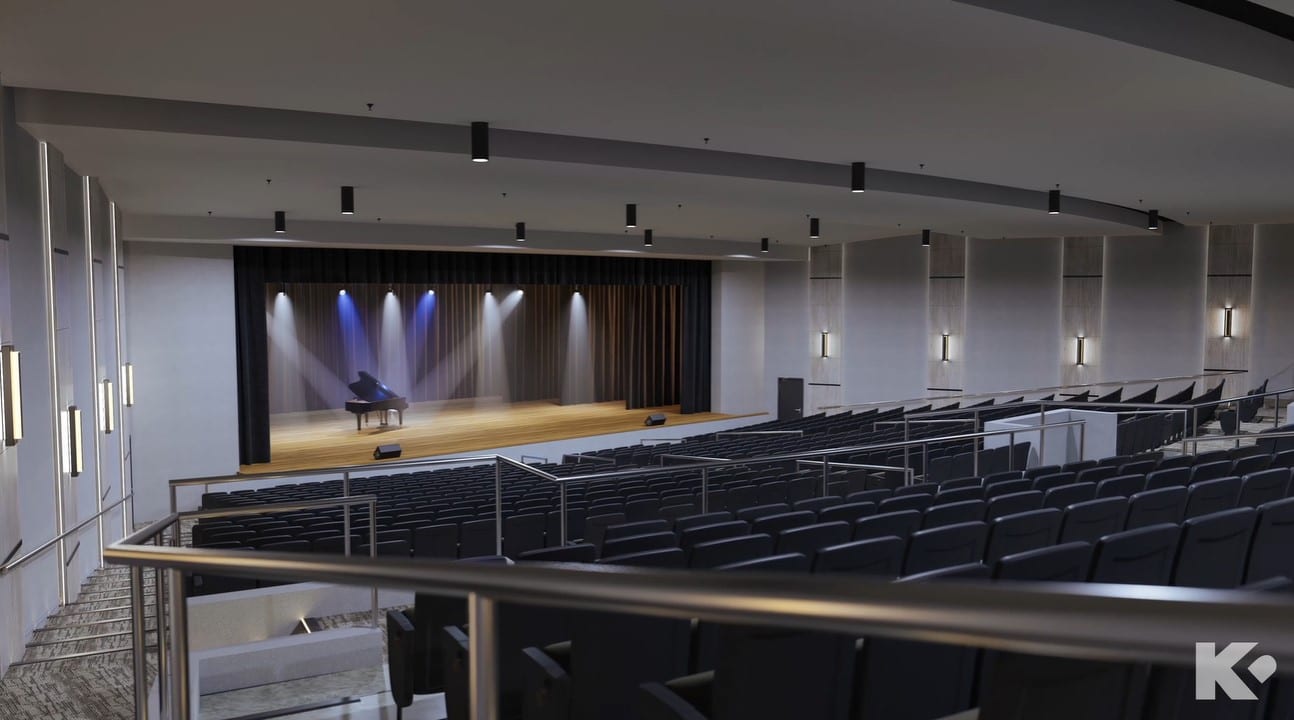
Post production in animation is the last step in creating an architectural 3D video. During this stage, a CG artist adds final touches to make a presentation truly shine. Fine-tuning small yet essential details during post-production can define the overall atmosphere and visual appeal of a 3D video. These details range from color grading and VFX to sound design and text overlays — all part of what professionals call 3D animation post production.
As an architectural visualization company specializing in architectural video production techniques, we know exactly how to make an animation stunning. Read on to learn about 5 post-production techniques that can ensure your next project presentation takes your client’s breath away!
#1. Adding Extra Items
When all major elements of the 3D animation, such as the building and its basic environment, are ready, the work proceeds to the compositing stage. During it, a CG artist adds secondary items to create a certain story. These objects can include people, plants, animals, cars, decor elements, and so on. They must all work well together, shaping the required narrative.
Usually, at this stage, a 3D animation artist uses objects shot with Chroma key technology. This means that they have been filmed in motion against a blue or green background. The latter needs to be removed later on so that these objects could be seamlessly put into another footage. During this phase of post-production, a CG artist uses special plugins and programs to erase the green/blue screen and blend items into 3D animation. After compositing is finished, the post-production process moves on to creating the special effects.
The quality of compositing directly affects how believable the final animation looks. Poorly integrated elements can break immersion, while seamless compositing makes viewers forget they’re watching CGI. This is why experienced studios invest significant time in this stage, carefully matching lighting, shadows, and motion blur between the 3D environment and the added elements.
Drive clicks with scroll-stopping 3D ad visuals

#2. Applying Post Production VFX
Special effects in architectural 3D animation are not the dramatic explosions one might see in movies. In archviz videos, post production VFX is mostly used to animate small intricate movements. These can be, for example, wind gusts touching trees or people’s hair, flowing liquids, flames in a fireplace, fabric movements, and so on.
Post production visual effects are also used for depicting weather conditions. Fog, snow, rain, and mist can all be added thanks to particle simulation systems. This type of VFX is often used in architectural walkthroughs, as specific weather conditions make scenes look more atmospheric and compelling. Special effects can work magic for the overall visual impact of an animation, so do not hesitate to specify them in your brief.
Beyond weather, VFX artists can simulate realistic water features like pools, fountains, and reflections. They can also add subtle environmental effects like dust particles in sunlight, steam rising from outdoor kitchens, or smoke from chimneys. These details may seem minor, but they contribute significantly to the photorealistic quality that clients expect from professional architectural animations.
#3. Color Correction
Making corrections to brightness, saturation, and contrast of colors is among the final and most important steps in post-production for animation. In any visual arts, 3D animation included, colors play a vital role in conveying the desired mood. Even the slightest alterations in this aspect can change the feel of a 3D video and make it less or more eye-pleasing. A CG artist always strives to make colors as realistic and lively as possible.
Color grading goes beyond simple correction. It involves creating a specific color palette that supports the project’s narrative. A luxury residential development might use warm, golden tones to evoke comfort and exclusivity. A modern office building might feature cooler, crisper colors to communicate efficiency and innovation. The right color grade can transform an ordinary animation into a compelling visual story. For a deeper understanding of the entire CGI process, explore our guide to 3D rendering in architecture.
#4. Using After Effects
Adobe After Effects is software used in post-production for animation to make 3D videos the most lifelike and realistic. With this tool, a CG artist adjusts the camera and matrix settings to imitate real footage. CGI experts start with using camera lens effects: focus change, color aberration, sun flare, vignetting, diffusion, and so on. After that, matrix settings such as blur and noise are manipulated. As a result, the animation looks extremely realistic, just like a video shot with a professional camera.
After Effects also enables motion graphics integration. Title sequences, information overlays, and branded elements can all be added and animated within the software. This makes it possible to create polished, broadcast-ready content that combines photorealistic 3D footage with professional graphic design. Many studios use After Effects in combination with other tools like DaVinci Resolve for color grading and Premiere Pro for final editing.
#5. Adding Music and Text
As the last touch in post-production, music, voice-over, subtitles, and a company logo can be added. The right soundtrack can do wonders for setting the mood in an animation. It is best to choose a soft and subtle melody that will not distract attention from a presented architectural project. Overall, music should match the mood of the 3D animation. Otherwise, it might ruin the impression. To make animation and music work together even better, a CG artist can adjust the most powerful scenes in a 3D video to match the most dramatic part of a soundtrack.
If there’s a need to make animation more informative, a voice-over can be added on its own or together with the music. One can also include subtitles. Those can follow the voice-over, depict names of the presented properties, or give any other additional information.
Sound design extends beyond music. Ambient sounds — birds chirping, traffic in the distance, footsteps on marble floors — add another layer of realism. These audio elements help viewers feel present in the space, making the presentation more immersive and memorable. Professional studios often work with audio engineers to create custom soundscapes that perfectly complement the visual content.
See how a 3D flythrough will make your vision impossible to forget
3D architectural animation is a powerful tool for creating breathtaking presentations. CG video grabs attention and conveys more information about the project than any static image. And post production for animation, when done right, ensures the presentation is exceptionally realistic, visually compelling, and atmospheric. The post production process is what separates amateur-looking content from professional-grade architectural videos.
Our CGI studio pays attention to the smallest details during both production and post-production. If you need architectural animation services, contact us at ArchiCGI to get a stunning lifelike animation that will present your design ideas in the most impactful way possible! Explore our full range of 3D rendering services to see how we can support your next project. Related reading: types of shots in animation.
Frequently Asked Questions

Stacey Mur
Content Writer, Copywriter
Stacey is a content writer and a CG artist. Outside of work, Stacey enjoys musicals, Star Wars, and art talk. A proud Corgi parent.