

Informative and captivating visuals are vital to showcase how architectural concepts work with surroundings. But schematic 2D plans can be insufficient to convey all the necessary details. Here, site plan 3D rendering comes into play. According to Market Growth Reports, over 72% of real estate firms in urban areas now use 3D rendering to visualize unbuilt projects — and site plan rendering has become an essential part of the workflow for architects, developers, and urban planners. Accurate and realistic, it allows viewers to get a solid grasp of the spatial relationships and scale of all elements within the project area. A site plan rendering takes flat blueprints and turns them into photorealistic visuals that capture an entire development — buildings, landscaping, roads, parking, amenities — in one clear overhead view.
The problem with traditional 2D plans is simple: most people can’t read them. Investors, buyers, planning committees — they’re not architects. They struggle to translate lines and symbols into actual spaces. Rendered site plans fix that. They show what the project will actually look like, making the abstract concrete.
Our professional 3D rendering studio has vast experience in creating site plan renderings. So in this article, you will learn about their features and how they can be useful for you.
#1. What is a 3D Site Plan Rendering?
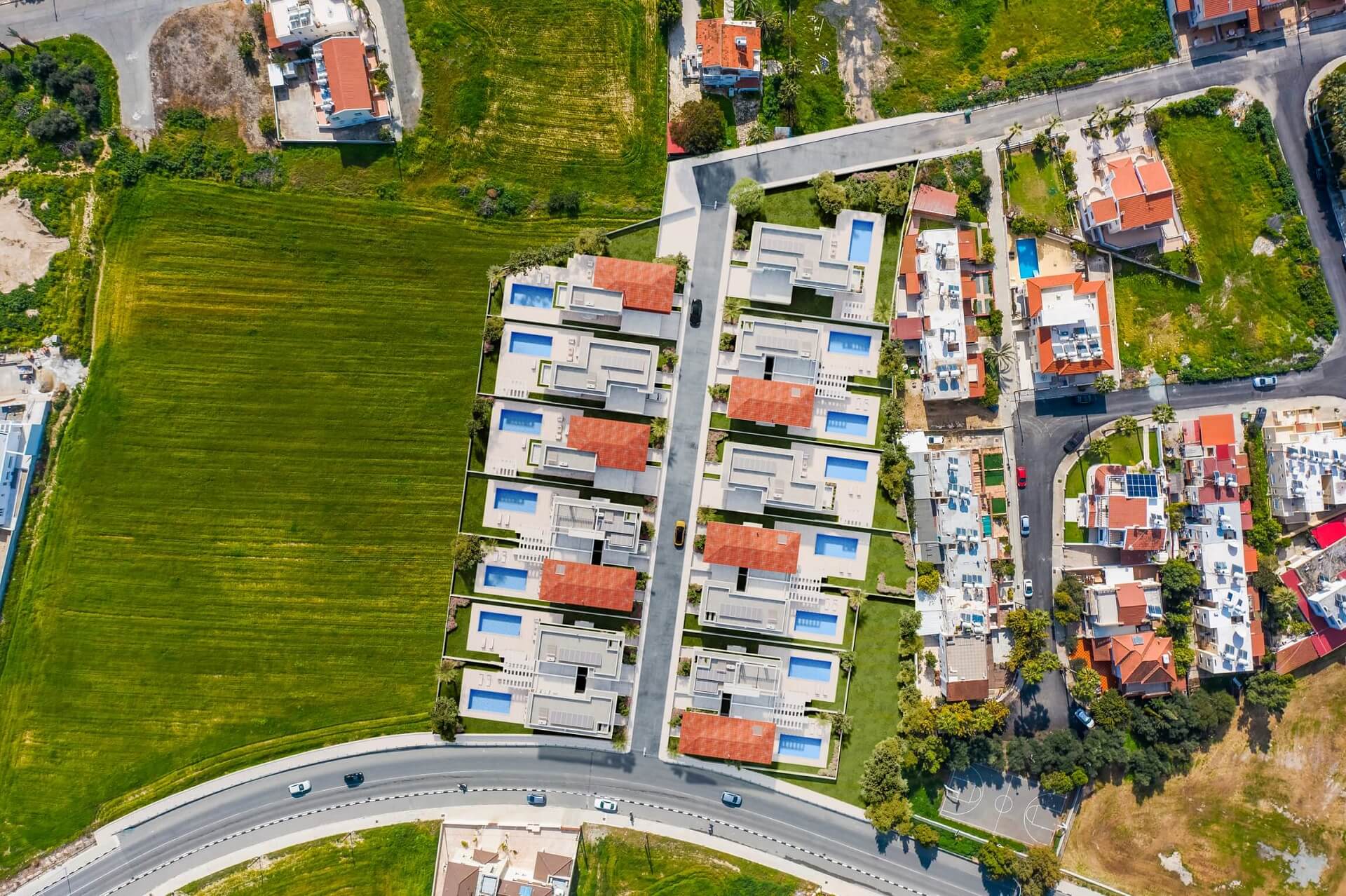
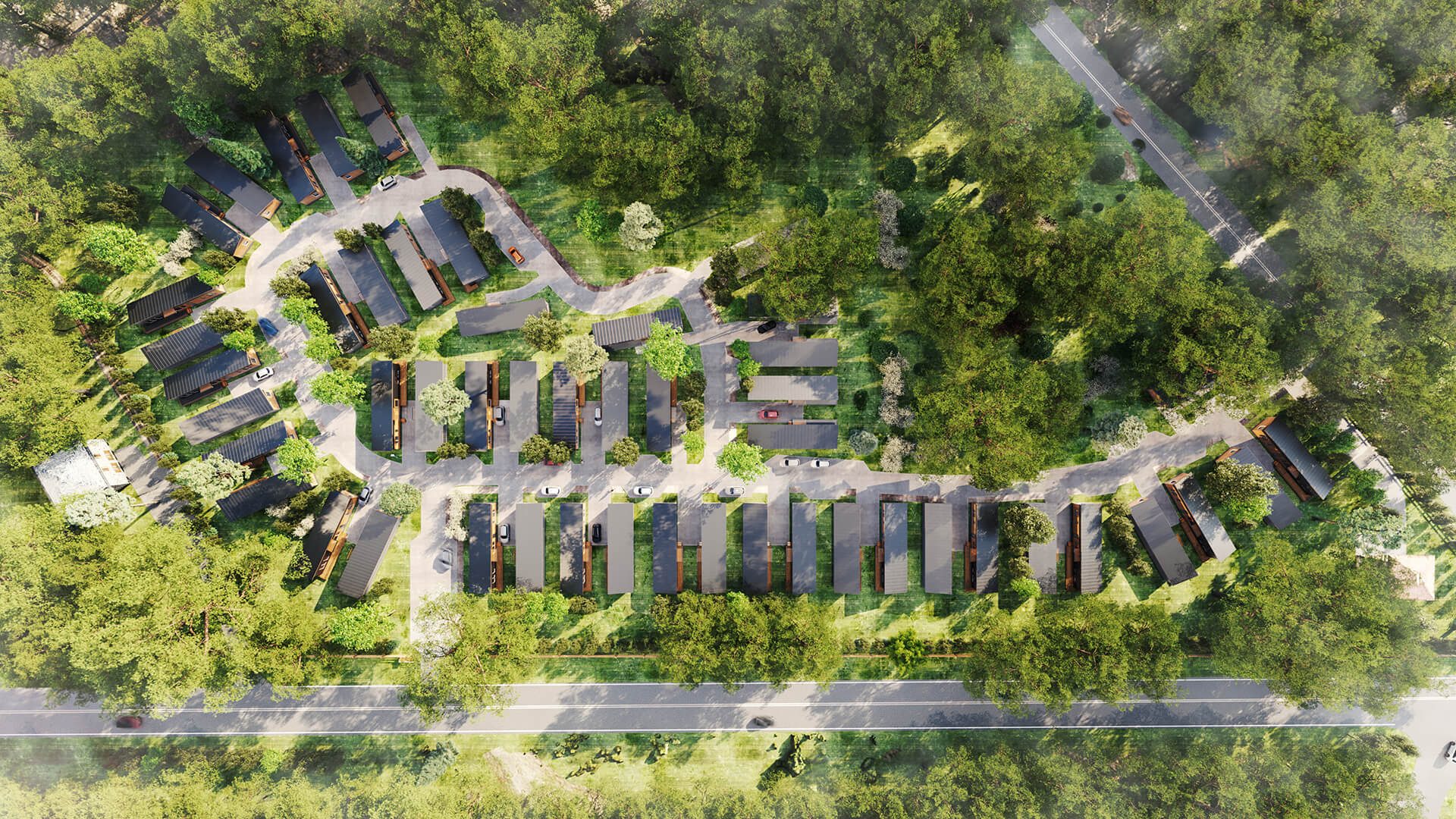
A 3D site plan rendering is basically a photorealistic snapshot of an entire development taken from directly above. Think Google Earth, but better — because instead of capturing what exists, it shows what will exist once the project is built.
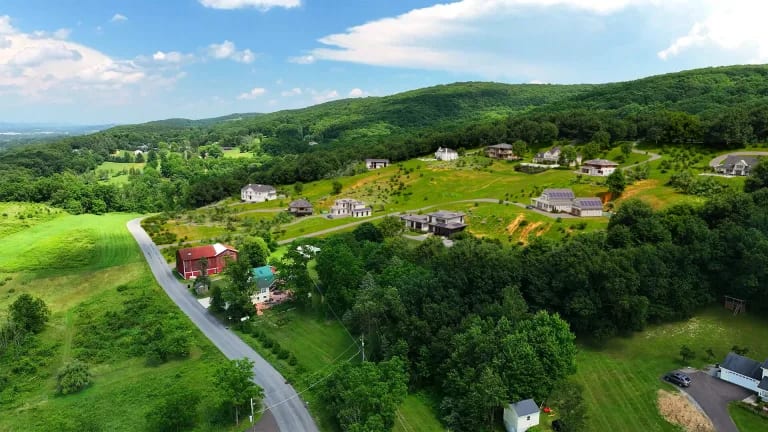
Technically, it’s a subtype of aerial 3D rendering (bird’s-eye views). The key difference is the camera angle. While typical aerial renders are shot at 30–60 degrees to show off building facades and create dramatic angles, a site plan render uses a strict 90-degree downward angle. The camera points straight down, capturing the whole site in one frame.
This makes the image look “flatter” than your typical CGI glamour shot — but that’s the point. It’s not about drama. It’s about clarity.
How It Differs from Standard Aerial Views
Aerial renderings at angled perspectives are great for marketing — they make buildings look impressive, they show context, they create a sense of place. But they also introduce perspective distortion. Objects closer to the camera appear larger; things at the edges stretch. That’s fine for selling a vibe, less fine for understanding actual distances and proportions.
A site plan rendering eliminates that distortion. Because the camera is perpendicular to the ground, every element is shown at true scale relative to every other element. If you need to show that Building A is exactly 50 meters from Building B, a site plan render does that accurately. An angled aerial might not.
How It Differs from 2D Site Plans
Traditional 2D site plans are technical documents. They use symbols, hatching, line weights, and abbreviations that make perfect sense to architects and engineers — and almost no sense to everyone else. Try handing a CAD drawing to an investor or a city council member and watching their eyes glaze over.
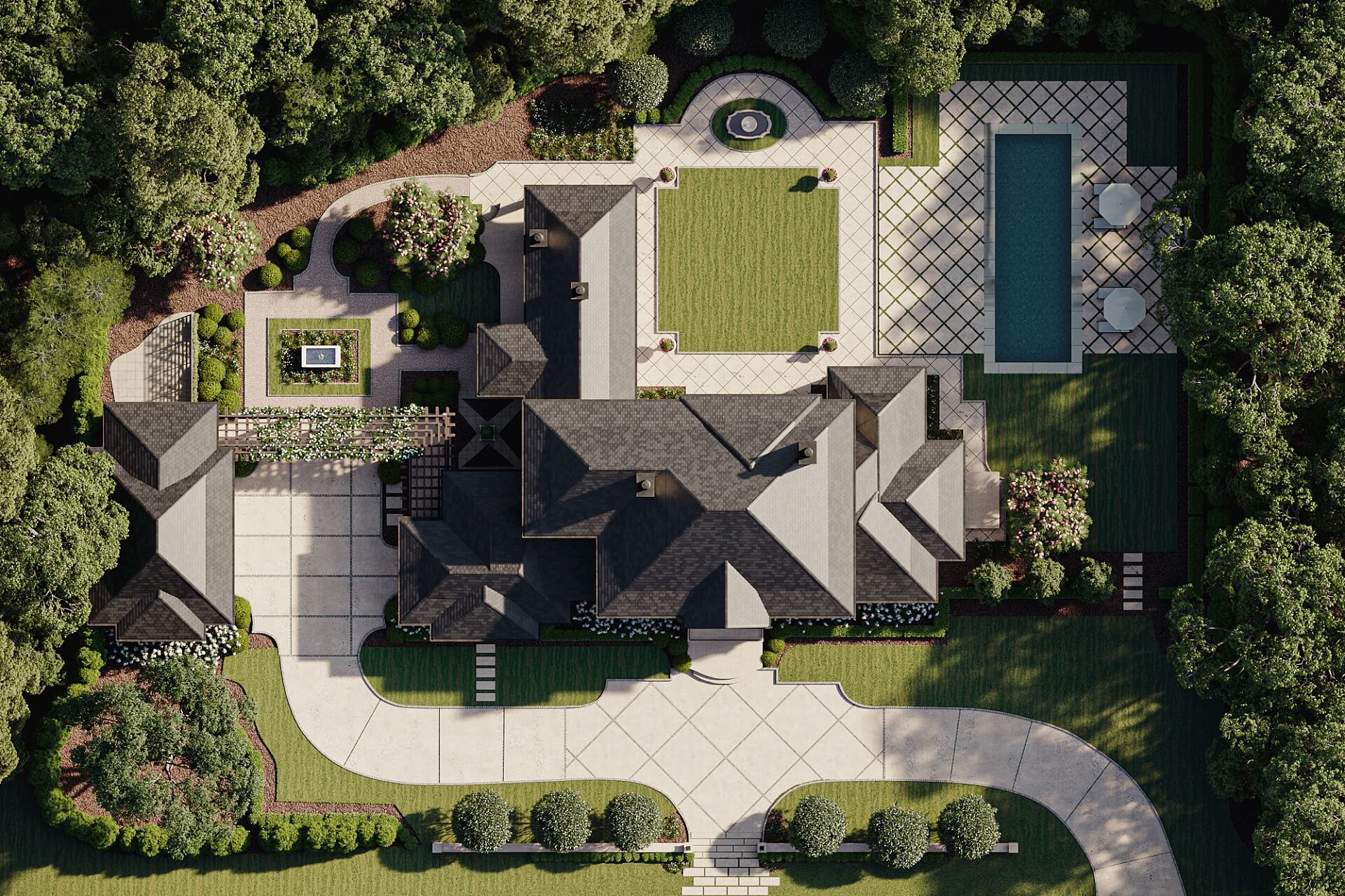
A 3D site plan rendering takes the same underlying information and makes it visual. Buildings aren’t just outlines — they have roofs, materials, shadows. Trees aren’t circles with crosses through them — they’re actual trees. Roads look like roads. Pools look like pools. Anyone can look at it and immediately understand what’s being proposed.
Technical Details
Creating an accurate site plan rendering isn’t just about making things pretty. Scale matters. If the rendering says a parking lot holds 200 cars, it needs to actually show space for 200 cars. CGI artists work from CAD files, survey data, and architectural drawings to make sure every element — building footprints, setbacks, walkway widths, landscape zones — is proportionally correct.
This precision is what makes site plan renderings useful for more than just marketing. They can support permit applications, zoning discussions, and investor presentations where accuracy isn’t optional.
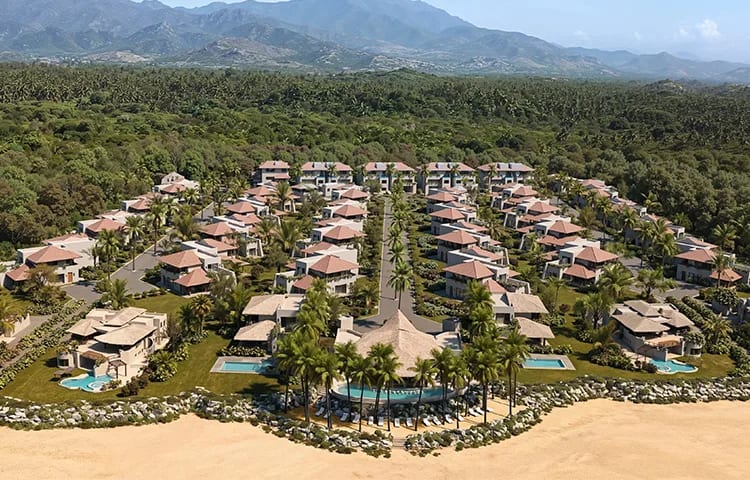
See how aerial rendering reveals a project’s scale and impact
#2. Key Benefits of Site Plan 3D Rendering
So why bother with site plan rendering when you already have blueprints? A few reasons.
Enhanced Realism
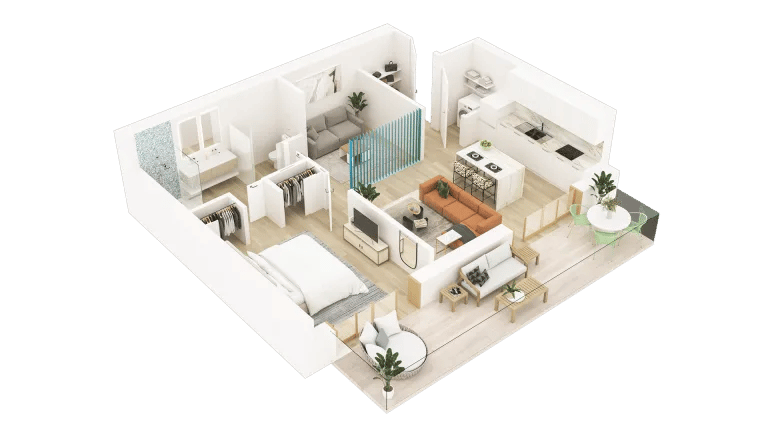
Blueprints are abstract. Even good ones require mental effort to interpret. You have to look at a 3D floor plan visualization and imagine walls, furniture, light coming through windows. Most people aren’t good at this. They nod along in meetings, say it looks fine, and then act surprised when the built result doesn’t match what they pictured.
A 3D site plan rendering removes that guesswork. It shows the development as it will actually appear — with realistic materials, vegetation, shadows based on actual sun angles, cars in parking lots, people on walkways. Viewers don’t have to imagine anything. They just look.
This is especially useful when dealing with people who aren’t in the design or construction business. Investors, municipal officials, future homeowners — they need to understand what they’re approving, funding, or buying. Realistic renderings let them do that without requiring a degree in architecture.
Spatial Understanding
One of the hardest things to communicate with 2D drawings is how spaces relate to each other. How far is the clubhouse from the parking lot? How does traffic flow through the development? What’s the walking distance from the residential units to the commercial area?
A site plan rendering answers all of these questions in a single image. You can see the relative positioning of every element — buildings, pathways, amenities, green spaces — and understand how they connect. This is critical for large projects where the relationship between multiple structures determines whether the design actually works.
Take a master-planned community with 500 homes, a school, a retail center, and three parks. A 2D plan might technically contain all that information, but good luck getting a city planner to grasp the full picture by staring at lines on paper. A rendered site plan shows the whole thing at once, making the logic of the layout obvious.
Faster, Clearer Communication
Development projects involve a lot of people: architects, engineers, developers, investors, municipal authorities, marketing teams, and eventually buyers. Getting everyone aligned on what the project actually is can be a headache when different people are looking at different documents and interpreting them differently.
A site plan rendering acts as a common reference point. When everyone’s looking at the same image, conversations get simpler. “Move the access road 20 meters east” is easier to discuss when everyone can see exactly where the access road currently is and what’s 20 meters east of it.
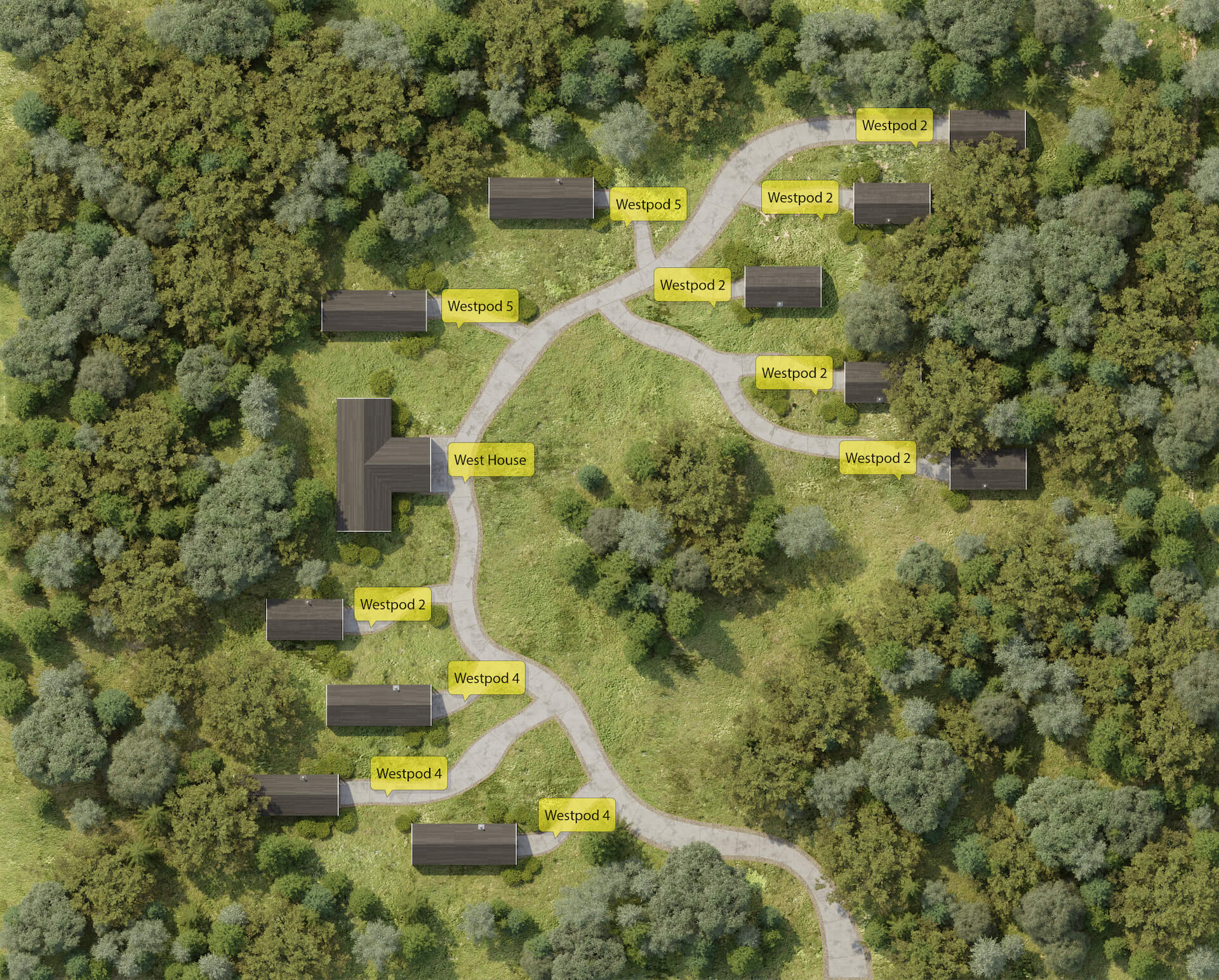
You can also add labels, legends, and color coding to site plan renders. Mark Phase 1 in blue, Phase 2 in green. Number the buildings. Highlight amenities. This turns the rendering into a working communication tool, not just a nice image for the brochure.
#3. Types of 3D Site Plan Renders
Different projects need different things from their site plan renderings. Here’s how it breaks down.
Residential Community Site Plans
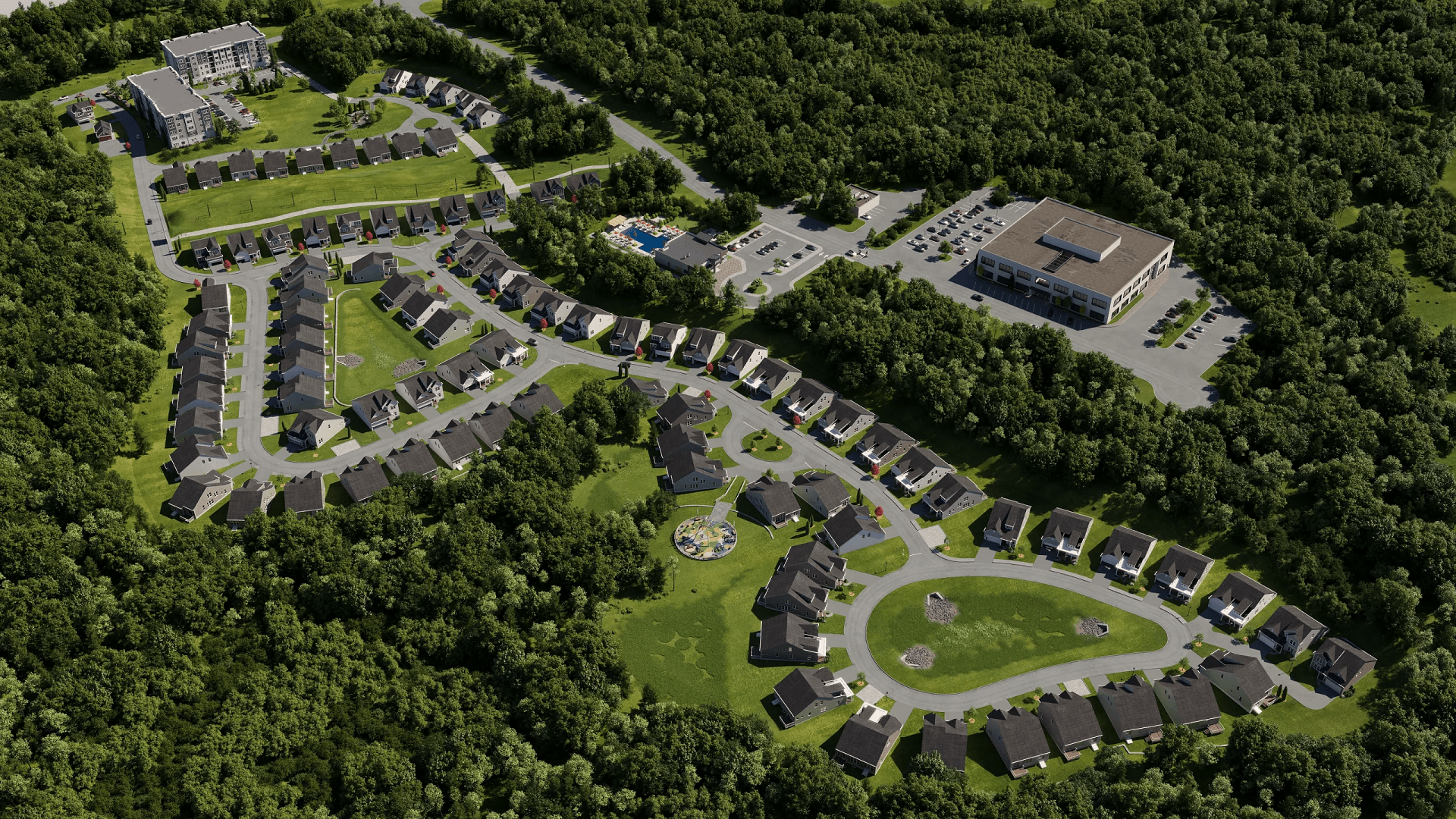
For housing developments — single-family subdivisions, townhouse clusters, apartment complexes — site plan renders show how individual units relate to each other and to shared spaces. Where’s the pool? How close is the nearest parking? Which units back up to the green belt?
These questions matter to buyers, especially in pre-sales situations where they can’t walk the actual site. A good residential site plan rendering helps people understand not just the unit they’re buying, but the neighborhood they’re buying into.
Developers also use these renders to show variety — different unit types, lot sizes, building orientations — while demonstrating that the overall community feels cohesive.
Commercial and Mixed-Use Developments
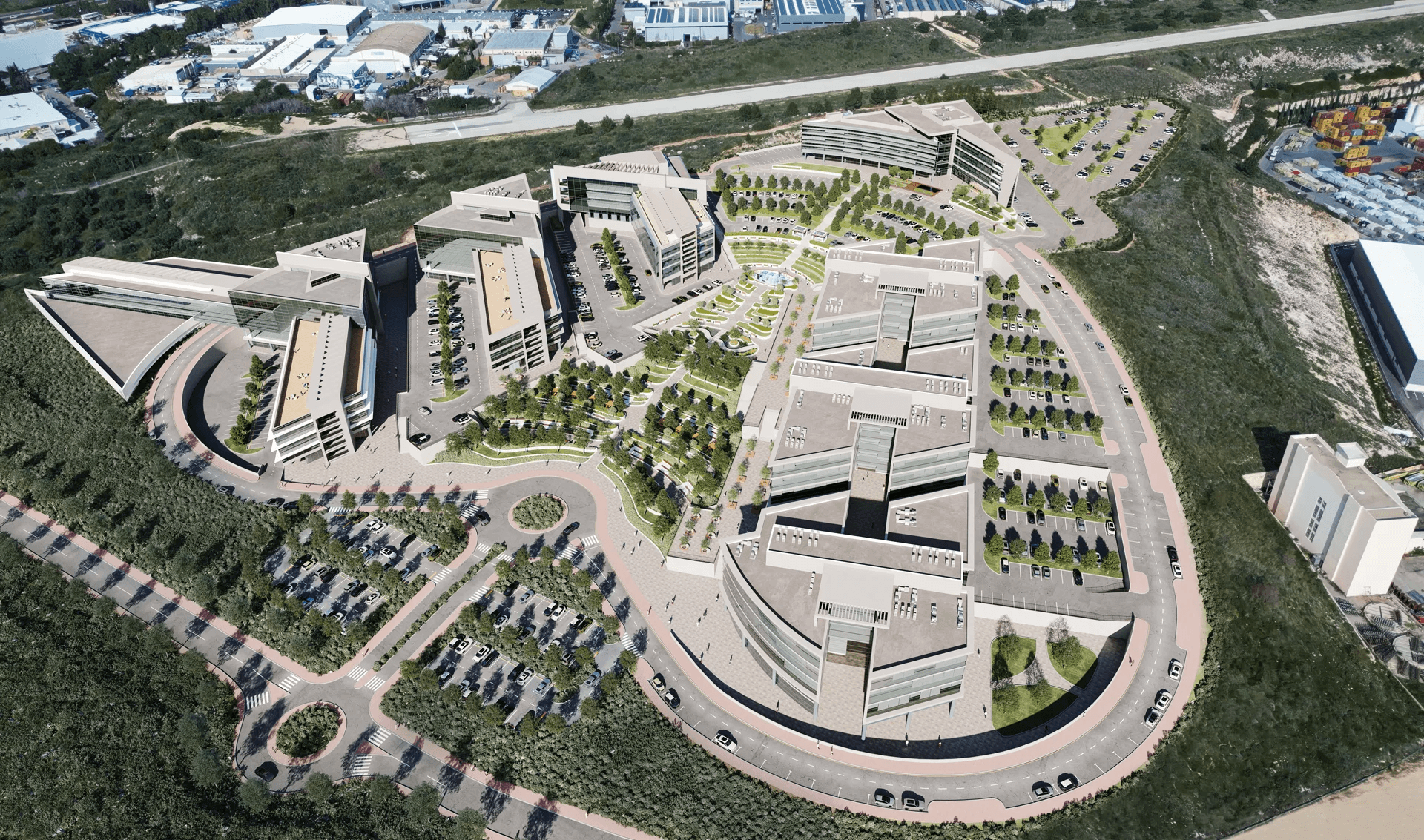
Office parks, shopping centers, and mixed-use projects have different priorities. Here, the site plan needs to show parking capacity, building access, loading zones, pedestrian flow, and how different tenants or uses coexist.
For investors and lenders, these renderings answer practical questions: Is there enough parking? How do delivery trucks access the loading docks without conflicting with customer traffic? Where does the residential component end and the retail component begin?
For municipal planners, they demonstrate that the development won’t create traffic nightmares or overwhelm existing infrastructure.
Master Plan Renderings
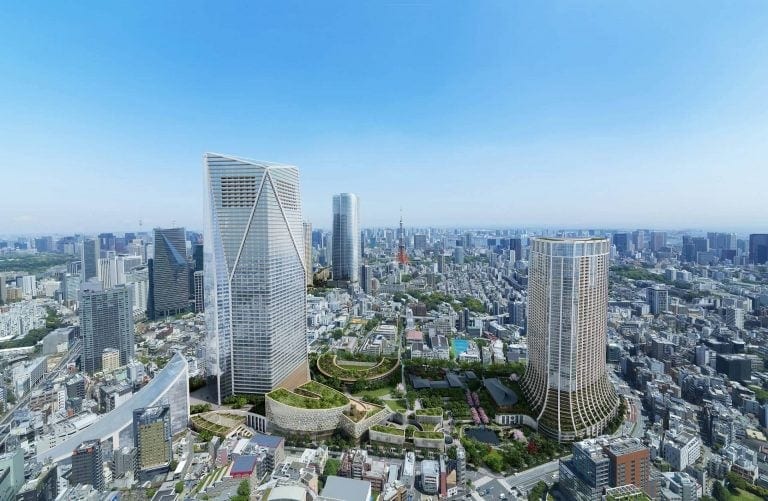
Some projects are big enough that they need a master plan — we’re talking hundreds of acres, multiple phases, years of development. A master plan site rendering captures the whole vision: residential areas, commercial zones, schools, parks, road networks, utility corridors.
These renderings are less about selling individual units and more about showing the long-term vision. They help investors understand what they’re funding over the next decade. They help municipalities understand what approvals they’re committing to. And they help development teams stay aligned as the project evolves through multiple phases.
Resort and Glamping Site Plans
Hospitality projects have their own needs. A resort site plan isn’t just about buildings — it’s about experience. Where are the guest rooms relative to the pool, the beach, the restaurant? How private are individual cabins? What do guests see when they walk from their room to the spa?
Glamping sites in particular benefit from site plan renderings because the whole selling point is the setting. Prospective guests want to understand the layout before they book. Investors want to see how the site maximizes its natural assets. A well-done site plan rendering makes both of these easy.
See how immersive 3D tours let clients walk the space before it's built
#4. Practical Use Cases
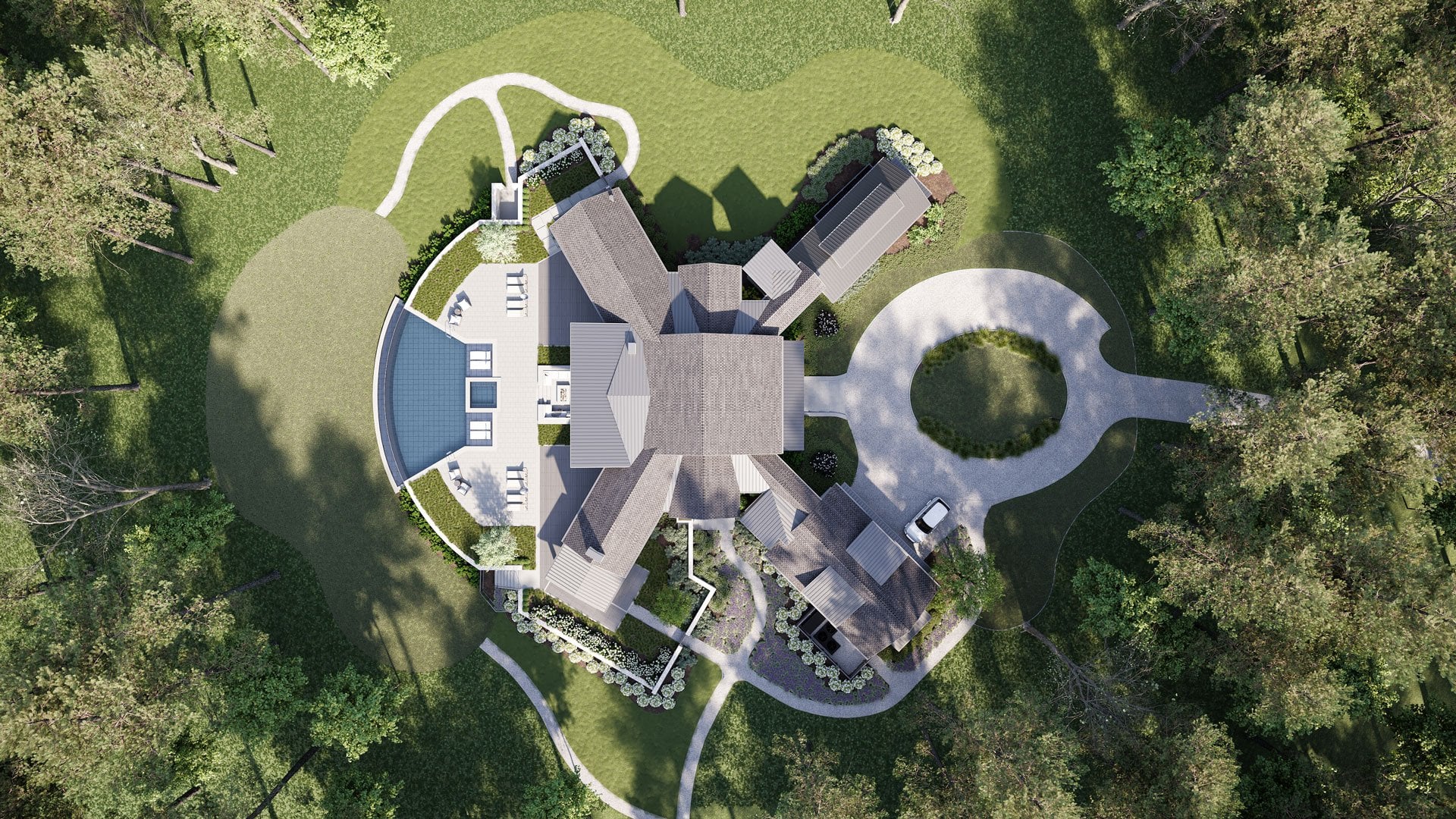
Site plan renderings aren’t just for marketing brochures. They show up throughout the development process.
Regulatory Approvals
Getting a project approved — zoning, permits, environmental clearances — means convincing regulators that your proposal meets their requirements. That’s hard to do with technical drawings that regulators may not fully understand. This is where architectural visualization for development projects proves its value.
A site plan rendering puts everything on the table visually. Setbacks from property lines? Visible. Stormwater management areas? Clearly marked. Parking ratios, green space percentages, accessibility routes? All there, all obvious.
When planning boards can actually see what’s being proposed, discussions move faster. There’s less “can you explain what this area is?” and more “okay, we understand — here’s our feedback.” It won’t guarantee approval, but it removes a lot of friction from the process.
Investment Pitches
Investors want to know what they’re putting money into. They don’t want to decode architectural drawings — they want to see the project. A site plan rendering gives them exactly that: one image that captures the full scope of the development.
For phased projects, you can show what’s being built now and what’s coming later. Investors can see the current ask in context of the larger vision. This makes it easier for them to commit, because they understand what they’re funding and where it’s going.
A clear, professional rendering also signals that the development team has their act together. It’s a credibility marker. If you show up with polished visuals, you look like someone who can execute. If you show up with sketches and spreadsheets only, you might be leaving money on the table.
Marketing and Pre-Sales
For sales and marketing teams, site plan renderings are workhorses. They go on websites, in brochures, on sales center walls, in email campaigns, on social media. They work everywhere because they answer the most basic question buyers have: what is this place? 3D rendering for real estate agents has become a key tool for closing deals before construction even begins.
A site plan rendering shows buyers the full development — not just the unit they’re considering, but everything around it. The amenities. The neighbors. The parking. The green space. For off-plan purchases where buyers can’t physically visit, this context is everything.
Combine a site plan with interior renders, floor plans, and maybe a virtual tour, and you’ve got a complete visual package that lets buyers make confident decisions before a single wall goes up. Or go a step further and turn that package into an interactive site plan where buyers explore phases, check what is still available, and book viewings on their own.
Want to learn how much your project costs? See how we evaluate 3D rendering projects
Site plan 3D rendering takes complex spatial information and makes it understandable. That’s the core value. Whether you’re presenting to regulators, investors, or buyers, a good site plan rendering makes your project easier to grasp — and easier to say yes to.
It works for residential communities, commercial campuses, mixed-use developments, resorts, and everything in between. It supports permit applications, investment pitches, and marketing campaigns. It’s not a luxury add-on — for most development projects, it’s a practical necessity.
See how this works in practice: a site plan rendering for a subdivision in Danville shows a real project, while 3D floor plans for realtors and 3D vs 2D floor plans cover the interior side of property visuals. And for cutaway views that combine both, there is 3D dollhouse.
Need site plan renderings for your next project? Contact us for real estate 3D rendering services — we’ll put together a quote and show you what we can do.

Stacey Mur
Content Writer, Copywriter
Stacey is a content writer and a CG artist. Outside of work, Stacey enjoys musicals, Star Wars, and art talk. A proud Corgi parent.