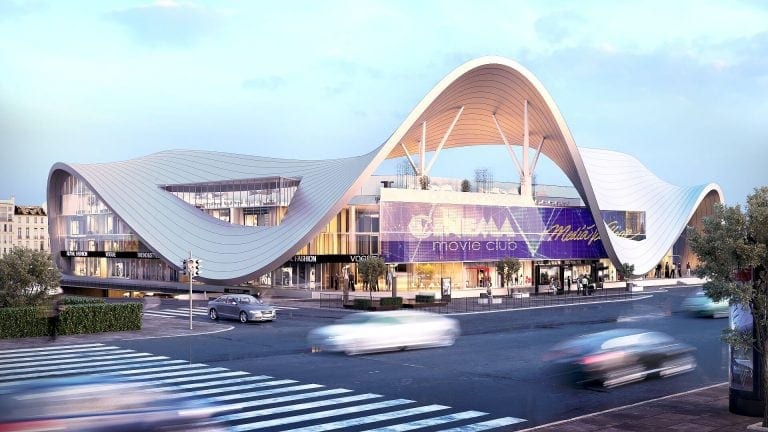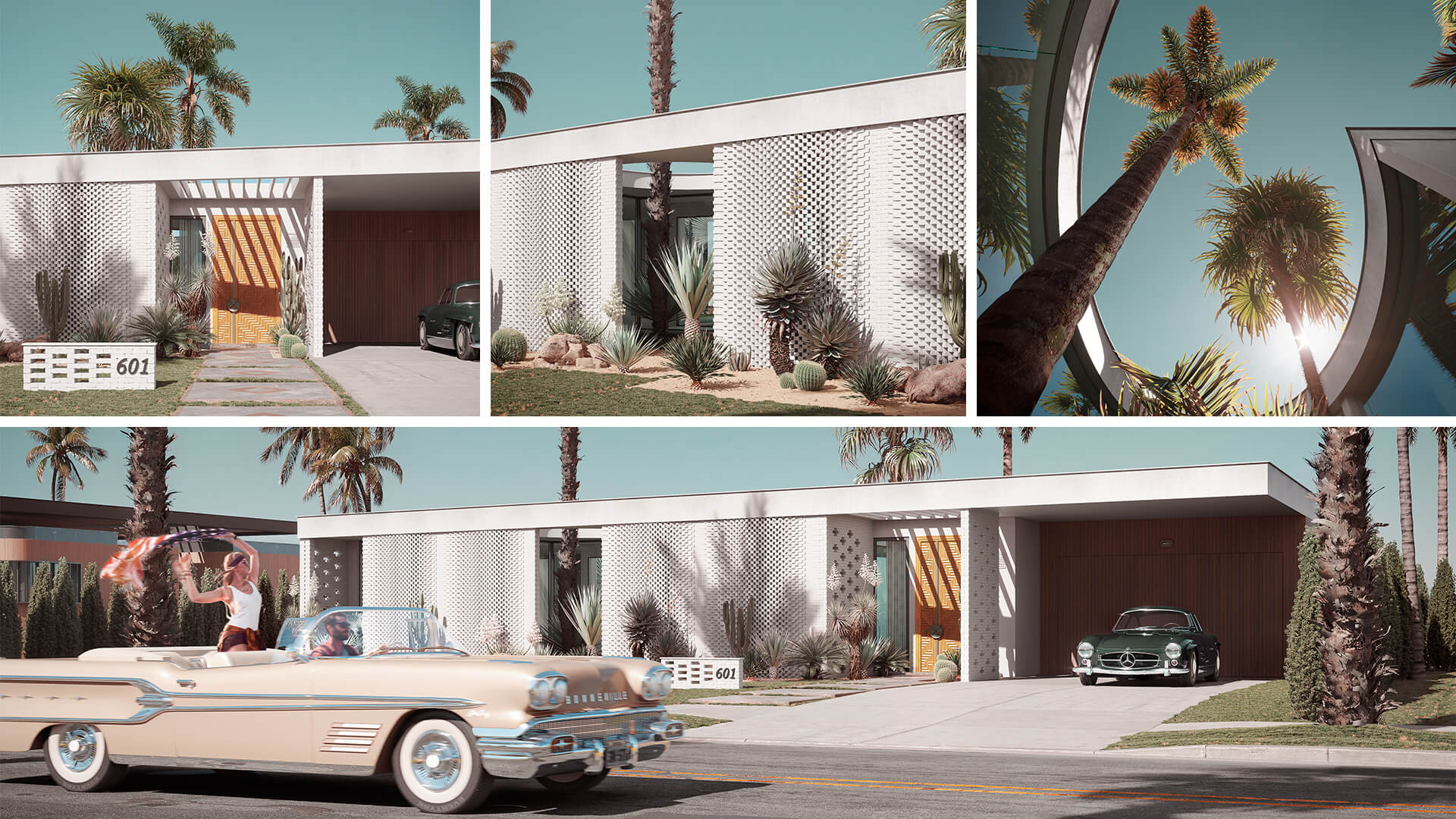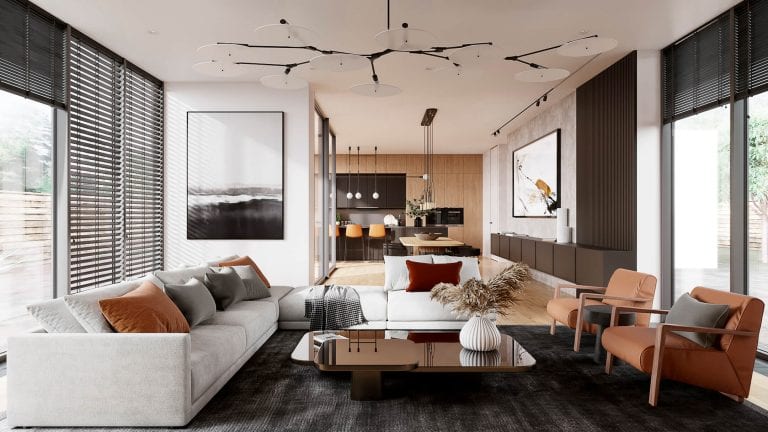


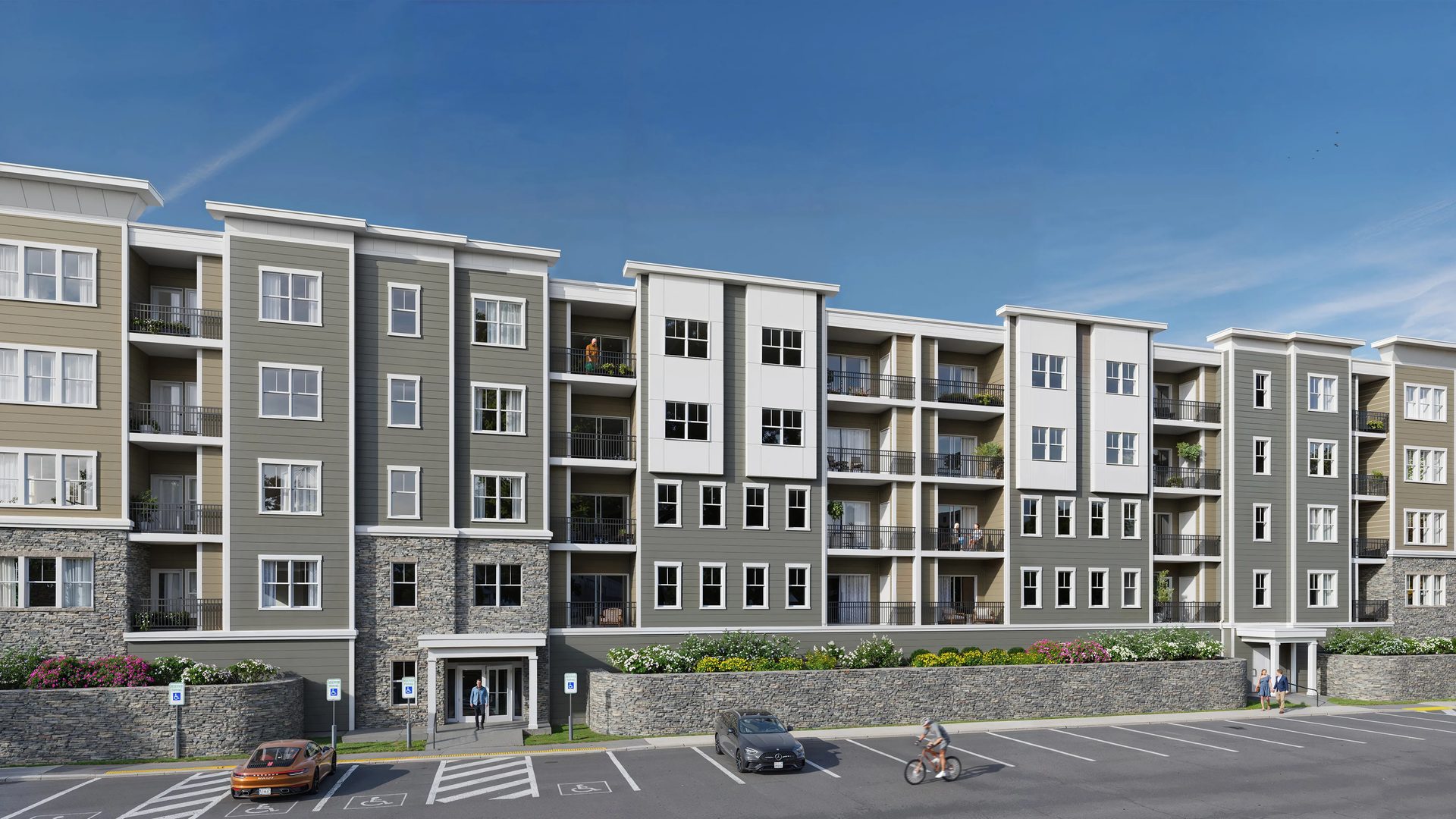
Exterior rendering references are files and visual materials that architects send to a CGI studio when briefing an exterior project. They allow 3D artists to accurately recreate the design, materials, lighting, and surroundings. Knowing exactly which references to provide makes all the difference in the outcome.
This article focuses on the file types and visual references to include in an exterior rendering brief. For general guidance, see our guide on how to fill out a 3D rendering brief and the article on creating a perfect exterior rendering brief.
For studios and practices looking to streamline collaboration with an architectural rendering service, the following breakdown outlines the exact reference materials to prepare at each stage of the brief.
Primary References
#1. Architectural Drawings and Blueprints
The site plan is the most fundamental drawing for 3D exterior rendering services. It gives 3D artists the spatial context they need to accurately recreate the surrounding environment — whether urban, rural, or tropical — and to position the architectural ensemble around the main structure.
For presentations and marketing campaigns, a site plan alone is sufficient. When working toward contractor documentation, however, elevations and cross-sections become essential.
Builders, engineers, and finishing teams rely on detailed 3D visualizations as references during construction. To achieve this level of precision, architects should first commission floor plans, elevations, and cross-sections from millwork drafting services and submit them to the CGI studio in DWG, DXF, PDF, or RVT format.
#2. Lighting and Mood References
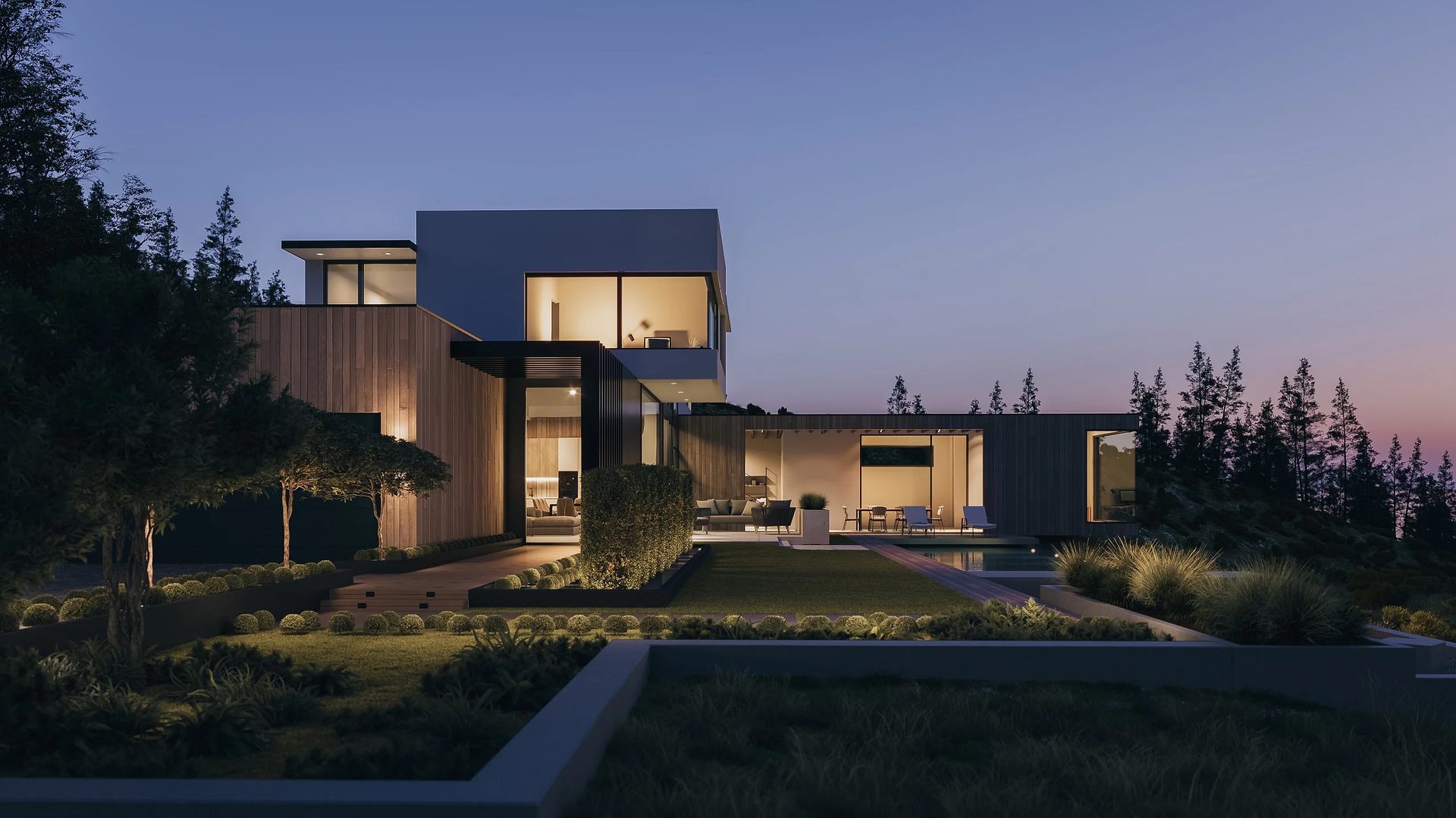
The most essential element of exterior renderings is the mood that influences how the project is presented. Lighting is the most important factor in 3D rendering for creating ambiance and evoking emotion in viewers. That’s why architects should specify in the brief whether they want a clear or overcast sky. If the idea is to showcase the work in detail, bright sunlight works best, while demonstrating artificial backlight calls for a nighttime setting. An atmospheric rendering can also depict the same scene under a specific mood — such as overcast weather or evening light — to strengthen the overall presentation.
Moreover, it makes sense to send reference images with examples of composition or color schemes. For this, architects can send one reference picture to show the camera view, one for twilight lighting scenarios, and one more to convey artificial street lights to add and so on. Send files in JPEG, TIFF, or PNG format.
Lighting Reference Parameters to Define
| Parameter | Definition |
|---|---|
| Lighting Focus | Emphasize form, materials, or overall silhouette |
| Context Integration | Make the building stand out or blend into surroundings |
| Scene Type | Use real site conditions or a curated presentation setup |
| Key Visibility | Define which elements must remain clearly readable |
| Compositional Role | Set the building as dominant, balanced, or secondary |
| Image Purpose | Target marketing, competition, or internal review |
Annotations and Orientation in Lighting References
| Parameter | Definition |
|---|---|
| Lighting Focus | Emphasize form, materials, or overall silhouette |
| Context Integration | Make the building stand out or blend into surroundings |
| Scene Type | Use real site conditions or a curated presentation setup |
| Key Visibility | Define which elements must remain clearly readable |
| Compositional Role | Set the building as dominant, balanced, or secondary |
| Image Purpose | Target marketing, competition, or internal review |
Lighting Types for Exterior Rendering
Lighting choice is a design decision, not a technical afterthought.
- Midday is neutral by default — hard shadows, accurate materials, no mood manipulation. Excellent option when the architecture is the argument.
- Golden hour flatters. Low sun, long shadows, warm tones — it makes projects feel inhabited rather than rendered.
- Overcast is underrated for material studies. Even diffusion, no shadow drama, colors read true. Not a showstopper, but the most honest light one can use.
- Blue hour earns its place when artificial and ambient light interact — that interior glow against a cooling sky is hard to fake any other way. Twilight is the softer version, less committed, more versatile.
- Night renders live or die on the quality of the artificial lighting setup. When it works, the building owns the frame. When it doesn’t, it’s obvious.
- Dramatic lighting — high contrast, raking directional light — is a compositional choice as much as a lighting one. It sculpts.
- Weather and atmosphere — fog, rain, haze — aren’t decoration. They put a building in a real environment, and that specificity tends to land harder than a clean sky ever does.
More information on mood and atmosphere is available in our article on key exterior architectural 3D visualization settings.
Secondary References
#3. Architectural Sketches and Concept Art
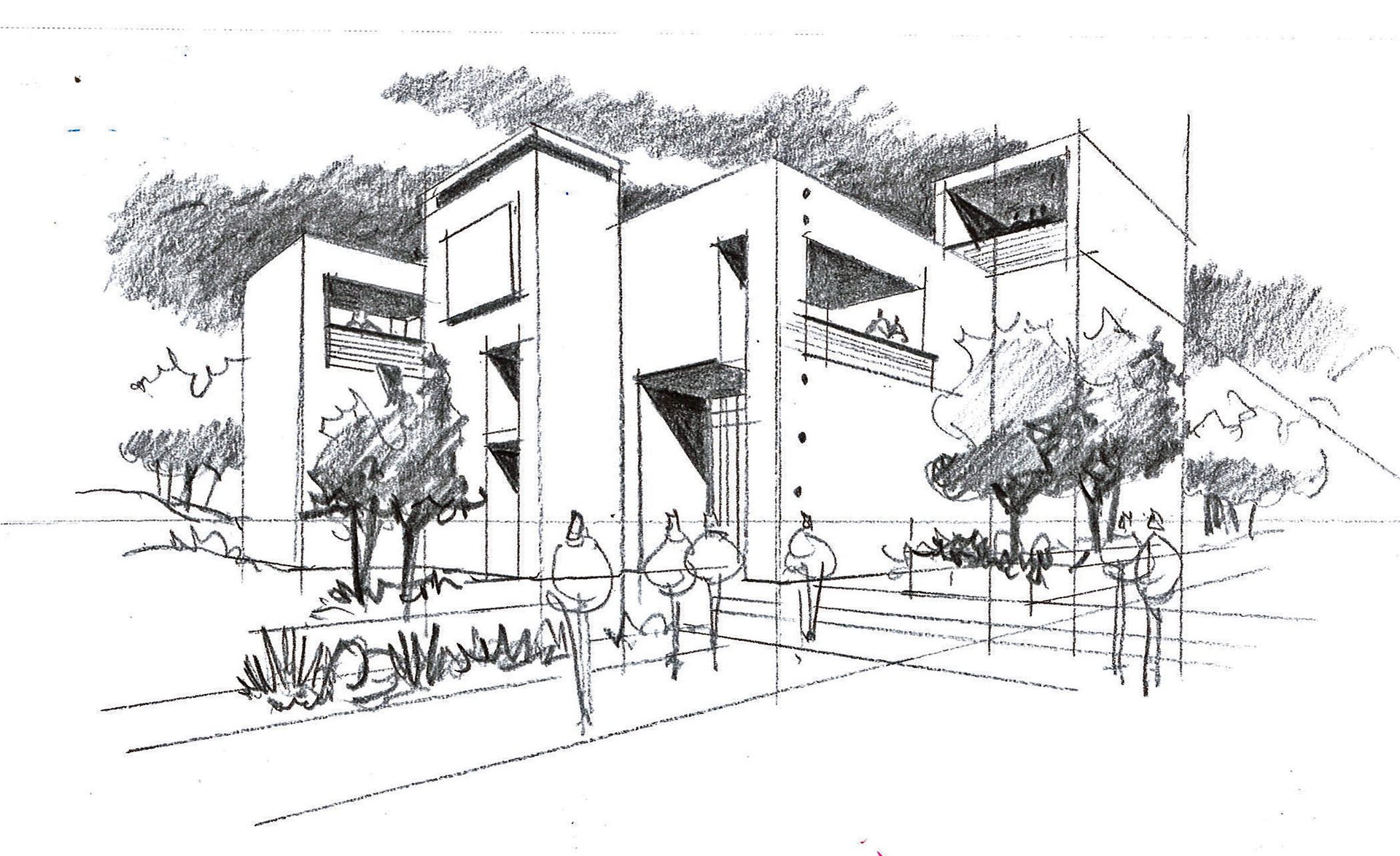
At early project stages, CAD drawings are often not yet available. In this case, sketches and concept art are sufficient to initiate exterior visualization.
They communicate the core idea of the project without requiring technical precision. Even rough sketches can define massing, proportions, and overall composition. This provides the CGI team with a clear direction before detailed drawings are produced.
Typical materials include:
- Hand-drawn sketches
- Digital concept art
- Massing studies
- Early façade explorations
Accepted formats are flexible. PDF and JPG are standard, but photographs of hand-drawn sketches are also suitable. The primary requirement is clarity, with volumes and spatial relationships easy to interpret.
#4. BIM Files and 3D Models
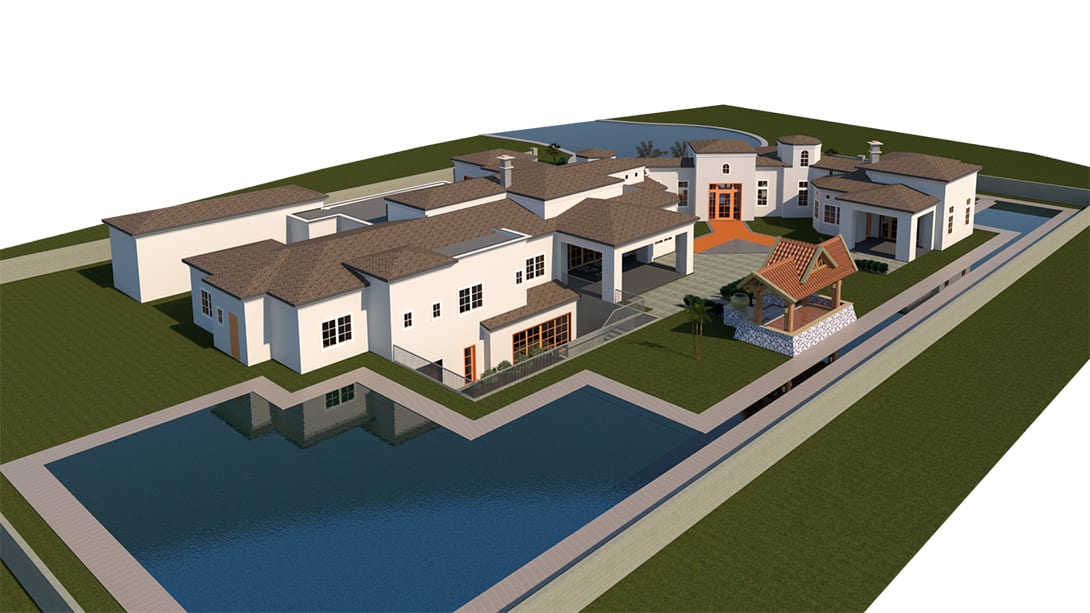
BIM files and 3D models provide the most accurate foundation for photorealistic architectural visualization. Unlike sketches or 2D drawings, they contain precise geometry, scale, and spatial relationships, which make the exterior rendering workflow more predictable and reduce interpretation at the production stage.
Different formats serve different purposes:
- RVT (Revit) — used for accurate, information-rich building models. Suitable for extracting correct geometry and structure directly from the BIM environment.
- SKP (SketchUp) — often used for conceptual or mid-level detail models. Useful for quick geometry transfer, though it may require cleanup.
- OBJ — a neutral format for transferring geometry and materials. Commonly used when a scene is already prepared for rendering.
- FBX — supports geometry, materials, cameras, and basic lighting. Suitable for more complete scene exchange between software.
Model quality still affects cost and timelines, but even lower-quality models remain valuable. Clean, well-structured files reduce preparation time and allow faster transition to rendering.
At the same time, imperfect models can still serve as strong reference material. Some can be cleaned, optimized, and reused in production. Others may not be suitable for direct use but still provide essential information about proportions, structure, and detailing. This helps the 3D team interpret the design more accurately.
#5. Material and Texture References

Material and texture references define how surfaces are represented in the final render and align the visual outcome with the design intent.
The brief can include:
- Photos of actual materials
- Links to the manufacturer’s website
- Product catalogs
- Spec sheets with finishes, colors, and surface properties
These references support accurate depiction of color, texture, reflectivity, and scale. Typical material types to specify inlcude the following:
- Facade tiles
- Plaster and coatings
- Glazing
- Roofing materials
When several materials are similar, clear labeling and association with specific building elements keeps the selection structured and easy to interpret. Detailed references reduce the need for clarification and help achieve the intended material appearance from the start.
Get your project estimated in just 1 hour - fill out this brief!
By providing these types of references, architects get perfect exterior renderings that present their ideas and meet all requirements. A high-quality 3D floor plan rendering service, as well as 3D visualization, is an effective tool for project presentations precisely because of how vividly it showcases an exterior’s benefits and features. On top of that, after the construction process is done and clients are satisfied with the result, architects can use the same exterior renderings for portfolios or professional accounts on social media for promoting their skills and demonstrating successful cases.
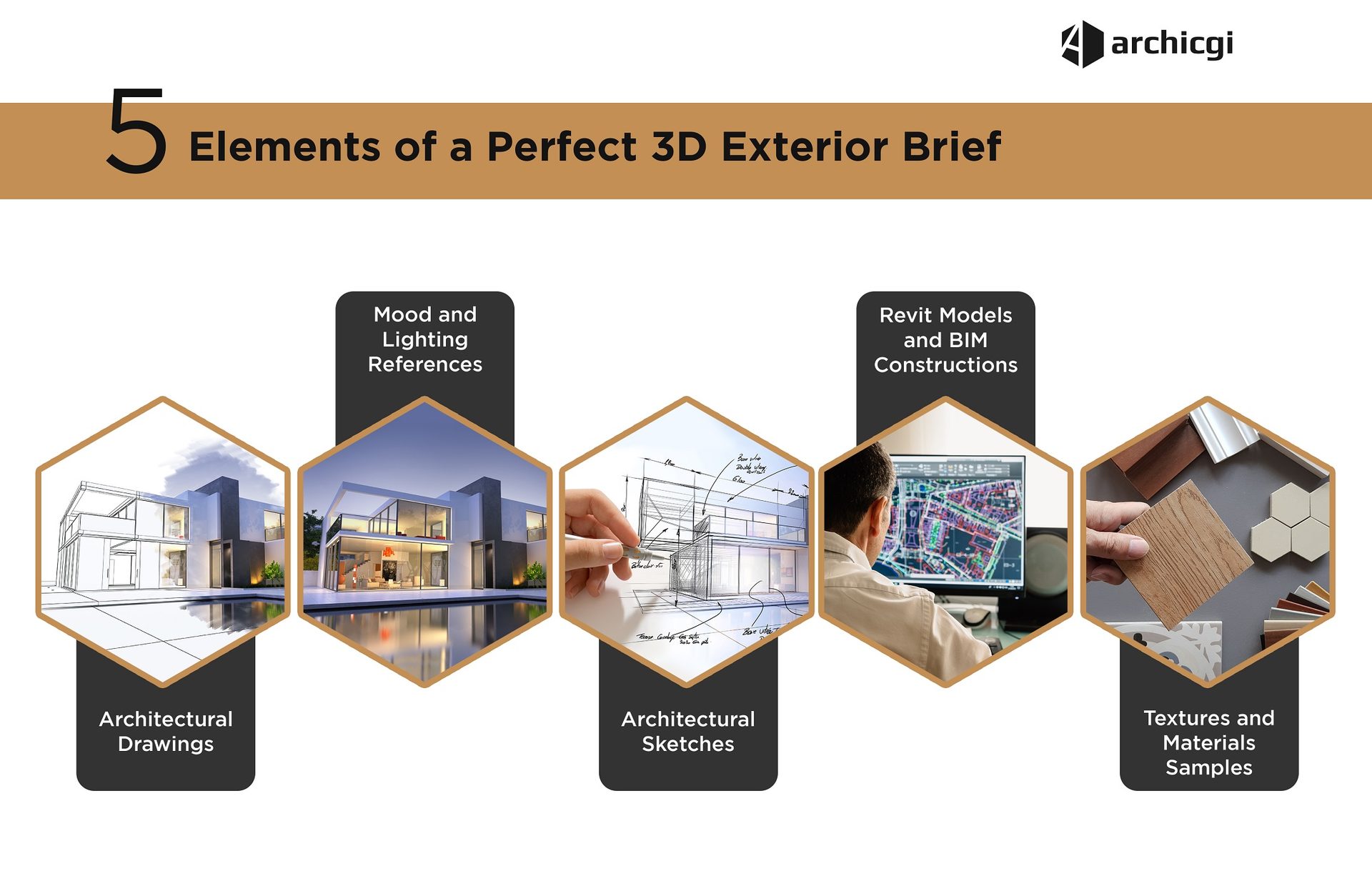
Beyond References: Project Details to Include
References cover the visual side, but a complete brief also nails down three practical blocks:
- Environment specifications. Site plan, landscape plan, site photos, map coordinates, and greenery preferences. The surroundings shape the whole picture, so the more context the artists get, the better.
- Elements and finishes. Roof materials, trim, window and door frames, shutters, walkways, and wall finishes. A missed detail here is the most common reason for major correction rounds.
- Render properties. Number of views, format, and resolution tied to the purpose: a catalog close-up needs high DPI, a roadside banner does not. Purpose affects time, cost, and quality, so state it upfront.
Want to impress your clients with strong visual materials? Our 3D rendering for architects creates detailed, photorealistic exterior visuals. Request a quote. For the stage-by-stage picture, see our guide to the 3D rendering process.
Frequently Asked Questions About Exterior Rendering Briefs

Chris Kostanets
Senior Project Manager, Mentor
Chris manages the work of 2 CGI teams and teaches Middle PMs. She loves Scottish landscapes, Ancient Greek culture, and Plein-air painting. At home, Chris is a caring parent for 3 cute chickens and a magnificent rooster.