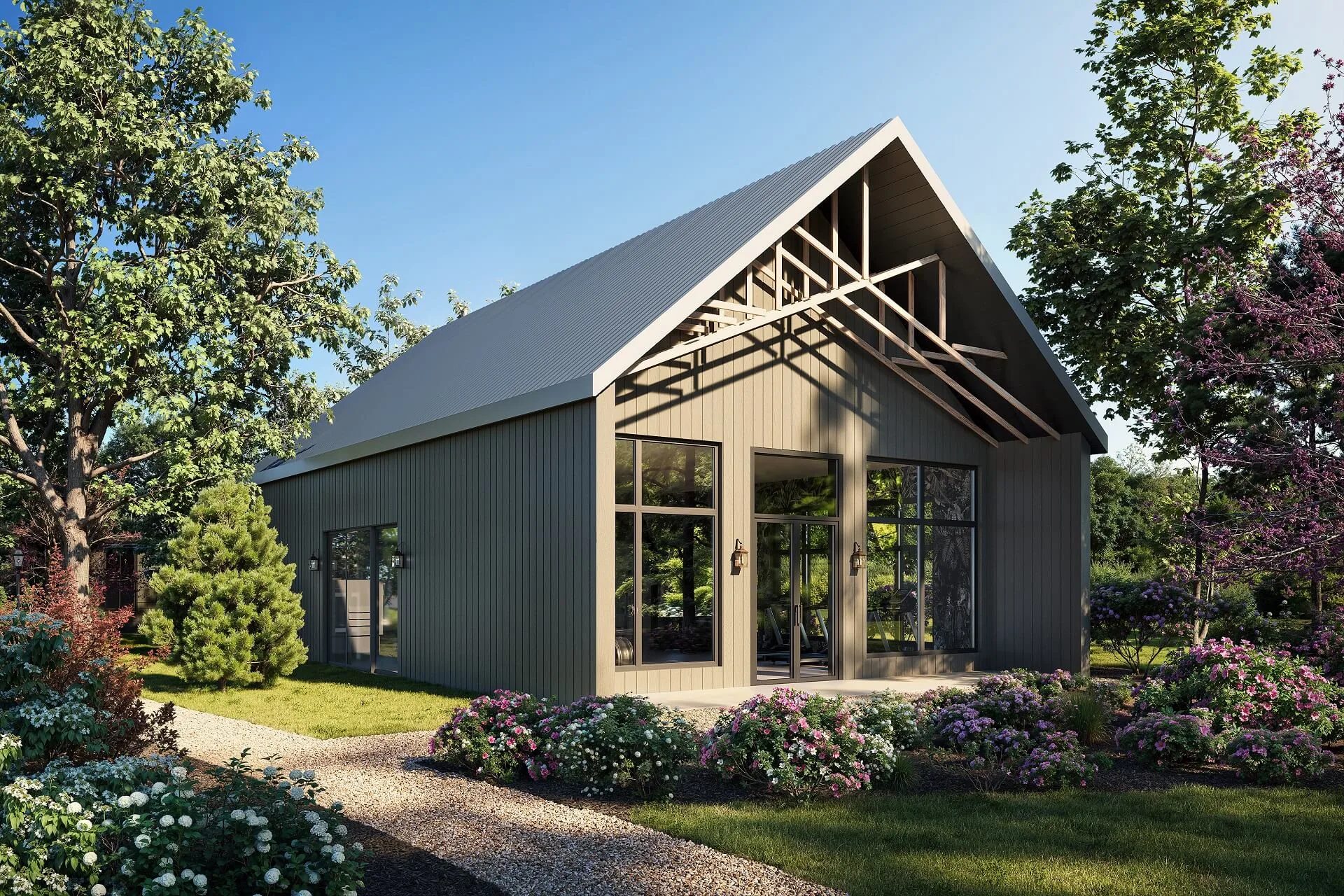
Understanding how long 3D rendering takes starts with recognizing what defines each project. Timeline expectations are shaped by scale, complexity, and the type of output, from still images to full animations. In architectural rendering, production can range from a few days for simple visuals to several weeks for large-scale developments.
Timing and cost are closely connected — a tighter deadline usually means a higher price. For a detailed look at pricing factors that shape the budget, see the previous chapter of this guide.
A good rendering brief is not about creating complicated documentation. It is simply a way to give the 3D artist clear visual and technical direction before production begins. Here’s what should be included in a professional 3D rendering brief and how to structure it properly.
How Long Does 3D Rendering Typically Take?
The timeframe varies depending on the scale and complexity of the project.
- Small projects (single room or one render): 1–2 days
- Medium projects (houses, apartments, interiors): 3–5 days
- Large projects (commercial buildings, exteriors): 1–3 weeks
- 3D animation render time (walkthroughs, videos): 2–6+ weeks
These are average timeframes needed to create high-quality architectural renderings. The exact duration depends on complexity, revisions, and production workflow.
Architectural Rendering Time by Project Scale
Rendering timelines vary depending on the size and type of the project.
- Small Projects (Rooms, Single Buildings)
Small-scale projects, such as a single interior room or one exterior image, typically take 1–2 days. These projects involve limited modeling and faster setup. So, when you just need something simple, the turnaround is pretty short.
- Medium Projects (Houses, Apartments)
Medium projects usually require 3–5 days. This includes residential interiors or full house exteriors where multiple elements, such as materials, lighting, and composition, need careful balancing.
- Large Projects (Commercial Interiors & Exteriors)
Commercial spaces and complex exteriors take 1–3 weeks. These scenes involve more assets, detailed environments, and multiple views, which increase production time.
- Mega Projects (City Blocks, Developments)
Large-scale developments such as residential complexes or city blocks can take several weeks to months. These projects require extensive modeling, coordination, and multiple rendering stages.
Comparison Table
Animation timelines follow a different logic than still rendering and require significantly more production time.
How Long Does It Take to Render 3D Animation?
Unlike still images, animation requires rendering 24–30 frames per second, which significantly increases production time. Even short sequences involve hundreds or thousands of frames.
Factors That Affect 3D Animation Render Time
- Length of the animation
- Scene complexity and level of detail
- Output resolution (Full HD, 4K)
- Post-production and editing
- Rendering hardware or render farm capacity
Typical Animation Timeframes
- 30-second flythrough: 2–3 weeks
- 1–2 minute marketing animation: 3–6 weeks
- Large-scale project animation: 6+ weeks
The render time for 3D animation grows exponentially with complexity, making planning especially important.
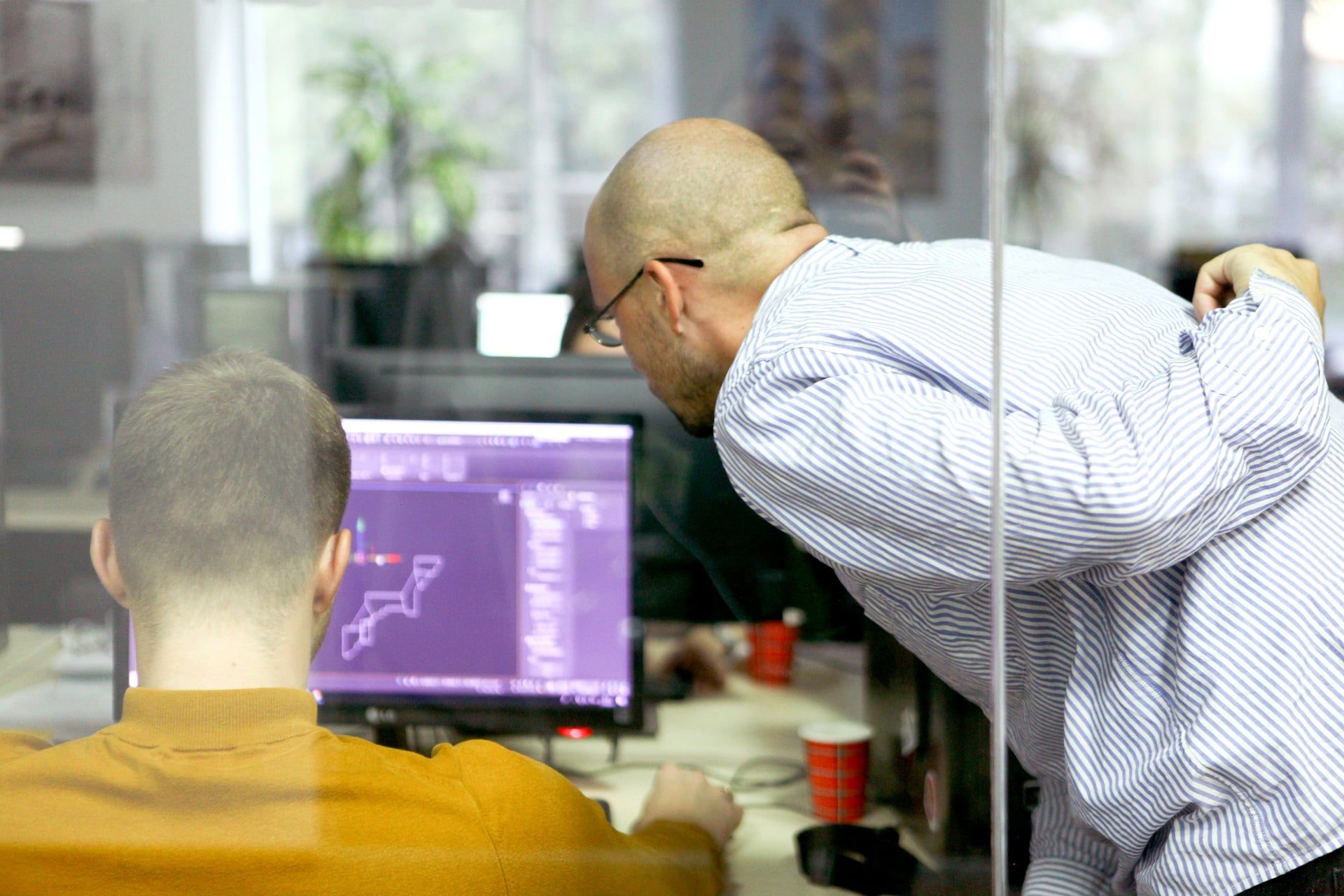
The way you structure a 3D rendering team really affects how quickly you get work done. When everyone on the CGI crew knows their job and actually communication happens, projects just flow better.
Usually, there’s a team lead or project manager keeping everything on track, watching deadlines, making sure no one’s working in a vacuum. The 3D artists handle the core stuff: modeling, texturing, and lighting. For tougher jobs, you’ll see specialists jump in for things like animation or post-production.
It helps when different artists work on separate parts of a scene at once. That speeds things up, no doubt. But when you’re dealing with something complicated, like an architectural render, everyone needs to stay in sync. Otherwise, you end up with an inconsistent mess, and the final result just falls flat.
What Affects 3D Rendering Project Time
Several key variables influence how long a rendering project will take from start to finish.
Factors That Determine 3D Rendering Timeframe
These factors shape the overall production timeline and define how efficiently the workflow moves.
- Project Scope and Complexity
Larger and more detailed scenes naturally require more time for modeling, lighting, and rendering.
- Hardware and Render Farm Power
Rendering speed depends heavily on computing power. Strong hardware or distributed render farms can significantly reduce rendering time.
Each revision round adds time. Projects with unclear feedback or frequent changes take longer to finalize.
A clear and detailed brief helps avoid delays. Missing information leads to additional clarification and rework.
Providing references (images, mood boards) speeds up decision-making and improves accuracy.
Larger teams can handle bigger workloads faster, but only if properly coordinated.
- Availability of CAD Models
Ready-to-use CAD models reduce modeling time and accelerate the overall workflow.
How to Speed Up 3D Rendering: 5 Practical Tips
Reducing rendering time starts with better preparation and clearer communication.
- 1) Provide a Complete Brief Upfront
Clear requirements from the start reduce back-and-forth communication and save time.
Providing existing drawings or models eliminates the need to build everything from scratch.
- 3) Approve Early Stages Quickly
Fast feedback on drafts helps keep the 3D visualization project moving without delays.
Structured feedback minimizes unnecessary changes and speeds up final delivery.
- 5) Choose Teams with Strong Rendering Capacity
Studios with advanced hardware or render farms can handle tight deadlines more efficiently.
When you really understand project timelines, everything runs more smoothly. A well-structured approach to the 3D rendering timeline allows projects to move from concept to final visuals without unnecessary delays, whether it’s a single image or a full-scale development.
Forget scrambling around deadlines. With a set timeline, you’re able to plan ahead, work together without friction, and deliver steady results every time. That’s where nailing down the rendering timeline truly pays off — it’s not just about keeping production organized. It speeds things up and lets you handle each project with a lot more confidence. Related reading: what affects exterior rendering cost and four pricing strategies of rendering studios.
How long does 3D rendering typically take?
3D rendering project timeline takes between 1–5 days for small scenes and up to several weeks for large-scale architectural renderings. The timeframe depends on complexity and revisions.
How long does it take to create high-quality architectural renderings?
High-quality architectural renderings usually take 3–10 days, depending on the level of detail, the number of views, and the project size.
How long does it take to render 3D animation?
3D animation render time typically takes 2–6+ weeks, as each second requires dozens of rendered frames and additional post-production.
How much time is needed to make a 3D render?
A single 3D render can take 1–2 days for simple scenes or several days for more detailed images.
How long does it take to render a high-quality architectural image?
A high-quality image usually takes 2–5 days, including modeling, lighting, rendering, and post-production.
Can 3D rendering be done in 24 hours?
Yes, simple renders can be completed within 24 hours, but complex architectural projects typically require more time to ensure quality.