Any technology that changes how an industry works is going to attract skepticism. 3D rendering is no different. Architects and developers who’ve been doing things a certain way for decades tend to go with what they’ve heard rather than what they’ve tested. And what they’ve heard isn’t always accurate.
This chapter goes through 7 myths that come up most often when people talk about 3D rendering services. Each one gets a short reality check. If any of these have been sitting in the back of your mind, this is the place to sort them out — before moving on to the practical chapters on workflow, cost, and timelines.
Myth #1: “3D Rendering Is Too Expensive”
Reality: it costs a fraction of what you’d spend fixing problems on-site.
This one comes up constantly. And it makes sense on the surface — you’re paying for images of a building that doesn’t exist yet. But here’s what that money actually buys you: a chance to catch design problems before they turn into construction problems. Rework during building is expensive. A set of renders that prevents even one round of rework has already paid for itself. On top of that, pricing varies a lot depending on what you need. A single exterior view and a full interior package are very different jobs with very different numbers. There are options for most budgets. For specifics, see how rendering cost works.
Myth #2: “Renders Look Fake”
Reality: bad renders look fake. Good ones get mistaken for photos.
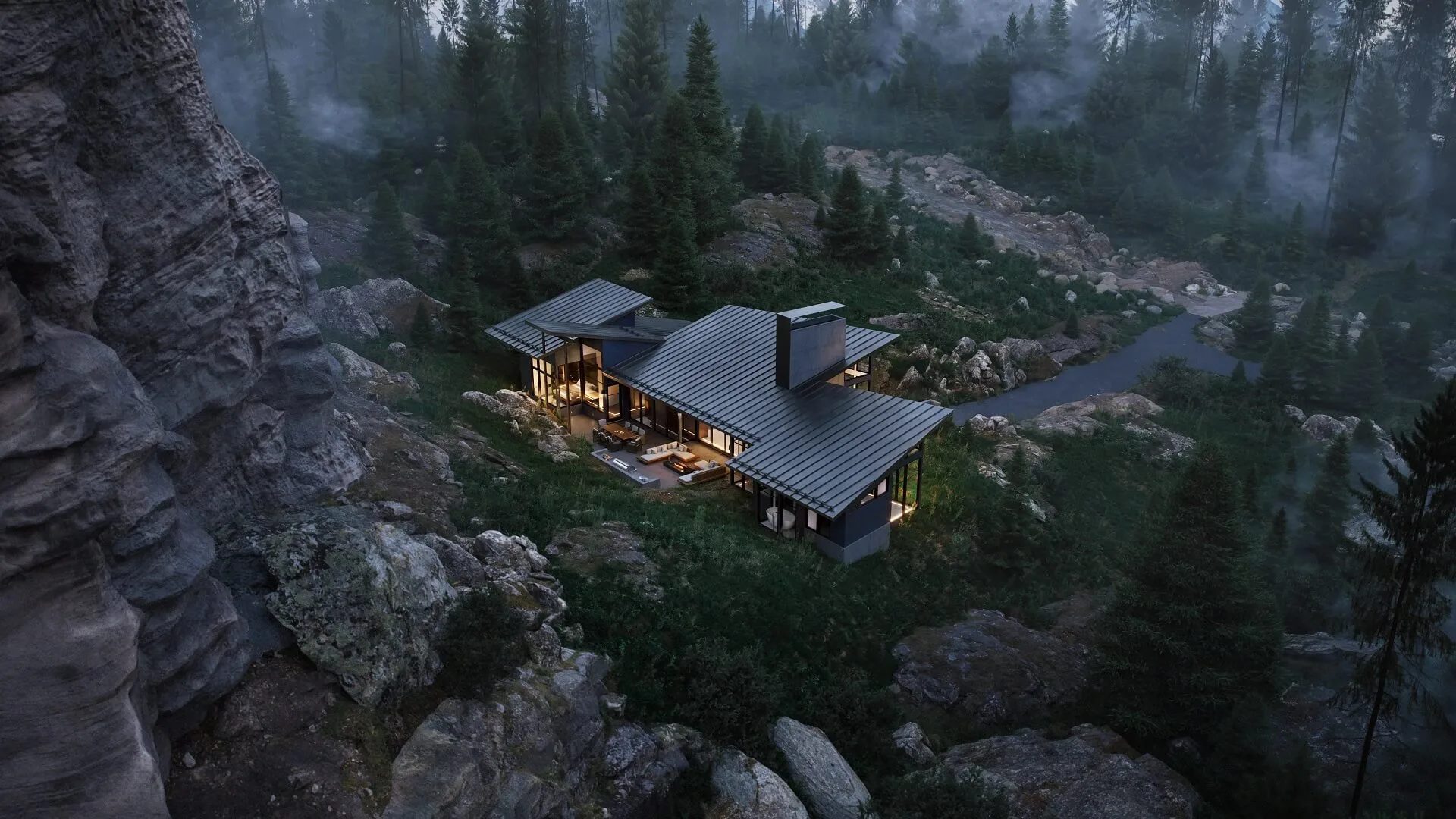
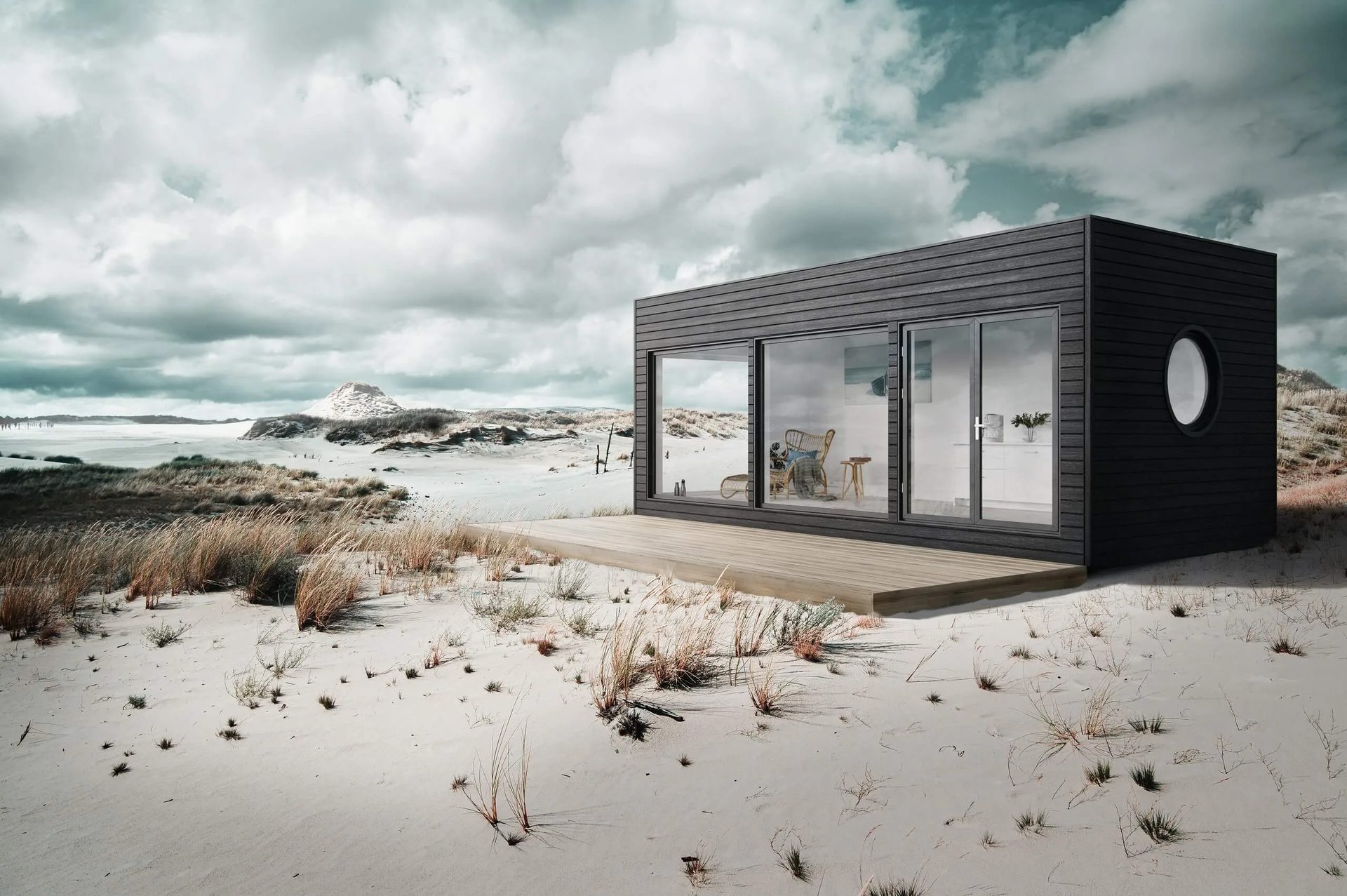
If your only experience with CGI is a cartoonish image someone showed you five years ago, that’s not a technology problem. That’s a vendor problem. Modern rendering software handles light, materials, and environmental detail at a level that makes the output genuinely hard to tell apart from photography. The difference between a convincing render and an obviously fake one is almost always about who made it, not what tools they used. Before writing off the whole medium, it’s worth learning how to tell a quality render from a rushed one.
Myth #3: “It Takes Too Long”
Reality: most projects take days. Not weeks, not months.
People picture rendering as this slow, computationally heavy process that eats into their schedule. In practice, a small project — one room, one building — typically takes 1 to 2 days. Medium-complexity work lands at 3 to 4. Even large commercial scenes with multiple views usually wrap within 3 to 15 days, depending on scope. And rendering doesn’t have to block anything else. It runs in parallel with your design process, not instead of it. If deadlines are tight, the right studio can work around that. Check out project timelines for the full breakdown.
Myth #4: “3D Rendering Will Replace Architects”
Reality: a render shows what the architect designed. It doesn’t design anything.
This fear has been around for a while, and it’s picked up steam now that AI tools are entering the picture too. But CGI is a presentation tool. It takes decisions an architect has already made and translates them into something a client can look at and react to. The architect still drives the project. The CGI studio visualizes it. That’s the division of labor, and it hasn’t changed. If anything, rendering makes the architect’s work more visible and easier to defend in front of stakeholders, not less.
Myth #5: “CGI Reduces Client Involvement”
Reality: clients get more involved, not less.
The worry here is that the computer “decides” things and the client gets sidelined. What actually happens is the opposite. When a client can see a realistic image of the proposed design — not a floor plan, not a sketch, but a full visual — they react immediately. They point at things. They ask questions. They suggest changes they wouldn’t have thought of from a drawing alone. 3D rendering gives both sides a shared reference point, and that speeds up feedback instead of replacing it. For a closer look at how this plays out during a real project, see how feedback works in a CGI workflow.
Myth #6: “You Need Technical Skills to Order a Render”
Reality: you don’t need to know anything about 3D software.
Some people assume they need to understand file formats, polygon counts, or rendering engines before they can even have a conversation with a CGI studio. You don’t. A studio’s job is to take whatever you have — sketches, floor plans, reference photos, a mood board, even a verbal description — and turn it into a technical brief on their end. The whole process is built around your language, not the artist’s. If you can explain what you’re going for, that’s enough to get started. Here’s what how to fill out a brief actually looks like in practice.
Myth #7: “Renders Are Only for Big Projects”
Reality: solo practitioners and private developers order renders all the time.
There’s a perception that CGI is something only large development firms use — the kind with marketing departments and six-figure visualization budgets. That’s not how it works. A single-family home benefits from a well-done exterior render just as much as a 40-story residential tower. Small architecture studios and individual developers are typical clients, not exceptions. You can order one view for a client presentation without committing to a full visualization package. There’s no minimum scale, and no gatekeeping on who gets to use the technology.
Most of these concerns don’t survive contact with how 3D rendering actually works in practice. The cost is flexible, turnaround is measured in days, and the process is set up around the client — not the software. With the myths out of the way, the next chapter covers how a project actually runs from brief to delivery.
Want to see what professional CGI projects look like in practice? Explore our portfolio.